We are ready to help you
Why resolution is your main FPS filter in 2026
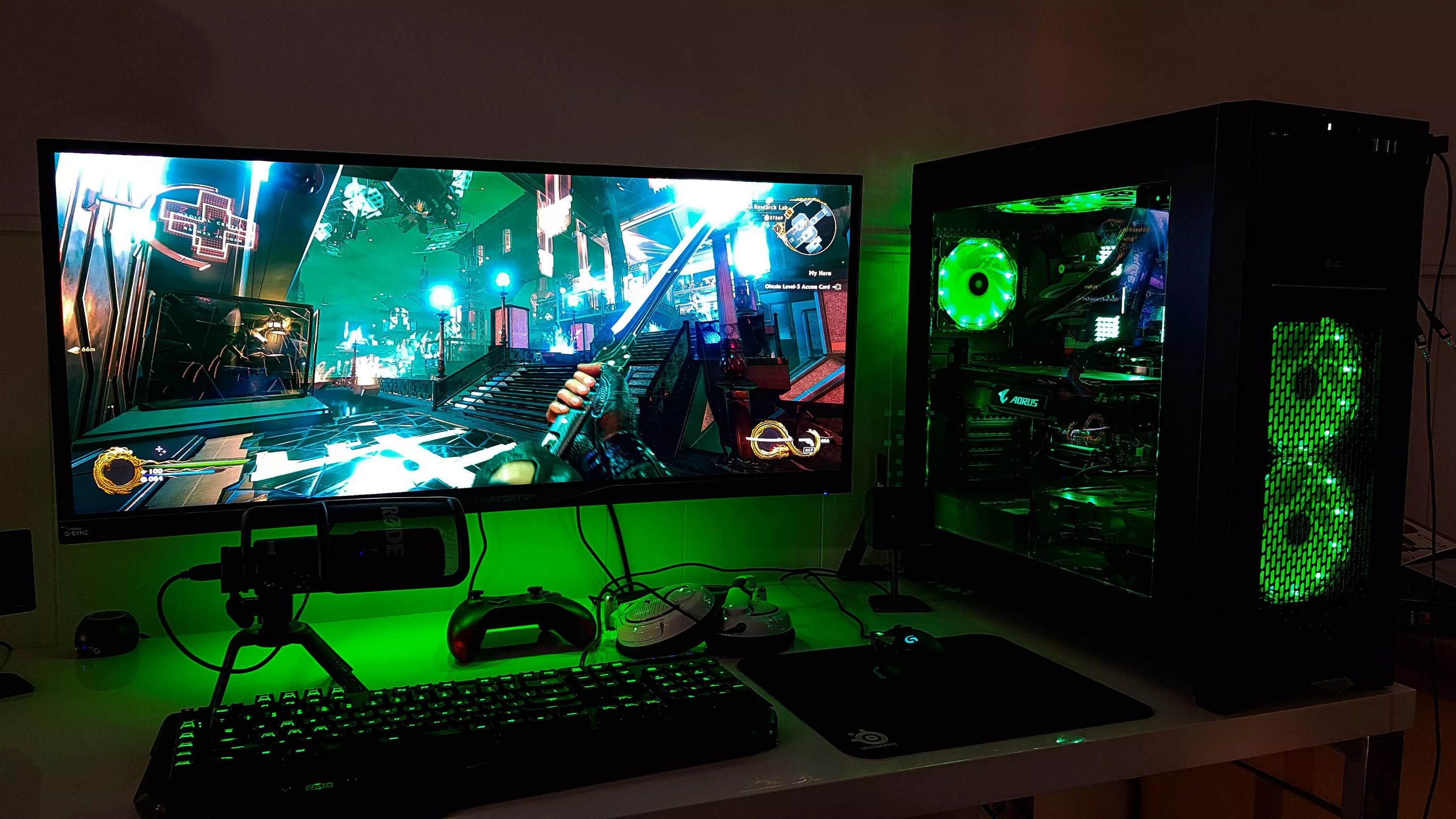
The interactive entertainment industry has made a major technological leap. In 2026, choosing the right monitor resolution has become one of the most important financial and technical decisions for any gamer. In this article, we explain why display resolution is the main performance filter for your PC and how to correctly match a monitor with a new-generation graphics card.
The Blackwell and RDNA 4 Era
The new era of microarchitectures Blackwell from NVIDIA and RDNA 4 from AMD has radically changed the familiar balance of power inside gaming PCs. A modern current-generation graphics card delivers phenomenal raw power. With intelligent upscaling and frame-generation technologies enabled, new graphics chips have become roughly 1.5–2 times faster than their predecessors. In traditional native rasterization without AI, the generational uplift is more moderate, ranging from 11 to 30 percent depending on the specific model. Even so, improved architectural blocks can process extremely complex computational workloads at speeds that were previously out of reach, completely changing how we think about gameplay.
The bottleneck problem

However, the increased performance of GPUs has created a serious technical issue known among enthusiasts as the CPU bottleneck. Buying a flagship-class adapter such as the GeForce RTX 5080 or even a near-flagship model purely for the old Full HD format is simply a waste of money. At such a low resolution, the powerful silicon chip will mostly sit idle, limited by the physical computing limits of the CPU, because performance will run into the speed of a few primary CPU threads. The workload simply does not reach the GPU properly, turning an expensive purchase into an inefficient tool.
Full hardware testing clearly confirms this. In CPU-bound games such as Baldur's Gate 3 or Starfield, flagship GPUs need a serious pixel workload to reveal their potential; otherwise, you will see almost the same frame rates as on more affordable cards. To avoid leaving the GPU underused, a modern PC needs a balanced pairing, such as flagship NVIDIA chips with the powerful AMD Ryzen 7 9800X3D gaming processor. That is why, before comparing specific internal components in detail, you first need to define the target monitor clearly.
Full HD (1080p): Only for esports records
Target cards and use cases
The 1920×1080 format has finally moved into the category of specialized professional tools this year. The main target adapters for this segment are entry-level new-generation GPUs:
- The entry-level model GeForce RTX 5060 8GB;
- The balanced version with the TI index (GeForce RTX 5060 Ti);
- The Radeon RX 9060.
Resolution verdict
Unless you are a dedicated professional player spending all your free time in competitive shooters such as CS2 or Valorant, this format is already outdated for the RTX 50 series. On standard monitors from 27 inches upward, pixel density drops to critical levels, turning a rich image into a blurry mess.
Quad HD (1440p): The new mainstream standard
Core advantages
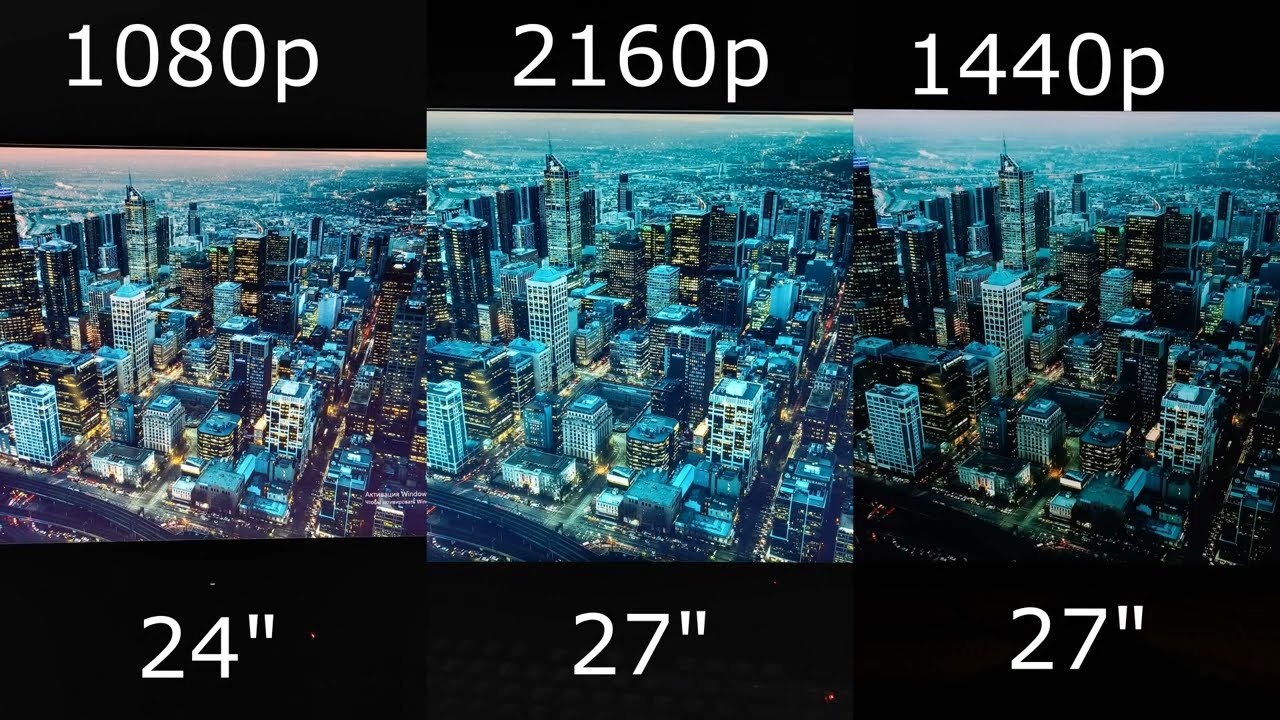
The 2560×1440 resolution has officially established itself as the new full-fledged mainstream standard for most gamers. The main graphics engines for this segment are upper-midrange cards: GeForce RTX 5070, the boosted TI model (RTX 5070 Ti), as well as the competing Radeon RX 9070 XT.
This format offers an almost ideal pixel-density balance on the classic 27-inch diagonal. Textures and small fonts look exceptionally sharp, while the load on compute blocks remains moderate. Our specialized hardware testing shows that these GPUs paired with DDR5-6000 CL30 memory can deliver a stable 200+ frames per second in many modern games even without third-party upscaling methods.
The impact of smart technologies
Software algorithms have made a qualitative leap in optimization. The integration of updated neural-network tools such as DLSS 4.5 based on second-generation transformer models and the competing FSR 4 turns Quad HD gaming into ultra-smooth interactive cinema with frame rates above 300 Hz. Neural networks efficiently generate intermediate frames using Dynamic Multi Frame Generation without creating visual artifacts or ghosting.
For users who prefer ready-made balanced PCs for this format, an ideal choice is the stylish gaming PC HYPERPC PLAY 3 MAX, which guarantees extremely high frame rates at maximum settings. Another excellent solution in this segment is the advanced HYPERPC LUMEN 5 PLUS, combining quiet operation with an impressive performance reserve.
4K (Ultra HD): Finally the standard for single-player games
The frame-rate revolution
The ultra-high 3840×2160 resolution is no longer an unreachable dream with low frame rates. Today it is a full working standard for immersive large-scale single-player AAA games. To drive such an enormous number of pixels, you need a flagship-class graphics card such as the RTX 5080 or the higher-end Radeon RX 9070 XT, the RDNA 4 flagship based on the Navi 48 chip.
A real technical frame-rate revolution has happened: Ultra HD gaming is no longer associated with console-like 30 or 60 FPS. Users can now get a stable 120–144 FPS at ultra graphics settings in the most demanding modern visual blockbusters.
VRAM requirements
A critical factor for stable Ultra HD performance is the amount of local video memory installed on the card (VRAM). Modern high-detail textures, heavy shadow maps, and landscape geometry require huge buffer capacity. The minimum entry ticket for this mode is 15 GB of fast new-standard memory such as GDDR7 or GDDR6 on AMD cards. Any attempt to run a next-generation project on cards with less VRAM will almost certainly lead to sharp drops, freezes, and lower overall rendering smoothness due to video-buffer overflow.
8K and Dual UHD: Titan territory (RTX 5090)
Extreme segment
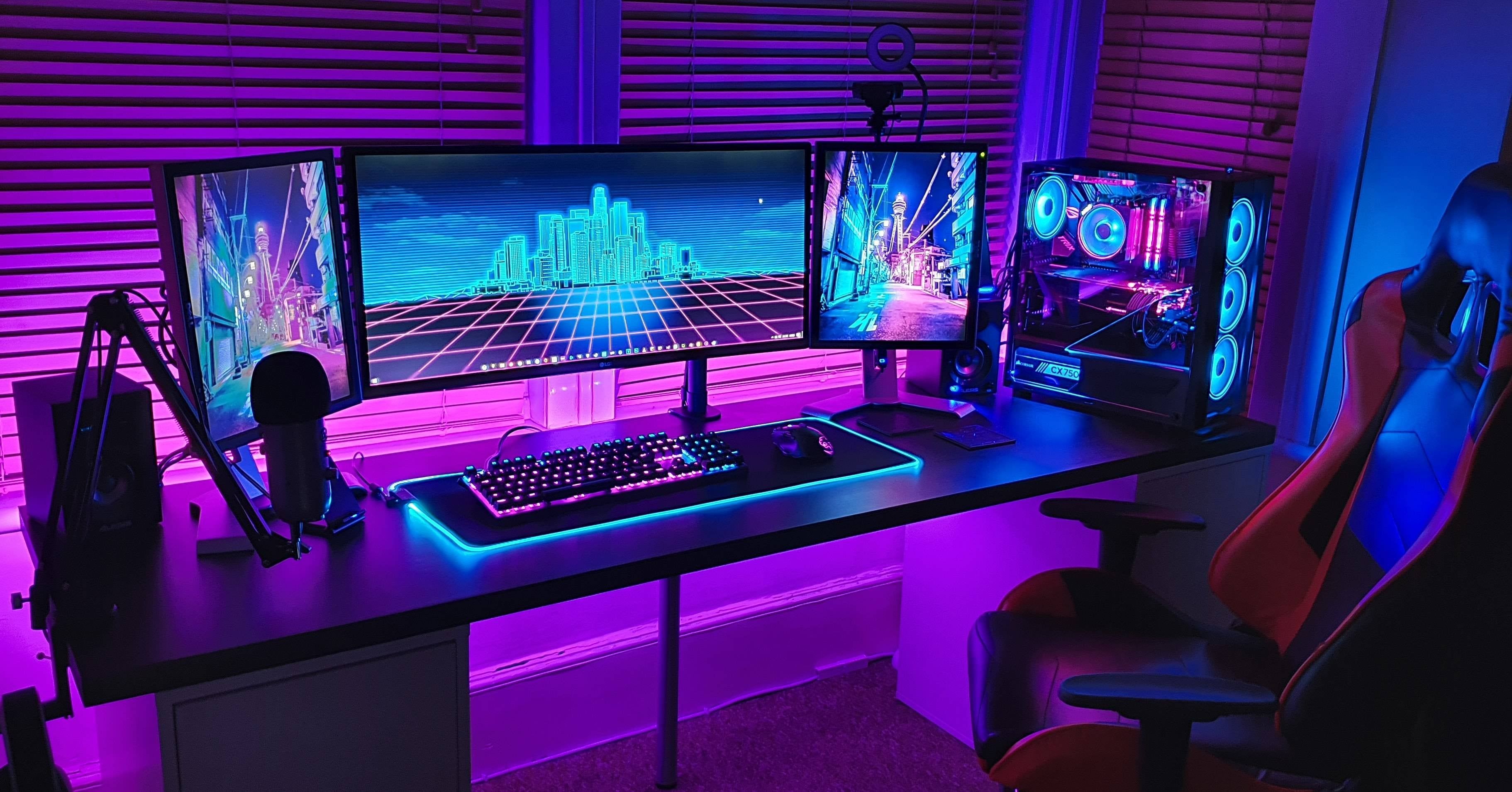
The 7680×4320 resolution, as well as its panoramic Dual UHD counterpart, is uncompromising territory for technological titans. The only graphics accelerator on the market capable of handling such a complex computational load is the ultimate flagship RTX 5090, equipped with a record 32 GB of high-speed GDDR7 VRAM. This extreme scenario is designed specifically for owners of huge panoramic monitors such as the 57-inch Samsung Odyssey Neo G9 or large premium 8K TVs.
The magic of neural upscaling
Processing such a huge number of pixels in true native mode is extremely difficult for any existing silicon chip. This is where the real magic of deep learning comes in. Improved fifth-generation Tensor Cores and updated DLSS 4.5 frame-generation algorithms make it possible to run games at extreme quality without turning your PC into a roaring space heater.
Neural networks take over up to 80 percent of the work required to fill the screen grid, preserving pristine micro-detail clarity and delivering comfortable gameplay smoothness. Still, it is important to remember that if base performance drops below 30–40 FPS, enabling frame generation will introduce noticeable input lag and reduce control responsiveness.
Technical checklist 2026: What to check beyond pixels?
Interface bandwidth
When choosing a monitor this year, it is not enough to evaluate only resolution and final frame rate. The first critical item in the technical checklist is a modern DisplayPort 2.1 data interface with the maximum UHBR20 bandwidth profile. Without this protocol, you physically cannot transmit a full uncompressed 4K video signal at 240 Hz from an advanced graphics card. Older DisplayPort 1.4a cables will severely limit either refresh rate or color depth.
Panel technologies and brightness standards
The second important aspect is the panel technology itself. The market is currently seeing a global battle between two advanced technologies:
- QD-OLED quantum-dot displays;
- Mini-LED panels with advanced backlighting.
These are the panels that can fully reveal the revolutionary Ray Reconstruction technology, bringing shadows and reflections in games to life. The certified HDR 1000+ standard has also become extremely important. Genuine high peak brightness and deep, infinite black now deliver far more real visual pleasure and realism than chasing an extra ten or twenty hertz of refresh rate.
From a high-end system safety standpoint, the increased power draw of flagship graphics cards — 360 W TDP for the RTX 5080 and over 500 W for the RTX 5090 — imposes strict requirements on PC power delivery. We strongly recommend using high-quality ATX 3.1 power supplies rated from 850 to 1200 W with active overload protection (OCP) and short-circuit protection (OVP). To prevent the 12V-2x6 connector from melting, the power cable must be inserted firmly until it clicks.
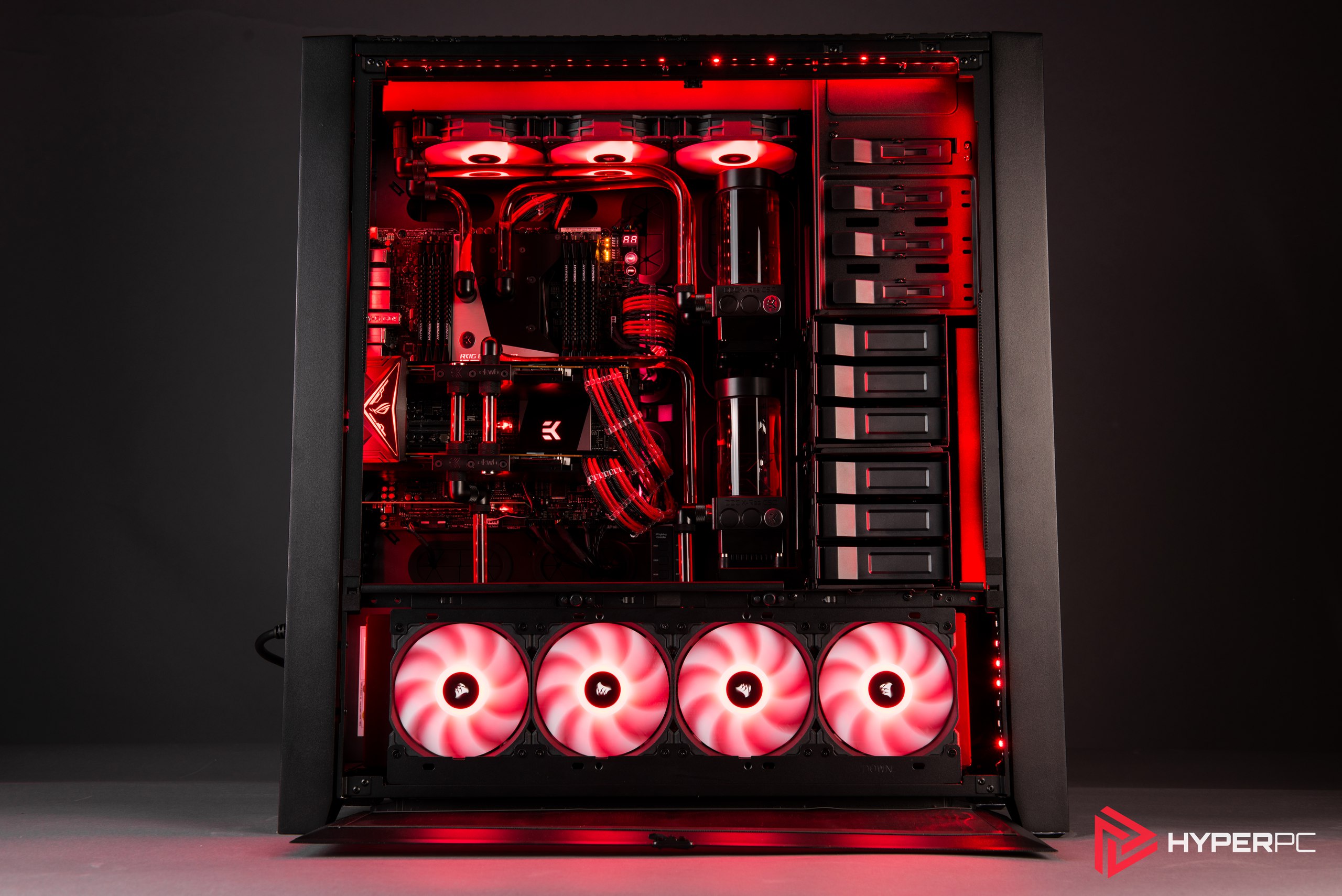
Uncompromising image quality in this segment is demonstrated by the premium HYPERPC PLAY 4 ULTRA, built for maximum loads. For professionals and enthusiasts, the ultimate solution is the LUMEN 6 PRO, equipped with advanced cooling components.
Summary table: Ideal pairs (GPU + monitor)
For maximum convenience, we have organized the current data into a balanced table that helps you compare components accurately and choose optimal hardware pairings for a modern gaming setup.
| Graphics card in the system | Recommended resolution | Optimal monitor type |
|---|---|---|
| GeForce RTX 5060 / Radeon RX 9060 | 1080p (Full HD) | 240 Hz and higher, fast IPS panel |
| GeForce RTX 5070 / Radeon RX 9070 | 1440p (Quad HD) | 165–240 Hz, high-contrast fast OLED |
| GeForce RTX 5080 / Radeon RX 9070 XT | 4K (2160p Ultra HD) | 144 Hz, high-quality Mini-LED / QD-OLED |
| GeForce RTX 5090 32GB VRAM | 4K+ / Extreme 8K | 240 Hz, premium panoramic OLED panel |
Conclusion: How to choose correctly
The final and most important advice when designing a gaming space is simple: always invest in a quality monitor with at least the next five years in mind. Remember this practical rule: you will almost certainly replace the graphics card in your PC much sooner than a high-quality, expensive display panel that is comfortable for your eyes.

 Arabic
  English