Blog
Useful articles and materials about computers, hardware, and new technologies.
HYPERPC
The Witcher 3: Wild Hunt has no single "pick your ending" moment. The final outcome is built from several separate threads: what happens to Ciri, who wins the war in the North, who rules Skellige, how Geralt's love life ends, and how the two story expansions wrap up. This guide covers the exact conditions for each thread and the moments where a manual save will spare you a full replay.
26
HYPERPC
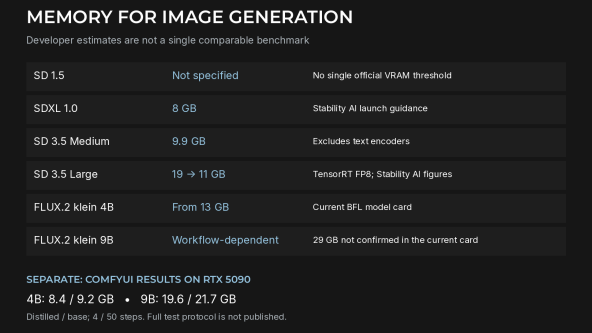
For local image generation, 8 GB of VRAM handles Stable Diffusion 1.5 and SDXL, 16 GB covers SD 3.5 Medium and FLUX.2 [klein] 4B, and the heavyweights (SD 3.5 Large and FLUX.2 [klein] 9B at full precision) call for 18 to 29 GB. This guide pulls the official numbers into one place, explains where the memory goes, and maps each workload to a graphics card.
30
HYPERPC
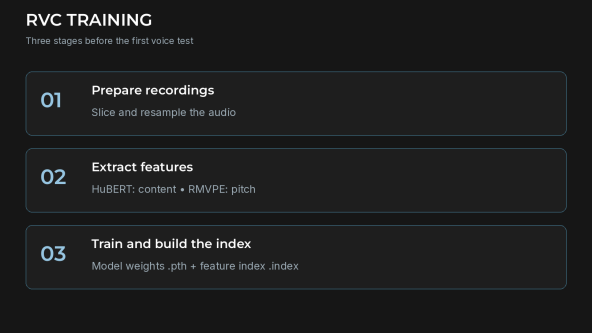
RVC (Retrieval-based Voice Conversion) is an MIT-licensed open-source project that changes the timbre of an existing audio recording using a model trained on recordings of a target voice. Everything runs locally: training and conversion use your GPU, and recordings are not uploaded anywhere. This guide covers hardware, installation, dataset preparation, training, conversion and common errors.
25
Egor Streletsky
Call of Duty: Modern Warfare 4 launches on 23 October 2026 for PC, PS5, Xbox Series X|S and Nintendo Switch 2. It closes Infinity Ward's rebooted series: Captain Price is on the run after killing General Shepherd, while war between North and South Korea forms the backdrop. Digital preorder customers already have campaign early access, and the first reactions are noticeably warmer than sceptics expected.
30
Egor Streletsky
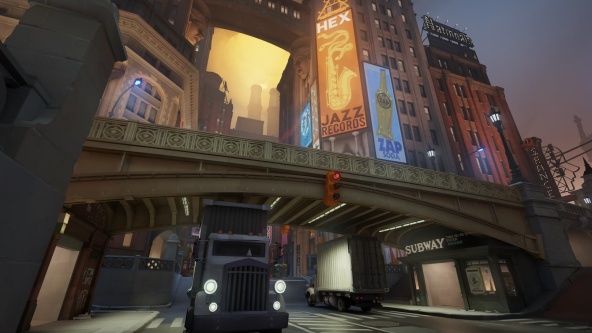
Deadlock has still not reached full release, yet on 9 October 2026 its Steam concurrent-player peak reached 262,145. In the SteamDB comparison published on 10 October, that exceeded Team Fortress 2's previous record and placed it third among Valve games, behind Counter-Strike 2 and Dota 2. This is a historical snapshot, not a claim that the record cannot subsequently change. The resurgence coincided with City Never Sleeps, the major update released on 29 September that rebuilt the map and began a scheduled rollout of six heroes.
24
Egor Streletsky
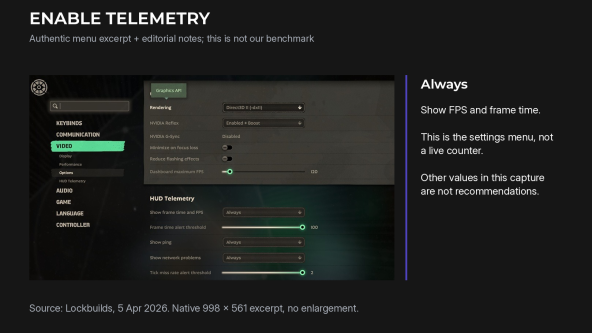
To improve FPS in Deadlock, start by testing Low shadows and fog, disabling SSAO, bloom and MBOIT, and trying FSR 1.5x or DLSS. Compare DirectX 11 with the current renderer and, where appropriate, cap the frame rate slightly below the monitor's refresh rate. This is a starting point for testing, not a guaranteed prescription for every PC. Players reported performance problems following the City Never Sleeps update of 29 September 2026, but the cause depends on the system and game build.
58
Egor Streletsky
As of September 2026, PC system requirements for GTA 6 do not exist. Not "unpublished": they do not exist. Rockstar has not announced a computer version at all. The confirmed date of 19 November 2026 applies only to PlayStation 5 and Xbox Series X and S.
35
Egor Streletsky
The recommended requirements for Escape from Tarkov list 64 GB of system memory. For a game, that is an outlier: even heavy open worlds usually stop at 16 or 32 GB. That is why the Tarkov requirements cause so much argument. Some players think the figure is a mistake, others buy 64 GB and do not understand why the gain is smaller than they expected.
48
HYPERPC
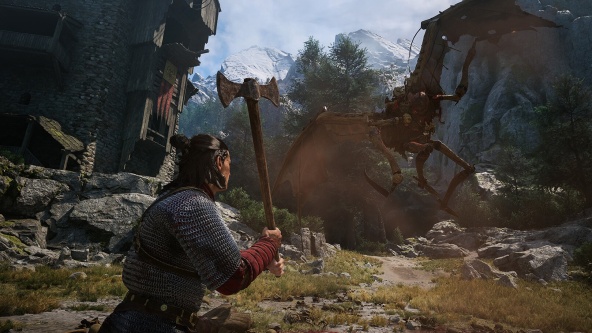
No, The Blood of Dawnwalker is not another Cyberpunk 2077. It is dark fantasy about vampires in the 14th-century Carpathians, and its structure is closer to The Witcher 3 than to Night City. The game launched on 3 September 2026 for PC, PS5 and Xbox Series X|S. According to the launch reports cited in the original article, it sold more than a million copies in its first three days.
21
Egor Streletsky
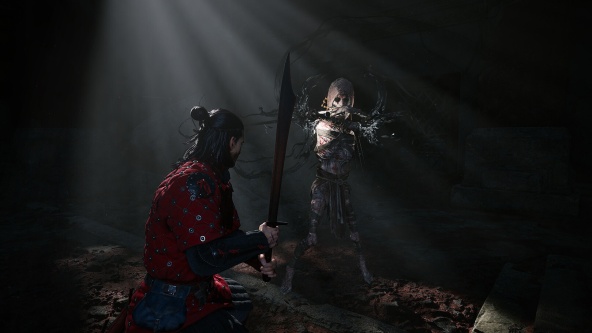
The Blood of Dawnwalker is the debut game from Rebel Wolves, a studio founded by veterans of The Witcher 3, and it released on 3 September 2026. It is a single-player open-world action RPG in a dark-fantasy setting, built on Unreal Engine 5, and it sold a million copies in its first three days.
34
Егор Стрелецкий
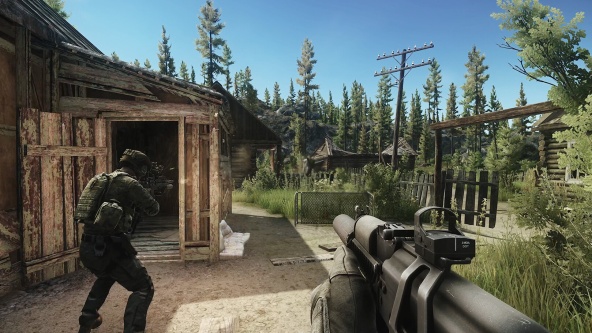
Patch 1.0.4.0 for Escape from Tarkov arrived on 27 March 2026 and became one of the most noticeable updates since the game's 1.0 release. Its main themes are client performance, a more convenient PvE mode, better loot at valuable spots, and a clear simplification of quests players had complained about for years.
35
Egor Streletsky
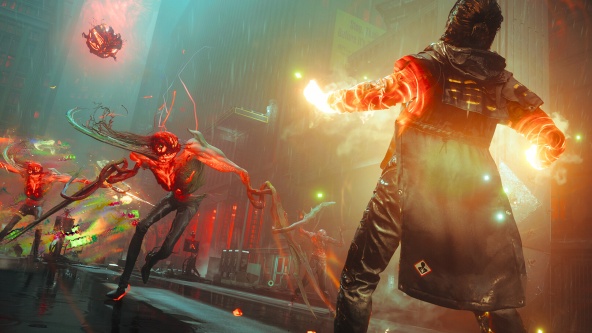
Control Resonant is the follow-up to Remedy Entertainment's 2019 Control, and it is not a direct sequel in genre. Instead of a third-person shooter, the studio is making an action RPG built around melee combat, open zones and role-playing progression. Release is set for 24 September 2026.
46
Egor Streletsky
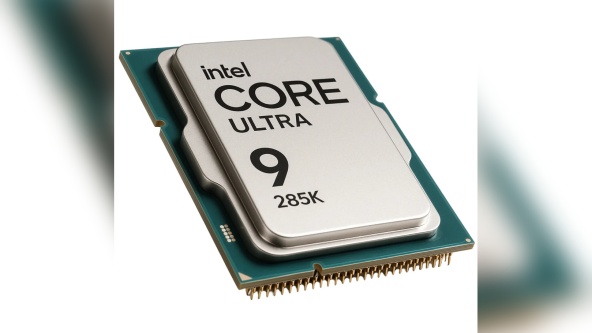
The Core Ultra 9 285K and the Ryzen 9 9950X3D are the Intel and AMD flagships for desktop platforms, and at first glance they look like the same class of processor. In practice they are strong at different things: the 9950X3D is clearly faster in games thanks to its 3D cache, while in work tasks the two stay close, with each one winning depending on the application.
37
Egor Streletsky
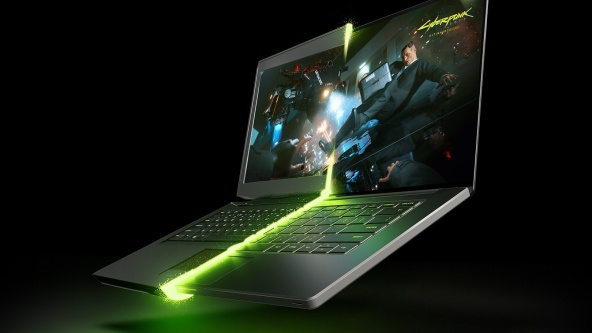
The choice between a gaming PC and a gaming laptop is usually settled by how you live, not by raw performance. But at a comparable budget the performance gap in 2026 is still large, and much of it is not obvious: the same graphics-card name in a laptop and a desktop does not mean the same speed.
34
Egor Streletsky
AI in graphics is no longer a separate novelty: it is built into familiar tools, from Generative Fill in Photoshop to AI denoising in Blender rendering and texture generation directly in a 3D editor. For artists in 2026, the question is not whether to use AI, but which tasks to delegate to it, what to run locally or in the cloud, and what hardware is required.
58
 Arabic
  English