We are ready to help
Unified Memory for Local LLMs: What Ryzen AI Max+ 395 Can Do and When You Still Need a GPU
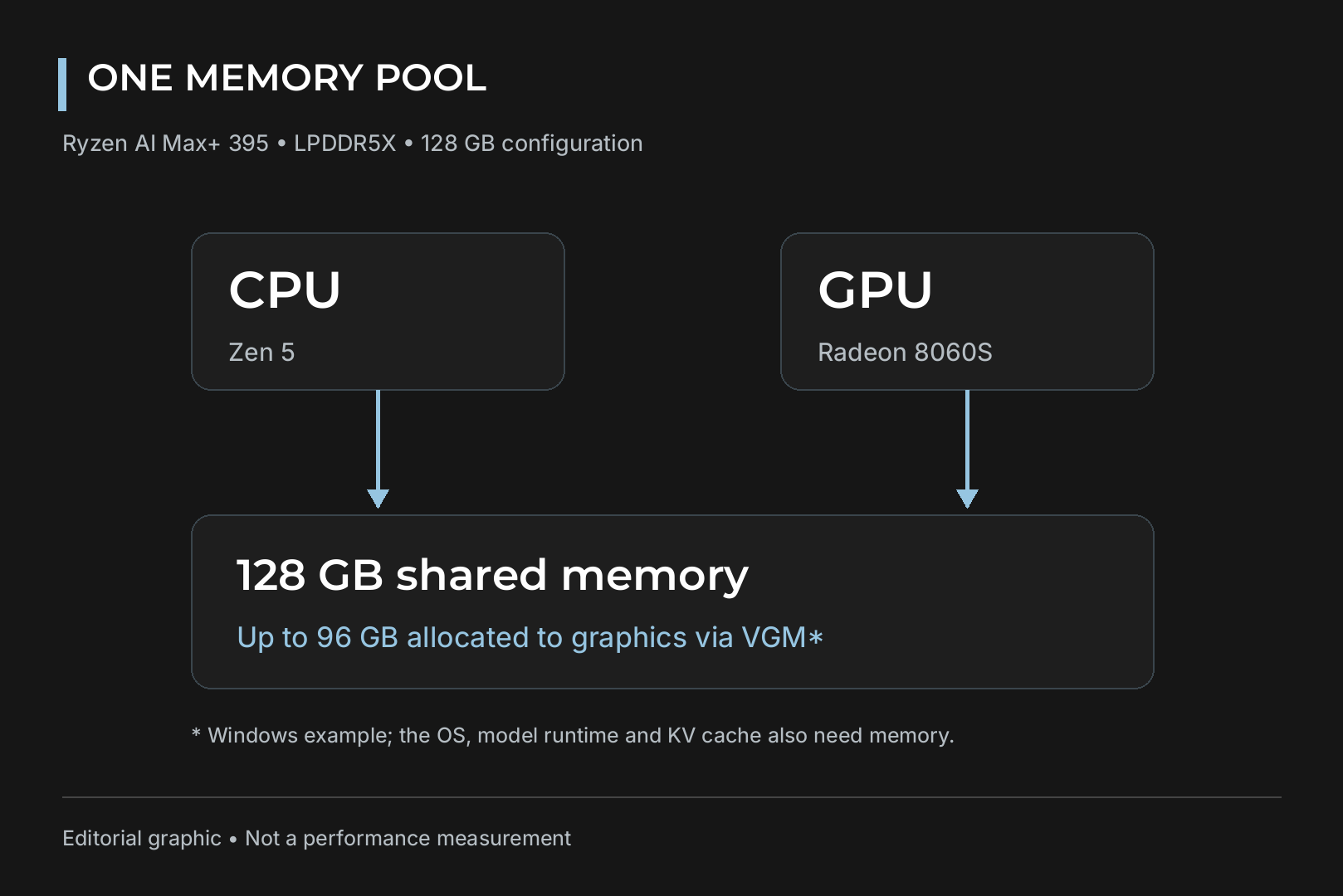
AMD's Ryzen AI Max+ 395, codenamed Strix Halo, lets its CPU and Radeon 8060S graphics share up to 128GB of LPDDR5X-8000. Up to 96GB of that can be assigned to the GPU, enough to run models such as gpt-oss-120b on a single chip. The trade-off is bandwidth: around 256GB/s, a fraction of what a high-end discrete GPU delivers.
This guide explains how unified memory works, which models fit, how fast they actually run, and how to decide between Strix Halo and a PC with a discrete graphics card.
The quick answer
- Choose a discrete GPU if you mostly run models up to about 30B parameters, want fast responses, or plan to fine-tune models, generate images or game at high resolution.
- Choose Ryzen AI Max+ 395 with 128GB if you want large mixture-of-experts (MoE) models, 100B parameters and up, loaded entirely on one compact device.
- Neither is ideal on its own for dense 70B models at chat speed. That calls for more VRAM across multiple GPUs or a workstation card with large memory.
How unified memory differs from VRAM
In a typical PC, the graphics card has its own VRAM and the CPU has system RAM. A language model runs fast only when all its weights sit in VRAM. Once a model spills into system RAM, layers have to cross the PCIe bus and performance drops sharply.
Strix Halo has one physical memory pool on a 256-bit bus, accessed directly by both CPU and GPU. AMD calls the split Variable Graphics Memory, and you set it in the BIOS or in AMD Software Adrenalin Edition. On a 128GB system the GPU can take up to 96GB. For comparison, the GeForce RTX 5090 has 32GB of GDDR7, so Strix Halo offers three times more memory to a model than NVIDIA's top consumer card.
Ryzen AI Max+ 395 at a glance
| Spec | Value |
|---|---|
| Cores and threads | 16 Zen 5 cores, 32 threads |
| Clock speed | 3.0 to 5.1 GHz |
| Cache | 16MB L2, 64MB L3 |
| Graphics | Radeon 8060S, 40 RDNA 3.5 compute units, up to 2900 MHz |
| NPU | XDNA 2, 50 TOPS |
| Total AI performance | up to 126 TOPS across CPU, GPU and NPU |
| Memory | up to 128GB LPDDR5X-8000, 256-bit bus |
| Process | 4nm |
| Announced | January 2025 |
Keep in mind that the 126 TOPS figure is a combined total, not NPU performance. For LLMs, the GPU does the heavy lifting.
How much memory a model needs
A rough rule: multiply the parameter count by the bytes per parameter. That is 2 bytes at 16-bit, 1 byte at 8-bit and about half a byte at 4-bit, plus headroom for the context (KV cache).
| Model | Architecture | Format | Weight size |
|---|---|---|---|
| gpt-oss-120b | MoE | MXFP4 | about 61GB |
| Llama 4 Scout (109B total, 17B active) | MoE | 4-bit | fits in 96GB |
| Llama 3.3 70B | Dense | Q4_K_M | about 40GB |
| Qwen3-30B-A3B | MoE, 3B active | 4-bit | about 15GB by the rule above, plus context |
According to AMD, Adrenalin 25.8.1 and later drivers support models up to 128 billion parameters at 4-bit on Windows, while FP16 tops out around 32B. For a step-by-step calculation, see our guide on how much VRAM you need to run Llama 70B and DeepSeek locally.
Capacity is not the same as speed
To generate each new token, a model reads all of its active weights from memory. That makes memory bandwidth the main limit on generation speed.
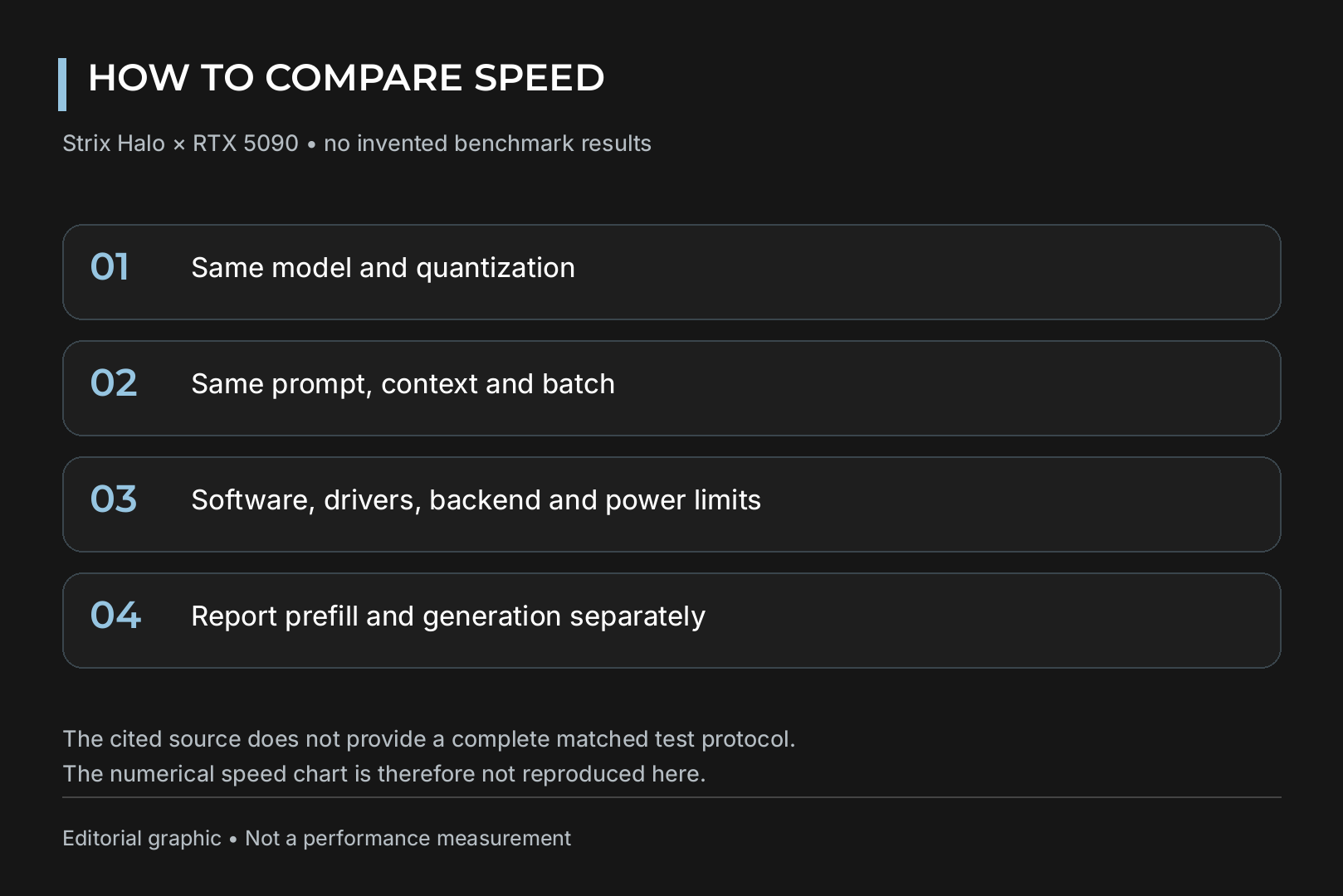
This is where Strix Halo compromises. LPDDR5X-8000 on a 256-bit bus gives about 256GB/s in theory and roughly 215GB/s under real load, according to measurements by Codersera. The RTX 5090 offers about 1792GB/s, around eight times more.
Codersera's token generation results on Strix Halo (Vulkan, 4-bit quantization):
| Model | Generation speed |
|---|---|
| Qwen3-30B-A3B (MoE) | about 100 tokens/s |
| gpt-oss-120b (MoE) | about 55 tokens/s |
| Llama 3.3 70B (dense) | about 4 to 6 tokens/s |
The gap between MoE and dense models comes down to architecture. An MoE model only activates a few experts per token, so far less data is read from memory and slow memory hurts less. A dense 70B model reads every weight on every token, and speed falls to a level that feels sluggish in conversation.
On small models, a discrete GPU pulls well ahead: Codersera measured about 186 tokens/s on an RTX 5090 against 80 to 90 tokens/s on Strix Halo with an 8B model.
Prompt processing (prefill) is another weak spot. It is compute bound, and 40 integrated compute units cannot match a large discrete GPU. If you feed long documents into the model, you will notice the difference.
Software and drivers
LM Studio and llama.cpp with the Vulkan backend are the most common ways to run models on Strix Halo. Use Adrenalin 25.8.1 or newer for 128B model support on Windows. AMD also cites context lengths up to 256,000 tokens with Flash Attention and a Q8 KV cache.
ROCm support for this chip is still maturing. Codersera recommends Vulkan as the default, with ROCm pulling ahead only at very long context lengths. On Linux, kernel parameters let the GPU address more memory than the Windows limit.
For training and fine-tuning, NVIDIA GPUs remain the standard thanks to the CUDA ecosystem and the tooling built around it.
GGUF is the most convenient model format here, since both LM Studio and llama.cpp support it. As a rule of thumb, 4-bit quantization is the sensible balance between quality and size, while 8-bit doubles the memory requirement for the same model.
What about gaming
The Radeon 8060S is far stronger than typical integrated graphics, but it is not a replacement for a discrete gaming GPU. In PCWorld's testing, Cyberpunk 2077 averaged 48.85 FPS at 1080p with Ultra ray tracing and FSR 2.1 in auto mode, dropping to 28.8 FPS at 3440 x 1440.
Limitations to know before you buy
- Soldered memory. The LPDDR5X is soldered to the board, so pick 128GB up front if you plan to run large models.
- No GPU upgrade path. The integrated GPU cannot be replaced. An external GPU connects only over USB4, or OCuLink where a model offers it, both with bandwidth trade-offs.
- Dense model speed. A dense 70B model loads, but generation stays slow.
- Cooling varies. The chip can draw up to 120W depending on the system, so real performance depends heavily on each manufacturer's chassis and cooling.
How to decide
- Which models do you run? Up to about 30B, a PC with one powerful GPU answers much faster. For MoE models of 100B and above in a single device, Strix Halo with 128GB has a real advantage.
- Do you need interactive speed? Coding assistants, agents and chat need tens of tokens per second. Overnight batch jobs can tolerate slower generation.
- Will you train models or game? Fine-tuning, image and video generation, and 4K gaming all favour discrete NVIDIA GPUs.
If a GPU-based system fits your workload better, you can spec one for your models in the HYPERPC configurator.
Bottom line
Ryzen AI Max+ 395 does something no consumer graphics card can: it holds a 60 to 90GB model in GPU-accessible memory without splitting it across devices. It shines with MoE models that only read part of their weights per token. When speed, prompt processing, training or gaming matter most, a PC with a discrete GPU is still the stronger choice.
Recommended
FAQ Quick answers.
-
Can Ryzen AI Max+ 395 run a 70B model?
Yes. Llama 3.3 70B at 4-bit takes about 40GB and fits in memory, but generation of about 4 to 6 tokens per second makes it slow for chat.
-
Does the NPU speed up LLMs?
Not in the common tools. LM Studio and llama.cpp with Vulkan run models on the Radeon 8060S GPU. The NPU is rated at 50 TOPS, and the 126 TOPS headline figure combines CPU, GPU and NPU.
-
Is 64GB enough?
For models up to about 30B at 4-bit, often yes. For gpt-oss-120b, which needs about 61GB for weights alone, or Llama 4 Scout, choose 128GB, because the memory cannot be upgraded later.

 Arabic
 English