We are ready to help
RTX 5000 in Premiere Pro and DaVinci Resolve: What the New Generation Gives an Editor
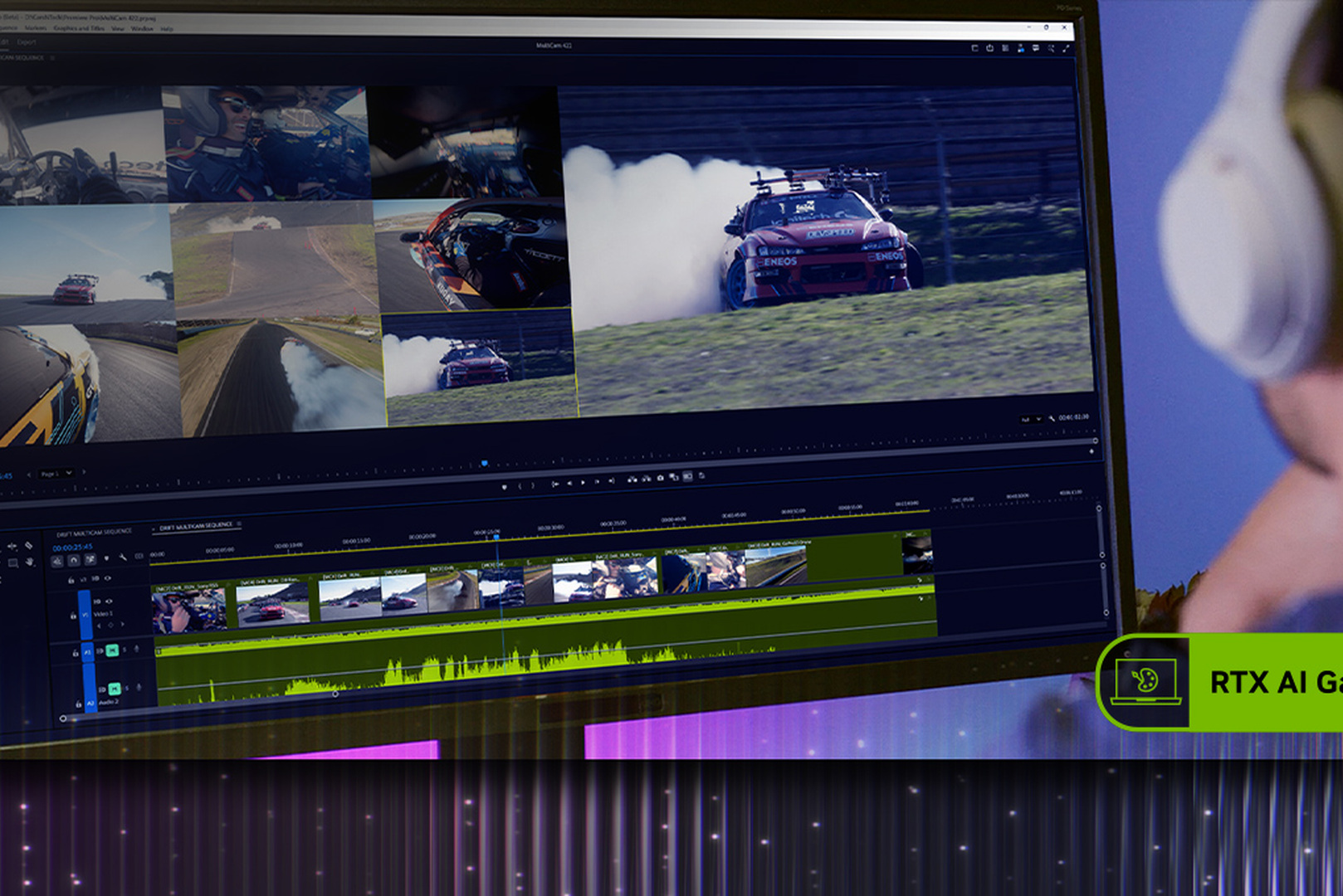
For an editor, a new generation of graphics cards usually means a 15-30 percent gain in effects and render speed. GeForce RTX 50 went further: it added hardware decoding of 10-bit 4:2:2 video, the format most modern mirrorless cameras record. For many workflows, that is the difference between smooth editing of camera originals and having to create proxies.
Below is what changed in RTX 50 for video, how Premiere Pro and DaVinci Resolve support it, how much the new generation gains, and which card to choose for your work.
The main change: hardware 4:2:2
Graphics cards based on the Blackwell architecture gained hardware blocks for encoding and decoding 4:2:2 video. The ninth-generation NVENC encoder and the sixth-generation NVDEC decoder support 10-bit video with 4:2:2 chroma subsampling.
Why it matters:
- Most modern mirrorless cameras record 10-bit 4:2:2 in H.264 and HEVC with interframe compression (Long GOP). It is the most common source format in commercial shooting.
- NVIDIA graphics cards previously did not decode these files in hardware. The load fell on the processor, and a timeline of such footage stuttered unless the system had Intel integrated graphics with Quick Sync.
- With RTX 50, the graphics card handles decoding. According to NVIDIA, one decoder processes up to 8K at 75 frames per second, equivalent to ten 4K streams at 30 frames, and 4:2:2 encoding is up to 10 times faster.
The practical result: camera originals can be edited directly, without proxies, in projects that previously could not do without them.
Support in Premiere Pro and DaVinci Resolve
| Application | Version | What is supported |
|---|---|---|
| Premiere Pro | 25.3 (12 June 2025) | Hardware 4:2:2 decoding on Blackwell graphics cards |
| Premiere Pro | 25.5 and newer | Hardware acceleration of 10-bit 4:2:2 Long GOP |
| DaVinci Resolve | 20.2 and newer | Hardware acceleration of 10-bit 4:2:2 Long GOP on RTX 50 |
An important point for DaVinci Resolve: full hardware decoding and encoding of H.264 and HEVC is available in the paid Studio edition. In the free edition these features are limited, and the benefit of a new graphics card with these codecs is smaller.
Keep both the application and the graphics driver up to date: support for the new hardware blocks appears only when both versions are current.
Performance gain over RTX 40
In Puget Systems tests for content creation, the top three consumer graphics cards were the RTX 5090, RTX 5080 and RTX 5070 Ti, and the RTX 50 generation gained 15-35 percent over RTX 40 depending on the task.
Where the gain is most noticeable:
- Working with 10-bit 4:2:2 footage - the difference is qualitative, not a percentage, if decoding previously ran on the processor.
- Export with hardware encoding, especially on cards with several NVENC blocks.
- AI features: noise reduction, object masking, stabilization and other neural effects in Resolve.
- Heavy effects and color grading at high resolution.
Where the gain is smaller: simple 4K editing with camera codecs that were already decoded in hardware, and projects limited by the processor or storage.
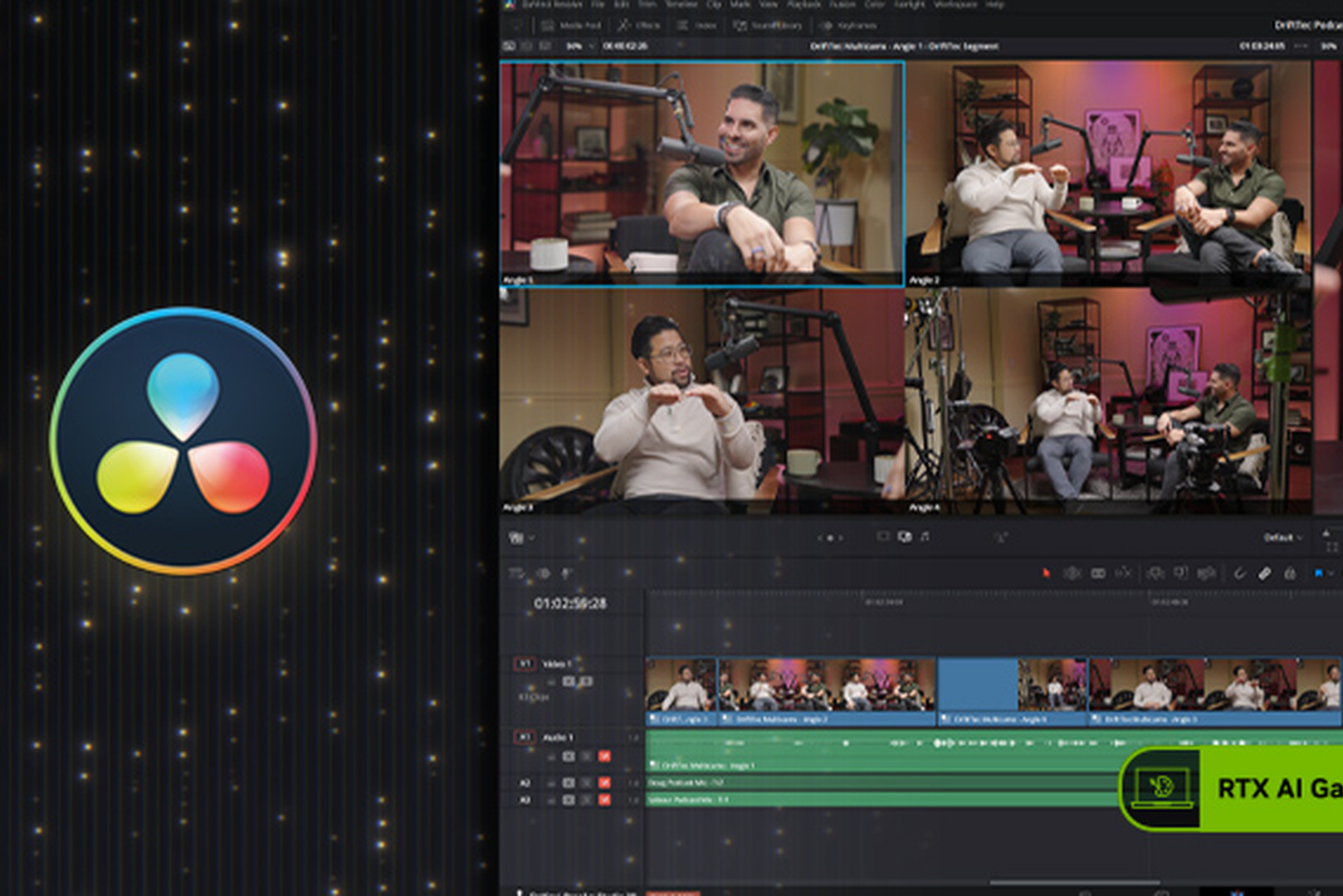
How much video memory editing needs
| Task | Recommended video memory |
|---|---|
| 4K editing, basic color correction | 12 GB |
| 4K with noise reduction, Fusion, AI effects | 16 GB |
| 6K and 8K, heavy color grading, many layers | 24-32 GB |
DaVinci Resolve is especially demanding on video memory: noise reduction, Fusion and neural effects at high resolution quickly exhaust 12 GB. When memory runs out, Resolve reports an error and stops playback or rendering.
Which card to choose
| Task | Graphics card | Why |
|---|---|---|
| 4K editing for social media and commercial work | RTX 5070 Ti 16 GB | New 4:2:2 decoder, 16 GB of memory, the best balance of price and capability |
| 4K-6K editing and color grading | RTX 5080 16 GB | More compute, several encoders |
| 8K, heavy color grading, Fusion | RTX 5090 32 GB | The most memory in the consumer segment, the most encoding blocks |
A separate note on encoder count: higher RTX 50 models have more NVENC and NVDEC blocks than lower ones. That speeds up export and simultaneous work with several source streams, for example when editing a multicamera shoot.
For work that needs more than 32 GB of video memory on one card, professional graphics cards exist; more detail is in the RTX PRO 6000 Blackwell guide.
What else an editing workstation needs
The graphics card is not the only component that decides how smooth editing feels.
- Processor. It matters for codecs without hardware decoding, for effects that run on the CPU, and for export with software encoding.
- System memory. 32 GB for 4K, 64 GB for 6K-8K and for working in several applications at once.
- Storage. Separate NVMe drives for the system, projects and cache. 8K RAW footage needs high read speeds, and a slow drive becomes the bottleneck before the graphics card does.
- Reliability under sustained load. Exporting a long project means hours of continuous graphics-card work, and cooling has to hold that without throttling.
Ready configurations for editing and color grading are in the workstations section. Where else a graphics card with AI blocks speeds up creative work is covered in AI in 2D and 3D graphics.
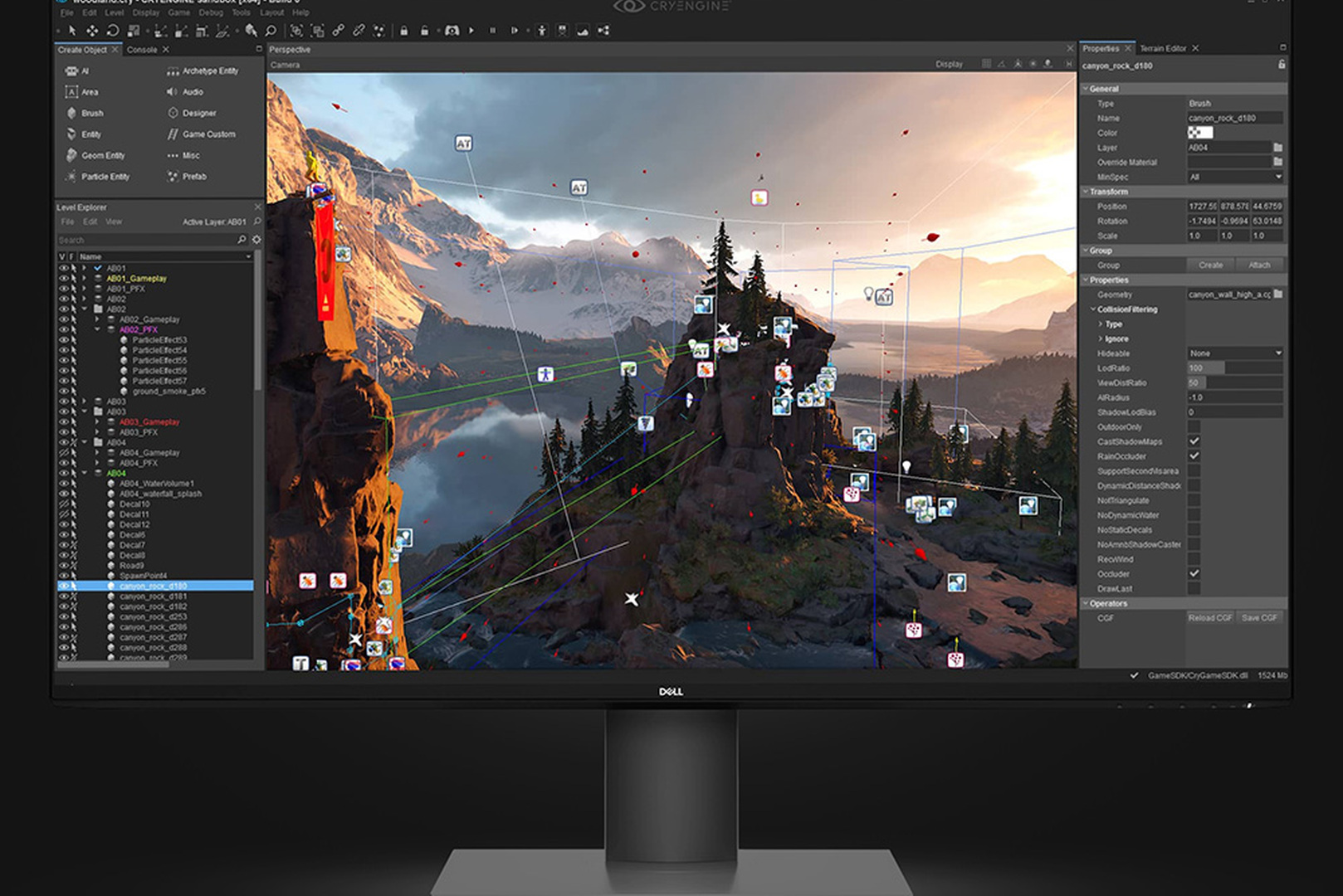
Is it worth upgrading from RTX 40
- Yes, if you work with 10-bit 4:2:2 footage from mirrorless cameras and currently edit through proxies or hit the processor while decoding.
- Yes, if you run out of video memory in Resolve.
- Probably not, if you edit 4K in codecs that are already decoded in hardware and a card with 16 GB or more keeps up. A 15-35 percent gain in that scenario rarely pays for the replacement.
Recommended
Frequently Asked Questions
- What does RTX 50 add in Premiere Pro and DaVinci Resolve?
The main addition is hardware decoding and encoding of 10-bit 4:2:2 video, the format most mirrorless cameras record. There is also a 15-35 percent gain over the RTX 40 generation in content-creation tasks and faster neural effects.
- What is 4:2:2 and why does it matter for editing?
It is a chroma subsampling scheme that keeps more color information than 4:2:0. Most modern mirrorless cameras use it when recording 10-bit video. Before RTX 50, NVIDIA graphics cards did not decode these files in hardware, so editing loaded the processor.
- Which software versions support 4:2:2 on RTX 50?
Premiere Pro gained hardware 4:2:2 decoding on Blackwell in version 25.3 on 12 June 2025, and hardware acceleration of 10-bit 4:2:2 Long GOP in version 25.5. DaVinci Resolve supports it starting with version 20.2.
- Does hardware decoding work in free DaVinci Resolve?
Full hardware decoding and encoding of H.264 and HEVC is available in the paid DaVinci Resolve Studio edition. In the free edition these features are limited.
- How much faster is RTX 50 than RTX 40 for editing?
In Puget Systems tests, 15-35 percent depending on the task. For 10-bit 4:2:2 footage the difference is qualitative if decoding previously ran on the processor.
- Which graphics card is better for editing in 2026?
For 4K, an RTX 5070 Ti with 16 GB; for 4K-6K with color grading, an RTX 5080; for 8K and heavy Fusion work, an RTX 5090 with 32 GB. In Puget Systems tests these three cards lead content-creation tasks.
- How much video memory does DaVinci Resolve need?
12 GB for 4K editing with basic color correction, 16 GB for noise reduction, Fusion and AI effects at 4K, and 24-32 GB for 6K-8K and heavy color grading. Resolve is especially demanding on video memory.
- Can I edit camera originals without proxies on RTX 50?
In many projects with 10-bit 4:2:2 footage from mirrorless cameras, yes, thanks to hardware decoding. For 8K RAW and very heavy projects, proxies can still help, especially with slow storage.
- Does the processor still matter for editing if the graphics card is new?
Yes. The processor handles codecs without hardware support, CPU effects and software encoding. A sensible level is 16 cores at a high clock.
- Should I replace an RTX 4080 with an RTX 5080 for editing?
If you work with 10-bit 4:2:2 footage and hit the processor while decoding, yes. If you edit codecs that are already decoded in hardware, a 15-35 percent gain rarely pays for the replacement.

 Arabic
  English