We are ready to help
Small Form Factor Gaming PCs: What to Check Before You Choose Parts
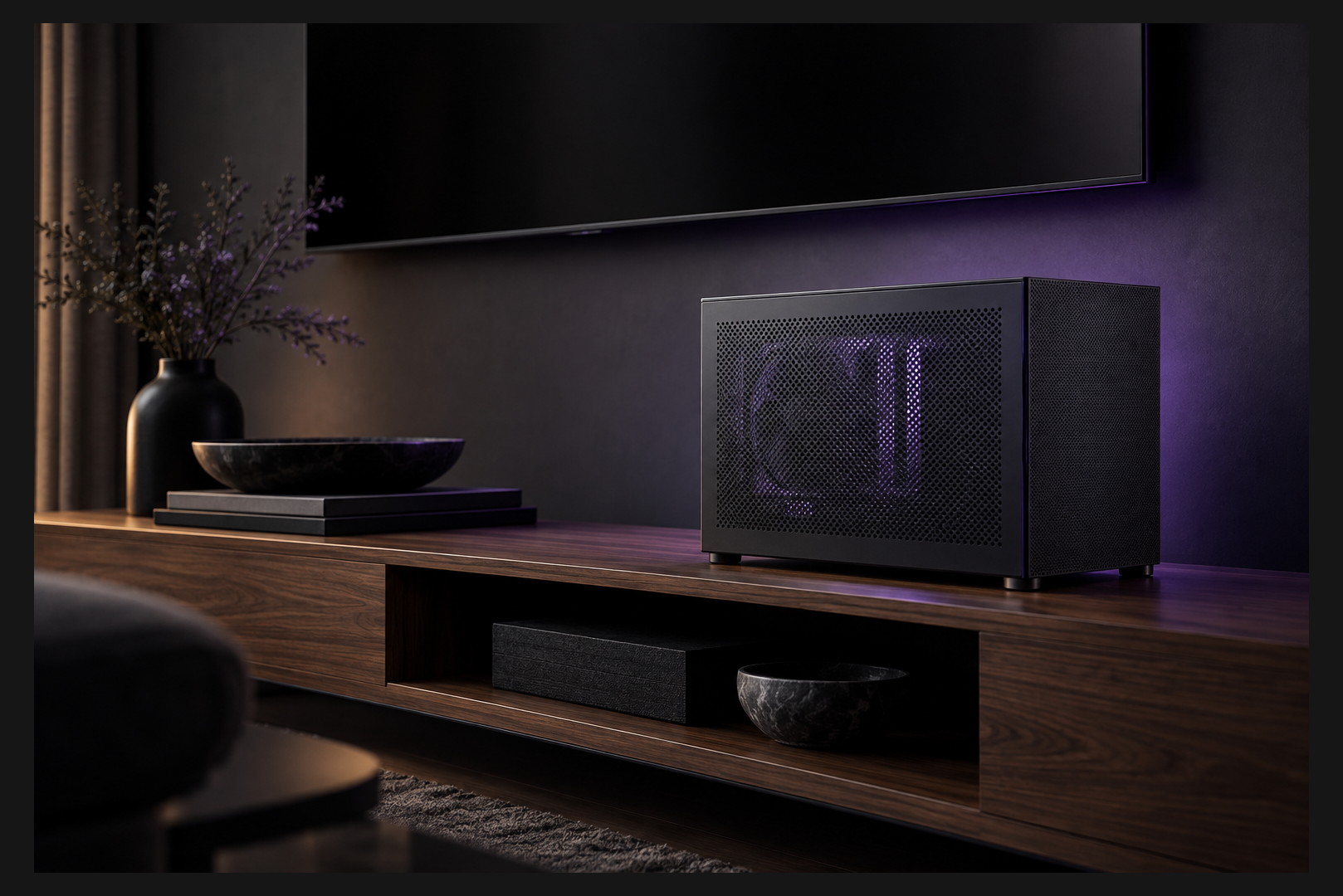
A small form factor (SFF) gaming PC can run a full desktop CPU and a graphics card as strong as an RTX 5070 or RTX 5080. What limits it is not performance but millimetres: GPU length and thickness, power supply format and cooler height decide whether everything fits a 10 to 20 litre case and stays cool under load.
SFF vs a standard tower at a glance
Before getting into measurements, it helps to see where a compact case wins and where it asks you to compromise.
| Factor | Compact PC (Mini-ITX, SFF) | Standard PC (ATX, Micro-ATX) |
|---|---|---|
| Desk footprint | minimal, fits next to a TV | needs floor or desk space |
| GPU choice | limited by length, height and thickness | almost any model |
| Power supply | usually SFX or SFX-L | standard ATX |
| Memory and M.2 slots | fewer on the board | more room to expand |
| Cooling | must be planned upfront | easy to add fans or liquid cooling |
| Price for equal performance | usually higher | lower, savings can go to the GPU |
| Upgrades | constrained by case size | flexible |
The takeaway: go compact when size and looks genuinely matter to you. If your only goal is the most frames per dirham, a regular tower gives better value.
Mini-ITX, SFF and mini PC are not the same thing
These labels get mixed up constantly, so here is what each one means.
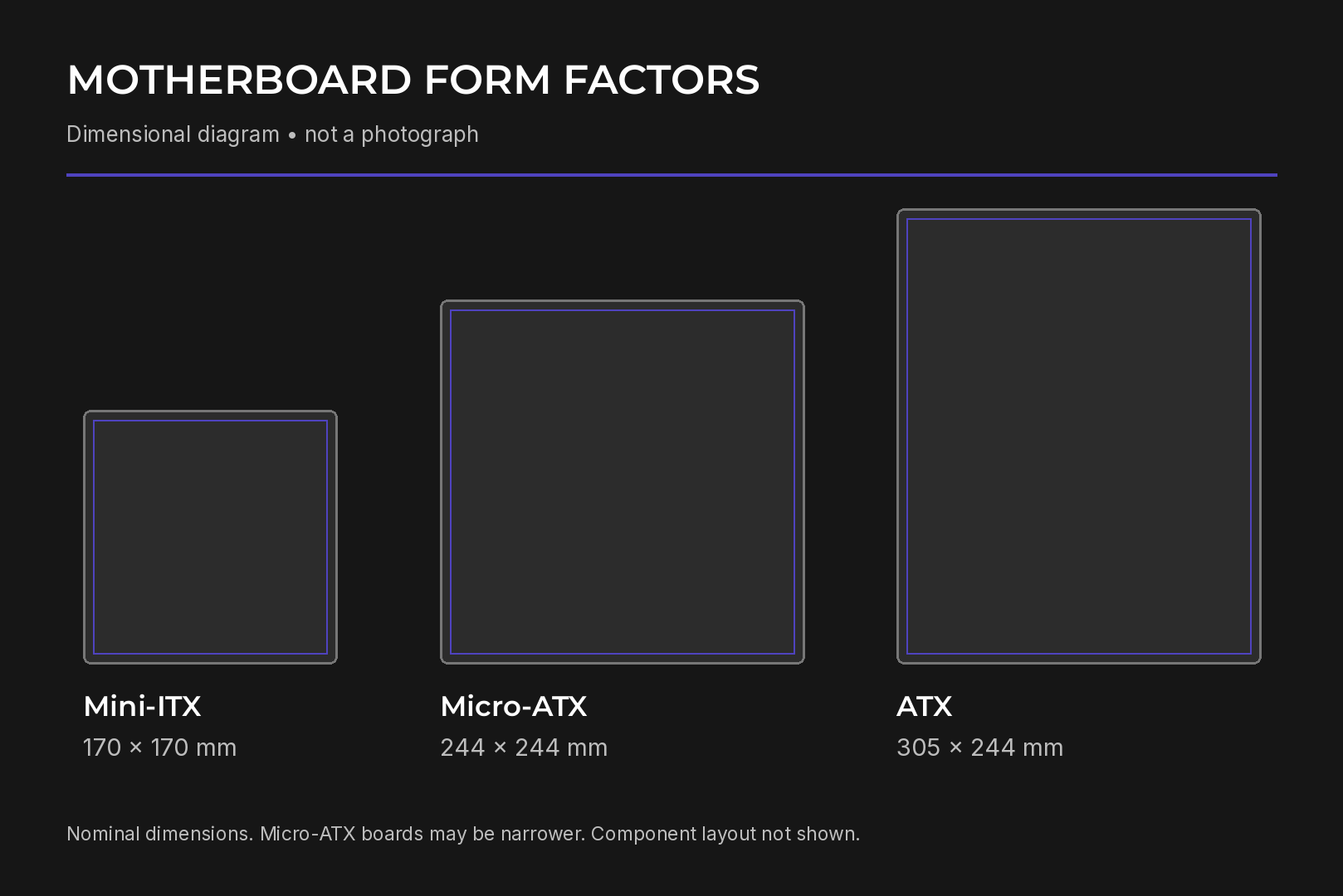
Mini-ITX is a motherboard standard measuring 170 × 170 mm, introduced by VIA Technologies in 2001. Its mounting holes line up with part of the ATX layout, so a Mini-ITX board also fits larger cases. Modern boards carry a full PCIe x16 slot and standard DIMM memory.
SFF simply means small form factor. There is no official size limit, although the term usually describes cases up to roughly 20 litres. A compact system can also be based on Micro-ATX.
Mini PC is a different category. These devices usually have a soldered mobile processor with integrated graphics and no slot for a desktop GPU. This guide covers desktop systems with replaceable parts only.
Start with the monitor, then the GPU, then the case
The most common mistake is falling in love with a case first and discovering later that the graphics card you need does not fit. Work in the opposite direction.
- Decide on resolution and refresh rate: 1080p, 1440p or 4K, at 60 Hz or 144 Hz and above.
- Pick a GPU tier based on benchmarks of the games you play, with ray tracing and DLSS enabled if you plan to use them.
- Choose a specific card model and write down its dimensions in millimetres.
- Only then look for a case that fits the card, motherboard, power supply and cooler at the same time.
For a broader explanation of case and motherboard standards, see our guide on what a form factor is.
Graphics card: three dimensions plus the power cable
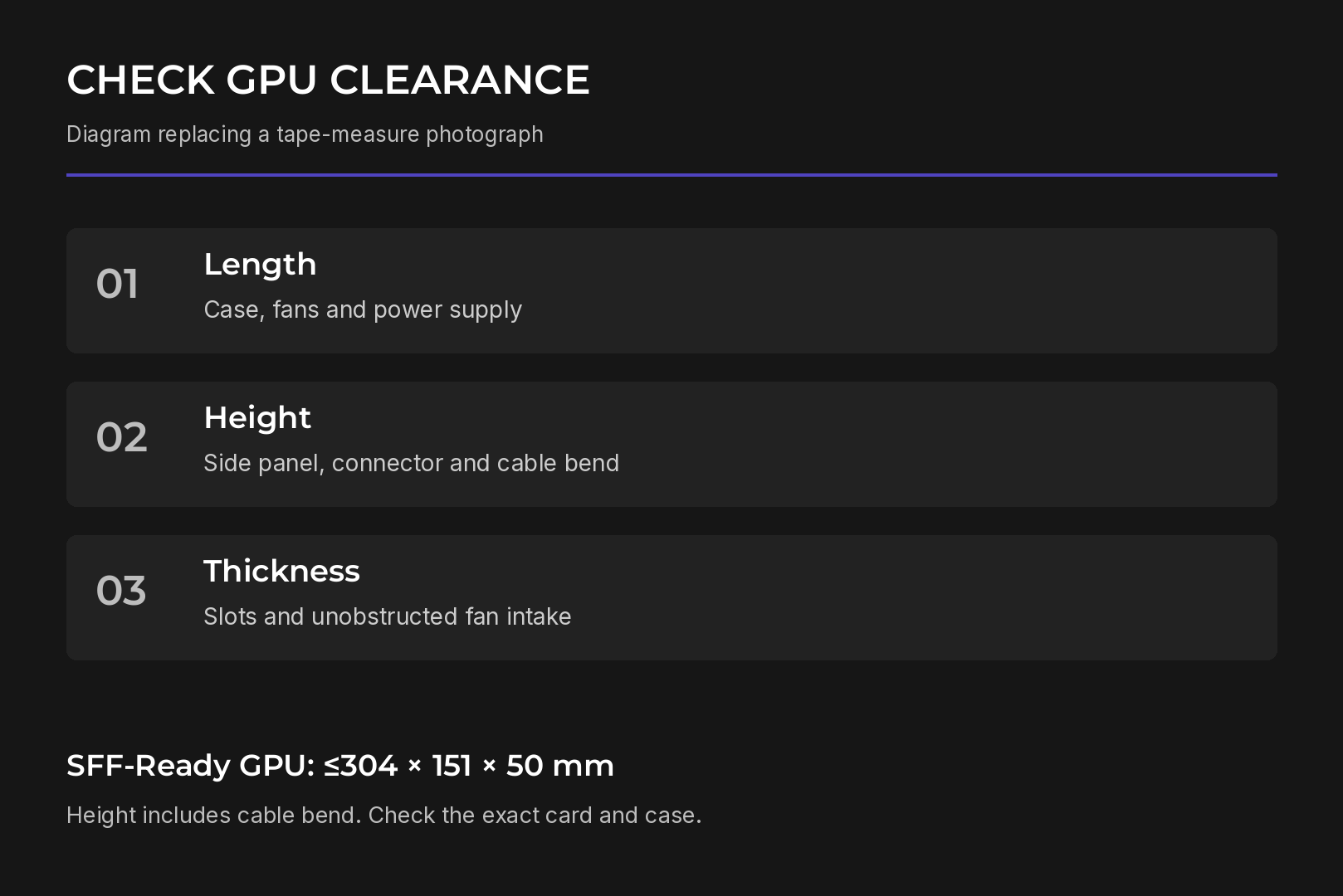
Each of the three GPU dimensions causes a different kind of conflict.
- Length decides whether the card hits the front panel, the power supply or a fan.
- Height affects clearance to the side panel and room for the power connector.
- Thickness decides whether the card fits and whether its fans still get fresh air.
Slot counts are only an approximation, since the shroud can extend beyond the bracket. Compare the actual millimetres and the manufacturer drawing. Also leave space for the power cable to bend: the side panel must not press on the connector.
The NVIDIA SFF-Ready guideline
NVIDIA launched the SFF-Ready Enthusiast GeForce program at Computex in June 2024 and extended it to the GeForce RTX 50 Series in January 2025. It defines the maximum size of graphics cards suitable for compact cases.
| SFF-Ready GPU requirement | Value |
|---|---|
| GPU tiers | 70-class and above in RTX 40 and RTX 50 (RTX 4060 and lower excluded) |
| Maximum length | 304 mm |
| Maximum height | 151 mm, including the power cable bend |
| Maximum thickness | 50 mm (2.5 slots) |
For cases the logic is reversed: an SFF-Ready case must accept a card of about 312 mm in length and 154.5 mm in height at 50 mm thick. At launch, 36 RTX 40 Series cards from NVIDIA and eight partners met the guideline.
Treat the badge as a search shortcut, not a guarantee. It does not promise a fit in every small case, and a card without it may still fit yours.
Where GPU heat goes
Most cards with axial fans exhaust a large share of hot air back into the case. In a small volume that heat builds up quickly, so the case needs vents near the card and the radiator exhaust must stay clear. A small cooler does not mean quiet operation; check reviews of the exact model.
Power supply: ATX, SFX and SFX-L
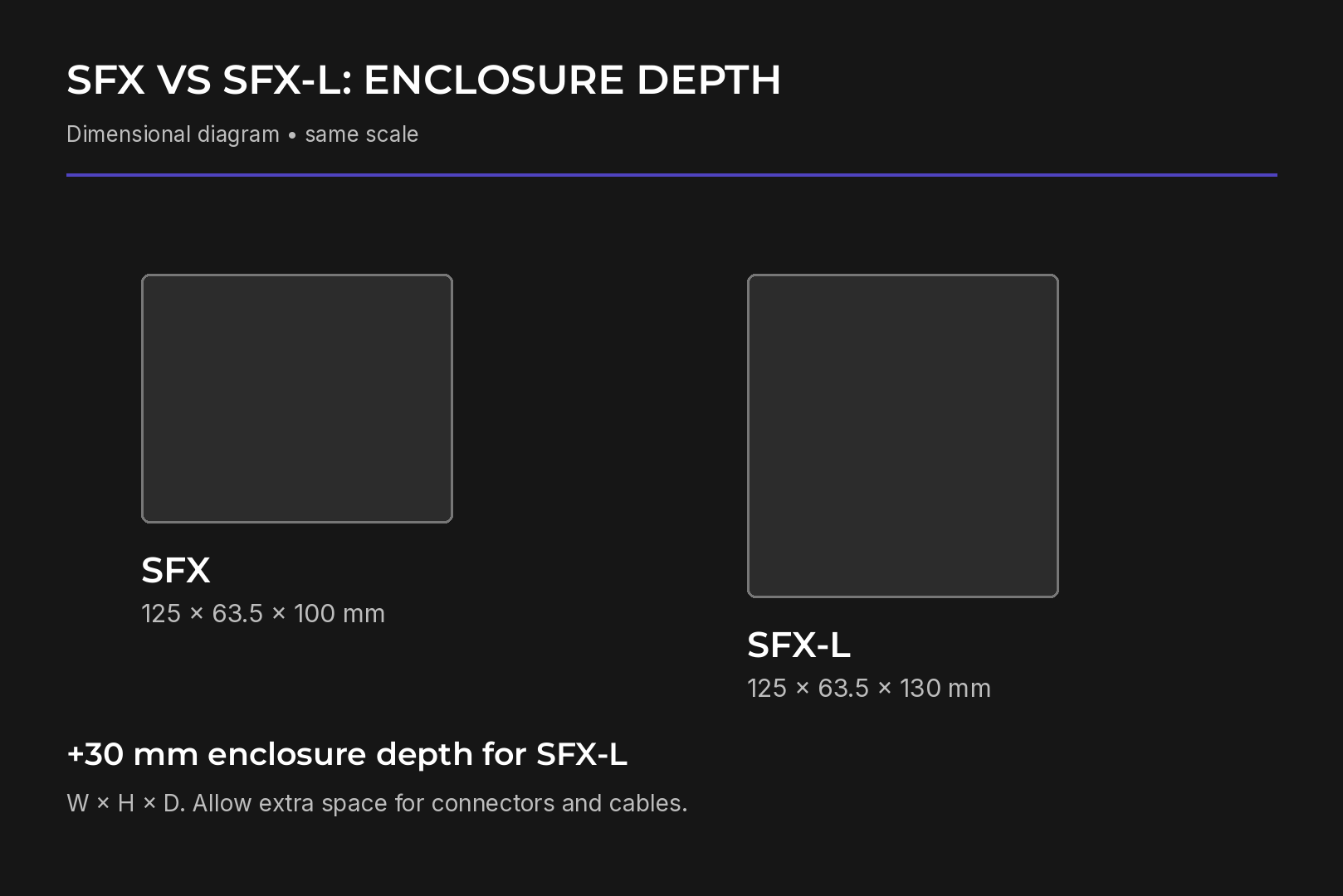
The PSU format takes space directly away from the GPU, cooler and cables. Compact cases typically use SFX or SFX-L units.
| Format | Width | Height | Depth |
|---|---|---|---|
| SFX | 125 mm | 63.5 mm | 100 mm |
| SFX-L | 125 mm | 63.5 mm | 130 mm |
SFX-L is 30 mm longer than SFX, which usually leaves room for a larger and quieter fan but needs more space inside the case. Account for modular cable plugs as well. A case that supports an ATX PSU and a long GPU does not necessarily support both at once.
Our complete guide to PC power supplies covers the formats in more depth. You can also browse HYPERPC gaming PCs with verified component compatibility.
CPU and cooling: look at peak power, not TDP
In a small case the CPU is limited by how much heat the cooler can remove, not by the socket. TDP is a weak guide because it does not equal maximum draw.
Intel lists the Core Ultra 7 265K at 125 W base and 250 W maximum turbo power. The Ryzen 7 9800X3D is rated at 120 W TDP with 8 cores, 16 threads and 96 MB of L3 cache, making it strong in CPU-bound games.
When is an X3D chip worth the premium?
- For competitive shooters on a 240 Hz or faster monitor, the CPU often becomes the limit and X3D can deliver a clear uplift.
- At 4K the GPU is usually the bottleneck, so the money is better spent on the graphics card.
For tower coolers, check height and clearance around memory and the VRM and M.2 heatsinks. For liquid cooling, check radiator thickness with fans, pump height and hose routing. Maximum sizes can refer to mounting options that cannot be used together.
Motherboard, memory and storage
Mini-ITX boards usually offer fewer memory and M.2 slots than larger formats. Count how many drives and USB devices you need now and after a future upgrade. If the numbers do not add up, a compact Micro-ATX case is a sensible middle ground.
Before buying, confirm:
- the CPU Support list and the required BIOS version;
- that the cooler fits the board, since VRM and M.2 heatsinks can block mounting;
- that memory modules clear the tower cooler.
Connect the CPU power cable and hard-to-reach case headers before installing the cooler.
Heat, noise and placement in a hot climate
A high temperature reading alone does not mean thermal throttling. Judge cooling by temperature, clock speeds and stability under the same repeatable load. If clocks hold steady, the system is fine.
In the UAE, avoid closed cabinets where hot air pools around the case and leave the vents clear. Noise depends on load, fan speed and the gap between fans and panels, which is why roomier compact cases tend to be quieter.
Who should choose a small form factor gaming PC
A compact case makes sense when:
- the PC lives in a living room next to the TV and should look tidy;
- desk space is limited;
- you move the PC occasionally, for LAN events or travel;
- you prefer a minimal look.
If none of these apply and maximum FPS per dirham is the goal, a standard tower offers more freedom and better value at the same performance.
The bottom line
A compact gaming PC can carry high-end graphics, but choose from the GPU outwards. Check all three card dimensions and leave room for the power cable, match an SFX or SFX-L unit to the layout, and judge the CPU by peak power rather than TDP. If you would rather skip the measuring, browse HYPERPC gaming PCs, where compatibility has already been verified.
Recommended

 Arabic
 English