We are ready to help
PC Upgrade in Dubai: What to Change First and What It Costs
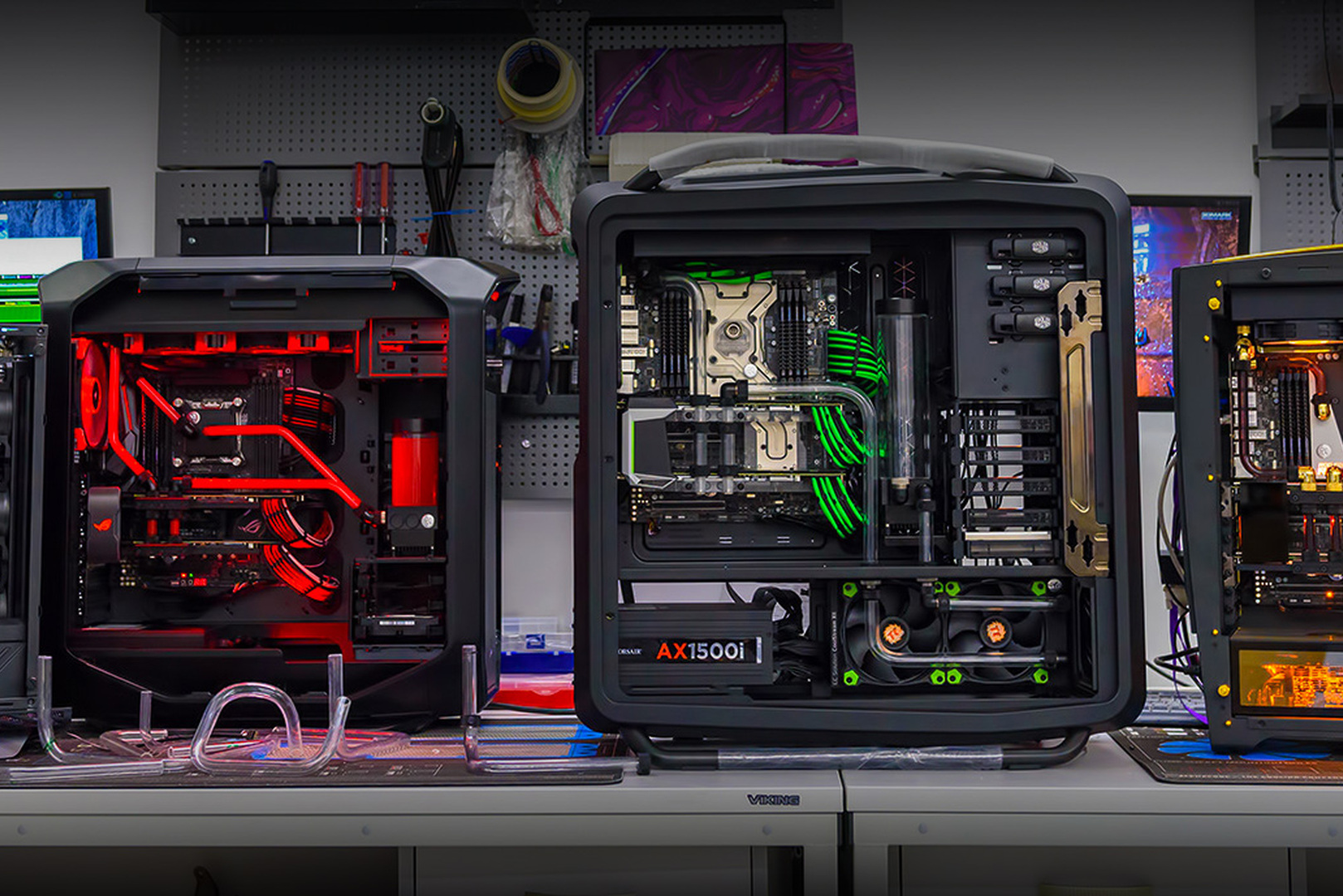
A PC upgrade comes down to one question: which component returns the most performance per dirham in your specific machine. There is no universal answer, and the common advice to just replace the graphics card is wrong for roughly half of the people who follow it, because their bottleneck sits somewhere else.
This guide covers how to find the real bottleneck, the order in which components should be replaced, and what each step costs at UAE retail. Prices move, but the ratio between components stays stable, and that ratio is what determines the order of work.
The short answer: what to upgrade first
In a gaming machine the priority is almost always graphics card, then storage, then memory, and only then the processor and platform. There is one exception: if your processor sits on LGA 1200 or older, the platform comes first, because a new graphics card will simply run into the old CPU.
- Graphics card is the main source of frame rate at 1440p and 4K. Moving from an 8 GB card to one with 12 to 16 GB also solves the video memory shortage that current titles create.
- Storage is the cheapest upgrade with a visible effect. In AED it is the smallest line in any estimate, and loading times and general responsiveness improve immediately.
- Memory at 32 GB removes stutter and frame time spikes in open world games. In 2026 this is no longer a cheap step.
- Processor gets replaced when the graphics card is not fully loaded but the frame rate still hits a ceiling. On a live platform that is a sensible move; on a dead-end platform it is a reason to price a whole new machine instead.
Step 1. Find the bottleneck instead of guessing
Before spending anything, establish what limits your frame rate. One evening with a monitoring overlay answers it, without opening the case.
What to look for in your own games at your own settings:
- Graphics card at 95 to 100 percent while the processor is not saturated: you are GPU-bound. Replace the card and leave everything else alone.
- One or two CPU cores pinned at 100 percent while the graphics card sits at 60 to 80: you are CPU-bound. A new card will deliver very little.
- Video memory filled to the limit, with texture pop-in and hitching: you are out of VRAM. Only a card with more memory fixes this reliably.
- More than 90 percent of system memory in use with heavy page file activity: you need more RAM.
- Long level loading with otherwise normal frame rates: storage.
- High temperatures and clocks dropping after 10 to 15 minutes of play: this is not a performance problem, it is a cooling problem. It is solved by technical service, not by buying components.
In the UAE that last point deserves to be checked first. Ambient heat and fine dust load filters and radiators considerably faster than in temperate climates, and a meaningful share of complaints about a machine being old and slow turn out to be a cleaning and thermal interface job costing a fraction of a graphics card.
Upgrade priority by scenario
The right order depends on what you play and at what resolution.
| Situation | First step | Second step | What will not help |
|---|---|---|---|
| 1080p, competitive shooters, chasing high frame rates | Processor, if the platform is alive | 32 GB memory | A flagship graphics card |
| 1080p, single player titles, low frame rates | Mid-range graphics card | Storage | Replacing the processor |
| 1440p, stutter and texture pop-in | Graphics card with 12–16 GB | 32 GB memory | Overclocking the old card |
| 4K, low frame rates | Upper-tier graphics card | Power supply to match | Memory beyond 32 GB |
| Long loading times, sluggish outside games | NVMe drive | Memory | Graphics card |
| Hitching in open worlds at acceptable average FPS | 32 GB memory | Storage | Graphics card |
Graphics card: which tier and what it costs in AED
The graphics card is the largest line in any upgrade and the main source of gain. Choose by resolution and video memory rather than by model number.
| Card | Target resolution | Video memory | UAE retail, 2026 |
|---|---|---|---|
| RTX 5060 / 5060 Ti | 1080p, and 1440p with compromises | 8 or 16 GB | Entry tier, check current retail |
| RTX 5070 | 1440p at high settings | 12 GB | roughly AED 3,000–3,500 |
| RTX 5070 Ti | 1440p maxed, 4K with compromises | 16 GB | roughly AED 3,900–5,600 |
Two practical notes. First, the 8 GB and 16 GB versions of the 5060 Ti are effectively different products in terms of useful life, and in 2026 the premium for more memory pays back faster than the difference in the chip does. Second, the spread between UAE retailers on the same model is wide, so comparing three price lists before buying is worth the fifteen minutes.
It is also worth comparing the upgrade estimate against a complete machine. If the card plus power supply approaches the price of a new configuration, the arithmetic in upgrade or new PC: the AED math applies.
Processor: when to replace it and what your platform accepts
A processor gets replaced when it stops letting the graphics card stretch its legs, not because of its age. Before buying, confirm what your motherboard accepts and whether a firmware update is required first.
- AM4 is the best case. A board from 2019 to 2021, after a BIOS update, accepts Ryzen 5000 including the 3D cache models, which deliver a generational jump in games. The board and memory stay, only the processor is bought.
- LGA 1700 is closed to new generations, but 12th to 14th generation processors remain available, including on the used market. A sensible final upgrade.
- AM5 is current, with no upgrade restrictions.
- LGA 1200 and older is a dead end. Money spent on a processor here does not carry over to the next machine.
The sequence is simple: identify the exact board model, open the manufacturer's CPU support list, check the required BIOS version, and update the firmware before installing the new processor.
Memory: 32 GB, and why it became expensive
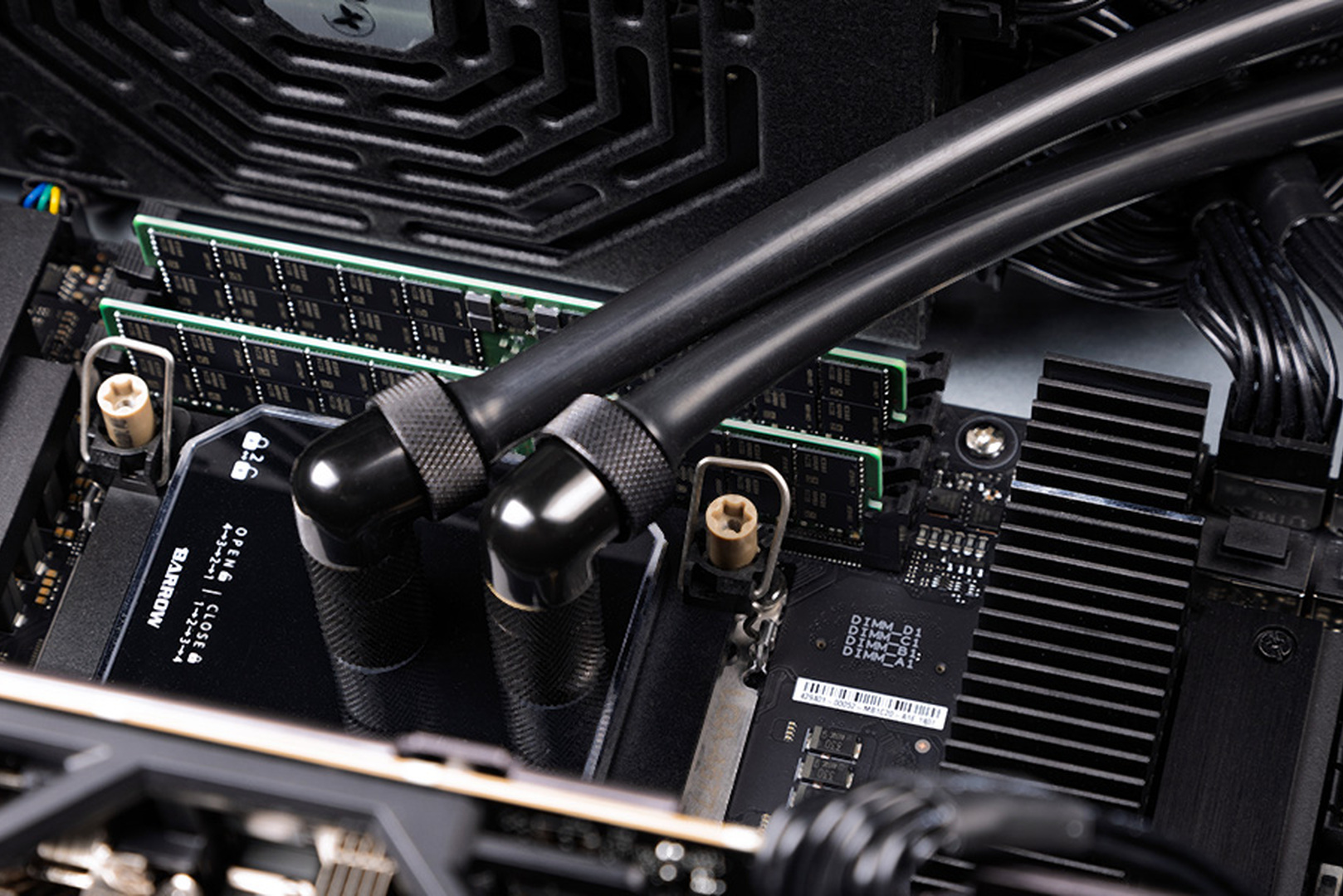
For gaming in 2026 the standard is 32 GB. Moving up from 16 GB does not raise the average frame rate so much as it removes the stutter and frame time spikes in open worlds, which is exactly what people find most irritating.
The problem is price. The global DRAM shortage moved memory out of the cheap category: 32 GB DDR5 kits in UAE retail sat in the AED 1,900 to 2,600 range through 2026, putting a memory kit in the same bracket as an entry level graphics card. Three rules follow:
- Do not add sticks to an existing kit. Mixing modules from different production runs frequently means the performance profile will not run at its rated speed. Buying a full kit and selling the old modules is cheaper and more predictable.
- Check how many slots are occupied. Four slots filled with 4 GB modules means a full replacement, not an addition.
- Do not chase extreme speeds. The difference in games between a sensible kit and a flagship one is a few percent, while in dirhams it is substantial.
If your platform is healthy and runs DDR4, a 32 GB DDR4 kit currently costs far less than moving to DDR5 with a new board and processor. This is one of the rare moments when the older standard is the better buy.
Storage: the cheapest upgrade with a real effect
If the system still runs from a mechanical drive or an early SATA SSD, storage is the first thing to change regardless of everything else. A 1 TB NVMe drive in UAE retail runs roughly AED 300 to 535 depending on model and controller, which makes it the smallest line in any upgrade estimate.
What it delivers: shorter level loads, no texture pop-in in open worlds, and a responsive system outside games. What it does not deliver: a higher average frame rate. Those two effects are routinely confused.
- 1 TB is the sensible minimum for the system plus a few current titles, 2 TB is comfortable.
- Games can live on a second drive, but the operating system belongs on NVMe.
- Cheap DRAM-less drives make sense for cold storage, not for the system volume.
Power supply: the mandatory line people forget
A power supply is not an upgrade, it is the condition under which the upgrade is safe. A new graphics card on an undersized or worn unit produces reboots under load, and in the worst case takes other components with it.
Replace the power supply when:
- Capacity is insufficient with headroom for the new card. For the RTX 5070 Ti class, plan on 750 to 850 W.
- The unit is older than six or seven years, regardless of its rating. Capacitors age, and in a warm climate they age faster.
- The right connectors are missing. Current cards want a native 12V-2x6 connector, not an adapter made from several PCIe leads.
- It predates the ATX 3.0 or 3.1 standard, which exists specifically to absorb graphics card power transients.
At UAE retail an 850 W unit with 80 PLUS Gold certification runs around AED 490 to 520. That is roughly 15 percent on top of a mid-range graphics card, and it belongs in the estimate from the start rather than as a surprise after the card arrives.
The UAE factor: heat, dust and why cooling comes first
There is one variable here that upgrade guides written for Europe or North America simply do not account for. Ambient temperature in the UAE consumes part of the thermal margin before the machine is switched on, and fine dust loads filters and radiators faster than in most climates.
Practical consequences:
- Service intervals are shorter. A machine that would run a year elsewhere wants attention every six to eight months here, particularly if it sits on the floor.
- Cooling headroom is not a luxury. A component that throttles in an air-conditioned room in January will throttle harder in August.
- Dried thermal pads are a common failure. On graphics cards older than three years, memory and power delivery pads lose conductivity while the chip itself remains fine, producing throttling that looks like a dying card.
- Check cooling before buying anything. If frame rates are normal for the first 10 to 15 minutes and then fall, no component purchase will fix it.
Three upgrade budgets in AED
Three typical packages. Figures are indicative UAE retail for 2026 and exclude labour and delivery.
| Budget | What it covers | What you get |
|---|---|---|
| Up to AED 3,000 | 1 TB NVMe drive, 32 GB memory kit, cooling service | Stutter and long loads disappear, memory and storage stop limiting the system. Average frame rate barely moves |
| AED 3,000–6,000 | Graphics card in the RTX 5070 class, power supply if required | Comfortable 1440p at high settings, the main frame rate gain |
| AED 6,000–9,000 | RTX 5070 Ti class card, 850 W ATX 3.1 power supply, 32 GB memory | 1440p maxed with headroom, ready for the next generation of titles |
Note how large the memory line has become: in the first tier, the 32 GB kit alone accounts for most of the budget. Before the DRAM shortage that tier would have been half the price.
How an upgrade works at HYPERPC Dubai
The process runs in five steps: place the order, deliver the PC (courier collection is available), consultation and a written estimate, payment, then return delivery or collection in person. Cost is determined by the components being replaced and the complexity of the work, and it is quoted before any payment is made.
What the Upgrade Center covers:
- Performance: graphics card replacement, processor and motherboard upgrades, memory expansion, cooling improvements.
- Maintenance: professional diagnostics, compressor dust removal, thermal interface replacement, custom liquid cooling service, driver updates.
- Fault resolution: full diagnostics and replacement of failed components.
- Appearance: vinyl wrapping, automotive paint in custom colours, airbrush work, custom cooling installation.
Warranty covers up to one year on all components and up to three months on all types of work. Turnaround is typically several days, after which the machine is delivered back. The workshop is in Nad Al Hamar, Dubai, open Monday to Friday from 10:00 to 19:00, phone +971 4 526 3600. Full details are on the Upgrade Center page, and if the estimate shows an upgrade does not pay, the configurator prices a new machine instead.
What not to upgrade
- Memory beyond 32 GB for gaming. No frame rate gain. 64 GB belongs in rendering and AI workloads, not in a gaming machine.
- A processor on a dead-end platform. The money does not carry over: when the platform changes, the processor goes with it.
- A flagship card behind an old processor at 1080p. Half the card's capability will never be used.
- Extreme memory kits. A few percent in games for a substantial premium.
- A new case to fix temperatures. Measure first. Cleaning and a correct fan layout usually do more.
Recommended
Frequently Asked Questions Here are the answers.
-
What should I upgrade first in a gaming PC?
In most cases the graphics card, since it drives frame rates at 1440p and 4K. Two exceptions: if the system still runs from a mechanical drive, storage comes first, and if the processor sits on LGA 1200 or older, price a platform replacement instead, because a new card will run into the old CPU.
-
How much does a PC upgrade cost in Dubai?
A basic package of storage, memory and a cooling service fits under AED 3,000. A graphics card upgrade to the RTX 5070 class runs AED 3,000 to 6,000 including a power supply where needed. A full 1440p upgrade with a 5070 Ti class card lands between AED 6,000 and 9,000 at 2026 retail, before labour.
-
How much does a graphics card cost in the UAE?
At 2026 UAE retail the RTX 5070 ran roughly AED 3,000 to 3,500 and the RTX 5070 Ti roughly AED 3,900 to 5,600, depending on brand and cooler. The spread between retailers on the same model is wide, so it is worth comparing several price lists.
-
Do I need a new power supply when I change the graphics card?
You do if capacity is insufficient with headroom, if the unit is older than six or seven years, if it lacks a native 12V-2x6 connector, or if it predates the ATX 3.0 and 3.1 standard. An 850 W 80 PLUS Gold unit runs around AED 490 to 520 in the UAE.
-
How much RAM do I need for gaming in 2026?
32 GB. Moving up from 16 GB removes stutter in open worlds rather than raising the average frame rate. More than 32 GB delivers nothing in games and is justified only for rendering and AI work.
-
Why did memory get so expensive?
The global DRAM shortage. AI infrastructure demand absorbed production capacity, and DDR5 prices rose several times over 2025 levels. In UAE retail, 32 GB kits sat between AED 1,900 and 2,600 through 2026, which makes memory a real budget decision rather than a rounding item.
-
Does the heat in Dubai affect my PC's performance?
Yes, in two ways. Ambient temperature consumes part of the cooling margin, so a machine closer to its thermal limit throttles sooner, and fine dust loads filters and radiators faster, which shortens service intervals to roughly six to eight months rather than a year.
-
How do I tell overheating apart from weak hardware?
By the shape of the problem over time. If frame rates are fine for the first 10 to 15 minutes and then drop along with clock speeds, it is cooling. If performance is low from the first second and stays constant, the hardware is the limit and an upgrade is the answer.
-
How long does an upgrade take and is it covered?
Typically several days, after which the machine is delivered back or collected. Coverage is up to one year on all components installed and up to three months on all types of work performed.
-
Can I upgrade a PC that was not bought from HYPERPC?
Yes. The process is the same: delivery or courier collection, diagnostics, a written estimate before payment, then the work and return delivery. The estimate always states which components are being replaced and why.

 Arabic
  English