We are ready to help
Escape from Tarkov: The Requirements and Three Working Configurations
The figure everyone argues about
The recommended requirements for Escape from Tarkov list 64 GB of system memory. For a game, that is an outlier: even heavy open worlds usually stop at 16 or 32 GB. That is why the Tarkov requirements cause so much argument. Some players think the figure is a mistake, others buy 64 GB and do not understand why the gain is smaller than they expected.
Here is what in the requirements is actually critical, and what can be read more loosely.
Official requirements
| Minimum | Recommended | |
|---|---|---|
| OS | Windows 10 | Windows 11 |
| Processor | AMD Ryzen 5 3600 or equivalent | Intel Core i7-14700F or better |
| Memory | 16 GB | 64 GB |
| Graphics card | GeForce GTX 1660 or equivalent | GeForce RTX 4070 or better |
| Storage | 80 GB | 80 GB |
| DirectX | 11 | 11 |
Version 1.0 released on 15 November 2025, and the requirements were published with the release.
Why memory matters more here than in other games
Tarkov is built differently from shooters with short sessions. The locations are large, there are many objects, and most of them are interactive: items, containers, other players' loot, and the saved state of the raid. All of that stays in system memory for the whole raid, and the amount of memory in use grows as the raid goes on.
The practical result: running out of memory in Tarkov does not show up as a drop in average FPS. It shows up as stutter and streaming hitches at the worst moment, more often near the end of a raid and in dense built-up areas. Those are exactly the situations where a mistake costs the most.
That is the honest answer on 64 GB. The game launches and runs on 16 GB, it plays comfortably on 32 GB, and 64 GB removes the last class of problems: streaming hitches on long raids and on the densest maps. 32 GB is a sensible level for most players. 64 GB makes sense if you play a lot and at maximum draw distance.
Why the recommended processor is stronger than it seems
The Core i7-14700F in the recommended requirements is not there for average frame rates. Tarkov loads the processor with network sync, AI and item physics, and the processor is what sets minimum FPS, meaning the drops in firefights.
The same rule applies here as in CS2 and simulators: a processor with a large cache and a high clock gives a clearly smoother picture than a graphics card one class higher. If the budget is limited, the money goes into the processor.
Graphics card and resolution
The RTX 4070 in the recommended requirements is the reference for 1440p on high settings. Full HD is fine with a card one class lower. 4K needs headroom in both performance and video memory.
One particular habit: many experienced players deliberately lower some graphics settings for a more readable image and a stable frame time. So a graphics card for Tarkov is more often chosen for a target frame rate at high draw distance, which loads both the processor and memory, than for maximum settings.
Storage
The 80 GB in the requirements is about capacity, not speed, but speed matters too. Loading into a raid takes clearly longer on a SATA SSD than on NVMe, and in a game where the raid entry is on a timer that is a practical difference. An HDD is not an option.
Three configurations
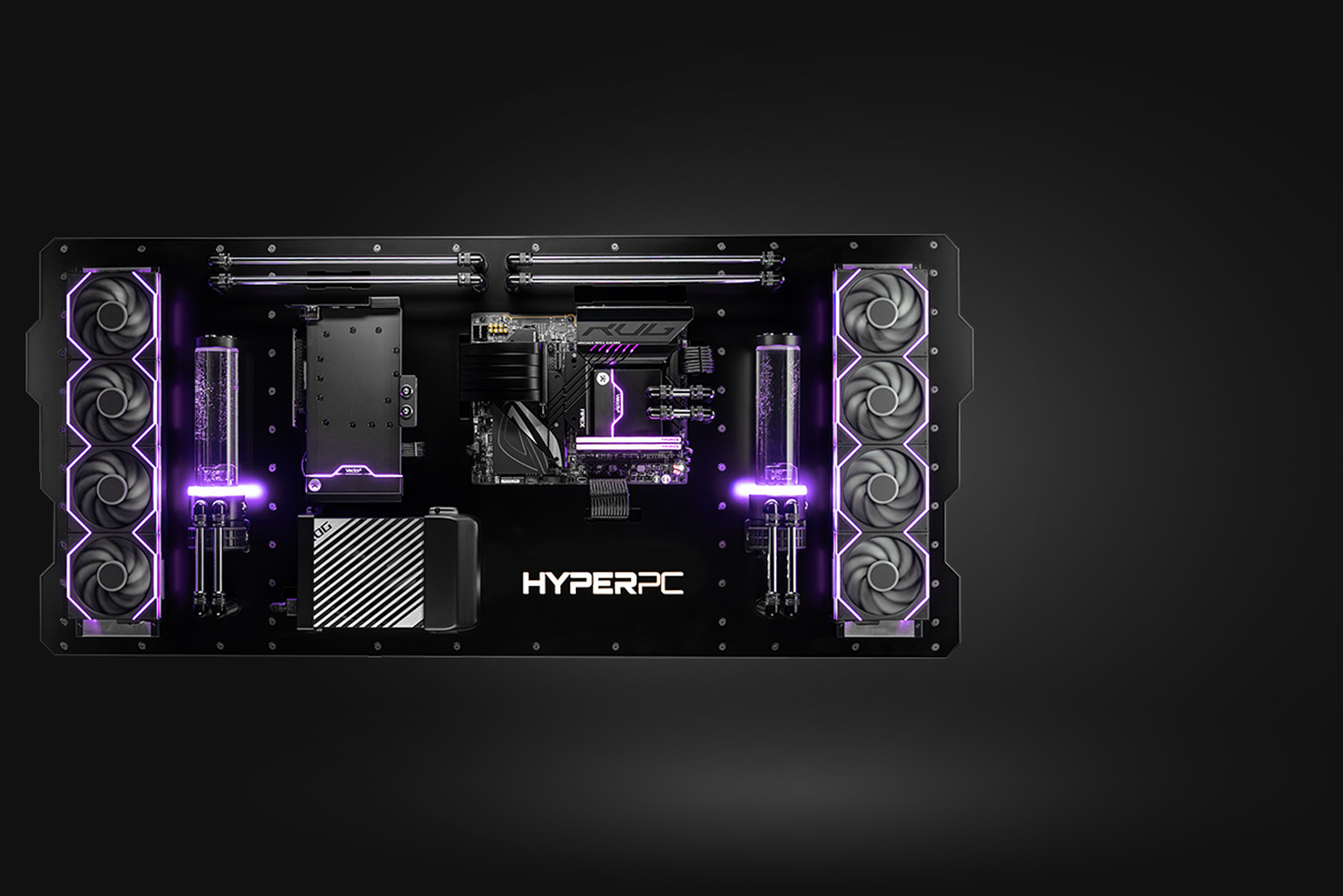
A comfortable start, Full HD. A current-generation six-core or eight-core processor, 32 GB of DDR5, an RTX 5060 Ti class graphics card with 16 GB, and a 1-2 TB NVMe drive. This is the level where the game runs stably on high settings without the stutter typical of 16 GB of memory.
The working option, 1440p. An eight-core processor with an extended cache, 32 or 64 GB of DDR5, an RTX 5070 Ti class graphics card, and a 2 TB NVMe drive. This configuration covers not only Tarkov but the whole class of competitive games on a high-refresh monitor.
No compromises. A processor with an extended cache, 64 GB of DDR5, an RTX 5080 or 5090, a PCIe 5.0 drive, and cooling with headroom. This is where the last source of stutter disappears, and the machine stays relevant for the next game updates.
Three mistakes when choosing a PC for Tarkov
The first: buying 16 GB of memory because that is the minimum requirement. The game will formally run. In practice you get stutter where it costs the most.
The second: putting everything into the graphics card with a weak processor. In Tarkov that is the fastest way to get a high average FPS and a bad game: the drops remain.
The third: a slow drive. Loading into a raid and streaming the location depend directly on the drive, and this is the only item where the upgrade costs little and is felt immediately.
Recommended
Frequently Asked Questions
- Is it true that Tarkov needs 64 GB of memory?
64 GB is listed in the recommended requirements. The game also runs on 32 GB, and that is a sensible level for most people. 64 GB removes the streaming hitches on long raids and on the densest locations.
- Is 16 GB enough?
That is the minimum requirement: the game will launch. In practice, 16 GB brings stutter and streaming hitches, especially in the second half of a raid.
- What matters more for Tarkov: the processor or the graphics card?
The processor, if you mean a stable picture in firefights. The graphics card sets the resolution and the settings. The processor sets minimum FPS.
- Which graphics card do you need for 1440p?
An RTX 4070 class card is listed in the recommended requirements. In the current generation, an RTX 5070 and an RTX 5070 Ti match that class. Full HD is fine with a lower tier.
- Do you need NVMe?
Yes. The requirements mention 80 GB of free space, but drive speed affects how long it takes to enter a raid and how the location streams in. An HDD is not suitable for the game.
- Will a memory upgrade help on a PC you already have?
Often this is the cheapest step you will actually notice: moving from 16 to 32 GB removes most of the stutter. Before you buy, check the capacities and the number of slots the platform supports.

 Arabic
  English