We are ready to help
007 First Light: Requirements and Settings for a Stable 60 FPS
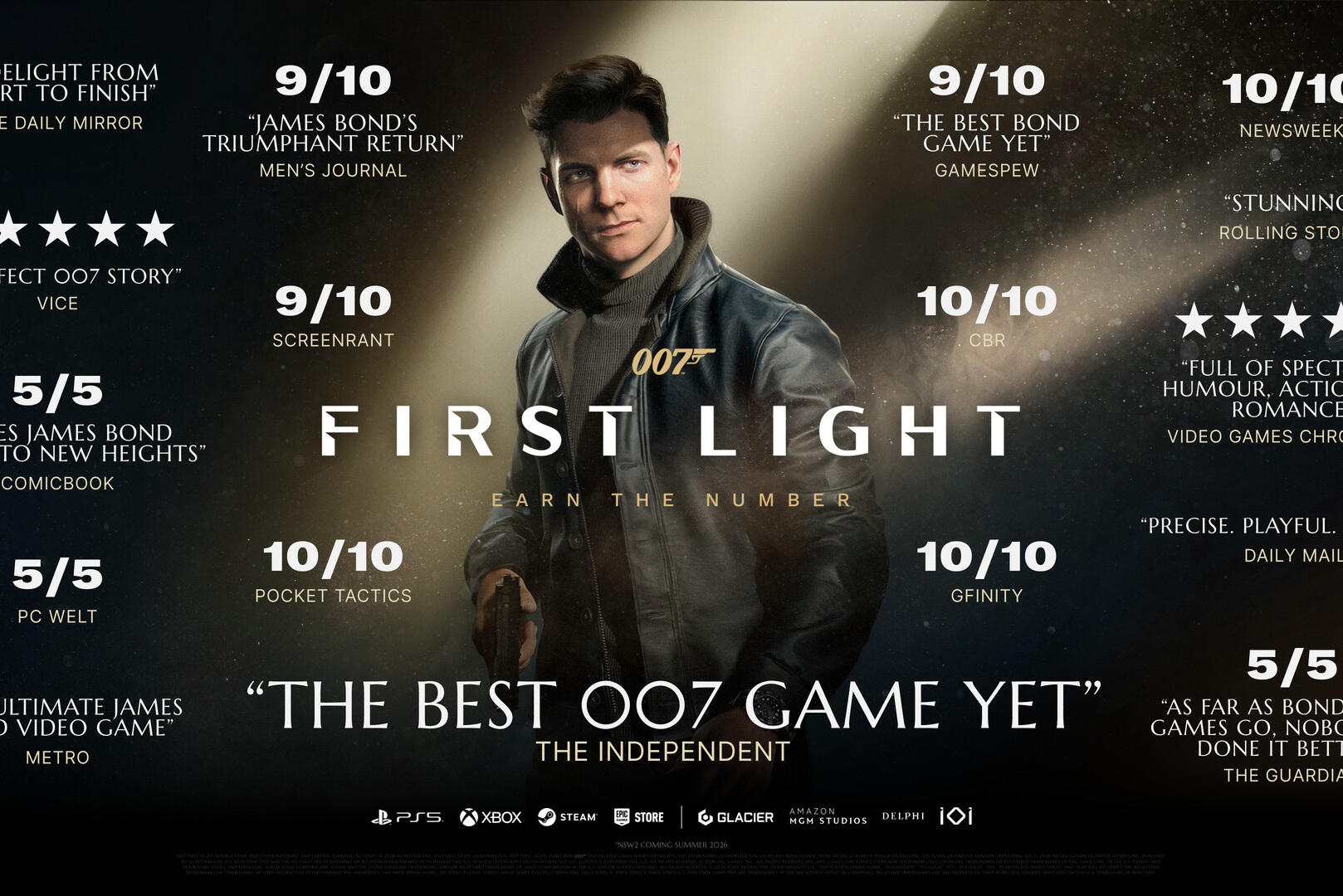
007 First Light was released on May 27, 2026, for PC, PlayStation 5, and Xbox Series X/S. IO Interactive published five system requirement presets for the PC version, ranging from 1080p at 30 FPS to 4K at 200 FPS or higher. The table contains one detail that most summaries miss: DLSS is not used for the first four presets.
Below is the complete official requirements table, an explanation of how to read it, the game's actual bottleneck, and the settings that deliver a stable 60 FPS on your hardware.
Official System Requirements
IO Interactive has divided the requirements into five presets. They all require Windows 10 or 11 with a 64-bit system and an 80 GB SSD.
| Preset | Goal | Processor | Graphics card | RAM | VRAM |
|---|---|---|---|---|---|
| Minimum | 1080p, 30 FPS | Core i5-9500 or Ryzen 5 3500 | GTX 1660 or RX 5700 | 16 GB | 6 GB |
| Recommended | 1080p, 60 FPS | Core i5-13500 or Ryzen 5 7600 | RTX 3060 Ti or RX 6700 XT | 16 GB | 8 GB |
| Enthusiast 1 | 1440p, 60 FPS | Core i5-13500 or Ryzen 5 7600 | RTX 4070 or RX 7800 XT | 16 GB | 12 GB |
| Enthusiast 2 | 4K, 60 FPS | Core i5-13500 or Ryzen 5 7600 | RTX 4080 or RX 7900 XTX | 16 GB | 16 GB |
| Ultra | 4K, 200+ FPS with DLSS 4.5 | Core i5-13600K or Ryzen 7 7700X | RTX 5080 | 32 GB | 16 GB |
How to Read the Table
Three observations change the practical conclusions.
DLSS is not enabled in the first four presets. The figures for Minimum, Recommended, and Enthusiast are native-resolution results. This means the same graphics card will have noticeable headroom above the stated 60 FPS when upscaling is enabled, and that headroom is what turns an average of 60 into a stable 60 FPS.
The processor requirement barely changes. From Recommended through Enthusiast 2, it remains a Core i5-13500 or Ryzen 5 7600. Higher resolutions load the graphics card rather than the processor. For this game, investing in a top-end CPU just to reach 60 FPS does not pay off; the graphics card matters most.
VRAM requirements rise in steps: 6, 8, 12, and 16 GB. These are hard thresholds, not suggestions. At 1440p, an 8 GB card will run out of memory before it runs out of processing power, causing texture pop-in and stuttering rather than merely lowering the average FPS.
The Ultra preset needs separate context: the claimed 200+ FPS at 4K uses DLSS 4.5 with Dynamic Multi Frame Generation. This is different from native frame rate: generated frames make motion look smoother, but they do not reduce input latency the way real frames do.
Can My PC Run It? A Quick Check
| Your graphics card | What to expect |
|---|---|
| GTX 1660, RX 5700, and equivalents | 1080p on Low settings at around 30 FPS. The minimum playable level |
| RTX 3060 Ti and RX 6700 XT | Native 1080p at 60 FPS. Upscaling provides headroom for stable performance |
| RTX 4060 and other 8 GB cards | Comfortable at 1080p; limited by VRAM at 1440p |
| RTX 4070, RX 7800 XT, and RTX 5070 | Native 1440p at 60 FPS |
| RTX 4080, RX 7900 XTX, and RTX 5070 Ti | Native 4K at 60 FPS or high-refresh-rate 1440p |
| RTX 5080 and above | 4K with DLSS 4.5 and frame generation at 100+ FPS |
If your processor predates a 9th-generation Core i5 or Ryzen 3000, start your check there: with a weak CPU, lowering the resolution will not help, and FPS will remain low even at minimum settings.
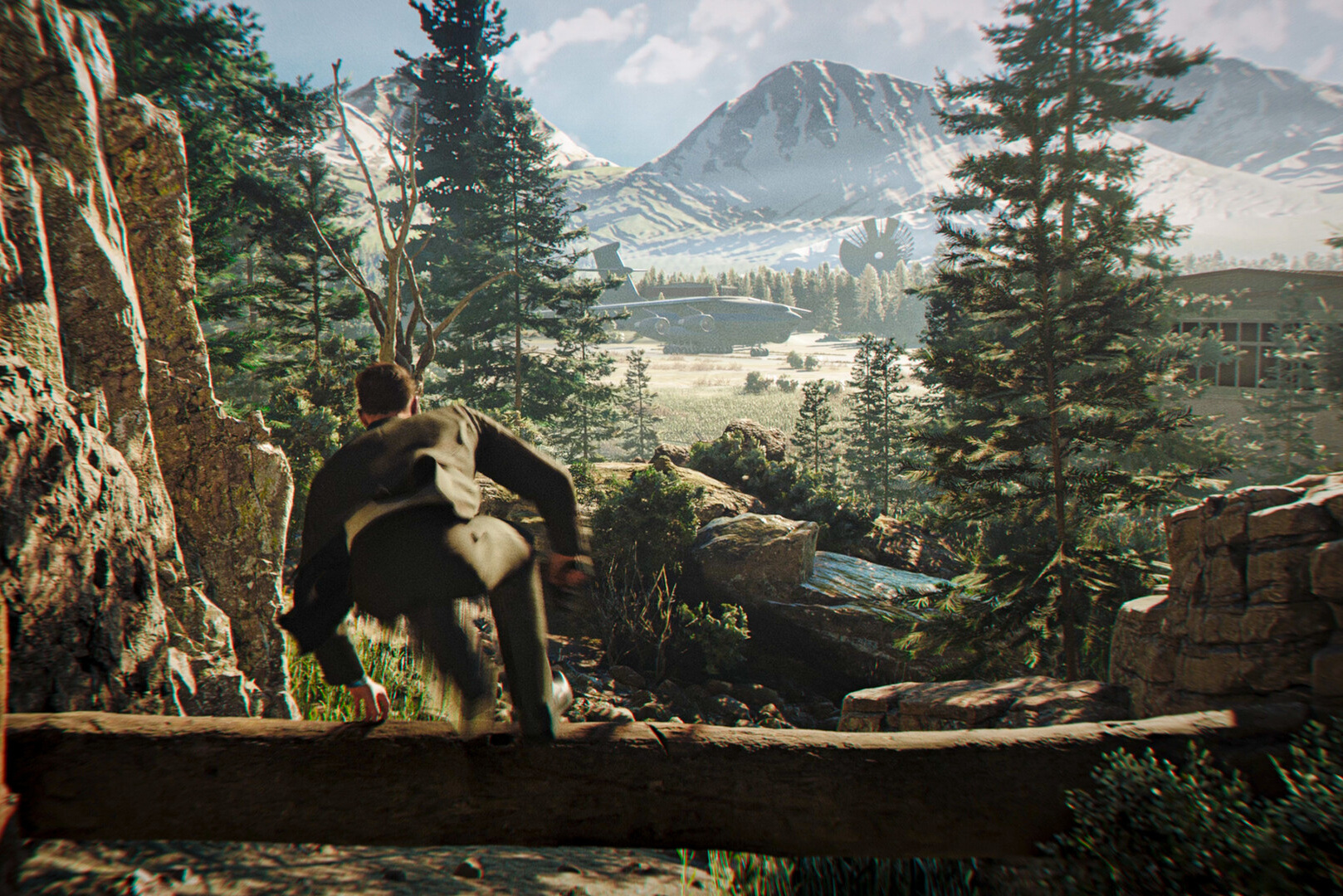
Settings for a Stable 60 FPS
The goal is not the highest average FPS, but keeping minimum frame rates close to 60. Follow these steps:
- Enable upscaling. Use DLSS Super Resolution on NVIDIA graphics cards or FSR on AMD in Quality mode. This provides the largest performance gain with minimal loss of image quality and has been supported since release.
- Do not use frame generation simply to reach 60 FPS. It works well when the base frame rate is already around 50–60 FPS. If the game runs at 35–40 FPS without it, motion will look smoother, but input latency will remain at the 35–40 FPS level.
- Lower shadows and volumetric lighting. In games built on the Glacier engine, these settings create the heaviest load while making the least noticeable visual difference.
- Set reflections to Medium, especially in scenes with water and glass.
- Set texture quality according to available VRAM rather than raw performance. High-resolution textures have almost no FPS cost while they fit in memory, but cause a sharp loss of smoothness once they no longer do.
- Cap the frame rate at or slightly below your monitor's refresh rate. The game supports an uncapped frame rate, but a stable rate feels smoother than one that constantly fluctuates.
Path Tracing and DLSS Ray Reconstruction will arrive in a post-release update. Enabling them will require a graphics card well above the Enthusiast tier, which is worth considering if you are planning an upgrade for this game.
Common problems and their solutions
- Stuttering when entering locations for the first time. This is typical of shader compilation. It usually disappears after the first pass through a scene and may improve after a driver update.
- Texture pop-in and frame drops at 1440p on an 8 GB card. This indicates a VRAM bottleneck, so lower texture quality.
- Low FPS with low graphics card utilization. This indicates a CPU bottleneck, so lowering graphics settings will have little effect. Check for demanding background processes.
- Crashes after a driver update. Reinstall the driver after completely removing the previous version.
- The game will not launch. Check that the Visual C++ packages are installed; common errors are covered in Visual C++ Redistributable for Games.
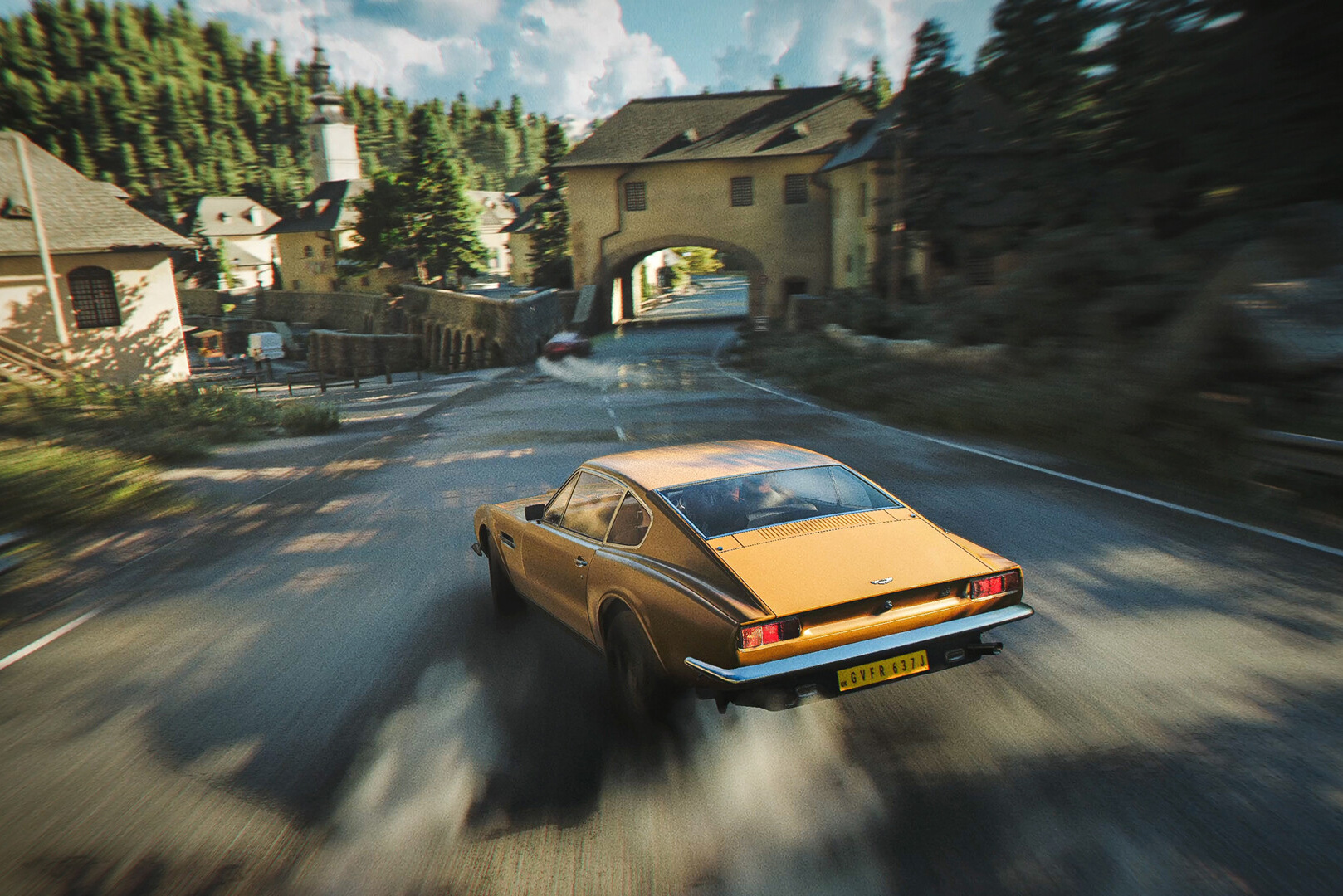
If Your Hardware Falls Short
When the graphics card falls below the Recommended tier and the processor is below a Core i5-13500 or Ryzen 5 7600, settings are no longer the answer. There are two options:
- Upgrade the graphics card if the platform is still current. For 1440p at 60 FPS, you need an RTX 4070- or RTX 5070-class GPU with 12 GB of VRAM. Which component to replace first and how much it costs in dirhams is explained in upgrading a PC in Dubai: what to change first.
- Buy a new machine if both the graphics card and processor need replacing. Ready-made configurations for your target resolution are available in the gaming PC catalog, while you can build your own in the configurator with compatibility checking.
Recommended PCs
Frequently Asked Questions We have prepared the answers.
-
What Are the Minimum System Requirements for 007 First Light?
The Minimum preset targets 1080p at 30 FPS: a Core i5-9500 or Ryzen 5 3500 processor, a GTX 1660 or RX 5700 with 6 GB of VRAM, 16 GB of RAM, 80 GB on an SSD, and 64-bit Windows 10 or 11.
-
What Graphics Card Do I Need for 60 FPS in 007 First Light?
For 1080p at 60 FPS, you need an RTX 3060 Ti or RX 6700 XT with 8 GB of VRAM. For 1440p, use an RTX 4070 or RX 7800 XT with 12 GB. For 4K, use an RTX 4080 or RX 7900 XTX with 16 GB. All of these figures are native, without DLSS.
-
Is DLSS Included in the Official Requirements?
No. DLSS is not used in the Minimum, Recommended, or either Enthusiast preset, and the stated performance is native. DLSS 4.5 with frame generation is used only for the Ultra preset, which targets 200+ FPS at 4K on an RTX 5080.
-
How Much RAM Does 007 First Light Need?
16 GB for all settings except Ultra, which requires 32 GB. VRAM is more important here than system memory, as it ranges between 6 GB at the minimum and 16 GB for 4K resolution.
-
Which processor does 007 First Light need?
A Core i5-13500 or Ryzen 5 7600 is sufficient for 60 FPS, and this requirement does not increase from 1080p to 4K. The Ultra preset specifies a Core i5-13600K or Ryzen 7 7700X. In this game, higher resolution loads the graphics card rather than the processor.
-
How much space does 007 First Light occupy?
80 GB, with an SSD required for every preset. On a hard drive, the game will suffer from asset-streaming stutters and long load times.
-
How Do I Get a Stable 60 FPS in 007 First Light?
Enable DLSS or FSR in Quality mode, lower shadows and volumetric lighting, set reflections to Medium, adjust texture quality to available VRAM, and cap the frame rate at your monitor's refresh rate. Enable frame generation only if the game already runs at around 50–60 FPS without it.
-
Does 007 First Light Have Path Tracing?
Not at launch. Path Tracing and DLSS Ray Reconstruction are planned for a post-release update. They will require a graphics card well above the Enthusiast tier.
-
Does 007 First Light work on an 8 GB card?
Yes at 1080p; that matches the Recommended preset. At 1440p, an 8 GB card will run out of VRAM, causing texture pop-in and stuttering, so texture quality will need to be reduced.
-
When was 007 First Light released?
May 27, 2026, on PC, PlayStation 5, and Xbox Series X/S. IO Interactive is both the developer and publisher.

 Arabic
  English