We are ready to help
PC for The Blood of Dawnwalker: Requirements and Settings
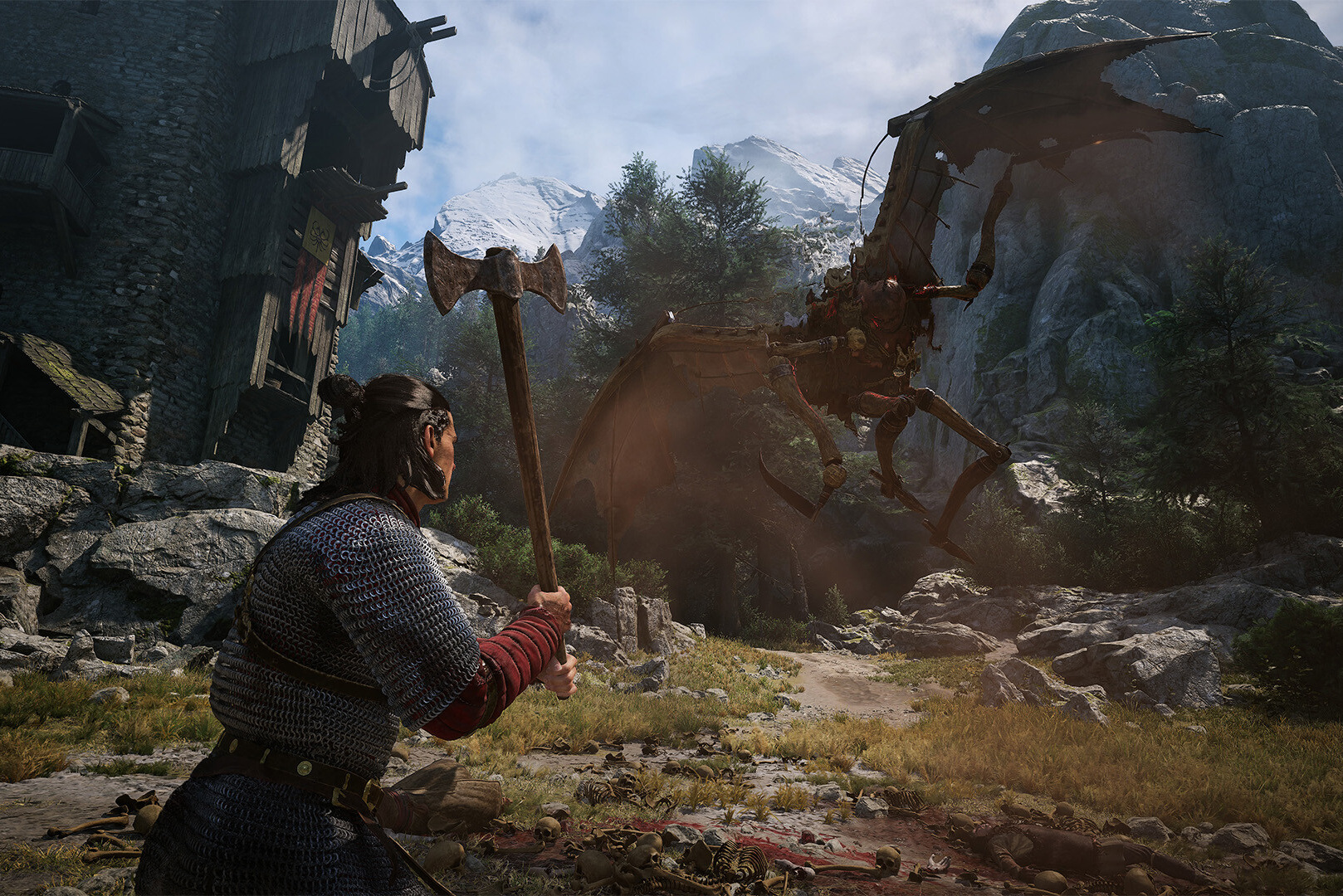
The Blood of Dawnwalker is the debut game from Rebel Wolves, a studio founded by veterans of The Witcher 3, and it released on 3 September 2026. It is a single-player open-world action RPG in a dark-fantasy setting, built on Unreal Engine 5, and it sold a million copies in its first three days.
Below are the official system requirements and how to read them, which Unreal Engine 5 settings give the biggest gain, and what PC each resolution needs.
The game in short
| Detail | Value |
|---|---|
| Developer | Rebel Wolves |
| Publisher | Bandai Namco Entertainment |
| Release date | 3 September 2026 |
| Genre | Single-player open-world action RPG, dark fantasy |
| Engine | Unreal Engine 5 |
| Sales | A million copies in three days |
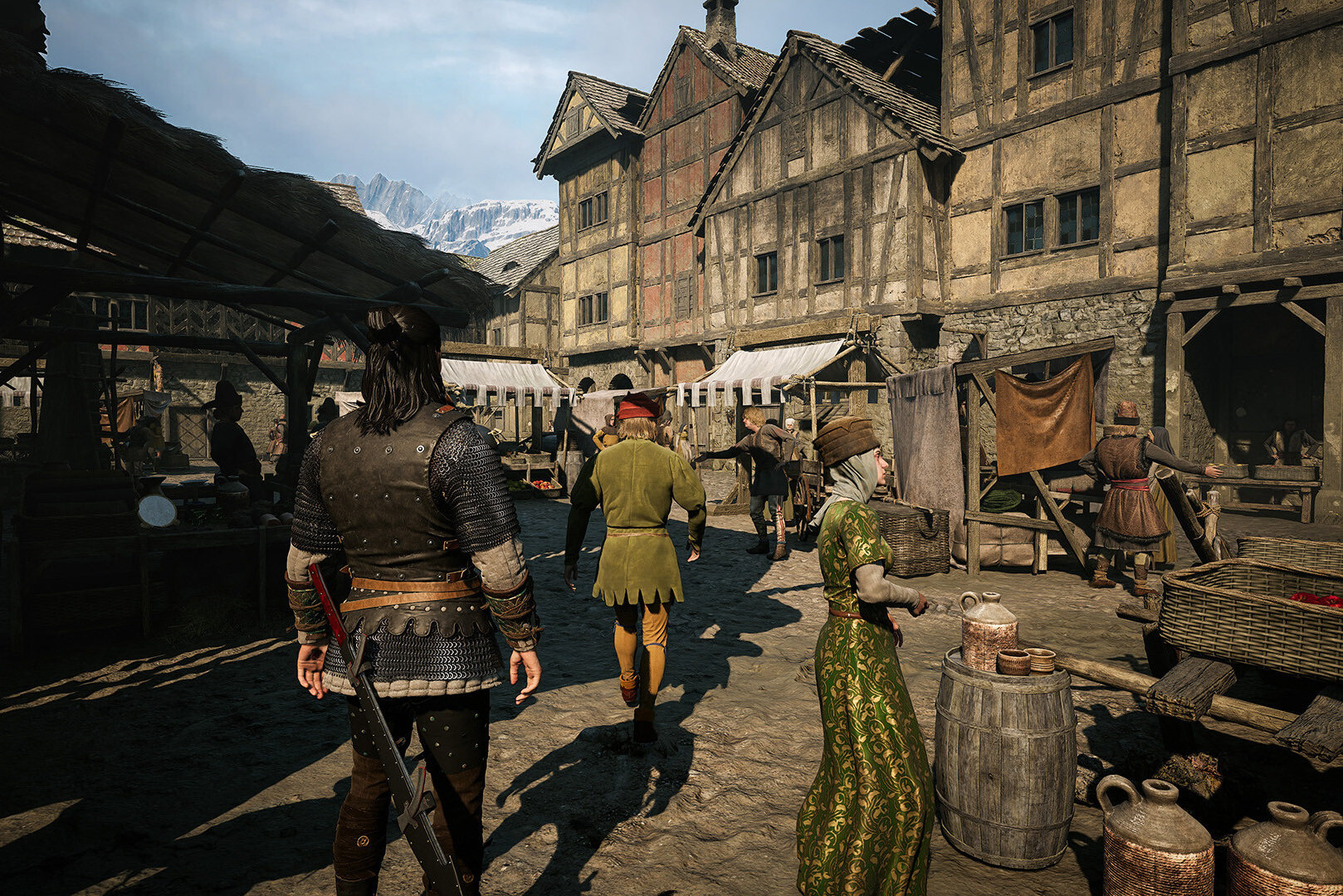
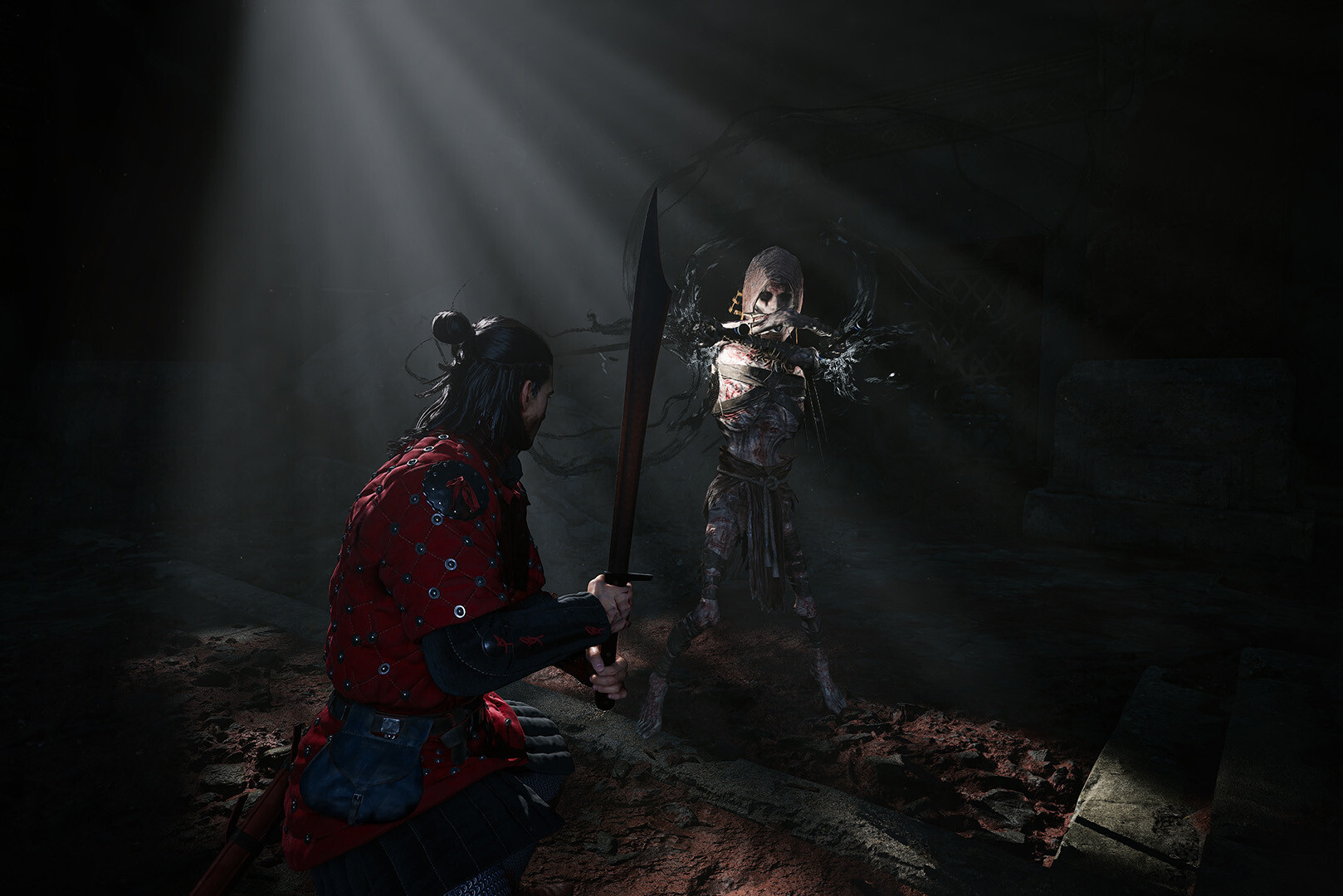
The protagonist Coen stays human by day and gains vampire powers at night. The shift between day and night changes not only how the world looks, but the hero's abilities and how you approach quests, and that is the game's central mechanic.
Official system requirements
Every preset lists 16 GB of system memory, 60 GB on an SSD, 64-bit Windows 10 or 11, and DirectX 12.
| Preset | Target | Processor | Graphics card |
|---|---|---|---|
| Minimum | 1080p, 30 FPS, low | Core i5-11400F or Ryzen 7 2700X | GTX 1060 or RX 580 |
| Medium | 1080p, 60 FPS, medium | Core i7-11700K or Ryzen 7 5700X | RTX 2060 Super, GTX 1070 Ti, RX 5700 or Arc A750 |
| High | 1440p, 60 FPS, high | Core i7-11700K or Ryzen 7 5700X | RTX 4060, RX 7600 XT or Arc B580 |
| Ultra | 4K, 60 FPS, ultra | Core i7-12700K or Ryzen 7 7800X3D | RTX 4070 Ti or RX 9070 |
How to read these requirements
Every preset assumes upscaling is on. DLSS, FSR or XeSS is already counted in the minimum requirements. The listed FPS is not native, and without upscaling the same graphics card will deliver clearly fewer frames. That is the main difference from games whose requirements are published at native resolution.
The processor requirements are moderate. For 60 FPS a processor around the Ryzen 7 5700X is enough, and only the ultra preset asks for a Ryzen 7 7800X3D or Core i7-12700K. Most of the load falls on the graphics card.
16 GB of memory is the minimum, not the comfortable level. In an Unreal Engine 5 open world with background programs, 32 GB clearly reduces streaming stutter.
An SSD is required. In an open world, streaming assets from a fast NVMe drive directly affects how smooth movement feels.
Will my PC run it: a quick check
| Your graphics card | What to expect |
|---|---|
| GTX 1060, RX 580 | 1080p low, about 30 FPS with upscaling |
| RTX 2060 Super, RTX 3060 | 1080p medium, about 60 FPS with upscaling |
| RTX 4060, RTX 5060 | 1440p high, about 60 FPS with upscaling |
| RTX 4070 Ti, RTX 5070 Ti, RX 9070 | 4K ultra, about 60 FPS with upscaling |
| RTX 5080 and above | 4K ultra with headroom, above 60 with frame generation |
Settings for stable FPS
Unreal Engine 5 has a few typically heavy settings, and lowering them gives the biggest gain.
- Upscaling in Quality mode. DLSS on NVIDIA, FSR on AMD, XeSS on Intel. The developer builds it into every preset, so playing without it is not worth it.
- Global illumination. In Unreal Engine 5 this is one of the heaviest settings. Dropping it one level gives a clear gain for a moderate loss in lighting quality.
- Shadows and reflections. Set them one step below maximum.
- Foliage density. In an open world this is a common cause of drops in forests and fields.
- Texture quality follows video memory. As long as textures fit in memory, they cost almost no FPS.
- Frame generation only from a 50-60 FPS base. It smooths the image, but it does not cut latency if the starting frame rate is low.
Common Unreal Engine 5 problems
- Stutter on the first visit to a location. Shader compilation and asset streaming while moving through the world is typical engine behavior. It usually settles after the first pass and gets better with patches and drivers.
- Frame drops during fast travel. An NVMe drive and 32 GB of system memory help.
- Crashes. Check the runtime libraries; the breakdown is in Visual C++ Redistributable for games. If the whole system is unstable, see why a PC restarts by itself.
- Low FPS while the graphics card is barely loaded. The limit is the processor, and it matters most on the ultra preset.
What PC The Blood of Dawnwalker needs
| Goal | Processor | Graphics card | Memory | Storage |
|---|---|---|---|---|
| 1080p, 60 FPS | Ryzen 5 7600 or equivalent | RTX 5060 | 16-32 GB | 1 TB NVMe |
| 1440p, 60+ FPS | Ryzen 7 7700 or equivalent | RTX 5060 Ti 16 GB or RTX 5070 | 32 GB | 1 TB NVMe |
| 4K, 60+ FPS, ultra | Ryzen 7 9800X3D | RTX 5070 Ti or RTX 5080 | 32 GB | 2 TB NVMe |
If the current machine does not reach the level you want, upgrade or a new computer helps work out which is better value: replacing the graphics card or buying a new system. Ready configurations for the resolution you need are in the gaming PC catalog, and you can build your own in the configurator.
Recommended
Frequently Asked Questions
- What are the minimum system requirements for The Blood of Dawnwalker?
The minimum preset targets 1080p at 30 FPS on low settings with upscaling: a Core i5-11400F or Ryzen 7 2700X, a GTX 1060 or RX 580, 16 GB of memory, 60 GB on an SSD, and 64-bit Windows 10 or 11 with DirectX 12.
- Which graphics card do you need for 60 FPS in The Blood of Dawnwalker?
For 1080p medium, an RTX 2060 Super, GTX 1070 Ti, RX 5700 or Arc A750. For 1440p high, an RTX 4060, RX 7600 XT or Arc B580. For 4K ultra, an RTX 4070 Ti or RX 9070. All of those figures assume upscaling is on.
- Is upscaling included in the requirements?
Yes. DLSS, FSR or XeSS is built into every preset, including the minimum. Without upscaling the same graphics card will deliver clearly fewer frames than the table shows.
- How much memory does The Blood of Dawnwalker need?
Officially 16 GB for every preset. For comfortable play in the open world with background programs, 32 GB is better: it reduces stutter while assets stream in.
- Which processor does The Blood of Dawnwalker need?
For 60 FPS a Core i7-11700K or Ryzen 7 5700X is enough; the 4K ultra preset lists a Core i7-12700K or Ryzen 7 7800X3D. Most of the load in the game falls on the graphics card.
- How much space does The Blood of Dawnwalker take?
60 GB, and an SSD is required. For the open world an NVMe drive is better: it speeds up streaming while you move and cuts stutter.
- Why does The Blood of Dawnwalker stutter while moving?
That is typical Unreal Engine 5 behavior: shader compilation on the first visit and streaming of open-world assets. An NVMe drive, 32 GB of memory, driver updates and game patches help.
- Which settings raise FPS in The Blood of Dawnwalker?
Turn on upscaling in Quality mode, drop global illumination one level, set shadows and reflections below maximum, reduce foliage density and set textures to fit video memory. Use frame generation from a 50-60 FPS base.
- When did The Blood of Dawnwalker release?
On 3 September 2026. The developer is Rebel Wolves, a studio of The Witcher 3 veterans, and the publisher is Bandai Namco Entertainment. The game sold a million copies in its first three days.
- Will The Blood of Dawnwalker run on an 8 GB graphics card?
Yes, up to 1440p high with upscaling, which is RTX 4060 territory. For 4K ultra, plan on a card with 12-16 GB of video memory.

 Arabic
  English