We are ready to help
RAM in 2026: how much you really need
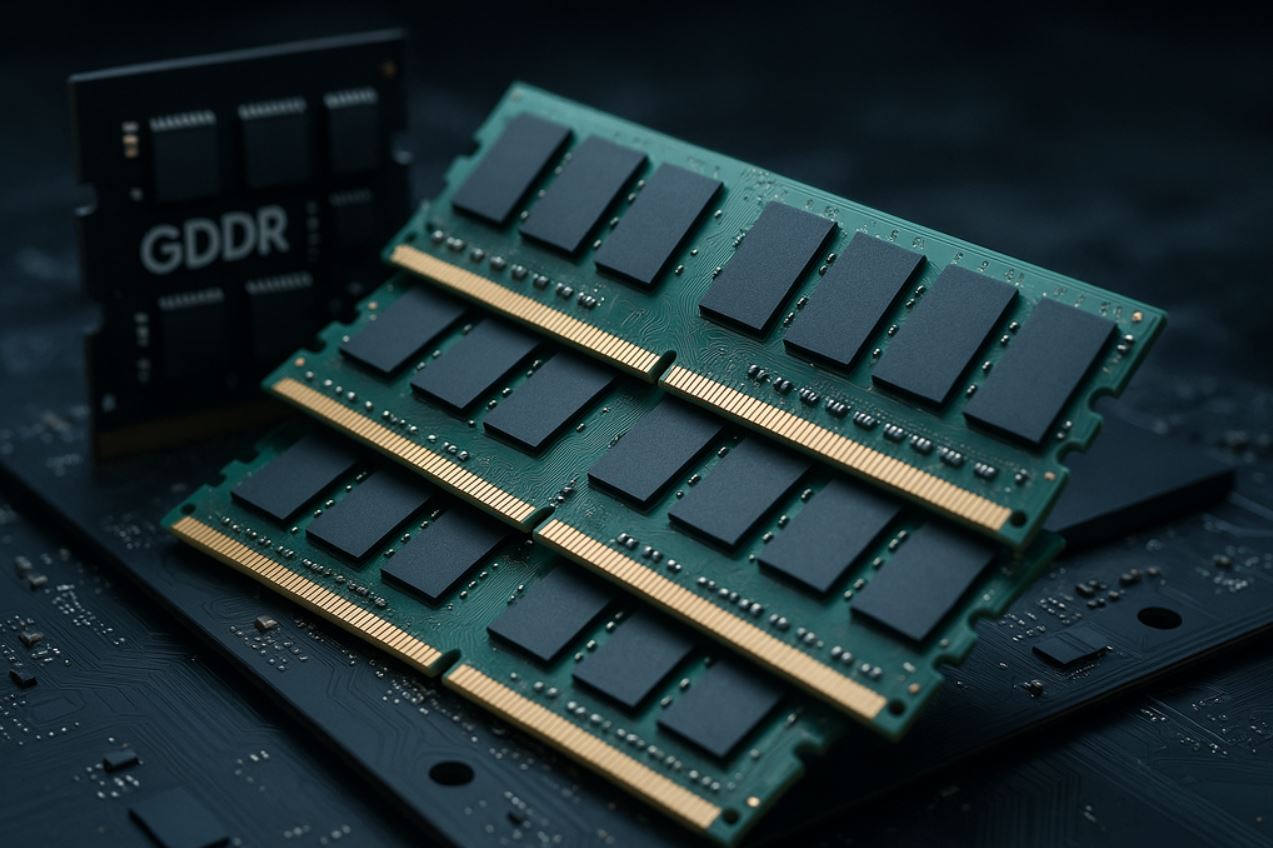
The question “how much RAM do you need in 2026?” sounds simple, but the answer depends on your workloads, platform, and upgrade horizon. RAM does not directly make a PC faster, but not having enough memory turns any build into a source of freezes, stutter, and frustration. Let’s look at it objectively, without marketing or fluff.
Key RAM characteristics
Memory capacity: how much do you need?
Capacity is the first and most important RAM characteristic. When installed memory is insufficient, the system moves data to the page file. Even a fast NVMe SSD is almost 10 times slower than RAM in bandwidth and thousands of times slower in access latency, which causes familiar stutters when changing locations, long loading moments, and FPS drops. Think of it as a desk: a small one forces you to constantly put away one set of papers to reach another. A large enough desk keeps everything you need within reach.
Frequency: chasing speed
Clock frequency determines bandwidth: how much data RAM can send to the CPU per unit of time. DDR4 runs at 2,400–3,600 MHz, while DDR5 starts at 4,800 MHz and reaches 8,000 MHz in high-end modules. The law of diminishing returns applies here: moving from 2,400 to 3,200 MHz is noticeable, but the difference between 3,600 and 4,000 MHz in real games is below 1–2%. Chasing extreme megahertz means paying for benchmark numbers rather than a result you can feel.
Timings: what they are and how they affect performance
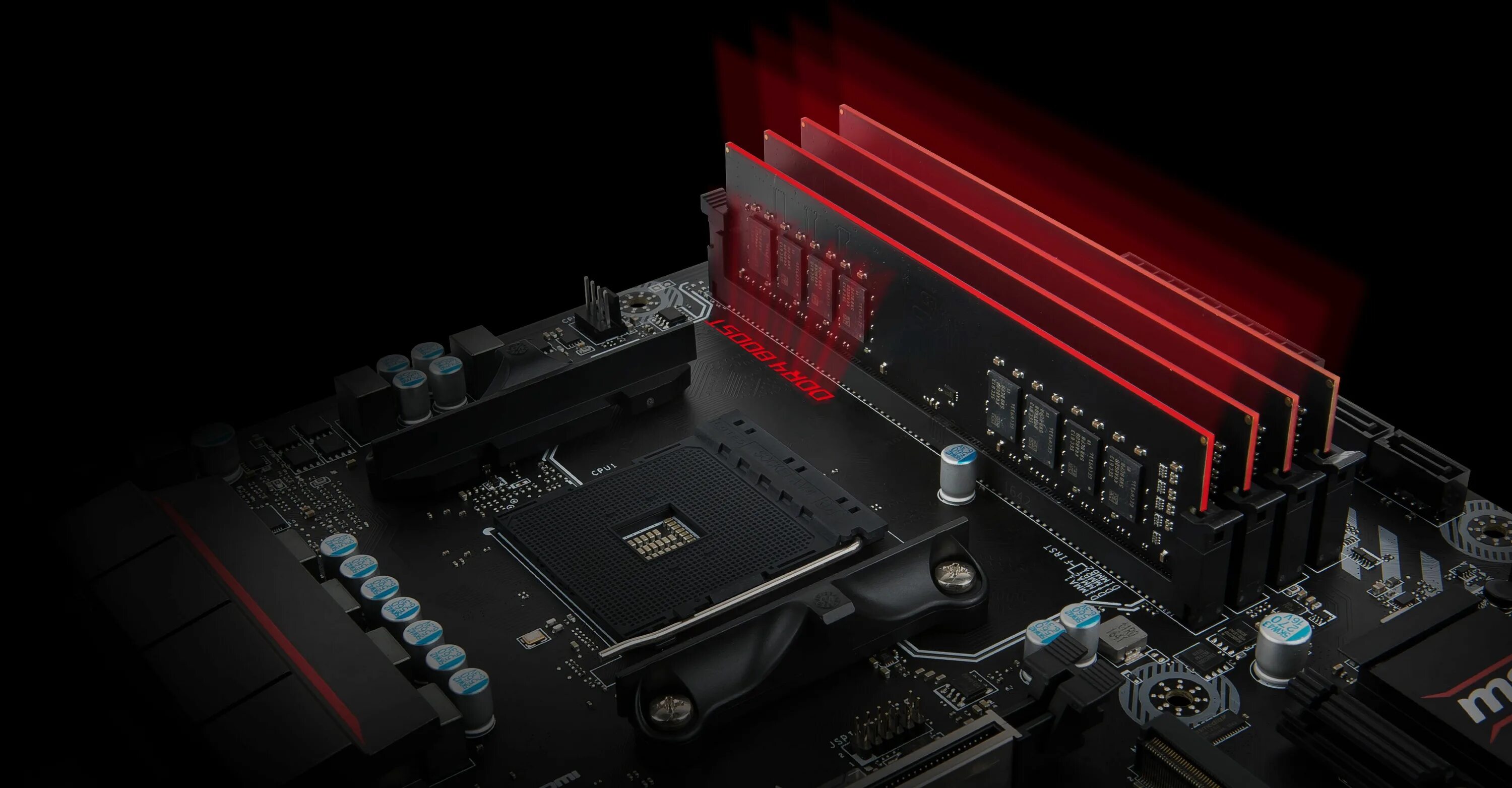
Timings, including CAS Latency or CL, are the delay before a command is executed. The lower the value, the faster memory responds to requests. CL16 is better than CL18: the relationship is direct. A high-frequency module with poor timings can lose to a slower but better-optimized one. DDR4-3200 CL16 often beats DDR4-3600 CL20 in real workloads. Look for a balance between frequency and timings: that is the right choice.
How much RAM to choose for different tasks
Office work or study
For office tasks, web browsing, and study, the minimum comfortable capacity is 16 GB. Windows 11, Chrome with a dozen tabs, messengers, and light work apps together use 8–10 GB, leaving only a small reserve. If you plan to keep several heavy tabs open, work with spreadsheets, and listen to music at the same time, 16 GB will already be tight, so it is better to look at 32 GB right away.
Gaming
For a modern gaming PC, the optimal capacity is 32 GB of DDR5. Current games such as Resident Evil: Requiem, Cyberpunk 2077 on ultra settings, Hogwarts Legacy, and Alan Wake 2 consume 12–18 GB, while background apps such as a browser, Discord, a launcher, and monitoring tools add another 4–6 GB. With 16 GB, the system starts actively using the page file exactly in heavy scenes, which is where typical complaints about “bad optimization” come from. Chrome alone in 2026 can use 3–5 GB with several tabs open: that is reality, not an exaggeration.
For comfortable 1440p and 4K gaming, simultaneous streaming, and gameplay recording, 32 GB covers the task with headroom. Memory slot usage also matters: always choose two 16 GB modules instead of one 32 GB stick.
When 64 GB is not a luxury, but a necessary tool
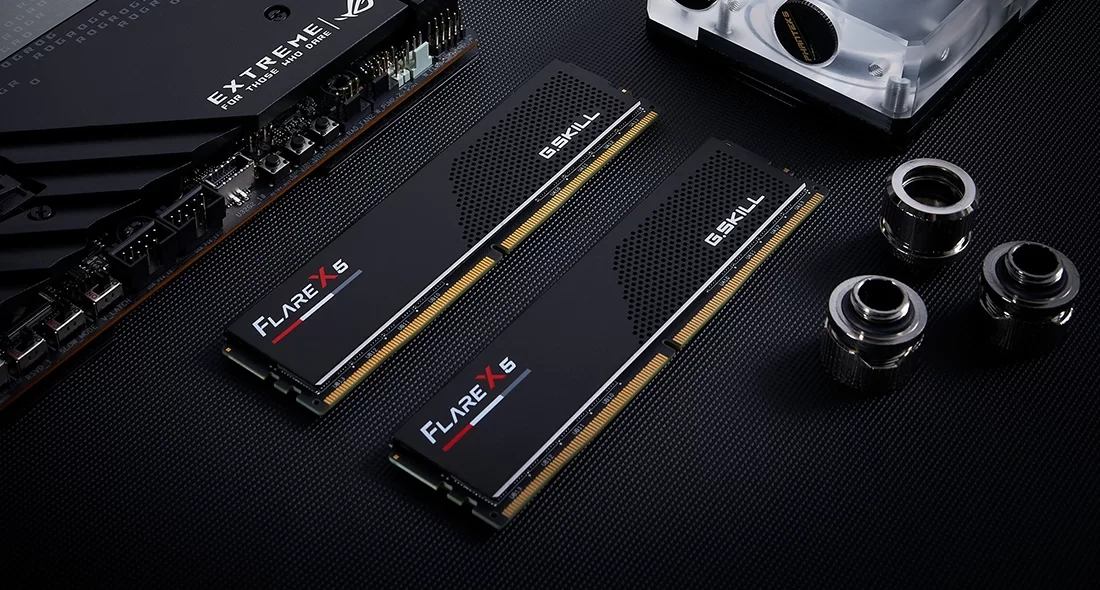
Not everyone needs 64 GB. But if your PC is also a workstation, that capacity is justified. 4K video editing with heavy codecs, 3D modeling in Blender, rendering complex scenes, several virtual machines, and working with local LLMs and neural networks all place real load on memory. Running compressed, Q4_K_M quantized LLMs locally requires keeping the entire model in RAM: Llama 3 70B needs about 43 GB, and with context and the OS included, that becomes roughly the full 64 GB. For these workloads, 64 GB is a working tool, not a flex.
DDR5 vs DDR4: is the upgrade worthwhile?
Technical differences
| Characteristic | DDR4 | DDR5 |
|---|---|---|
| Frequency range | 2,400–3,600 MHz | from 4,800 to 8,000 MHz |
| Maximum module capacity | 32 GB | 64 GB |
| Supply voltage | 1.2 V | 1.1 V |
| Channels per module | 1 × 64-bit | 2 × 32-bit |
In real gaming tests, the difference between DDR4-3600 and DDR5-6000 is 5–10% in average FPS. In CPU-bound games such as simulators and strategies, and in bandwidth-sensitive applications, DDR5 can show a larger advantage: up to 20–30%. In GPU-bound workloads such as 4K on ultra settings, the difference is minimal: 1–3%.
Platform compatibility
| Platform | Socket | Supported RAM type |
|---|---|---|
| AMD AM4 | Ryzen 5000 | DDR4 only |
| AMD AM5 | Ryzen 7000/8000/9000 | DDR5 only |
| Intel LGA1700 | Core 12th–14th Gen | DDR4 or DDR5, depending on motherboard |
| Intel LGA1851 | Arrow Lake and newer | DDR5 only |
Conclusion: for a new build in 2026, DDR5 is the obvious choice. For upgrading an existing AM4 or LGA1700 system, DDR4 remains a rational option.
Optimal frequency and timings: the sweet spot
For DDR4
The optimal range is 3,200–3,600 MHz with CL16–CL18 timings. Memory rated at 4,000–4,400 MHz costs much more, requires a quality motherboard and manual tuning, and adds only 1–3% in games. For most users, that is not a rational expense.
For DDR5
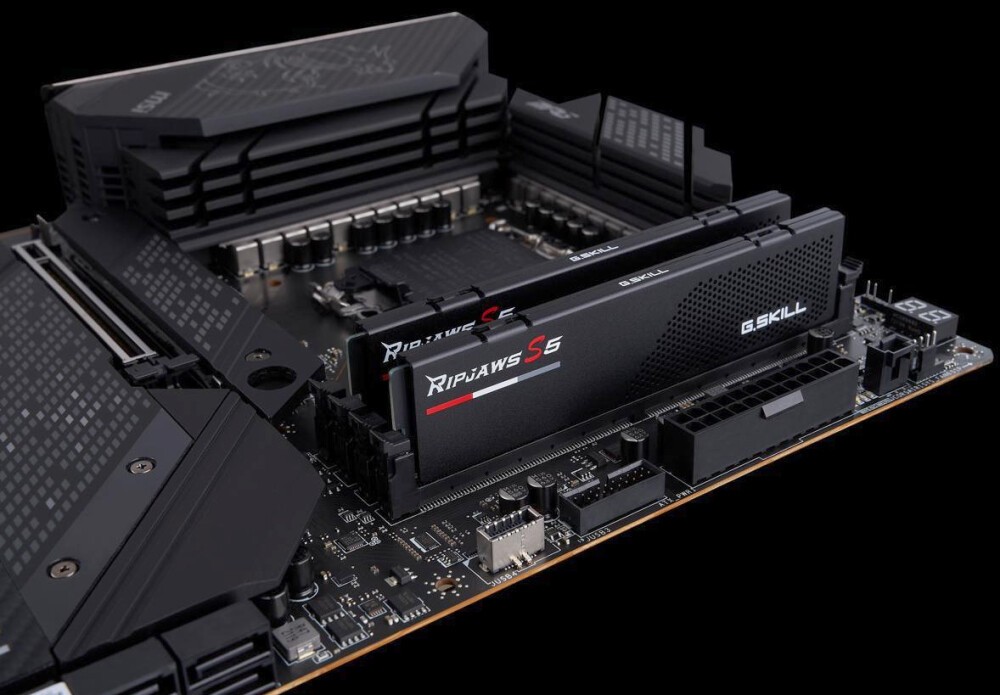
For AMD AM5, the sweet spot is DDR5-6000 MHz with an EXPO profile and CL30–CL32 timings. At this frequency, the Infinity Fabric memory controller runs in 1:1 mode, minimizing latency. For Intel Core Ultra 200S, choose DDR5-6000 or 6400 with XMP 3.0. Modules rated at 7,200–8,000 MHz add about 3–5% in synthetic tests with almost no difference in real games, so the extra cost is not justified.
Dual-channel mode is critical
Installing two modules instead of one activates dual-channel mode, doubling bus bandwidth. The difference between single-channel (1×16 GB) and dual-channel (2×8 GB) can reach 20–40% in games and up to 70% in systems with integrated graphics. Saving money on the second stick is one of the most expensive mistakes when building a PC. Four modules (4×8 GB) technically also work in dual channel, but on some platforms they are harder to stabilize at high frequencies. The optimum is always two modules from one kit.
On motherboards with four slots, install the modules in A2 and B2. Check the exact layout in the motherboard manual.
Compatibility checks and XMP/EXPO profiles
QVL lists
QVL, or Qualified Vendor List, is a list of tested memory modules published by the motherboard manufacturer. If a module is on the list, stable operation at the declared frequency is guaranteed. If it is absent, that does not mean incompatibility: with a 90–95% probability, memory will work normally, especially at common frequencies such as DDR4-3200–3600 MHz and DDR5-6000 MHz.
XMP and EXPO profiles
XMP for Intel and EXPO for AMD are preset overclocking profiles activated in BIOS with one click. Without enabling the profile, DDR4 runs at the base 2,133 MHz and DDR5 at 4,800 MHz. In other words, without this setting you lose 15–30% of the performance you already paid for. After installing the modules, enter BIOS and enable the correct profile.
Calculating real-world memory performance
The impact of RAM on FPS depends on resolution and workload. In 4K on ultra settings, the graphics card becomes the bottleneck, so the difference between DDR4-3200 and DDR5-6000 is only 1–2%. In Full HD with maximum FPS as the goal, the difference can reach 15–20%. In CPU-bound games such as strategies, simulators, and MMOs, RAM frequency matters more. No matter how powerful the graphics card is, insufficient capacity always shows up in 1% Low drops in heavy scenes.
Common mistakes when choosing RAM
When buying RAM, users most often make the same mistakes:
- Buying one stick instead of two: you lose dual-channel mode and 20–40% performance
- Chasing maximum frequency: DDR5-8000 modules cost 2–3 times more while adding only 2–5% in real games
- Not enabling XMP/EXPO: the memory runs at base frequency and you lose up to 30% speed
- Mixing different modules: the system runs at the speed of the slowest stick and may become unstable
- Ignoring QVL at exotic frequencies: memory above 3,600 MHz for DDR4 and 6,400 MHz for DDR5 may fail to start at declared settings
Practical buying recommendations
For a new AMD AM5 PC, choose a DDR5-6000 MHz CL30–32 kit with 2×16 GB. For Intel LGA1700 platforms (12th–14th Gen), DDR4-3600 CL16–18 remains a rational solution: the AED 380–570 saved is better spent on the graphics card. For upgrading AM4 or LGA1200, choose DDR4-3200 CL16 or 3600 CL18 after checking what frequency your CPU can hold stably.
If you want a ready-made PC without choosing memory yourself, HYPERPC offers current configurations with properly selected RAM:
- PLAY: 16 GB DDR5 as a starting point, suitable for games and study
- PLAY 2: 32 GB DDR5-6000 in dual channel, the optimal choice for 1440p gaming and multitasking
- PLAY 3: 32 GB DDR5 with Ryzen 7 9800X3D, confident 4K gaming without compromise
- LUMEN: 64 GB DDR5 for editing, 3D modeling, streaming, and local neural networks.
Frequently Asked Questions We have prepared the answers.
-
Can you install memory sticks with different capacities and frequencies?
Technically yes, but it is not recommended. The system will run at the frequency of the slowest module, and mixing different chips can cause stability issues. The best option is identical sticks from one kit. When upgrading, buy a new kit with the capacity you need and sell the old modules.
-
What matters more for games: capacity, frequency, or timings?
The first priority is enough capacity so the system does not move into the page file. The second is dual-channel mode: two modules, not one. The third is the balance between frequency and timings. Once you have enough capacity, frequency usually adds 5–15% in most games.
-
Do RAM modules need heatsinks?
For most users, heatsinks are mostly decorative. They become important during serious overclocking at 1.4–1.5 V. At standard DDR5-6000 operation, heatsinks are not critical, but moderate heat dissipation does not hurt.
-
What is ECC memory, and does a regular user need it?
ECC, or Error-Correcting Code, is memory with automatic error correction used in servers and workstations that must operate 24/7. A home or gaming PC does not need it: most consumer motherboards and CPUs do not support it, and because of additional calculations it runs slightly slower than regular memory.

 Arabic
  English