We are ready to help
Best PC Configurations for Dota 2 in 2026
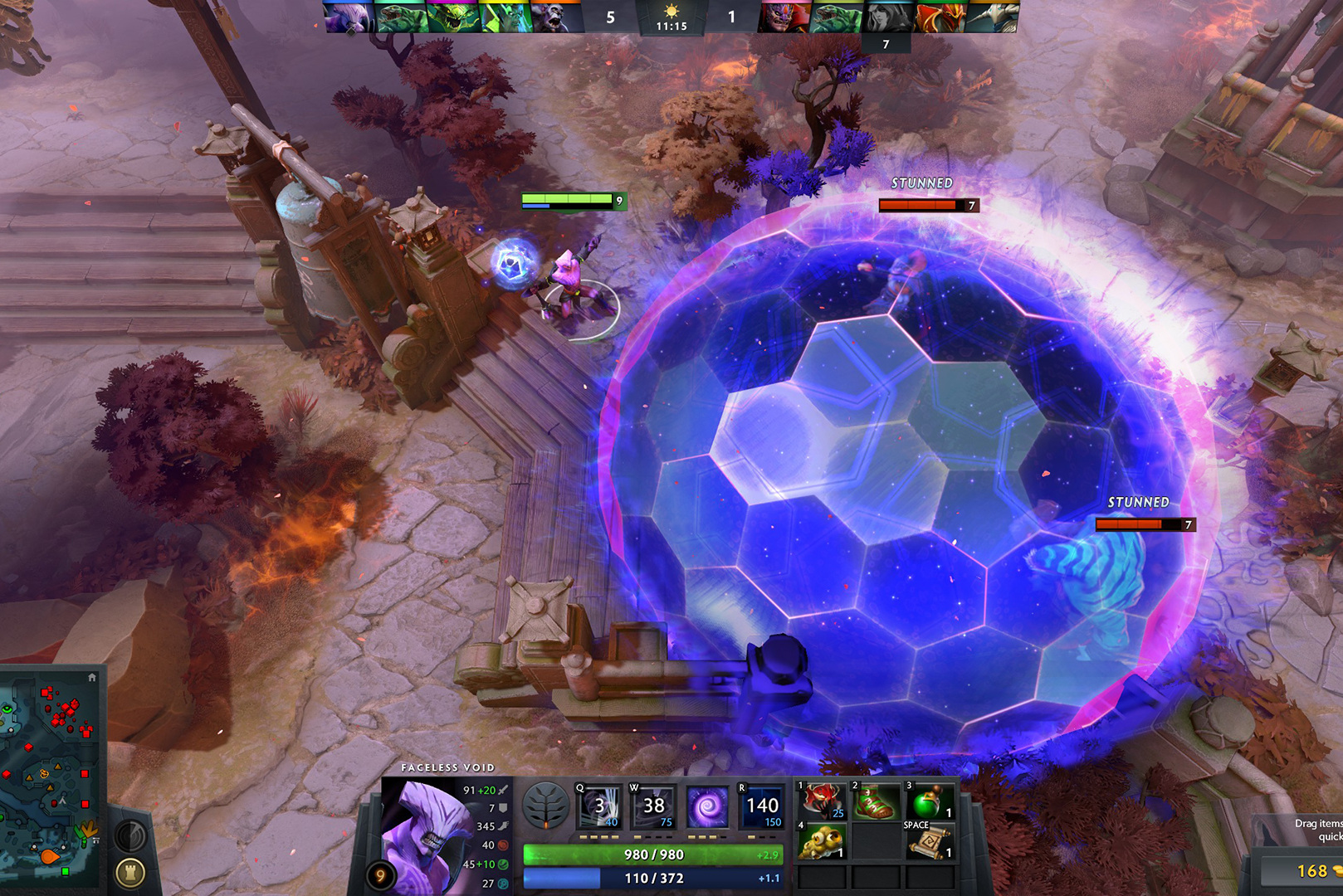
Dota 2 seems undemanding: the official minimum requirements fit in a dual-core processor and 4 GB of memory. But the minimum requirements are designed to start the game, and a competitive game on a 240 or 360 Hz monitor is a completely different task, and the processor solves it first.
Below is why Dota 2 rests on the CPU, four configurations for different purposes, from 144 Hz to streaming, and settings that help keep the frame rate in mass fights.
Official Requirements and Why They Are Not Enough
The minimum requirements for Dota 2 are a 2.8 GHz dual-core Core 2 Duo E7400 or Athlon II X2 240 processor, 4 GB of RAM, and a GeForce 8600 or Radeon HD 2600 graphics card. The recommended level according to independent estimates is 8 GB of memory, a GTX 1060 level graphics card and a Core i5-12400F level processor.
These figures answer the question "will it start", but not the question "will it be stable". Another thing is important for the competitive game:
- The minimum FPS is in mass fights, not the average in an empty line.
- Matching the frequency of the monitor. If you have a 240Hz monitor and the FPS drops to 120 in a fight, you see less than you could.
- Frame time stability. Jerks at the time of application of several ultimates cost more than a couple of percent of the average FPS.
Why Dota 2 Is CPU-Bound
The Source 2 engine primarily loads the processor, especially when there are a lot of heroes, creeps and effects in the frame. Benchmarking services estimate that in-game performance is about 70 percent determined by the processor and about 30 percent by the graphics card.
Practical consequences:
- The processor is the main budget item. Performance per core and L3 cache size are important. Processors with 3D cache traditionally give Dota 2 a noticeable increase in the minimum FPS.
- The mid-range graphics card is sufficient. Even for 360Hz, you don't need a flagship card if the CPU is pulling.
- Memory affects more than in most games. Dual-channel mode and fast DDR5 significantly raise the minimum frames in processor-dependent scenes.
- A five-year budget processor holds 60+ FPS, but this is not enough for a high-frequency monitor.
Four Configurations for Different Goals
| Goal | Processor | Graphics card | Memory | Storage |
|---|---|---|---|---|
| 1080p, 144 Hz | Ryzen 5 7600 or a current-generation Core i5 | RTX 5060 | 16–32 GB DDR5, two modules | 1 TB NVMe |
| 1080p or 1440p, 240 Hz | Ryzen 7 with 3D V-Cache | RTX 5060 Ti 16 GB or RTX 5070 | 32 GB DDR5 | 1 TB NVMe |
| 1080p, 360 Hz and above | Ryzen 7 9800X3D | RTX 5070 or RTX 5070 Ti | 32 GB of fast DDR5 | 1–2 TB NVMe |
| Gaming and streaming | Ryzen 9 9950X3D or Core Ultra 9 285K | RTX 5070 Ti | 32–64 GB DDR5 | 2 TB NVMe |
Configuration at 144 Hz. For most players, this is the optimum: a modern six-core processor and an entry-level graphics card of the current generation. The main thing is memory in two-channel mode, that is, two modules, not one.
Configuration at 240 Hz. Here, the processor with 3D cache already gives a tangible difference in the minimum frames during team fights. The mid-range graphics card closes and 1440p.
Configuration at 360 Hz and above. The task is to keep the monitor frequency even in the most loaded moments. The Ryzen 7 9800X3D is one of the best gaming processors for such tasks, an RTX 5070-level graphics card with a margin.
Gaming and streaming configuration. Video encoding is handled by the GPU hardware encoder, but the browser, OBS, chat and the game all need additional CPU cores and memory at the same time.
Ready-made systems for every tier are available in the gaming PC catalogue, while you can build your own in the configurator.
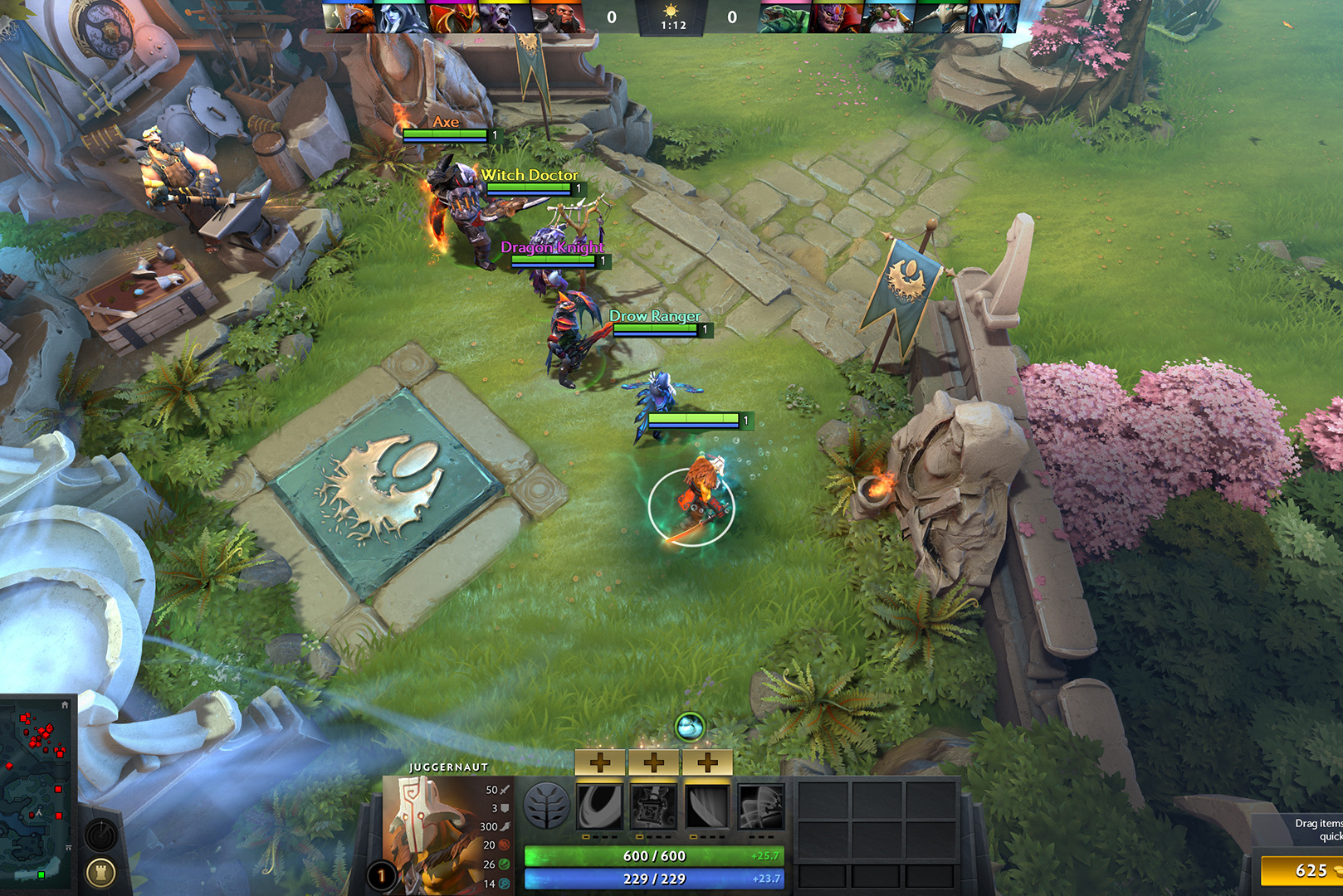
Settings for Stable FPS
Settings help keep frames minimal, especially on the midrange processor.
- Try both rendering APIs. DirectX 11 and Vulkan are available in the game, and different systems win. Check both in the same scene.
- Disable background creatures and tissue simulation. These effects load the processor and are almost invisible in the game.
- Reduce or disable grass and environmental effects. Increase in fights on mid-range processors.
- Set the FPS limit to monitor frequency or slightly higher. Unlimited FPS gives a bouncing frame time.
- Leave the rendering resolution at 100 percent. Reducing the scale gives an increase only when it is thrust into the video card, and in Dota 2, the thrust is usually into the processor.
- Close the background applications, especially the browser with video: they compete with the game for CPU cores.
Common Mistakes When Choosing a PC for Dota 2
- Save on the processor for the sake of the video card. In Dota 2, this is the reverse logic: the video card will be idle.
- Place one memory module. Single-channel mode significantly reduces the minimum FPS in processor-dependent games.
- Buy a 360 Hz monitor without a processor that will pull it out. The frequency of the monitor without the corresponding FPS does not give anything.
- Focus on the average FPS in reviews. Minimum values in fights are important for competitive play.
- Play on your hard drive. Match loading and resource loading are noticeably slower.
If FPS Drops on Your Current PC
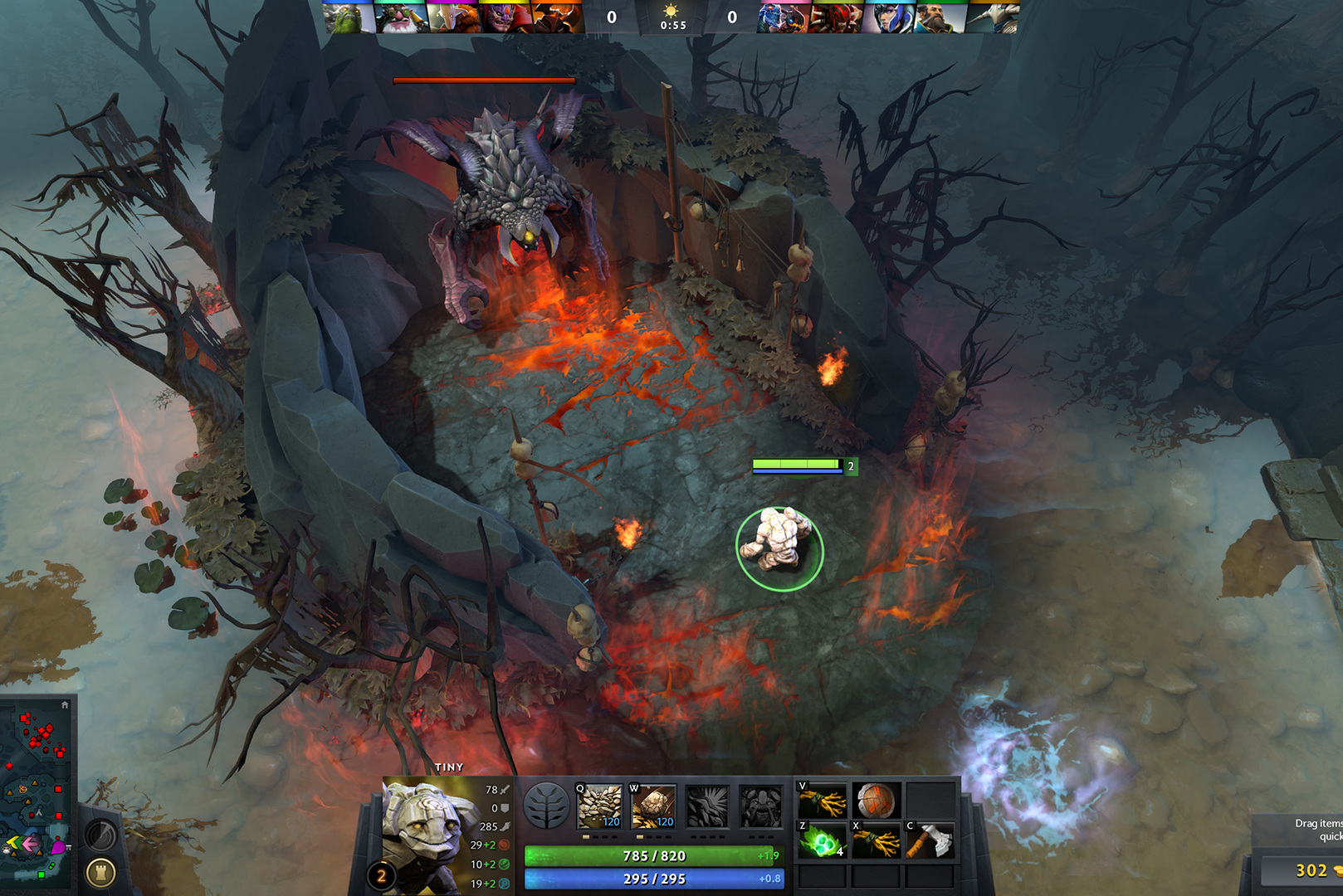
First rule out system instability: overheating, outdated drivers and background processes. If GPU utilisation is low in fights while FPS drops, the CPU is the bottleneck and a new graphics card will not help. How to assess whether replacing the processor on your platform is worthwhile is covered in upgrade or a new computer.
Recommended
Frequently Asked Questions
- What PC do you need for Dota 2 in 2026?
For a 144 Hz monitor, a modern six-core CPU such as the Ryzen 5 7600, an RTX 5060-class GPU and 16–32 GB of dual-channel DDR5 are sufficient. For 240 Hz and above, choose a CPU with 3D V-Cache, such as the Ryzen 7 9800X3D.
- What matters more for Dota 2: the CPU or GPU?
The CPU. Source 2 primarily loads the CPU, especially in large team fights. Benchmarking services estimate that roughly 70% of Dota 2 performance depends on the processor.
- What are the minimum requirements for Dota 2?
A 2.8 GHz dual-core CPU such as the Core 2 Duo E7400 or Athlon II X2 240, 4 GB of RAM and a GeForce 8600- or Radeon HD 2600-class GPU. That is enough to launch the game, but not for stable competitive play.
- Which CPU is best for Dota 2?
CPUs with 3D V-Cache, such as the Ryzen 7 9800X3D, traditionally provide the largest gain in minimum FPS in Dota 2. A modern six-core processor is enough for 144 Hz.
- How much RAM does Dota 2 need?
16 GB is enough for gaming; 32 GB is comfortable with a browser, Discord and streaming. The operating mode matters more than capacity: two modules in dual-channel mode noticeably improve minimum FPS.
- What GPU do you need for Dota 2 at 240 Hz?
An RTX 5060 Ti 16 GB or RTX 5070-class card is enough. Dota 2 does not need a flagship GPU: when the CPU is the bottleneck, it will sit idle.
- Should you choose DirectX 11 or Vulkan in Dota 2?
It depends on the system: different configurations favour different APIs. Test both in the same scene and compare minimum FPS rather than the average.
- Why does FPS drop during Dota 2 fights?
Large team fights put many heroes, effects and abilities on screen at once, and that load falls on the CPU. If GPU utilisation is low at those moments, the CPU is the bottleneck.
- Do you need a powerful PC to stream Dota 2?
The GPU hardware encoder handles video encoding, but the game, OBS, browser and chat together need more cores and memory. For streaming, choose a Ryzen 9 9950X3D- or Core Ultra 9 285K-class CPU with 32–64 GB of RAM.
- Is a 360 Hz monitor worth buying for Dota 2?
Only with a processor capable of sustaining that frame rate in fights, such as the Ryzen 7 9800X3D. Otherwise the monitor will not reach its potential and a 240 Hz model is the better value.

 Arabic
  English