We are ready to help you
Quiet & Cool Gaming PC for UAE Apartments: Custom Liquid Cooling
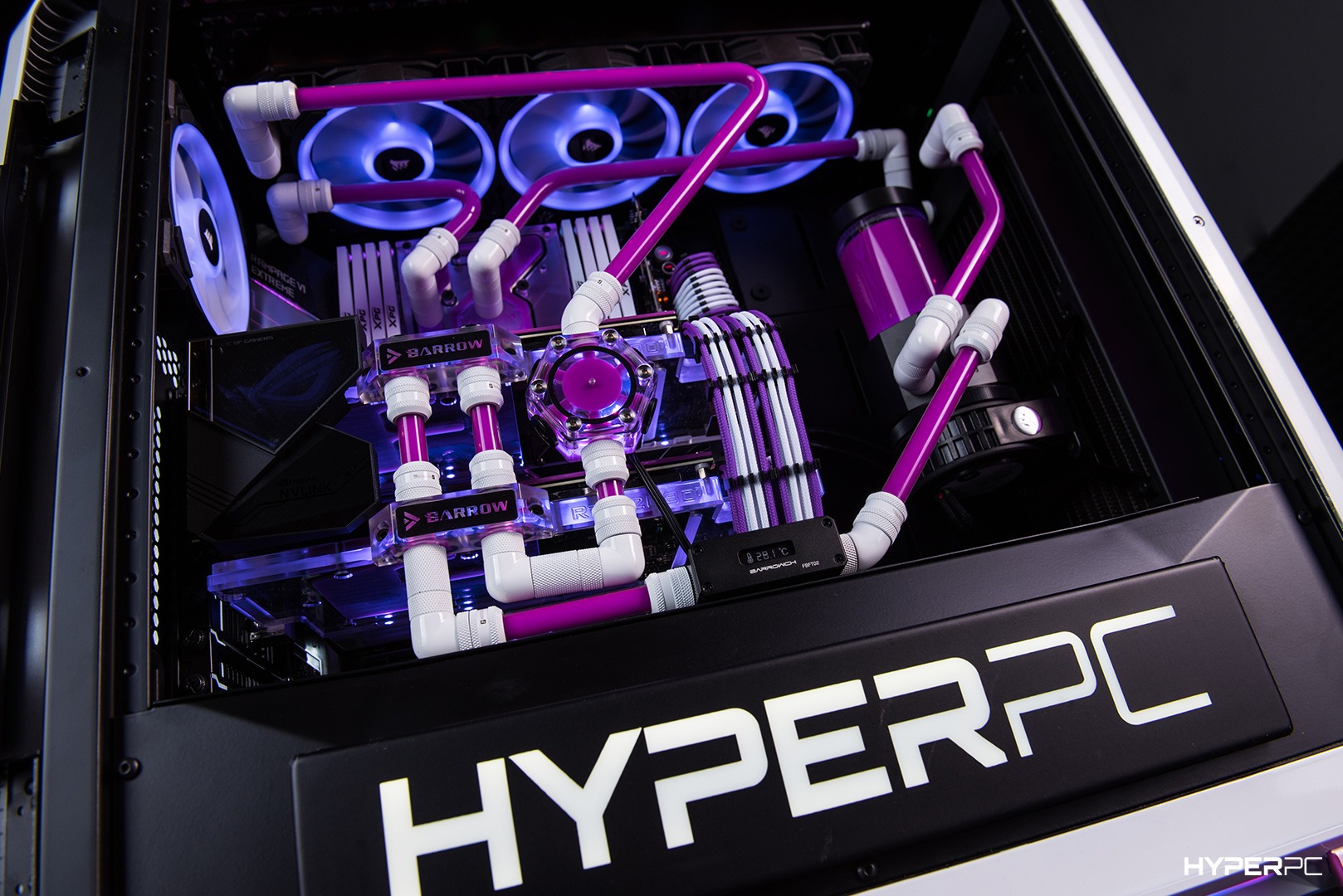
Life in the UAE means extreme heat outside and air conditioning running inside. But when you fire up a powerful gaming PC in your apartment, you create a second heat source right next to you. The fans spin up, the room gets warmer, and the noise becomes a constant background hum. This is the reality for many gamers in Dubai, Abu Dhabi, and across the region. A standard air-cooled PC struggles in this environment — not because it's bad, but because it was designed for cooler climates.
This is where a quiet gaming PC UAE solution with custom liquid cooling becomes essential. In this guide, we'll show you how to build a cool and quiet PC that delivers maximum performance without turning your apartment into a sauna or your ears into victims of fan noise. Whether you're a competitive gamer, a streamer, or someone who works and plays in the same room, the right cooling setup makes all the difference.
Why Apartments in the UAE Need a Different Approach
Standard gaming PCs are typically tested at ambient temperatures of 22–25 °C. In a UAE apartment, temperatures easily reach 28–32 °C even with air conditioning running. This is a massive difference — every additional degree of ambient temperature directly increases CPU and GPU temperatures by the same amount.
The heat problem. Your PC doesn't create cool air — it moves heat from components into the surrounding air. From a physics perspective, the heat dissipation rate of a radiator directly depends on the temperature difference between the cooling medium and the heated metal. When room air is already at 30 °C, this difference becomes minimal, causing standard coolers to operate at their limits. Fans spin up to maximum RPM, creating significant noise, while components overheat. In extreme cases, thermal throttling kicks in — the CPU forcibly reduces clock speeds for self-protection, leading to sudden FPS drops in games.
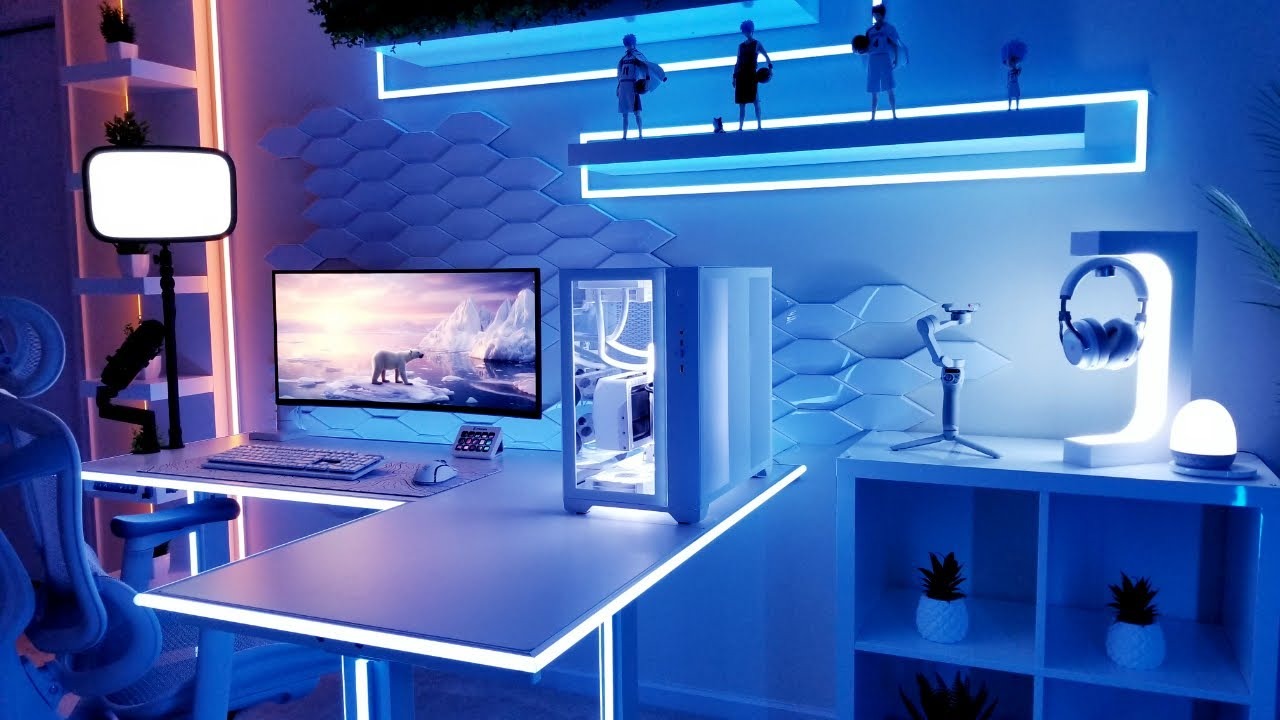
The space problem. Apartments in the UAE often have compact layouts. Your PC might sit in a living room, bedroom, or corner of your workspace. In such spaces, system noise travels freely, and there's rarely room for massive cases with dozens of fans. You need a high-performance system that's simultaneously powerful, quiet, and aesthetically pleasing.
The dust problem. The UAE has fine, dry desert dust that easily penetrates any gap. It has high insulating properties and quickly clogs radiator fins. A PC that needs cleaning once a year in London's cool, humid climate requires maintenance every 2–3 months in Dubai.
For all these reasons, the traditional approach to PC cooling doesn't work as it should in the UAE. You need a gaming PC for apartments specifically designed for these challenging conditions.
Air vs Liquid Cooling for a Quiet Build
| Comparison Parameter | Air Cooling | Liquid Cooling |
|---|---|---|
| Design and Principle | Heatsink with heat pipes, cooled by fans. | Coolant circulated by pump through water blocks to an external radiator. |
| Noise Level Under Load | Fan speeds increase significantly, creating loud noise. | Fans run at minimum RPM, ensuring silence. |
| Heat Distribution Inside | Heat concentrates around the CPU socket and graphics card. | Heat is evenly distributed through the loop and expelled outside. |
| Effect on RAM and VRM | Large towers block RAM slots, heat power delivery circuits. | Water blocks are compact, free up space, and don't heat VRM. |
| System Thermal Mass | Low — system reacts to load spikes with immediate noise. | Very high — liquid acts as an effective thermal buffer. |
For a powerful gaming PC in an apartment where silence and low temperatures are critical, custom liquid cooling is the clear winner. It cools components more effectively, runs virtually silently, and guarantees stable performance under extended loads.
How Custom Liquid Cooling Keeps It Quiet and Cool
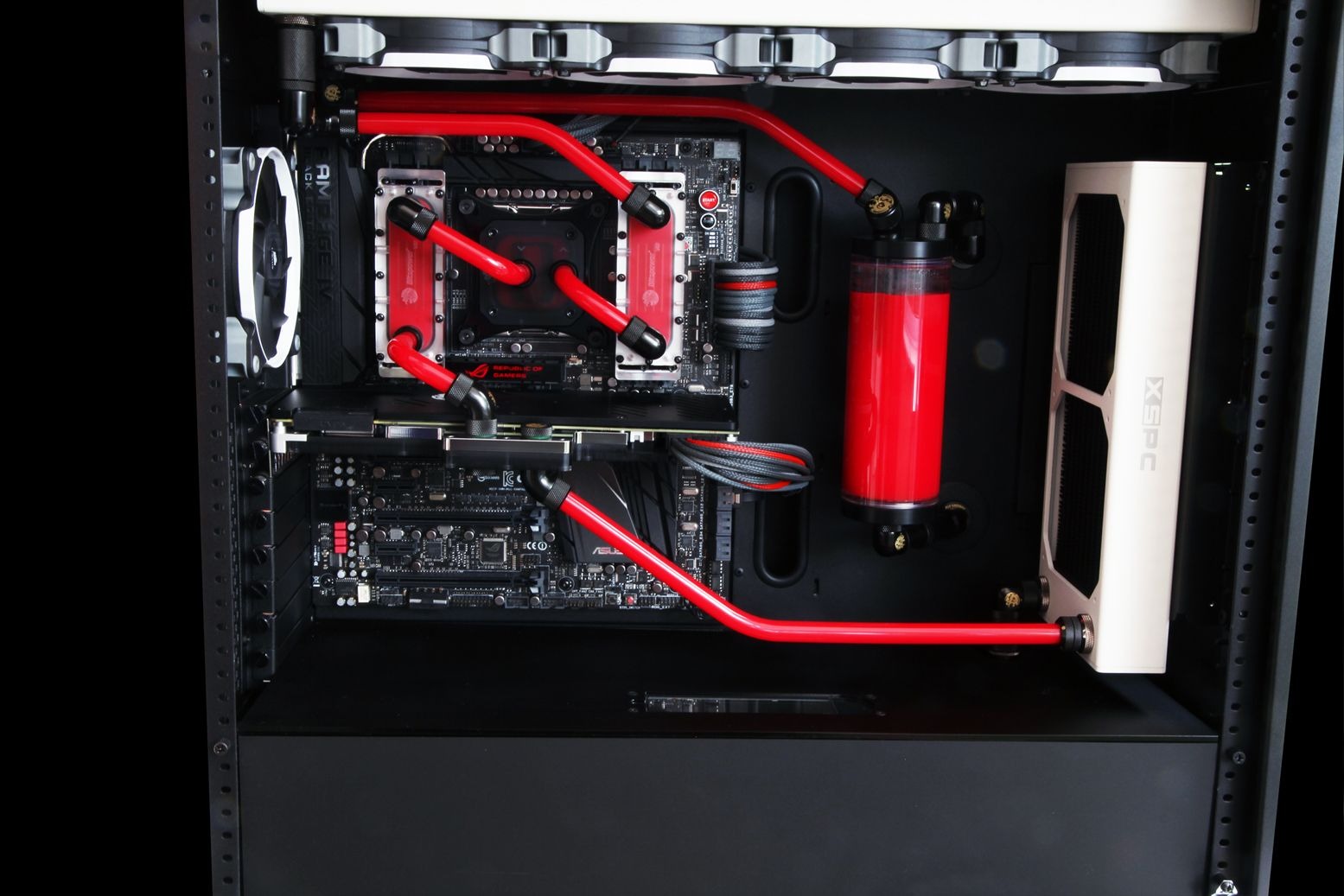
Custom liquid cooling is fundamentally different from standard pre-built closed-loop systems (AIO — All-In-One). Factory AIO systems have limited loop capacity and cannot cool the graphics card. A custom loop is assembled by hand from premium individual components and designed specifically for your PC's configuration and case architecture.
Big Radiators, Slow Fans
This is the core engineering principle behind silent operation. The larger the surface area of the copper radiator fins, the less airflow is required for cooling. This allows fans to run at minimum speeds.
| Radiator Size | Fan Configuration | Application and Efficiency |
|---|---|---|
| 240mm Radiator | 2 x 120mm | Suitable for mid-range, energy-efficient processors. |
| 360mm Radiator | 3 x 120mm | Optimal heat dissipation for flagship gaming chips. |
| 420mm Radiator | 3 x 140mm | Maximum efficiency with minimal acoustic pressure. |
Large fans can move more air at lower RPMs. For example, a quality 140mm fan at 800 RPM moves the same amount of air as a 120mm fan at 1200 RPM, but produces half the noise. However, when designing a custom loop, it's important to remember that at low speeds, fans may lack the static pressure needed to push through dense radiators. HYPERPC engineers use fans with optimized blade designs, such as Lian Li UNI FAN TL, which deliver powerful focused airflow through radiators even at minimum speeds.
Stable Clocks, No Throttling
In hot climates, thermal throttling becomes the enemy of performance. When a chip reaches its temperature limit (95 °C for modern processors), it sharply reduces clock speeds and operating voltage. This results in stutters, micro-stutters, and reduced gameplay smoothness.
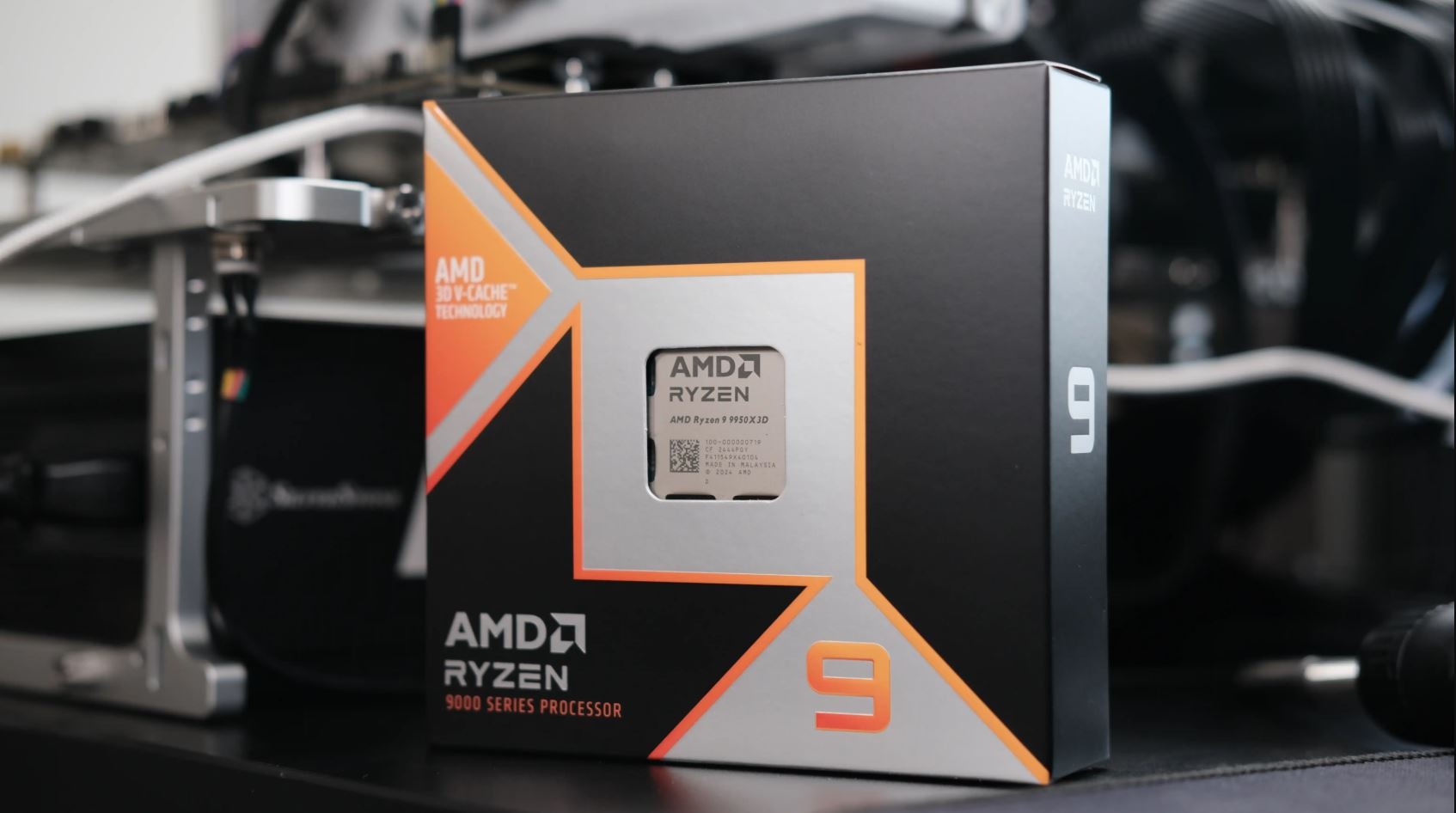
A custom liquid cooling loop keeps component temperatures well below dangerous limits. With proper radiator sizing and airflow optimization, the Ryzen 9 9950X3D CPU temperature won't exceed 75 °C even during extended stress testing in a hot room. This allows the processor to maintain maximum boost clocks of up to 5.7 GHz indefinitely.
For graphics cards, switching to water cooling delivers even more impressive results. The flagship NVIDIA GeForce RTX 5090 on the Blackwell architecture draws up to 575W at peak, and on air cooling in UAE conditions reaches 80–85 °C. This forces the GPU to drop below its rated Boost clock of 2407 MHz. Installing a full-coverage copper water block reduces GPU and GDDR7 memory temperatures to a comfortable 55–65 °C, ensuring consistently high frame rates without drops.
Building Quiet: Beyond Cooling
Creating a truly silent PC requires a comprehensive approach to selecting all system components:
| System Component | Recommendations for a Silent PC |
|---|---|
| Power Supply (PSU) | 1000–1600W ATX 3.1. Choose models with 80+ Platinum certification and Zero-RPM semi-passive mode (fan stops at low loads). Must include a quality 12V-2x6 cable for safe RTX 5090 power delivery. |
| Case Fans | Use models with fluid dynamic bearings or magnetic levitation (e.g., Noctua, Be Quiet!, Lian Li UNI FAN). This eliminates mechanical noise and rattling over time. |
| Case Design | A spacious case with an open mesh front panel and optimized airflow geometry (Phanteks NV7 or Lian Li O11 Dynamic Evo). It allows efficient heat dissipation, keeping fans running at minimum speeds. |
| Fan Curves | Custom manual tuning of fan and pump speed curves based on temperature in UEFI BIOS. This prevents sudden noise spikes when opening programs or launching games. |
Maintenance and Dust in the UAE
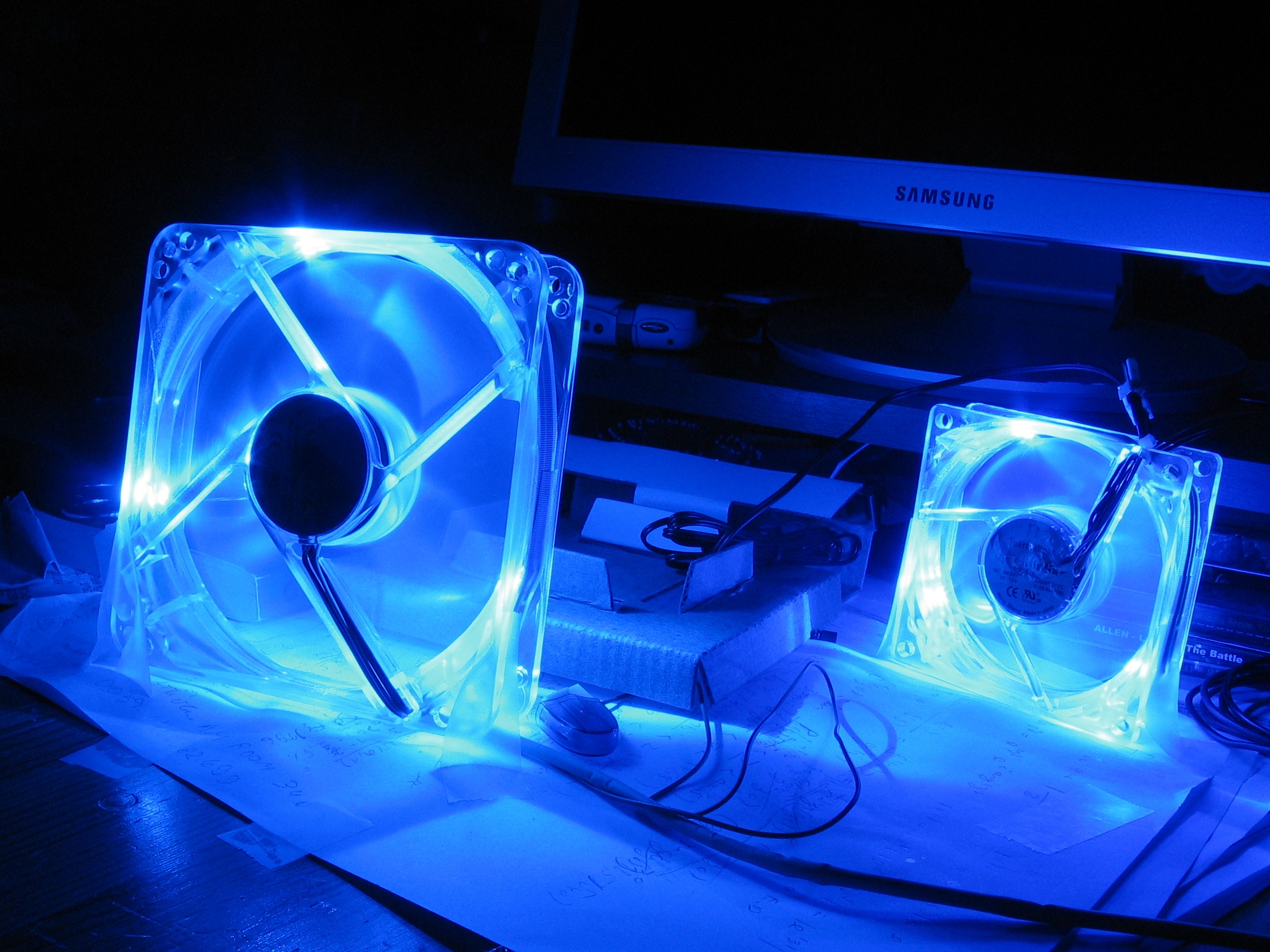
Custom liquid cooling is a precision engineering system that requires periodic professional maintenance.
Dust filters. Mesh intake filters trap up to 80% of larger dust particles. Rinse them with warm water and dry thoroughly once a month. It's helpful to combine this with cleaning or replacing your home AC system filters.
Radiator cleaning. Fine dust settles between the thin radiator fins. Blow them out with compressed air every 2–3 months, securing the fan blades to prevent bearing damage.
Coolant replacement. Custom loops require a full service once a year: drain old fluid, flush the loop with distilled water, and refill with fresh high-quality coolant. It's strongly recommended to use premium ready-made solutions (like EK-CryoFuel) that contain anti-corrosion additives and non-toxic biocides to prevent bacterial and algae growth inside the loop.
Preventing galvanic corrosion. When building a custom loop, it's strictly forbidden to mix copper/brass and aluminum components. The electrochemical potential difference between these metals in a liquid environment causes rapid electrolytic reactions — aluminum components degrade, and micro-channels in copper water blocks quickly clog with insoluble deposits. The loop must consist of uniform metals throughout.
Pressure relief valve. Thermal expansion of liquid under high heat in a warm room can significantly increase pressure inside hard tubing. Installing a pressure relief valve at the top of the reservoir completely eliminates the risk of loop depressurization and coolant leakage onto expensive components.
Who Needs a Quiet and Cool Custom PC
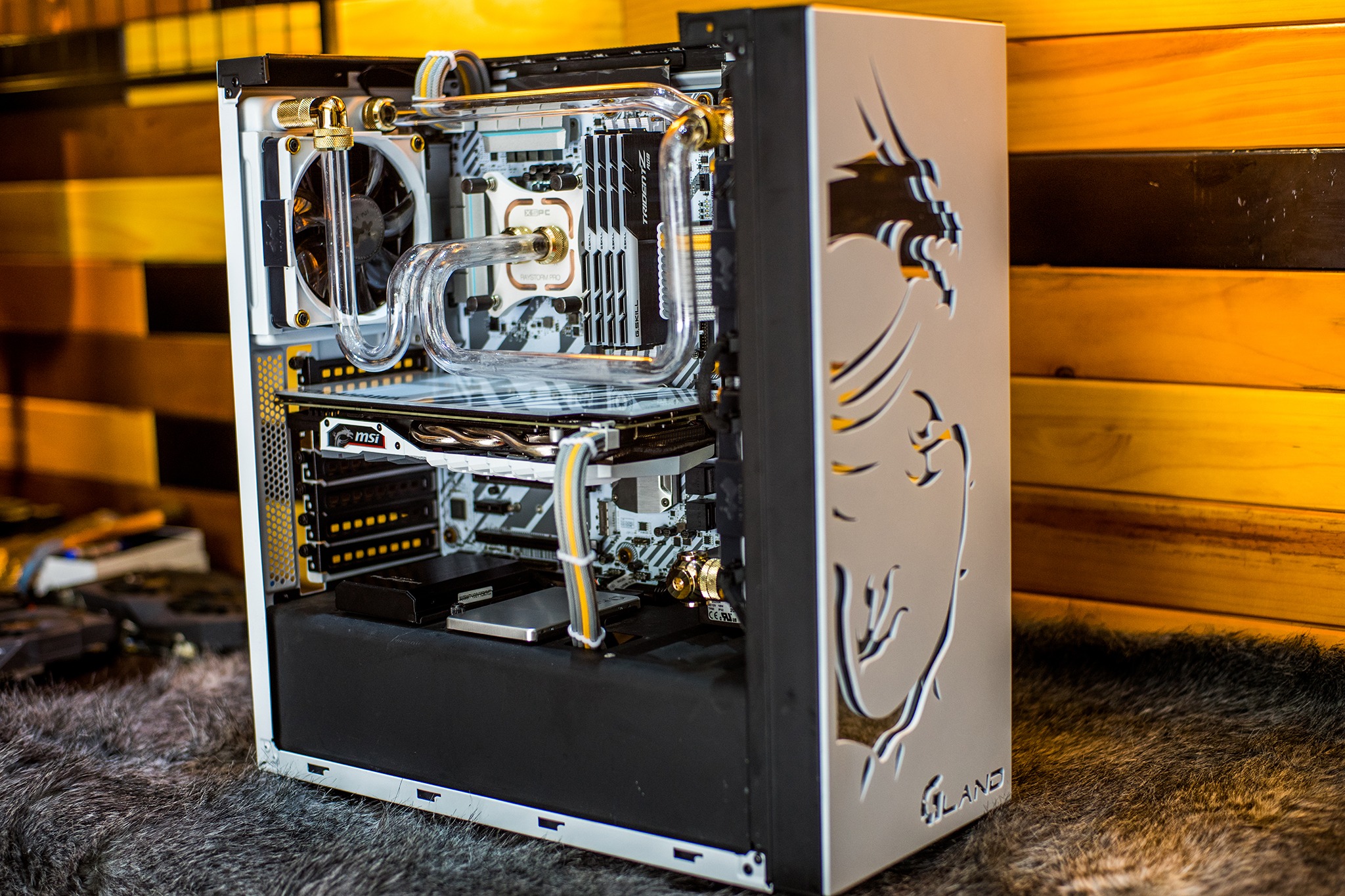
Custom water cooling systems are designed for users with high demands for comfort and stability:
Apartment residents. In compact apartments where the workspace or gaming area is in a bedroom or living room, silent PC operation allows gaming at night without disturbing family members.
Streamers and content creators. Silence in the room ensures sensitive condenser microphones capture clean voice without the constant hum of system fans.
Remote professionals. Those spending 8–10 hours on rendering, calculations, or AI training enjoy a comfortable workspace during calls and coding sessions.
Enthusiasts and aesthetes. Transparent tubes filled with bright coolant, combined with LED lighting, transform the PC into a unique art piece and a statement piece for any interior.
Conclusion
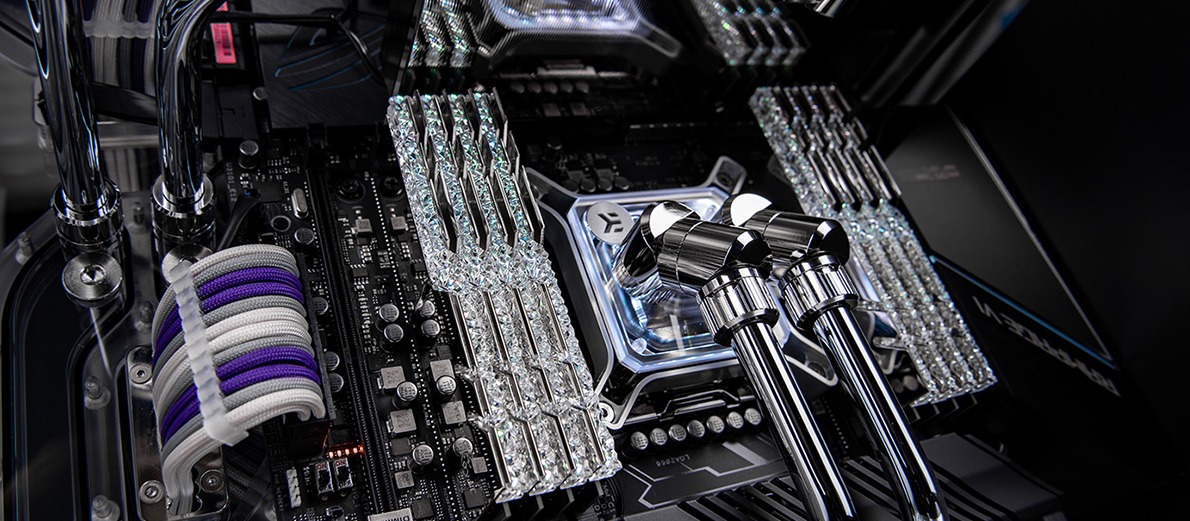
A quiet gaming PC in the UAE is a practical and well-considered response to the region's climate and infrastructure challenges. A custom liquid cooling system guarantees ultimate performance without annoying noise or the risk of component overheating.
For gamers and professionals in Dubai, Abu Dhabi, and across the region, HYPERPC.ae offers exclusive hand-crafted custom computers from the flagship CONCEPT series, fully optimized for the local climate and tested in extreme temperature conditions.
The CONCEPT series includes:
- CONCEPT 5 — flagship system with custom water cooling, RTX 5090, Ryzen 9 9950X3D, 64GB DDR5.
- CONCEPT 7 — maximum performance, premium design, RTX 5090, Ryzen 9 9950X3D, 64GB DDR5.
- CONCEPT 9 — unique case with custom water cooling and 14.5-inch touchscreen, RTX 5090, Ryzen 9 9950X3D, 96GB DDR5.
- CONCEPT X — titanium-grade system for 8K gaming and the most demanding professional tasks, RTX 5090, Ryzen 9 9950X3D, 96GB DDR5.
Choose silence, comfort, and unmatched reliability with HYPERPC.

 Arabic
  English