We are ready to help
Dual-Purpose Premium PC: 8K Gaming and Professional Workloads
Can one computer render daytime workloads, edit 8K video, run heavy neural networks, and still deliver max settings with ray tracing in the evening? Yes. That is not a compromise, but a deliberate balance of components where every part of the system serves both jobs. In the past, work and gaming meant two different machines: a workstation with lots of memory and a highly multithreaded CPU, and a gaming PC with a flagship GPU. Today a dual-purpose premium PC can replace both and remove the cost of duplicated hardware. In this article we break down how to build a universal high-end PC for the 8K gaming and professional workloads duo, what to watch when choosing components, and which ready-made solutions HYPERPC offers.
Why Gaming and Workstation PCs Are Often Different Machines
A gaming PC and a workstation have fundamentally different priorities. That is not a marketing line — it follows from how the load is distributed.
A gaming PC needs maximum graphics performance and a high CPU clock. In games, frame render speed, screen refresh rate, and minimal input latency matter most. Core count is secondary — eight strong cores are enough. System memory should be fast, but 32 GB covers the vast majority of gaming scenarios.
A workstation for 8K editing, 3D rendering, and AI workloads needs something else. Critical factors are CPU multithreading (16 or more cores), a large pool of system memory (from 64 to 128 GB and above), and stability under long continuous load. The GPU is needed less for high frame rates and more for a large VRAM pool that can hold heavy textures, scene geometry, and neural-network weights. Storage must be fast and spacious — 8K projects and working libraries take hundreds of gigabytes.
These different priorities mean a typical gaming PC chokes when rendering a complex scene due to lack of memory, while a standard server-class workstation fails to deliver the needed frame rate in games because of lower per-core clocks. A dual-purpose premium PC solves that by combining the strengths of both architectures in one system.
How to Build a PC That Covers Both Scenarios
To build a computer for 8K editing and gaming at the same time, you need to see where the requirements overlap and where you must balance. The main rule: do not cut corners on components that work in both scenarios.
Graphics card. A flagship with a large VRAM pool is the common denominator for 8K gaming, rendering, and neural networks
The graphics card is the one component that is critical for both gaming and work. But the important specs differ. For 8K gaming you need high compute throughput to process millions of pixels with ray tracing. For rendering and AI you need a large VRAM pool to hold heavy scenes and models.
The uncompromising choice is the NVIDIA GeForce RTX 5090 on the latest Blackwell architecture with 32 GB of GDDR7 memory on a 512-bit bus. It delivers a comfortable frame rate at 4K and holds its own in 8K with DLSS 4.0. Ultra-fast GDDR7 with about 1.79 TB/s of bandwidth speeds up data handling by a large margin.
The alternative is the RTX 5080 with 16 GB of memory on a 256-bit bus. Independent tests show the flagship RTX 5090 beats the RTX 5080 at 4K by about 45–55% on average, depending on the game engine. That means the RTX 5080 trails the flagship by roughly 30–35%. For 8K gaming and heavy rendering, 16 GB becomes a hard limit. Moreover, when running large language models locally, such as Llama 3.3 70B in standard 4-bit quantization, the pure model weight is about forty gigabytes.
Including overhead and the context buffer, stable operation needs at least forty-two gigabytes of VRAM. On a 16 GB card — or even on a single RTX 5090 with 32 GB — you cannot keep such a model fully in VRAM. The system shifts into partial layer offloading into system RAM, so generation speed drops from comfortable double-digit tokens per second to a catastrophic 1.5–3 tokens per second. For a no-compromise rendering-and-gaming PC, the RTX 5090 choice is clear.
Processor. Balancing high clocks for games with a large core count for rendering and editing
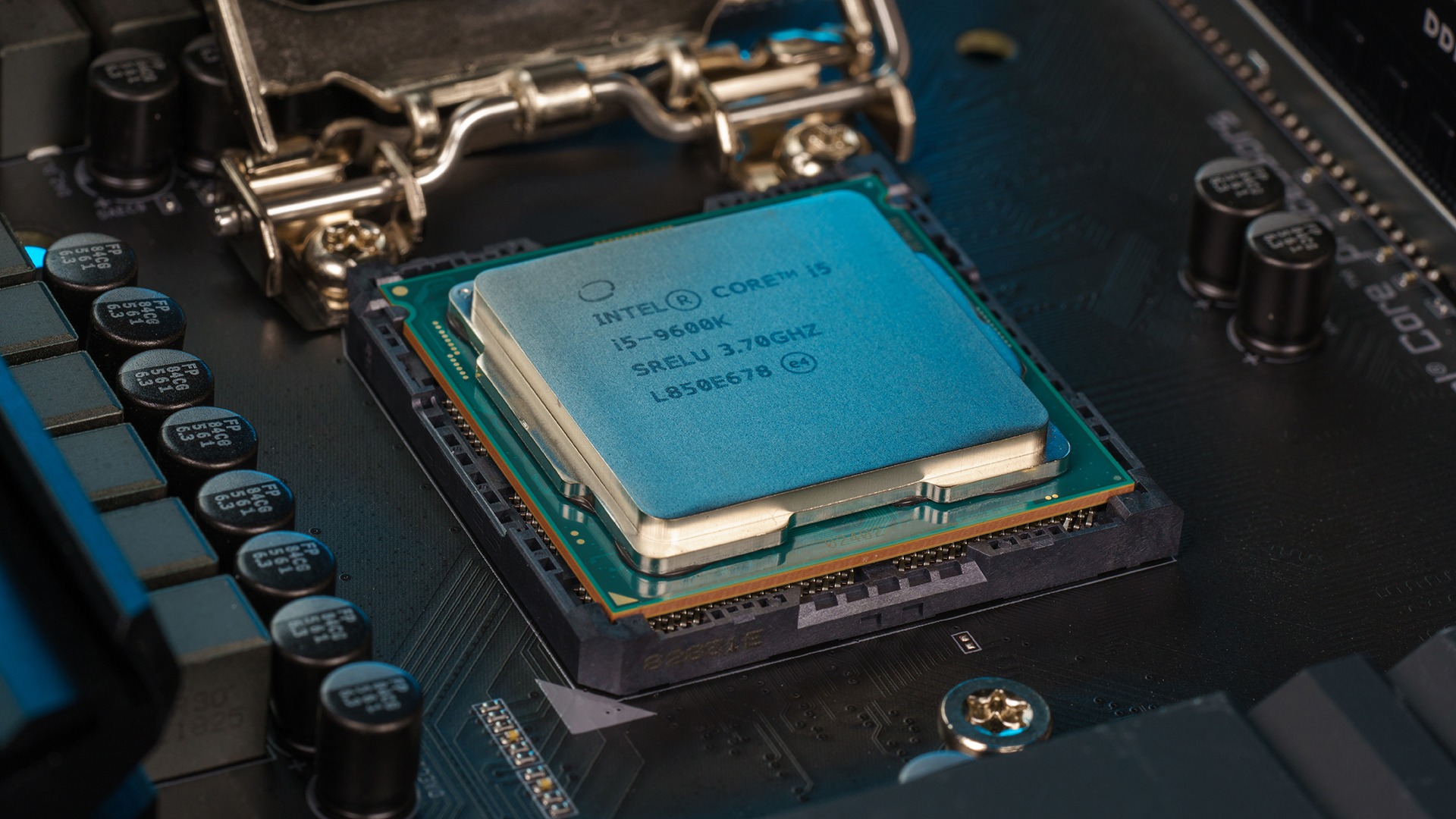
The CPU choice is harder. Games want high single-core clocks and a large L3 cache. Professional tasks want multithreading and core count. A balance is possible, but you have to account for chip architecture.
For a long time, specialized 8-core processors such as the AMD Ryzen 7 9800X3D with 3D V-Cache and 96 MB of L3 cache were considered the best gaming option. In CPU-bound games it leads standard chips by 20–30%, but 8 cores and 16 threads become a bottleneck in heavy 3D rendering, code compilation, or ultra-high-resolution video editing.
For work, the AMD Ryzen 9 9950X3D with 16 cores and 32 threads, or the Intel Core Ultra 9 285K with 24 hybrid cores, is a better fit. They deliver up to 30–50% higher performance in multithreaded tasks versus 8-core chips. At the same time, the Ryzen 9 9950X3D has an asymmetric CCD layout: one 8-core CCD has an extra 64 MB 3D V-Cache stack (128 MB total L3 cache for the processor) for maximum gaming frame rates, while the second CCD is tuned for high clocks up to 5.7 GHz under auto-boost for heavy compute.
Memory and storage. Large RAM capacity and fast NVMe for projects and cache
For a hybrid PC, system memory is where capacity matters more than extreme frequency. 32 GB is enough for games, but not for 8K editing and rendering. System RAM should be at least twice the VRAM capacity. For an RTX 5090 with 32 GB that means a minimum of 64 GB of system memory, and for professional work with several projects at once — 96 to 128 GB.
On AMD AM5, DDR5-6000 CL30 running in a 1:1 synchronous memory-controller mode with Infinity Fabric is optimal. On Intel systems, DDR5-6400 and above are preferred. Slow memory reduces gaming performance, and pushing the frequency too high (for example above 6400 MHz on AMD) forces the controller into asynchronous mode, sharply raising latency and lowering frame rate.
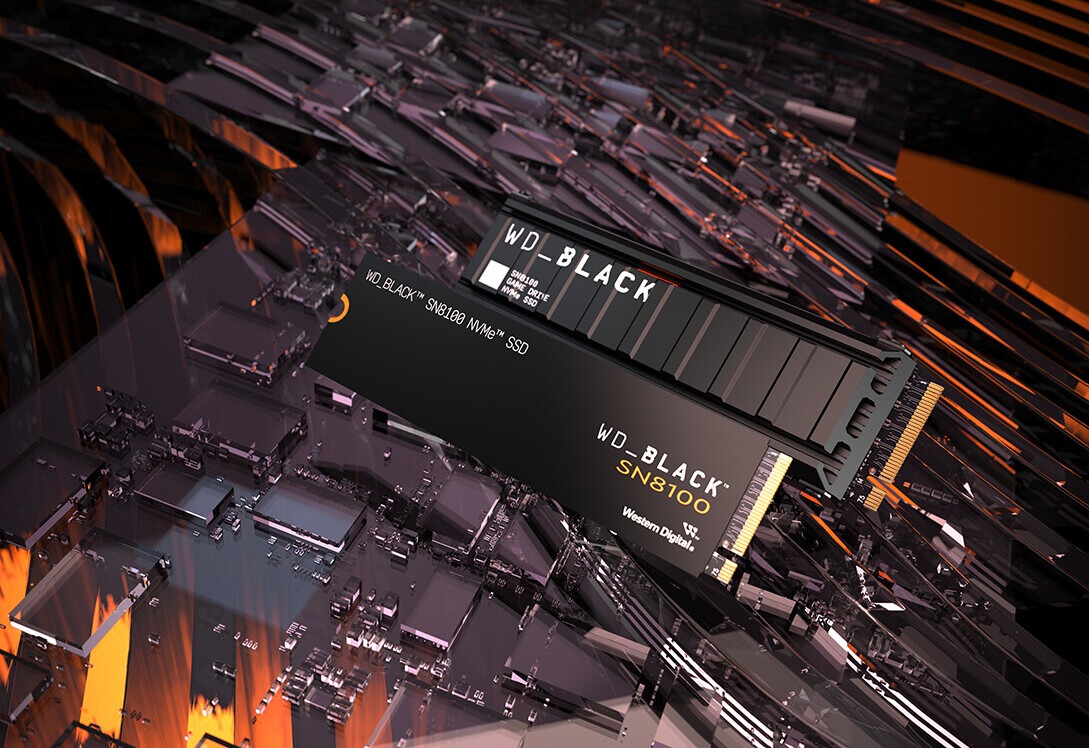
Storage. Ultra-high-resolution media work needs ultra-fast SSDs. As the system drive, use a flagship PCIe 5.0 SSD such as the Samsung 9100 PRO at 1–2 TB. It reaches sequential read speeds up to 14,800 MB/s and write speeds up to 13,400 MB/s — nearly twice as fast as the best previous-generation PCIe 4.0 drives.
Those speeds, however, come with high controller heat output (8 to 10 W under load), so a substantial passive or active heatsink is mandatory to prevent thermal throttling. For storing working projects, libraries, and games, use a second 2–4 TB PCIe 4.0 drive, for example the Samsung 990 PRO.
Cooling and Silence Under Dual Load

A dual-purpose premium PC is not only about power — it is also about acoustic comfort. If the machine renders scenes by day and games by night, the cooling system runs under heavy load for 12–16 hours a day.
RTX 5090 peak power reaches a rated 575 W, and the Ryzen 9 9950X3D draws up to 170 W with socket power-limit peaks up to 230 W. Together the system sheds more than 800 W of heat. A standard air cooler cannot handle that: during long renders CPU temperatures quickly hit a critical 95 degrees, throttling kicks in, clocks drop by 10–15%, and performance falls sharply.
A custom liquid-cooling loop fully solves that. It keeps the CPU in the 65–75 degree range under 100% load, and a GPU with a water block stays below 60–65 degrees. That gives not only thermal stability but also silence — radiator fans run at low RPMs.
Professional Nuances: Software, ECC, and Reliability
There are important technical nuances that are critical for professional software but rarely considered by gamers.
ISV certification and drivers. NVIDIA Studio drivers significantly improve overall stability and speed of consumer GPUs in Adobe creative suites or Blender. However, heavy specialized CAD software such as SolidWorks or CATIA requires strict official ISV certification, which software vendors tie exclusively to professional accelerators in the NVIDIA RTX PRO series.
Error-correcting memory (ECC). A single-bit flip in system memory can permanently ruin a multi-hour render or neural-network calculation. Consumer AMD Ryzen processors on AM5 support end-to-end unbuffered ECC memory (ECC UDIMM), but the feature must be implemented by the motherboard vendor in BIOS — as it is, for example, on ASUS ProArt boards. On Intel LGA1851, ECC support for consumer CPUs is blocked by the vendor on gaming-segment chipsets, including flagship Z890. To deploy stable end-to-end ECC on a Core Ultra 9 285K you need a specialized board on the professional Intel W880 chipset and unbuffered DDR5 modules with ECC support.
Example of a Balanced Premium Configuration
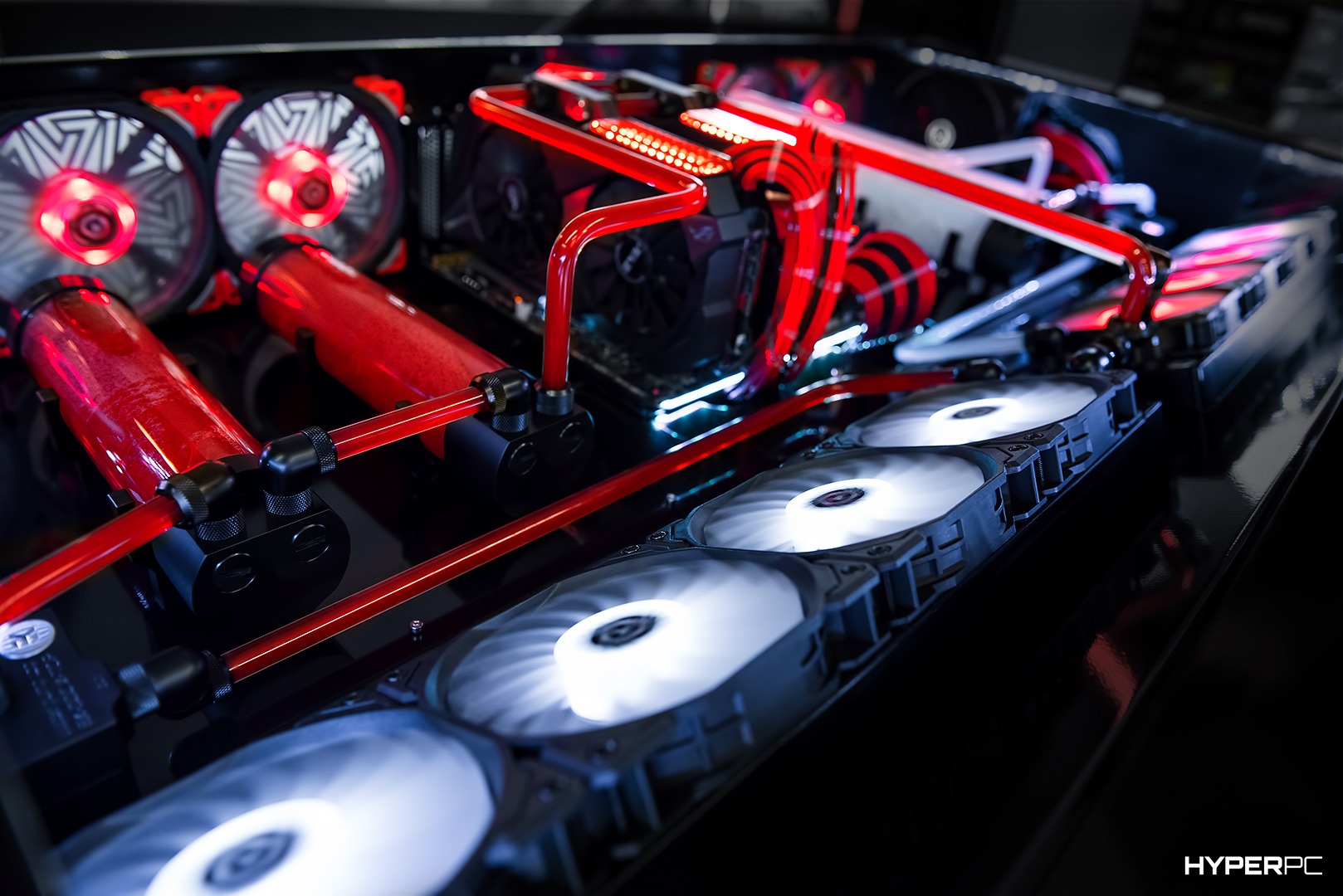
Below is a reference balanced hybrid configuration for no-compromise work and gaming. It is a workstation and a gaming PC in one, with every component chosen for dual load.
| Component | Model | Why |
|---|---|---|
| Graphics card | NVIDIA GeForce RTX 5090 32 GB | 8K gaming, rendering, AI inference, large VRAM pool |
| Processor | AMD Ryzen 9 9950X3D | 16 cores for work, 3D V-Cache for games |
| Motherboard | MSI MPG X870E CARBON / ASUS ROG CROSSHAIR X870E HERO | PCIe 5.0 support, strong VRM for a 16-core CPU |
| System memory | 64–96 GB DDR5-6000 CL30 | Large capacity for 8K editing and rendering, optimal frequency for AM5 |
| System SSD | 2 TB NVMe PCIe 5.0 (Samsung 9100 PRO) | OS, apps, cache — maximum speed |
| Project SSD | 4 TB NVMe PCIe 4.0 (Samsung 990 PRO) | Storage for projects, media files, games |
| Power supply | 1000–1600 W ATX 3.1 80+ Platinum | Headroom for RTX 5090 and Ryzen 9 peak loads |
| Cooling | Custom liquid cooling 360–420 mm | Stability under long load, low noise |
Selection logic. RTX 5090 is the common denominator for 8K gaming and work. Ryzen 9 9950X3D balances gaming clocks and workstation cores. 64 GB of RAM gives headroom for heavy projects. Custom liquid cooling delivers stability and silence. Such a build stays relevant for 4–5 years without an upgrade.
Who Needs This PC
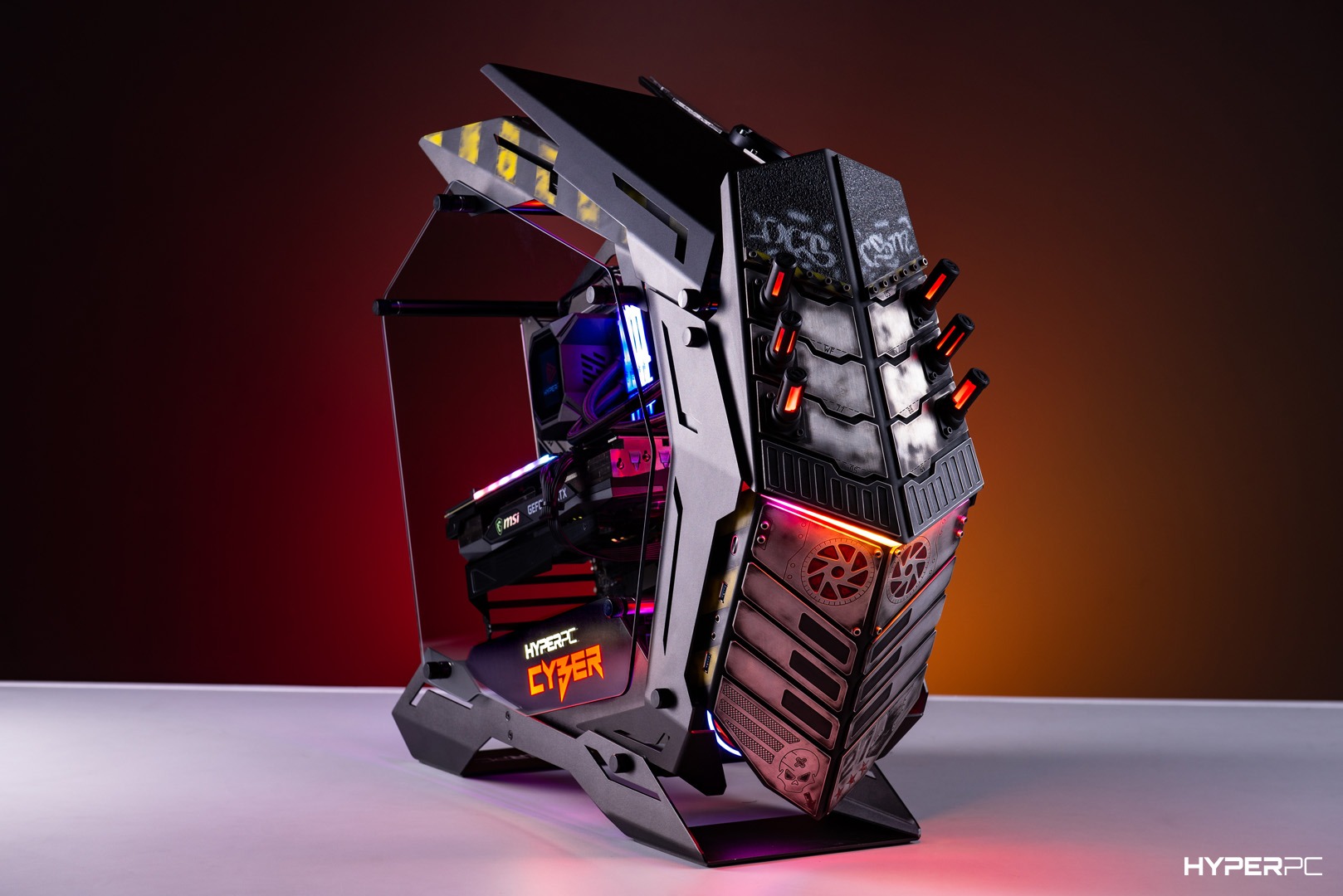
This universal high-end PC is for people who do not want to choose between work and games.
Content creators. Video editors who work with 8K footage in Premiere Pro and DaVinci Resolve and want to play new releases at max settings in the evening. They need high performance in editing and rendering, but are not willing to sacrifice the gaming experience.
3D artists and designers. Those who render scenes in Blender and Cinema 4D and work with high-resolution textures. VRAM capacity and CPU core count are critical for them, but after work they also want to unwind with games.
AI engineers and developers. Local large language models, neural-network training, and dataset work require 32 GB of VRAM and large RAM capacity. In the evening — 8K gaming with ray tracing.
Those who choose a status universal instead of two machines. Instead of a gaming PC plus a separate workstation — one premium computer that covers everything. It saves space, simplifies maintenance, and adds flexibility. One machine that handles it all.
Conclusion
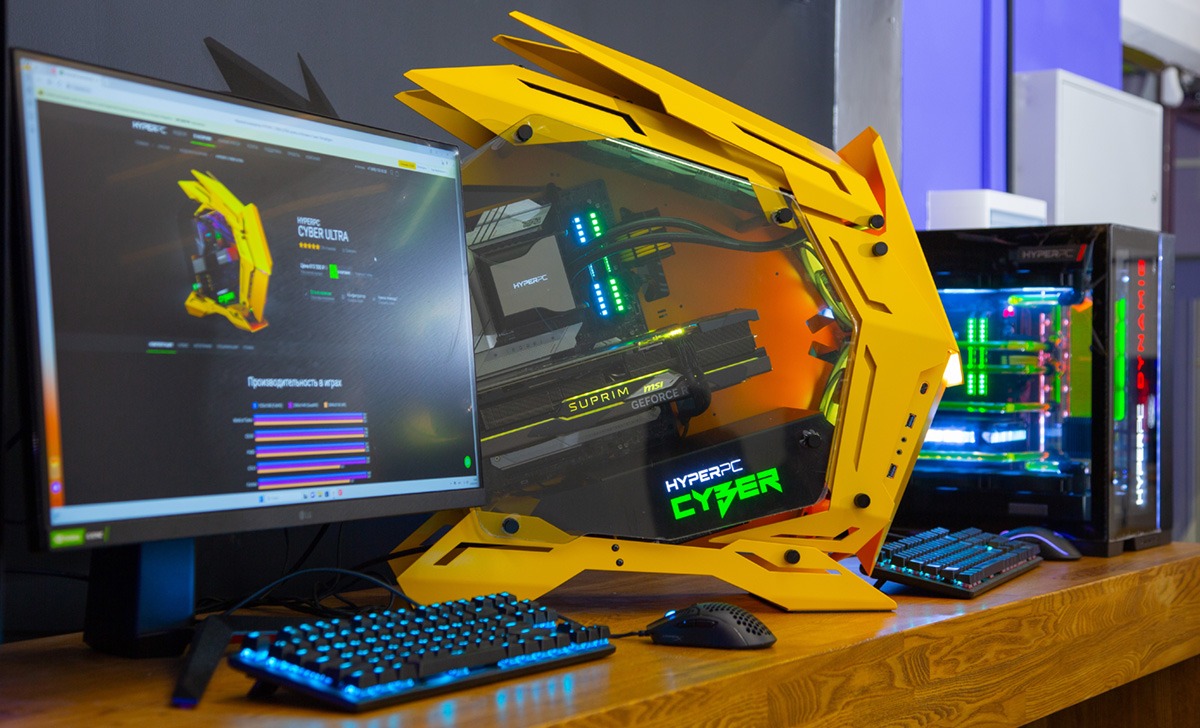
A dual-purpose premium PC is not a compromise, but a smart balance of components. Key rules: a flagship GPU with a large VRAM pool (RTX 5090), a 16-core CPU with 3D V-Cache (Ryzen 9 9950X3D), from 64 GB of system memory, and custom liquid cooling for stability under long load. Such a system is equally strong for 8K gaming with ray tracing and for 8K video editing, rendering, and AI workloads.
If you do not want to choose between gaming and work, build one PC that covers both scenarios.
Ready premium configurations are available in the HYPERPC catalog. The LUMEN ULTRA lineup includes powerful builds based on the RTX 5090 and Ryzen 9 9950X3D or Intel Core Ultra 9 285K with 64 GB of system memory. For example:
LUMEN 8 ULTRA — custom order: Palit GeForce RTX 5090 GameRock, AMD Ryzen 9 9950X3D, 64 GB Kingston Fury Beast RGB, 1 TB Samsung 9100 PRO + 2 TB Samsung 990 PRO. 265 FPS in games on ultra settings.
LUMEN 7 ULTRA — custom order: GIGABYTE GeForce RTX 5090 AORUS MASTER ICE, Intel Core Ultra 9 285K, 64 GB Kingston Fury Beast RGB, 1 TB Samsung 990 PRO. 262 FPS.
LUMEN 6 ULTRA — custom order: GIGABYTE GeForce RTX 5090 AORUS MASTER ICE, AMD Ryzen 9 9900X3D, 64 GB Kingston Fury Beast RGB, 2 TB Samsung 990 PRO + 1 TB Samsung 9100 PRO. 264 FPS.
For maximum performance and individual design — the CONCEPT series with custom liquid cooling and handcrafted finish. Every system undergoes multi-hour load testing before shipping, so you receive a ready, stable, and balanced computer. Choose your dual-purpose premium PC with HYPERPC and get maximum performance for work and gaming in one system.

 Arabic
  English