We’re here to help
How Long a Gaming PC Lasts and When to Upgrade (2026–2029)
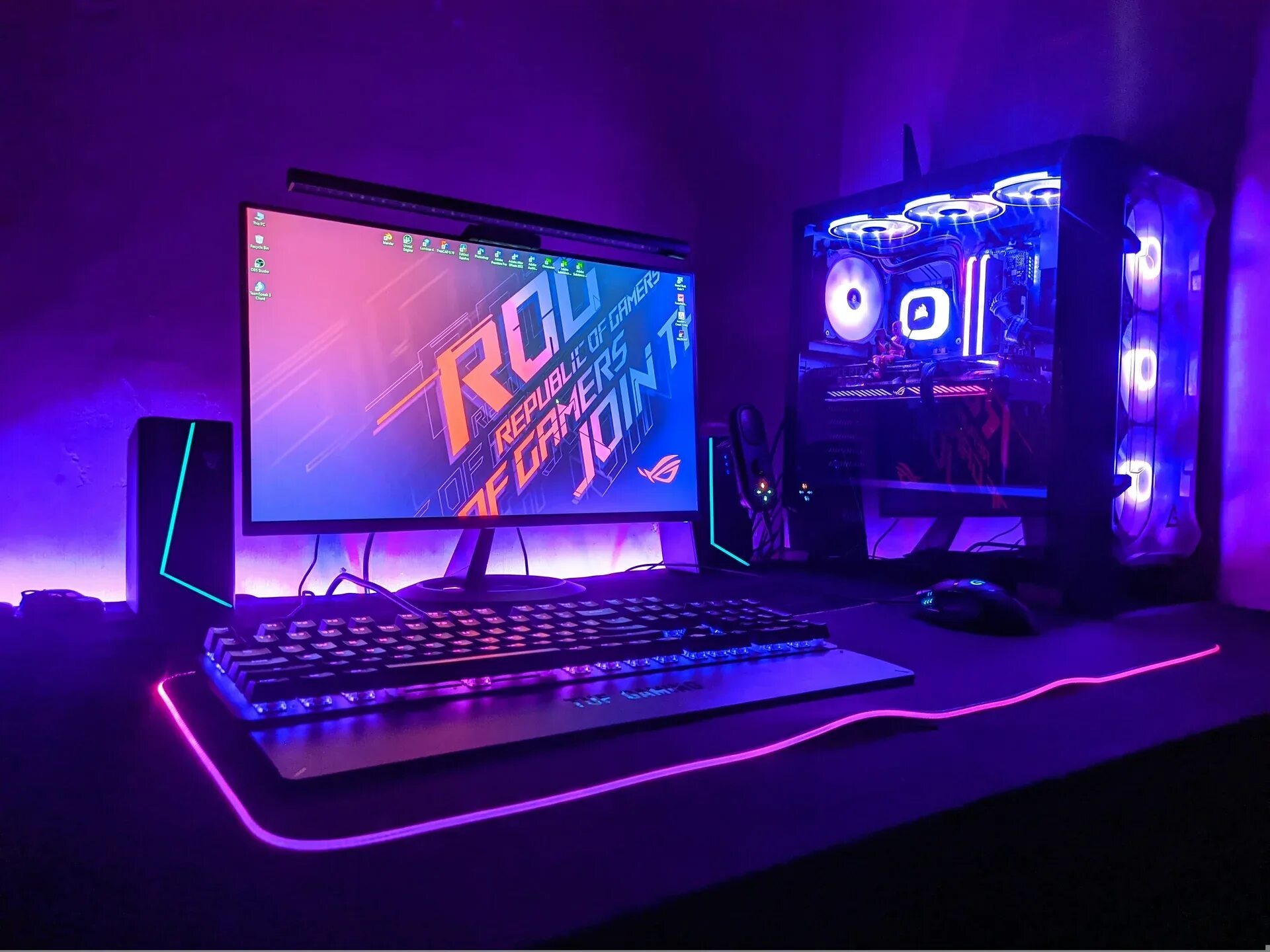
A gaming PC built today should run new releases comfortably for 3–5 years. After that, you may need to lower graphics settings as frame rates decline and VRAM becomes a constraint. Strategic upgrades can extend the system’s useful life by another 2–3 years, provided the platform supports component-level upgrades. This article explains how long a gaming PC remains capable, when it is time to upgrade individual parts, and when replacing the entire system makes more financial sense.
What determines a gaming PC’s lifespan
A computer’s lifespan is not defined by a single parameter. It is shaped by several key factors.
| Factor | Impact on lifespan |
|---|---|
| Graphics card class | Flagship (RTX 5080/5090) — 4–5 years. Budget (RTX 5060) — 2–3 years. |
| CPU and RAM headroom | 8 cores and 32 GB provide enough capacity for 5–7 years. 6 cores and 16 GB meet current baseline requirements but leave little room for future workloads. |
| Cooling | Without solid cooling you get throttling, lost performance, and faster wear. |
| Power supply | A cheap PSU ages faster, struggles with ATX 3.1 peaks, and often needs replacing during an upgrade. |
| Resolution | 1080p is less demanding than 1440p and 4K, so the GPU stays relevant longer. |
Platform longevity depends directly on how long the manufacturer supports the socket. AMD’s multi-year AM5 support, for example, lets you buy a solid motherboard and, 3–4 years later, install a new-generation CPU with 3D V-Cache without paying to replace the entire platform and system memory.
Which components become outdated first
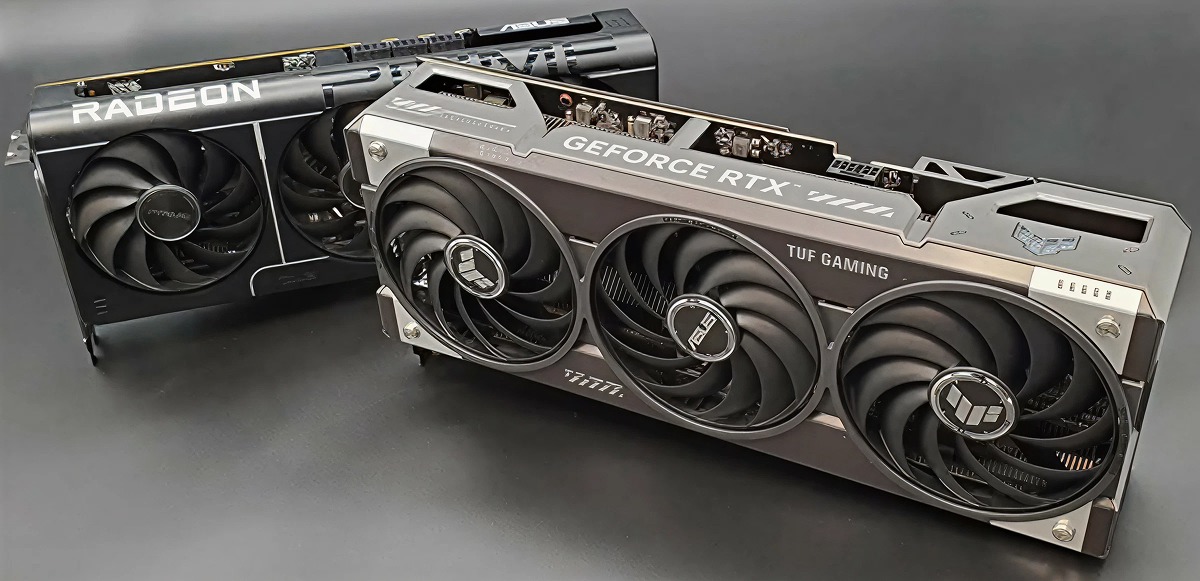
Gaming PC components do not become outdated at the same rate. Some may need upgrading after 2–3 years, while others can remain suitable for 5–7 years.
The graphics card usually becomes the limiting component first. It has the greatest influence on gaming performance. In 2026, 8 GB of VRAM already requires compromises in some games. A 16 GB card should remain capable for roughly 3–4 years, while 24–32 GB offers more headroom for the next 4–5 years.
RAM and VRAM capacity. A system with 16 GB of RAM remains usable, but modern AAA games running alongside a browser, Discord, and streaming software increasingly benefit from 32 GB.
CPU, storage, and platform. A capable 6–8-core CPU can remain suitable for 5–7 years. SSD performance may decline when the drive is more than 80% full or overheats without a heatsink, while older SATA drives cannot take full advantage of DirectStorage like NVMe drives can. The underlying platform generally becomes a constraint when newer memory or interface standards are required.
Real-world lifespan by component
Graphics card. The main limiter, usually 3–4 years at high settings
A graphics card’s useful lifespan as a gaming component is 3–4 years at high settings. That is not a failure — it is the point where it can no longer run new titles at the level you want.
| Class | Expected useful life |
|---|---|
| RTX 5090 (flagship) | 4–5 years in 4K |
| RTX 5080 (high-end) | 3–4 years in 4K / 1440p |
| RTX 5070 Ti / 5070 | 3–4 years in 1080p/1440p |
| RTX 5060 Ti / 5060 | 2–3 years in 1080p |
Signs that the GPU is no longer meeting your needs: frequent frame-rate drops, noticeable stuttering during rapid camera movements, crashes caused by insufficient VRAM, and a severe loss of smoothness when ray tracing is enabled.
CPU and platform. Often stay relevant for 5–7 years
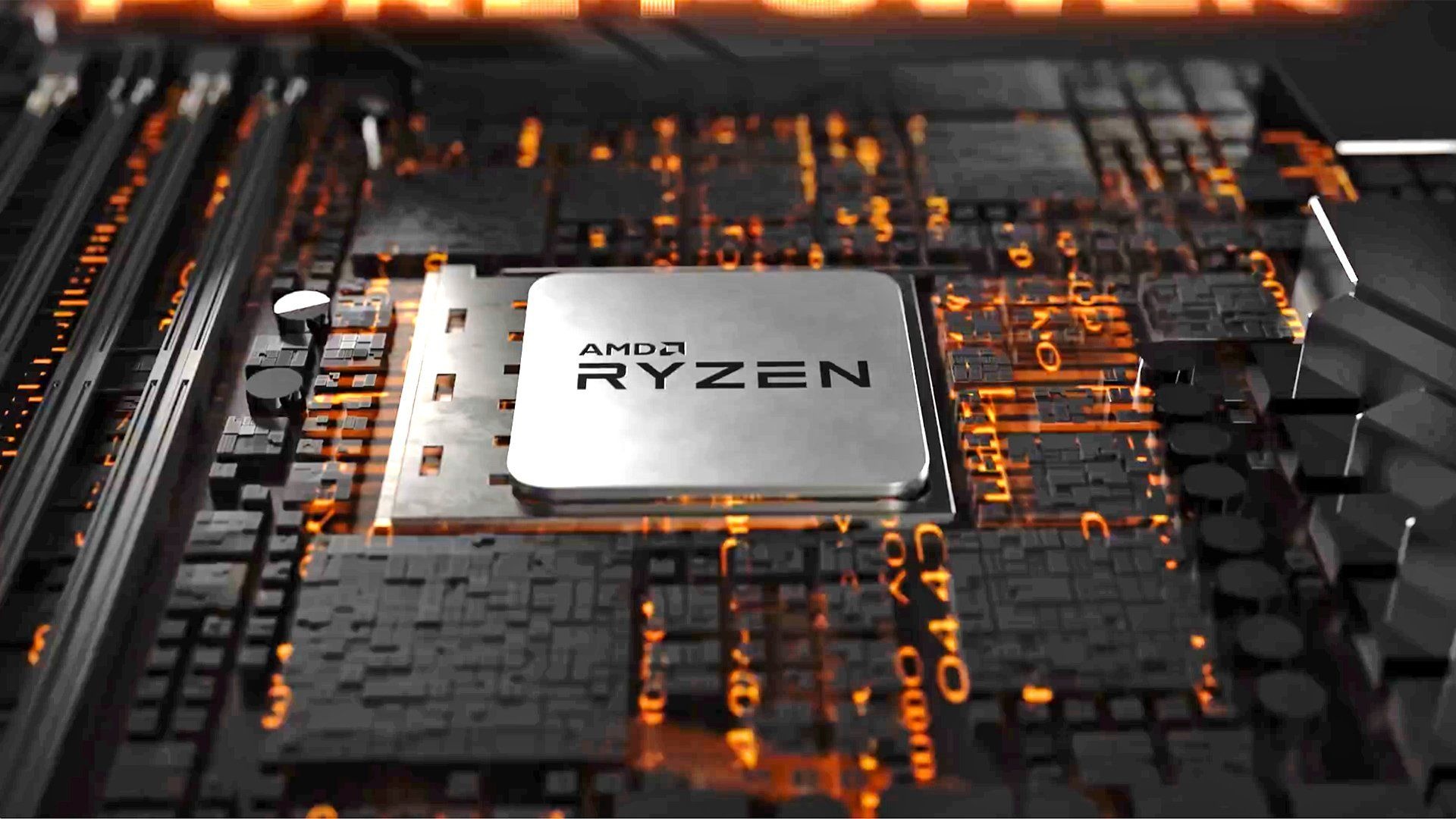
The CPU ages much more slowly than the GPU. Modern 6–8-core chips with strong single-core clocks and large L3 caches remain relevant for 5–7 years.
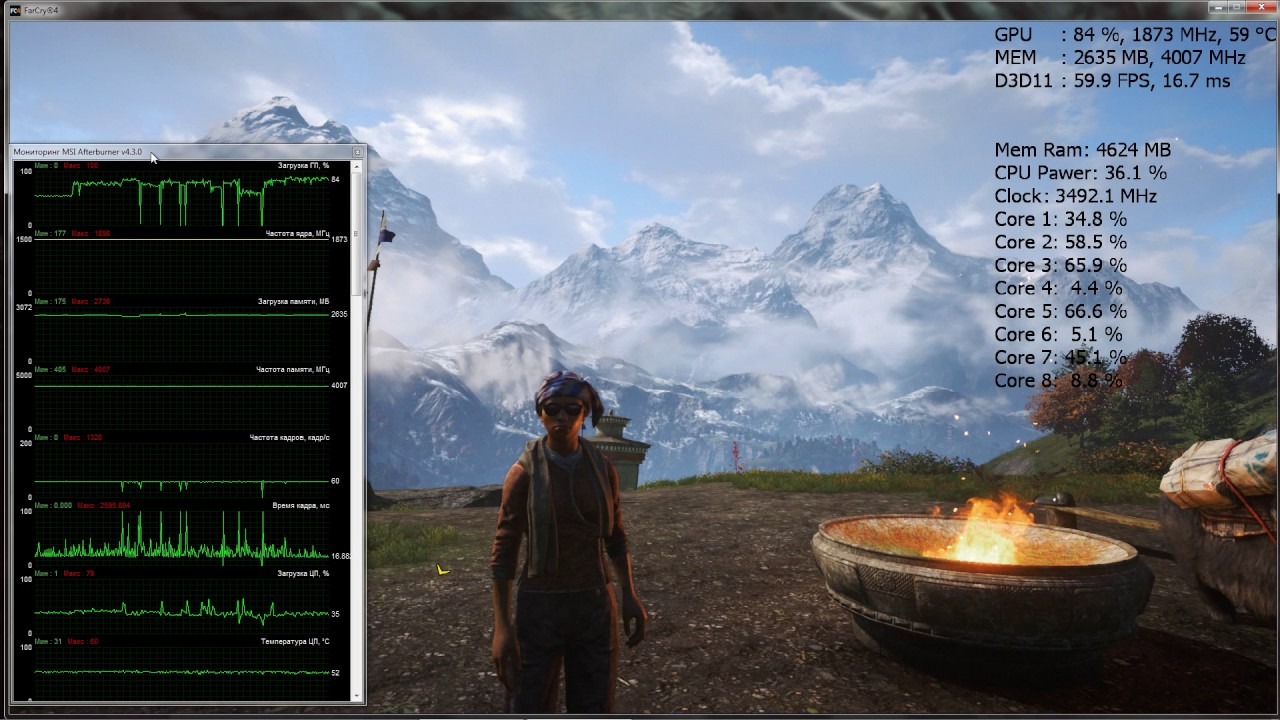
Warning sign: the CPU sits at 90–100% while the GPU is underused at 60–70%. The processor simply cannot feed frames to the graphics card fast enough.
Memory and storage: when RAM or SSD upgrades extend the PC’s useful life
| Component | When to replace |
|---|---|
| RAM | Going from 16 to 32 GB is a cheap, effective upgrade. It removes stutters in open-world games. |
| SSD | Move from a 500 GB SATA drive to a 1–2 TB NVMe SSD with a heatsink. This provides better DirectStorage performance and reduces slowdowns caused by a nearly full drive. |
Signs it is time to upgrade or replace
A clear checklist:
- Insufficient VRAM. Warning signs include out-of-memory errors, stuttering, and low-resolution or slow-loading textures. An 8 GB card may already be limiting in newer games;
- FPS falls below a comfortable level. If you get 30–40 FPS instead of 60, the GPU has run out of headroom;
- New games will not launch. Requirements exceed what your system can do;
- The system does not support Windows 11 or modern anti-cheat requirements. Missing TPM 2.0 or Secure Boot can prevent games that use systems such as Vanguard or EA Anti-Cheat from launching;
- Repairs cost more than 30–40% of a new PC. That is not a repair — it is money spent for little return;
- The computer overheats. Cleaning and fresh thermal paste no longer help, and temperatures stay high.
Upgrade or new PC: how to decide
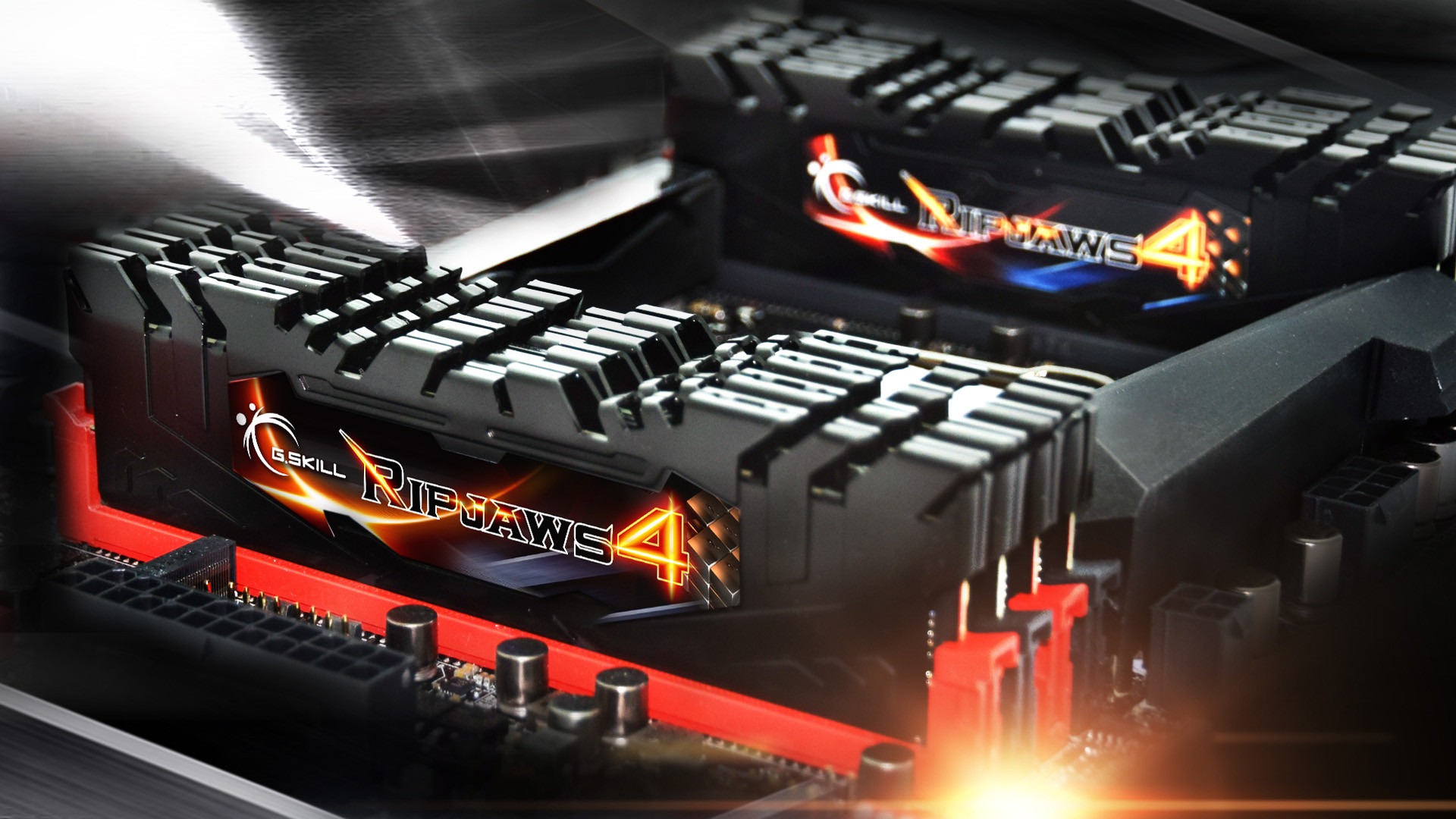
The choice between upgrading and buying a new PC depends largely on how many components need to be replaced.
| Scenario | Decision |
|---|---|
| Replace only the GPU; ATX 3.1 PSU and case are fine | Upgrade |
| Add RAM (16→32 GB) or an NVMe SSD | Upgrade |
| Replace the CPU within the same platform (AM4→X3D) | Upgrade |
| Need CPU + motherboard + memory at once | New PC |
| PSU and case cannot handle new hardware (no 12V-2x6 / headroom) | New PC |
| Windows 11 and TPM 2.0 / Secure Boot are not supported | New PC |
| Upgrade quote > 50% of a new PC | New PC |
Simple rule: if you are replacing 1–2 components, an upgrade makes sense. If you need 3 or more, buy a new PC.
How to extend a gaming PC’s lifespan
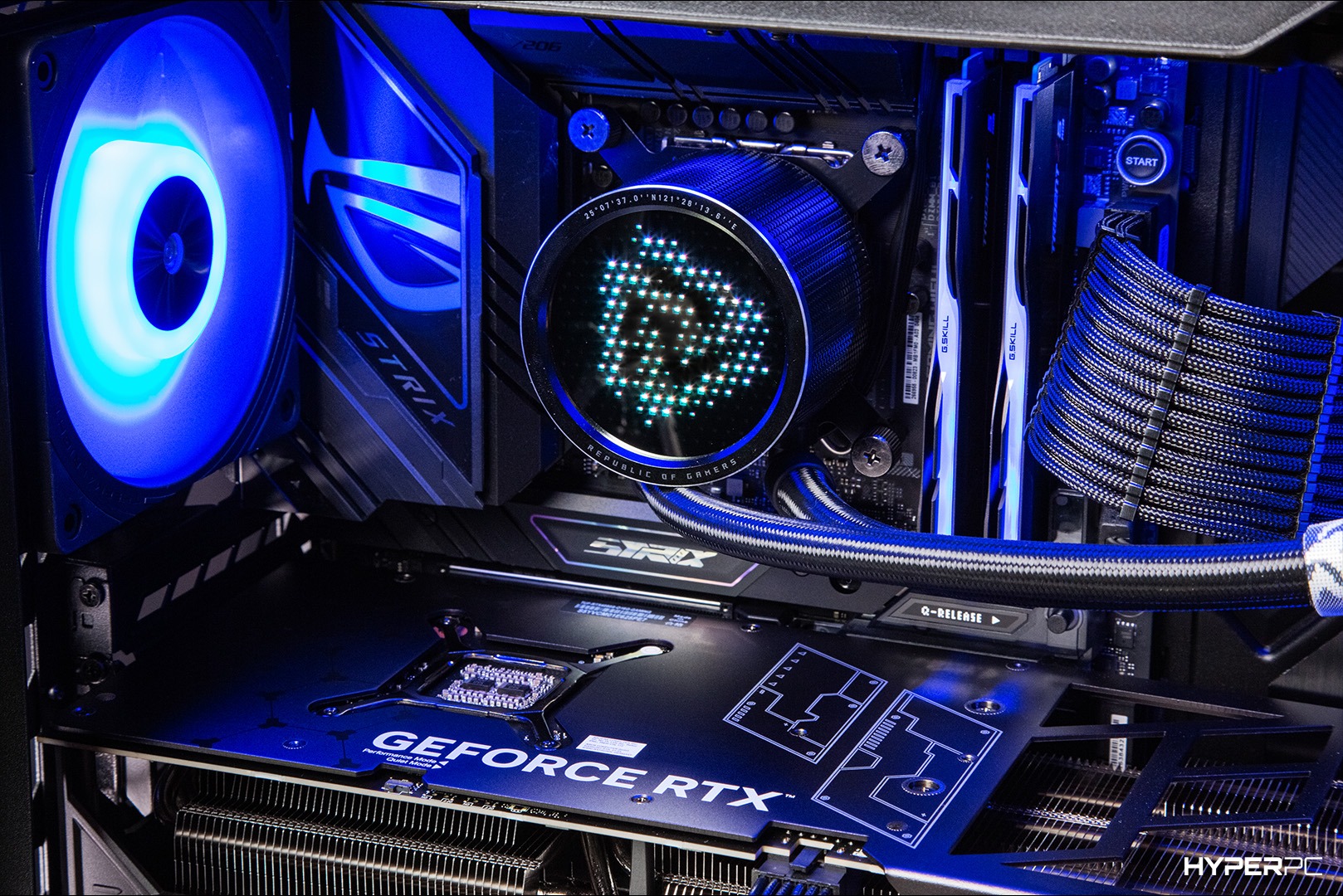
- Monitor temperatures. Use HWiNFO64 or MSI Afterburner. Sustained temperatures of 85–90 °C warrant checking the cooling system;
- Clean dust regularly. Every 6–12 months. Dust is the main enemy of cooling;
- Update drivers. Stick to stable releases, not betas;
- Leave PSU headroom. An ATX 3.1 power supply with sufficient capacity and a 12V-2x6 connector leaves room for a future GPU upgrade;
- Do not cheap out on cooling. A weak cooler on a strong CPU means throttling and lost FPS;
- Avoid filling an SSD beyond 80%. Keeping free space available helps the drive maintain its performance;
- Start with 32 GB of RAM. It is inexpensive and saves you from an upgrade a year later;
- Use a UPS. Voltage spikes are a common reason PSUs and motherboards fail.
Conclusion
How long will a gaming PC remain capable between 2026 and 2029? A modern, balanced system should provide 3–5 years of enjoyable gaming without major compromises. A well-chosen platform combined with a targeted GPU or memory upgrade can extend its useful life to 6–7 years.
When it is time to upgrade:
- The GPU no longer delivers a comfortable frame rate in your favorite games;
- You are short on system RAM or VRAM;
- Stuttering appears when the drive fills up or the CPU sits at 100%.
When a new PC is the better choice:
- You need to replace the CPU, motherboard, and system memory at the same time;
- The total upgrade quote exceeds 50% of a new computer;
- The old platform does not support modern Windows 11 security standards and TPM 2.0 / Secure Boot.
The 50% golden rule: if the planned upgrade costs more than half the price of a new computer, it is smarter to buy a balanced system on a current platform with an official warranty and enough headroom for 2026–2029.
If you want a powerful, future-ready PC or need help choosing the right upgrade path, speak with the HYPERPC team. Our range includes balanced PLAY and LUMEN gaming systems as well as exclusive, hand-built CONCEPT machines. Choose the HYPERPC system that fits your needs and enjoy years of dependable gaming performance.

 Arabic
  English