We are ready to help you
DDR4 vs DDR5 in 2026: What to Choose for Gaming and Work
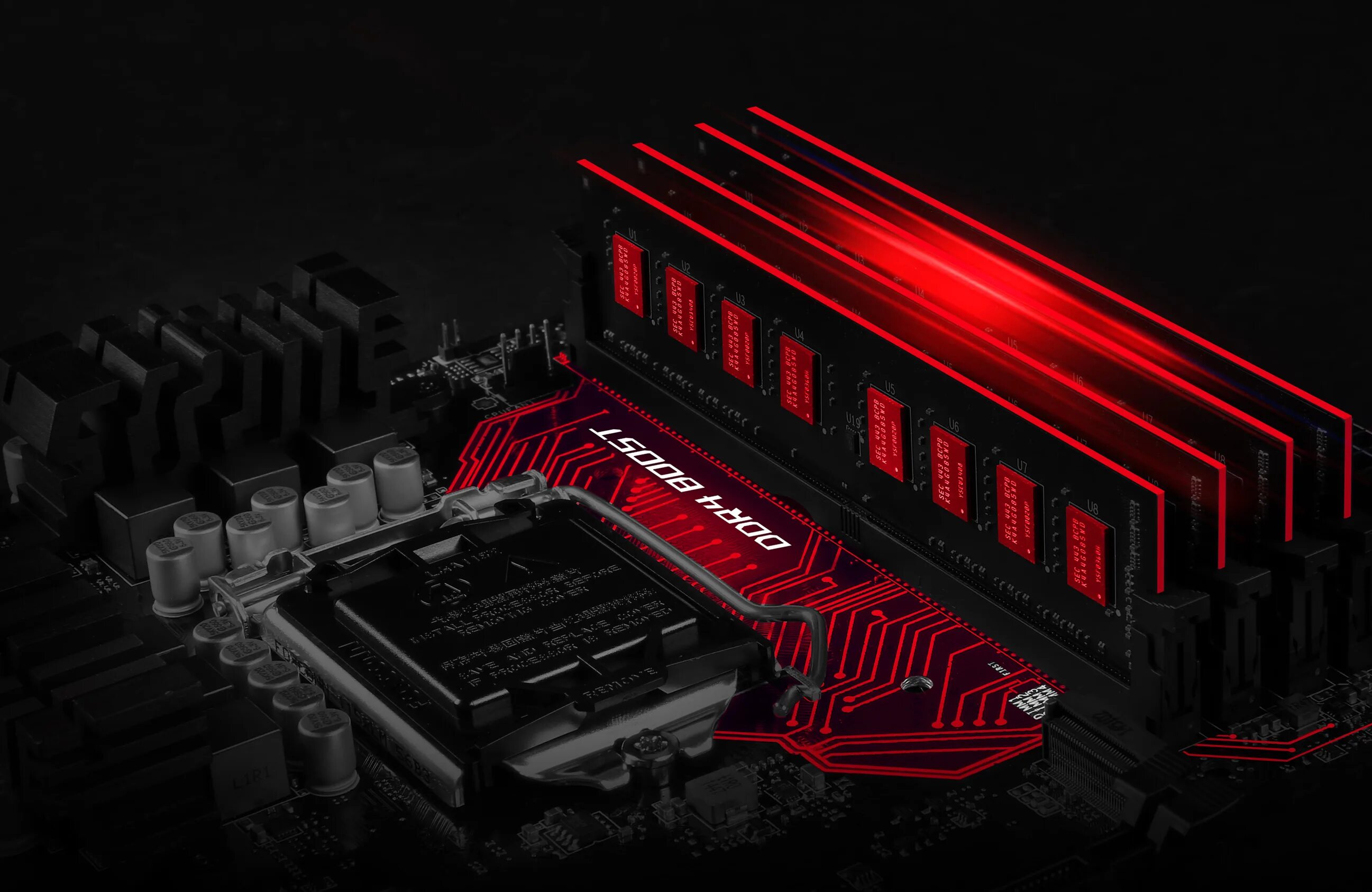
DDR4 vs DDR5 in 2026 is a question for anyone building a new PC or planning an upgrade. Both standards are still relevant, but they serve very different scenarios. Here is a clear breakdown without extra noise.
Architectural Differences Between DDR4 and DDR5
Technical Specifications: Frequency, Bandwidth, and Timings
The key difference between the generations is architecture and speed. DDR5 has two independent 32-bit channels per module, while DDR4 uses one 64-bit channel. This nearly doubles bandwidth when working with large data sets.
| Specification | DDR4 | DDR5 |
|---|---|---|
| Frequency range | 2133–3600 MHz | 4800–8400+ MHz |
| Bandwidth | up to 25.6 GB/s | up to 67.2+ GB/s |
| Timings | CL14–CL18 | CL30–CL40 |
| Max module capacity | 32 GB | 64+ GB |
| Channels per module | 1 × 64-bit | 2 × 32-bit |
Mainstream DDR4 has effectively reached its ceiling at 3200–3600 MHz. DDR5 starts at 4800 MHz, while the current sweet spot for a gaming PC is 6000–6400 MHz.
Power Efficiency and Power Management
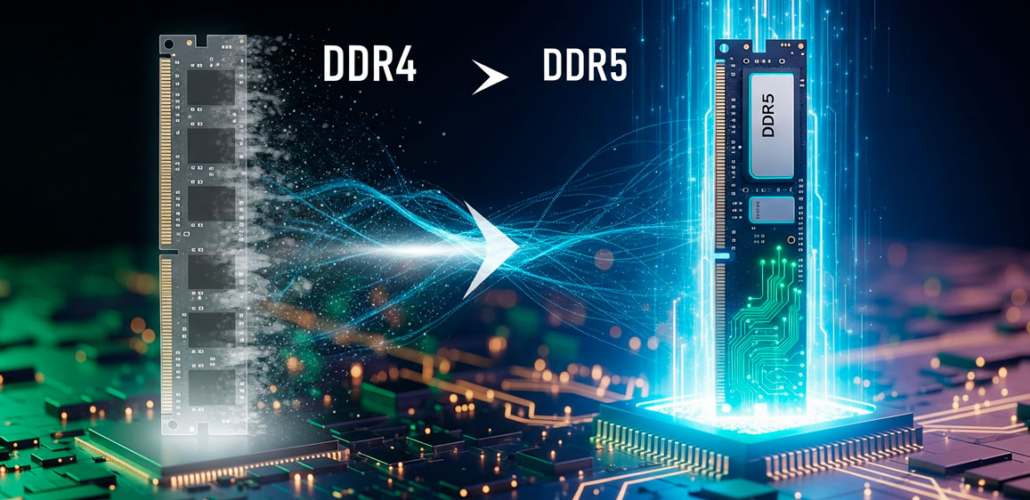
DDR5 moved the PMIC power controller directly onto the module. Voltage dropped from 1.2 V to 1.1 V. In practice, this improves power stability for the chips, but moving the voltage converter to the RAM stick concentrates heat on the module itself. Under heavy load, DDR5 can run hotter than DDR4, so stable XMP/EXPO operation benefits from good airflow and quality heatsinks.
Gaming Performance
FPS Comparison: DDR4 vs DDR5
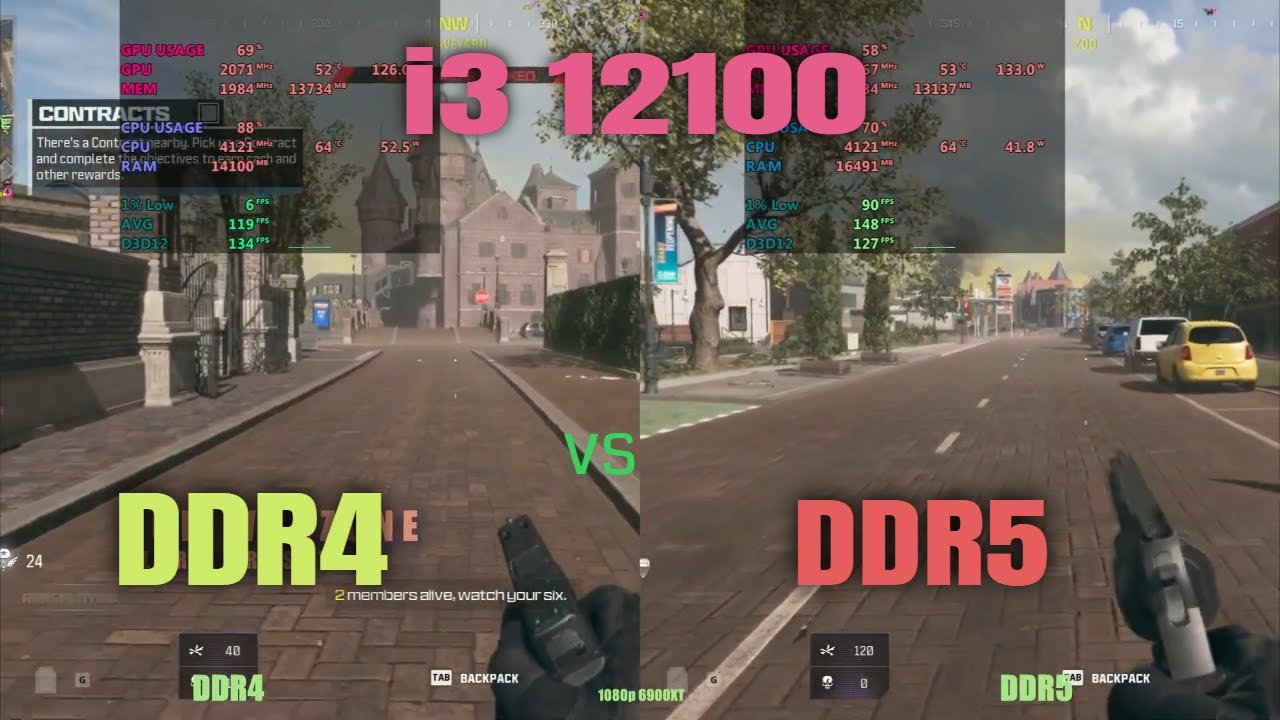
Game tests show that DDR5 gains are most noticeable in CPU-limited titles at 1080p. At 4K, the graphics card becomes the bottleneck, and the difference is minimal.
| Game (1080p) | DDR4-3600 CL16 | DDR5-6000 CL30 | Gain |
|---|---|---|---|
| Cyberpunk 2077 | ~85 FPS | ~105 FPS | +23% |
| Baldur's Gate 3 | ~100 FPS | ~125 FPS | +25% |
| CS2 | ~530 FPS | ~550 FPS | +4% |
| Call of Duty: MW3 | ~260 FPS | ~285 FPS | +9% |
Gaming Benchmarks and Real-World Scenarios
In cross-load behavior tests, DDR5 holds voltage more consistently during sudden power spikes. This matters in modern AAA games built on Unreal Engine 5, where memory load can be uneven. The main drawback of DDR5 here is the higher price of memory kits.
Performance in Work Tasks
Rendering and 3D Modeling
In Blender Cycles and similar final 3D rendering applications, RAM has little effect: calculation speed is limited almost entirely by CPU or GPU power, and the DDR5 gain is usually only 1–3%. However, DDR5’s higher bandwidth and larger module capacities significantly speed up preparation of heavy scenes and viewport work.
Video Editing and Post-Production
When editing 4K footage in Adobe Premiere Pro and DaVinci Resolve, DDR5 can improve performance by 10–20%. Timeline scrubbing becomes smoother and exports are faster. Another advantage is support for non-binary 48 GB and 96 GB modules, which is important when working with heavy RAW footage.
Compilation and Scientific Computing
Large project compilation can speed up by 15–20%. Two independent DDR5 channels make it easier to process parallel data streams, which is exactly what virtual machines and Docker workloads need.
Compatibility and System Requirements
Physical Incompatibility and CPU Support
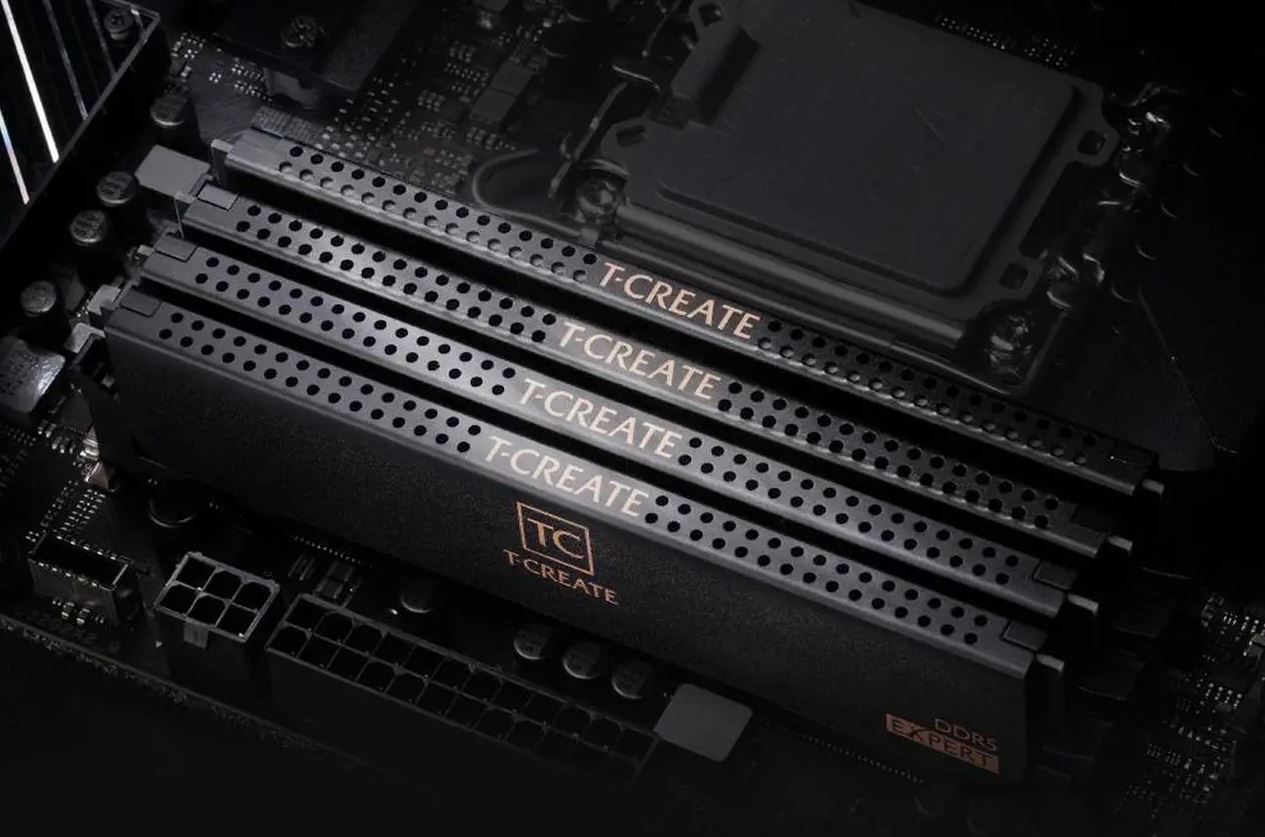
DDR4 and DDR5 are physically incompatible: they use different slots and a different notch position. The supported memory type depends on the platform.
- AMD Ryzen 5000 (AM4): DDR4 only
- AMD Ryzen 7000/9000 (AM5): DDR5 only
- Intel Core 12th–14th Gen (LGA1700): DDR4 or DDR5, depending on the motherboard
- Intel Arrow Lake (LGA1851): DDR5 only
Always check system compatibility before buying memory.
Upgrade Economics: Is DDR5 Worth It?
Price Comparison and Payback
| Kit | Capacity | Approximate price |
|---|---|---|
| DDR4-3600 CL16 | 32 GB (2×16) | ~400 AED |
| DDR5-6000 CL30 | 32 GB (2×16) | ~680 AED |
| DDR5-6400 CL32 | 64 GB (2×32) | ~1,270 AED |
Paying extra for DDR5 when upgrading an old platform is usually not cost-effective, because you will also need to replace the motherboard and processor. If you are building a new computer from scratch, the DDR5 premium is small compared with the total build cost.
When to Upgrade RAM
Moving to DDR5 makes sense if you are building a new PC, regularly work with heavy video editing, or want a system that stays relevant for the next 4–5 years. For a budget PC based on the popular Ryzen 5 5600 (AM4), DDR4-3600 CL16 remains the most rational choice. Staying on DDR4 with an AM4 platform is perfectly reasonable if the system still handles your tasks.
If you do not want to deal with compatibility yourself, HYPERPC equips gaming PCs with current memory and activated XMP/EXPO profiles.
Frequently Asked Questions We have prepared the answers.
-
Why are DDR5 timings higher than DDR4 timings?
Because timings are measured in clock cycles, not nanoseconds. DDR5 runs at a much higher frequency, so each cycle is shorter, and the absolute latency in nanoseconds can be comparable to DDR4.
-
Why can DDR5-4800 be slower than DDR4-3600?
The base DDR5 speed without XMP/EXPO is 4800 MHz with high timings. In real latency, that can be worse than a good DDR4 kit. Always enable the memory overclocking profile in BIOS.
-
Can DDR5 be installed in a DDR4 motherboard?
No. DDR4 and DDR5 use different slots and are physically incompatible.
-
Is DDR5 worth it for a budget PC now?
If the platform is new, such as AM5 or Arrow Lake, yes. If the choice is between a RAM upgrade and a stronger graphics card, a gaming PC will usually benefit more from the GPU.
Conclusion
DDR5 is clearly relevant in 2026: the newer standard is faster, scales better, and is supported by all modern platforms. For a new gaming build, it is the obvious choice. For upgrading an existing AM4 or LGA1700 system, DDR5 makes sense only when replacing the whole platform. Otherwise, a good DDR4-3600 CL16 kit still handles most tasks very well, especially compared with basic DDR5-4800 without an enabled profile.

 Arabic
  English