We are ready to help
Complete guide to PC power supplies
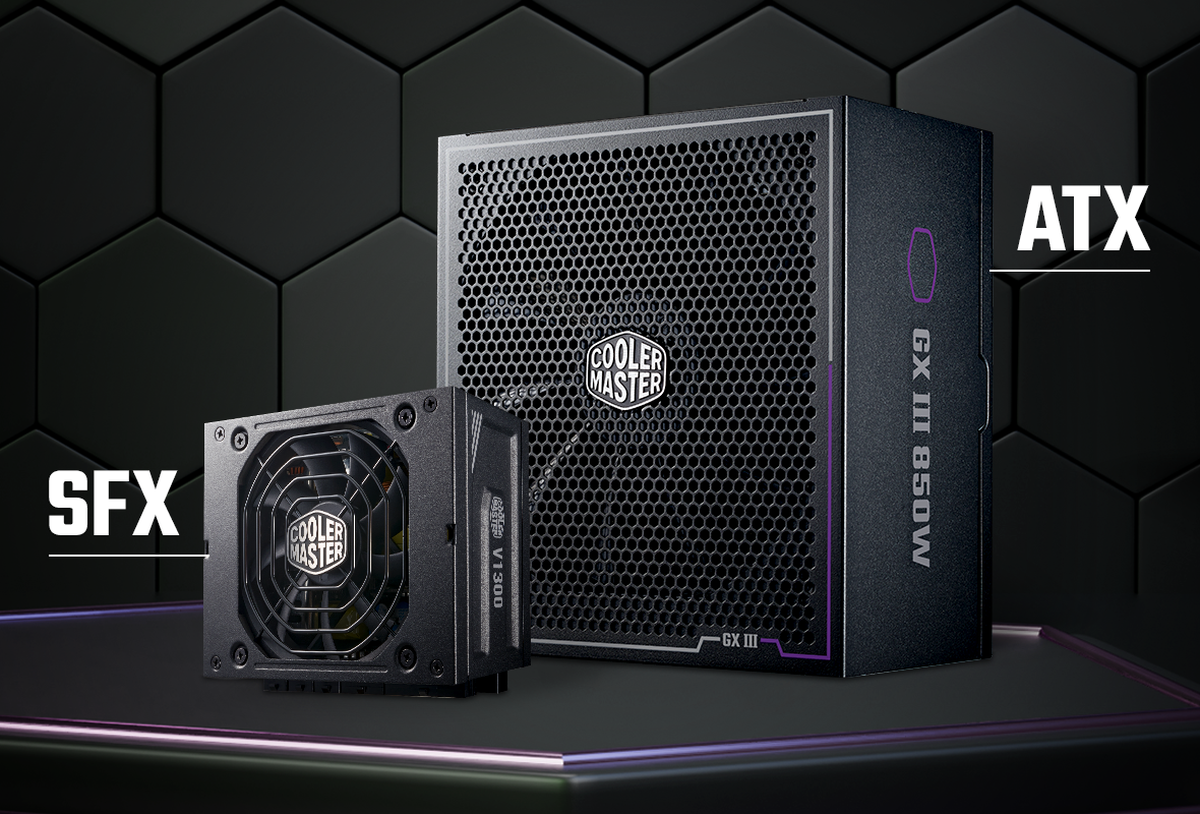
Understanding ATX, SFX, and TFX power supply form factors — and avoiding a size mismatch — is a task faced by anyone building or upgrading a PC. When choosing a PSU, remember: even the most powerful and efficient power supply is useless if it does not fit inside the case. In this guide, we will cover the key standards, dimensions, and differences between popular form factors, as well as the selection criteria that help you avoid mistakes when buying.
Power supply form factors
A PSU form factor is a set of parameters that defines the device size, mounting-hole layout, and connector positioning. The form factor determines which case a specific power supply will fit. Every case manufacturer lists compatible PSU standards — always check this information before buying.
Below is a comparison of the main standards:
| Form factor | Length | Width | Height | Max. wattage | Use case |
|---|---|---|---|---|---|
| ATX | 140–220 mm | 150 mm | 86 mm | up to 2,000 W | Tower, Midi-Tower |
| SFX | 100 mm | 125 mm | 63.5 mm | up to 1,000 W | Mini-ITX, SFF |
| SFX-L | 130 mm | 125 mm | 63.5 mm | up to 1,200 W | Spacious Mini-ITX |
| TFX | 175 mm | 85 mm | 65 mm | up to 450 W | Slim cases, office PCs |
| FlexATX | 150 mm | 81.5 mm | 40.5 mm | up to 500 W | Industrial PCs, mini servers |
| EPS | 140+ mm | 150 mm | 86 mm | up to 2,000+ W | Servers, workstations |
ATX (Advanced Technology eXtended)
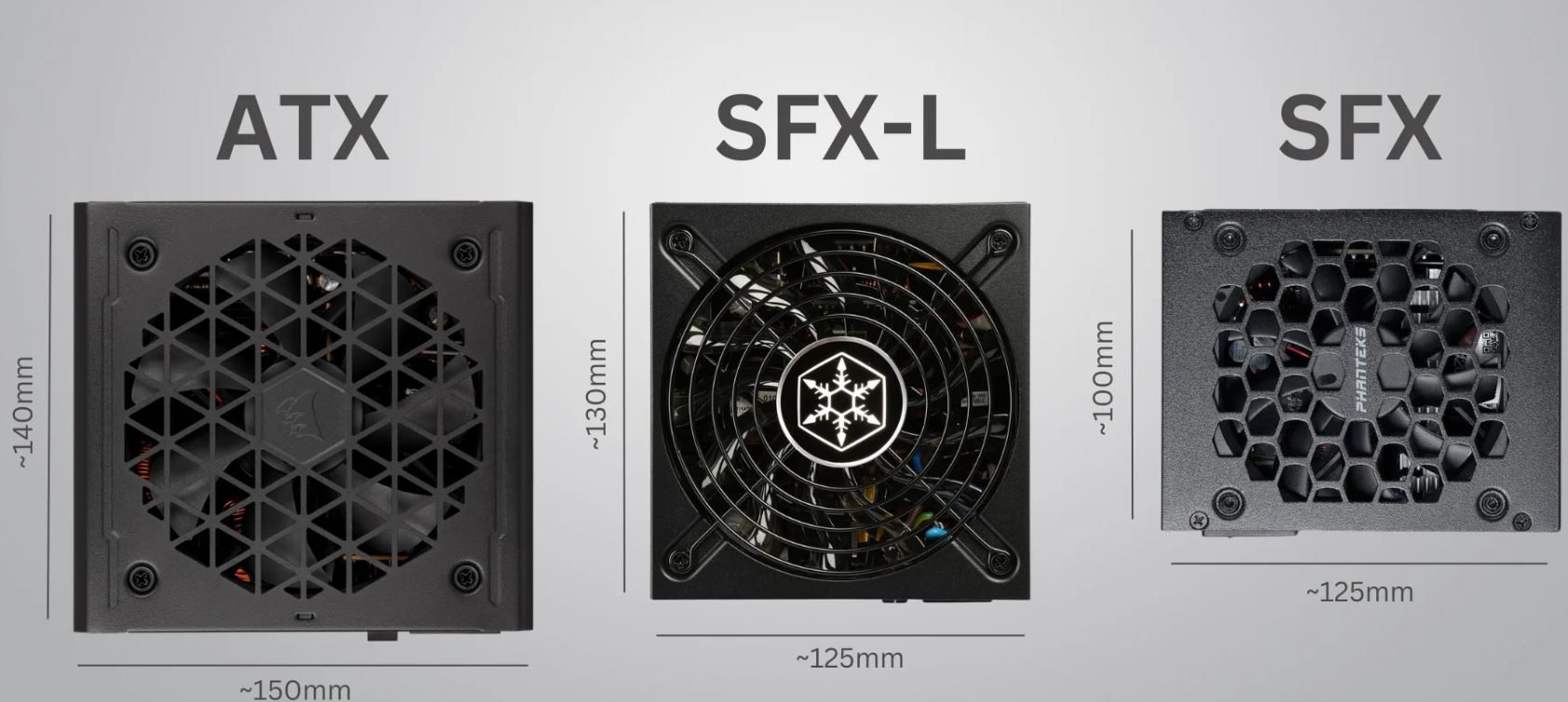
ATX is the most common standard for desktop PCs. Standard ATX PSU dimensions are 150 mm wide, 86 mm high, and 140 to 220 mm long. Most Tower and Midi-Tower cases are designed for ATX power supplies by default. ATX has remained the universal desktop solution for many years: a wide model range, power up to 2,000 W, and large 120–140 mm fans provide quiet and efficient cooling.
Current ATX subversion differences:
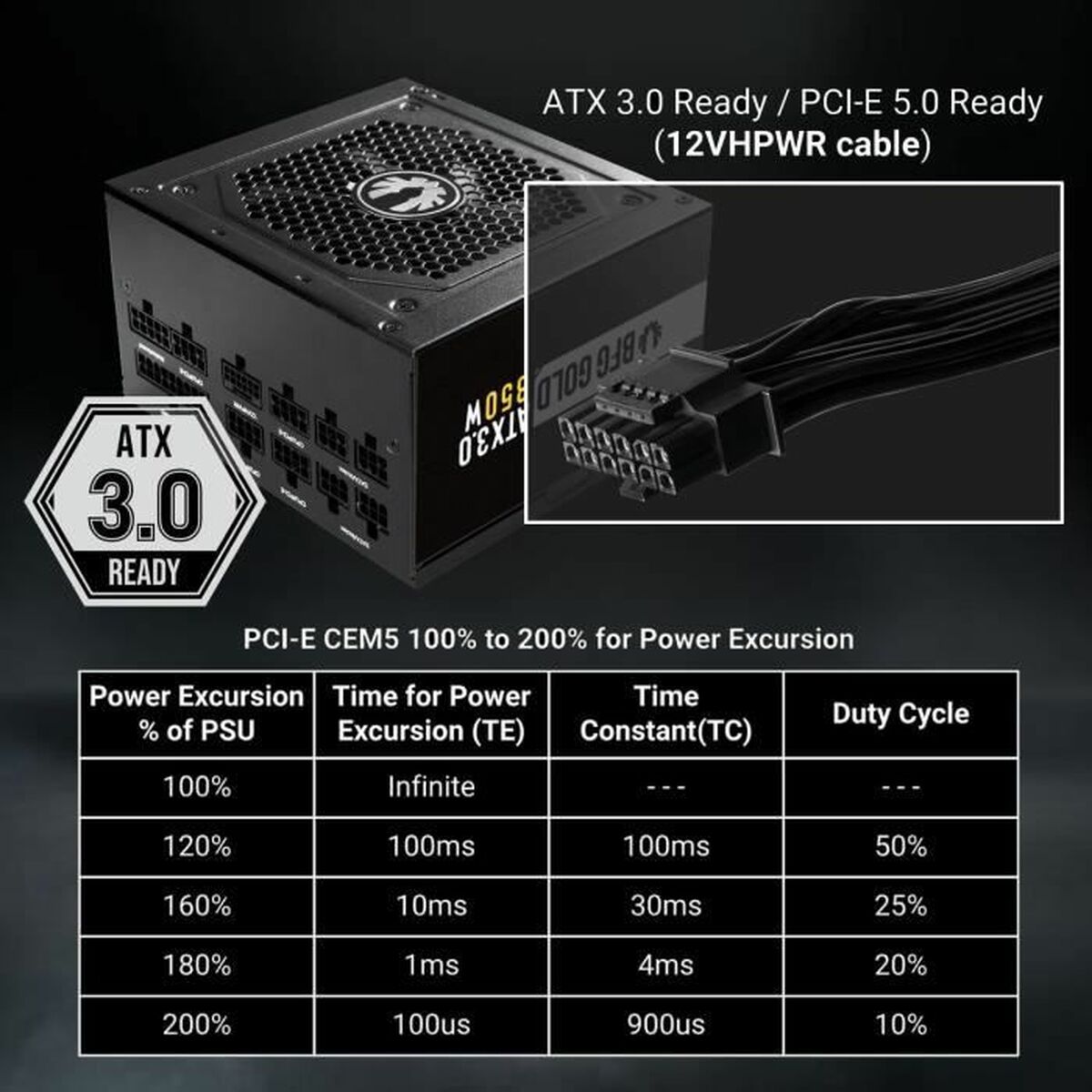
- ATX 3.0 — mandatory support for the 16-pin 12VHPWR (H+) connector for graphics cards with peak power consumption of up to 600 W.
- ATX 3.1 — released by Intel in 2023. It replaces the problematic 12VHPWR connector with the improved 12V-2x6 (H++) connector. Its SENSE signal pins are shortened by 1.5 mm, while the power pins are extended by 0.25 mm. If the connector is not fully inserted, the signal lines remain open and the PSU does not deliver high current, eliminating the risk of contact melting under load. ATX 3.1 also reduces the minimum hold-up time from 17 ms to 12 ms at full load.
- ATX PCI-E 5.0 — fully compatible with PCI Express 5.0 devices; its transient-load requirements are similar to ATX 3.0.
ATX is suitable for PCs, servers, and workstations without strict case-size limits. If you are choosing a PSU for a standard gaming or work build, this is the default standard.
SFX (Small Form Factor eXtended)
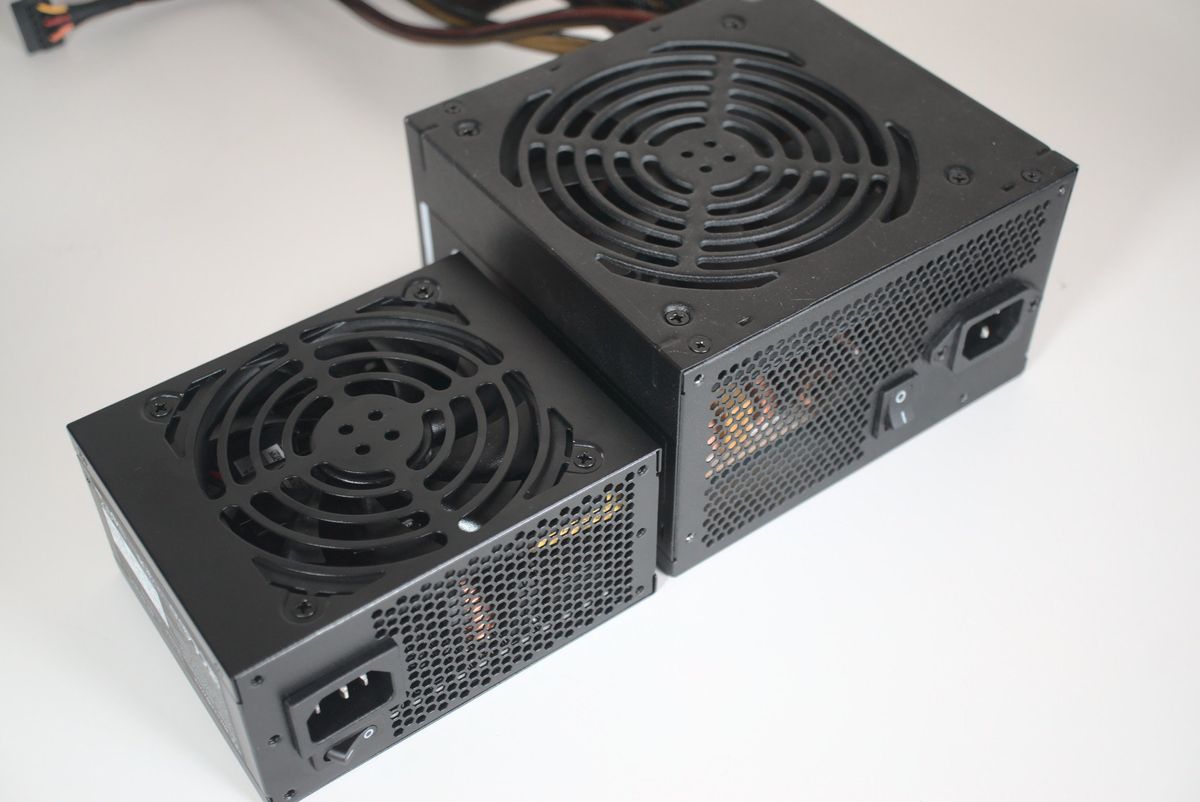
SFX is a compact standard for Mini-ITX and some compact Micro-ATX cases. Standard dimensions are 100 mm long, 125 mm wide, and 63.5 mm high. Despite the small size, modern SFX power supplies reach 750–1,000 W and work well in high-performance gaming systems.
Key differences between SFX and ATX:
- Fan size: 80–92 mm versus 120–140 mm in ATX. Because the fan spins faster under load, SFX units are usually noticeably louder.
- Lower maximum wattage: top ATX PSUs reach 2,000 W, while SFX units are limited to around 1,000 W.
- Mounting adapter: most SFX units include an SFX-to-ATX bracket for installation in standard cases.
The SFX12V subversion additionally strengthens the dedicated 12-volt power rail, making it preferable for powerful SFF builds with top-tier graphics cards. SFX is chosen primarily for compactness — it fits where ATX physically cannot.
TFX (Thin Form Factor eXtended)
TFX is a standard for thin and narrow cases: office slim PCs and compact desktop systems (HTPC). Dimensions are 175 mm long, 85 mm wide, and 65 mm high. The difference between TFX and SFX is the shape: SFX is more square, while TFX is long and narrow, allowing it to sit along the narrow side of slim cases.
TFX PSU wattage usually does not exceed 300–450 W, which is enough for systems with integrated graphics or low-profile GPUs. When choosing TFX, keep in mind that the 80 mm fan runs at high RPM and becomes noisy under load. Subtypes include TFX12V for stable power delivery to moderate-TDP components, Low-Profile TFX for extremely tight cases, and High-Efficiency TFX with higher efficiency for 24/7 operation.
EPS (Entry-Level Power Supply specification)
EPS is a power standard for servers and high-performance workstations. Its physical dimensions match ATX (150 x 86 mm), but the EPS12V standard requires a monolithic 8-pin CPU power connector. In consumer power supplies, this connector is usually split as 4+4-pin to preserve backward compatibility with desktop motherboards. EPS PSUs are chosen for systems with powerful multi-core processors and professional graphics cards, where stable power delivery under constant 24/7 load is required.
FlexATX
FlexATX is one of the most compact power standards, with dimensions of about 81.5 x 40.5 x 150 mm. Power supplies of this form factor are used in industrial computers, mini servers, and network storage systems. Maximum wattage is limited to 500 W. The key difference from other standards is the extremely low 40.5 mm height and a 40–50 mm fan that can be noisy even at modest speeds. In some cases, a FlexATX PSU is installed through an adapter bracket, which must be considered when choosing.
SFX-L (SFX-Long)
SFX-L is the extended version of SFX, measuring 125 x 63.5 x 130 mm. It is identical to SFX in width and height; only the depth increases to 130 mm. This allows a full-size 120 mm fan, significantly reducing noise and improving cooling efficiency compared with standard SFX. SFX-L units reach 1,000–1,200 W. Before buying, always check Mini-ITX case compatibility with the longer SFX-L unit so that cables do not interfere with the graphics card or storage drives.
Factors to consider when choosing a power supply
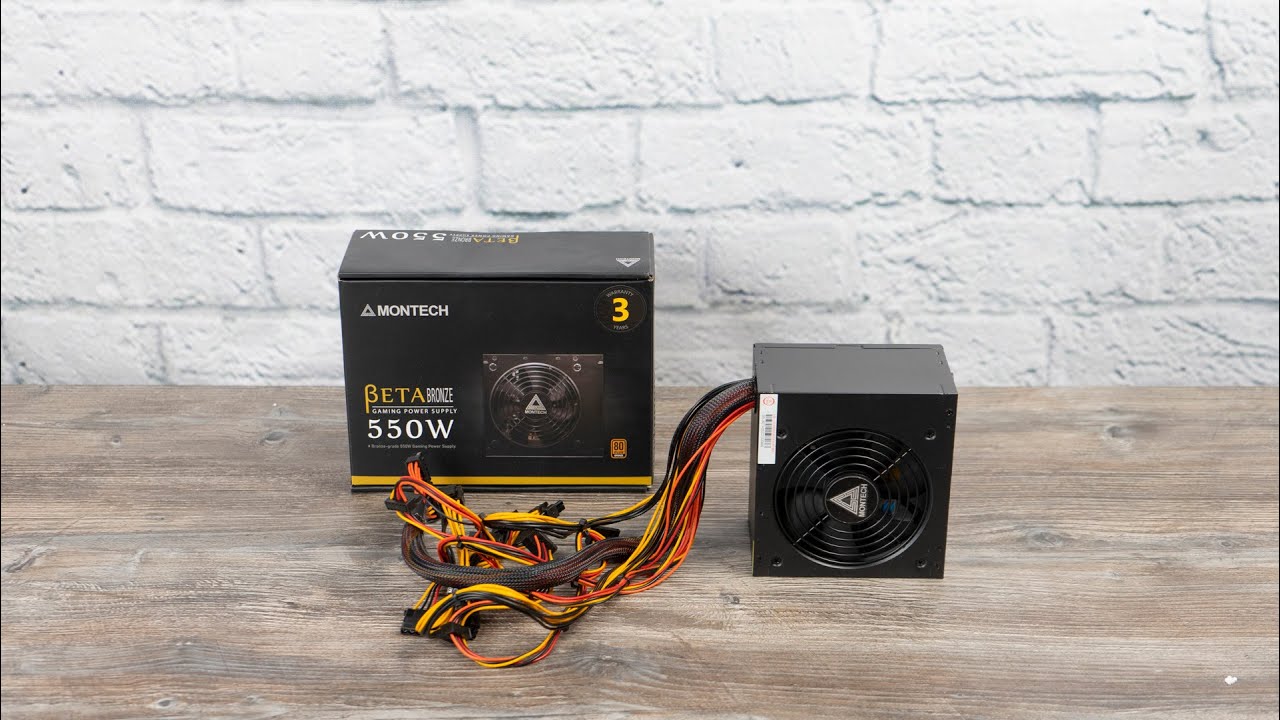
Choosing the right PSU is not only about size. Before buying, evaluate several key characteristics, each of which affects the stability and lifespan of the entire system.
Wattage and power requirement calculation
Insufficient PSU wattage leads to unstable operation, CPU and GPU downclocking, random shutdowns, and freezes. For accurate calculation, use official power calculators such as Be Quiet PSU Calculator or Seasonic Wattage Calculator. Always add a 20–30% power reserve to the calculated value so that the PSU operates in its most efficient range (50–70% load) and does not overheat.
General task-based guidance:
- Office PC without a discrete graphics card — 300–400 W.
- Mid-range home gaming PC — 550–650 W.
- Gaming PC with Blackwell graphics cards (RTX 5070 Ti, 5080) — 850–1,000 W.
- Workstation with multiple GPUs — from 1,200 W.
PSU efficiency and 80 PLUS certification
The 80 PLUS standard confirms that a PSU operates with high efficiency at different load levels. In 230V EU household AC networks, Platinum and Titanium efficiency requirements are significantly stricter than in 115V networks.
80 PLUS certification levels table (230V EU Non-Redundant networks):
| Level | 10% load | 20% load | 50% load | 100% load | Recommendation |
|---|---|---|---|---|---|
| White | — | 82% | 85% | 82% | Outdated, not recommended |
| Bronze | — | 85% | 88% | 85% | Budget builds up to 650 W |
| Silver | — | 87% | 90% | 87% | Intermediate, rarely practical |
| Gold | — | 90% | 92% | 89% | Best choice for most PCs |
| Platinum | — | 92% | 94% | 90% | Workstations, 24/7 load |
| Titanium | 90% | 94% | 95% | 91% | Servers, ultimate PCs |
Titanium is the only consumer class that requires an efficiency test at ultra-low 10% load (at least 90%). An alternative market standard is Cybenetics, which evaluates efficiency (ETA class) at 40°C across 1,450 load points, as well as fan noise (LAMBDA class).
Modularity and connectors
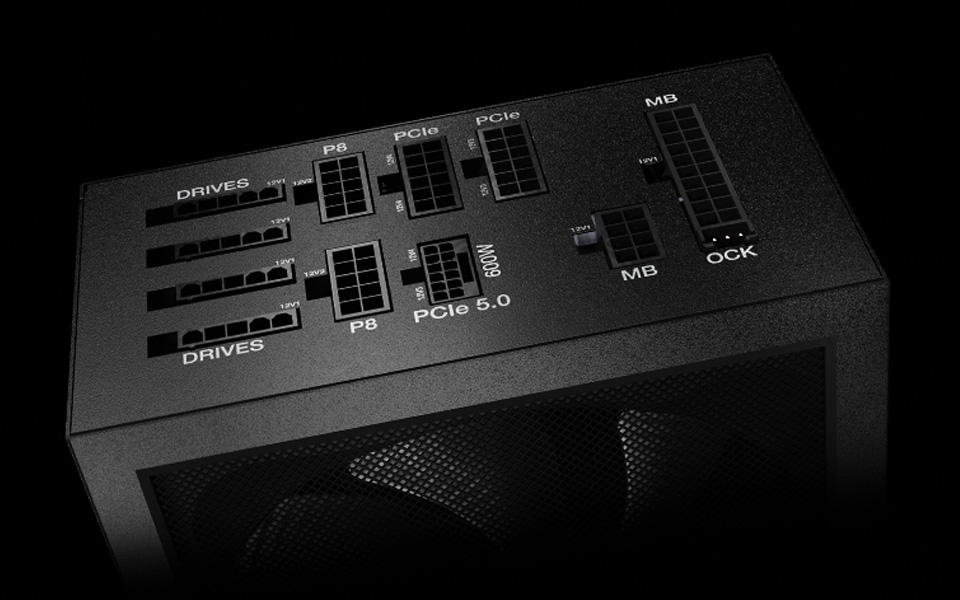
Power supplies come in three cable-structure variants:
- Non-modular — fixed cables. The cheapest but least convenient option.
- Semi-modular — main cables (24-pin ATX, 4+4-pin CPU) are fixed, while the rest are detachable.
- Full-modular — all cables are detachable. This simplifies assembly and improves airflow.
Always check connector availability: 24-pin ATX for the motherboard, 4+4-pin (or dual 8-pin) for the CPU, and PCIe 6+2-pin for graphics cards. Powerful modern Blackwell and RDNA 4 GPUs require a PSU with a native 12V-2x6 cable under the ATX 3.1 standard.
Protection systems and safety
To prevent fire hazards and protect expensive hardware from electrical failure, a PSU should include a full set of supervisor-based protections:
- OVP/UVP — over-voltage and under-voltage protection.
- OCP/OPP — over-current and over-power protection.
- SCP — short-circuit protection, the absolute minimum.
- OTP — overheating protection for the power stage.
Electrical losses are closely related to efficiency by formula:
Energy losses are converted into excess heat. To make the PSU last longer, choose models with high-grade Japanese capacitors (Nichicon, Rubycon, Nippon Chemi-Con), certified for operation at up to 105°C.
Cooling and noise
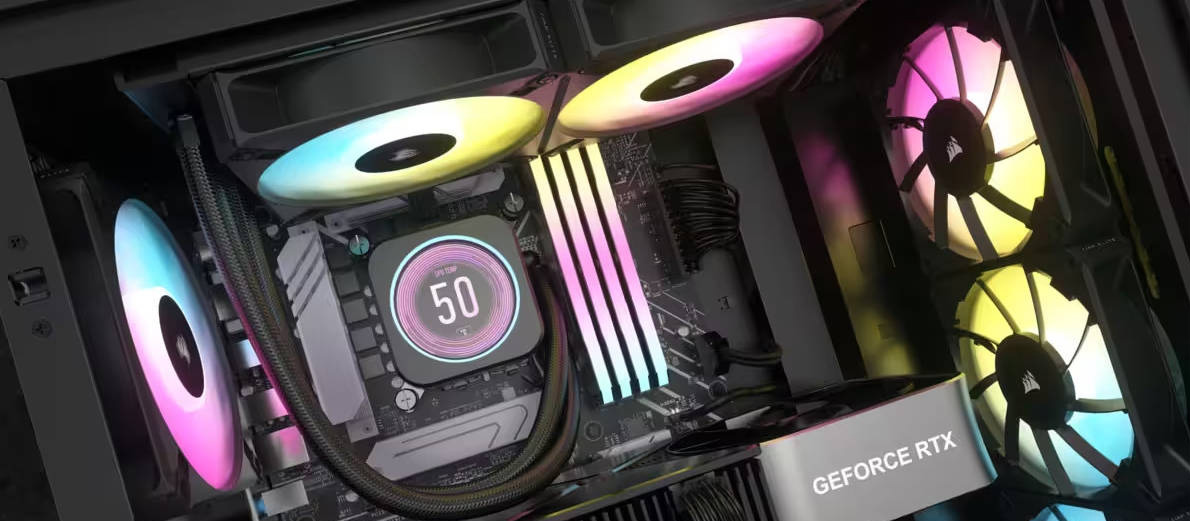
The PSU fan size directly affects noise levels.
| Fan | Form factor | Noise level | Features |
|---|---|---|---|
| 140 mm | ATX | Very quiet | Optimal for silent builds |
| 120 mm | ATX, SFX-L | Quiet | Balance of silence and cooling |
| 80–92 mm | SFX, TFX | Noticeable | Noisy under high load |
| 40–50 mm | FlexATX | High | Runs noisily at high RPM |
High-quality ATX and SFX-L power supplies support a semi-passive mode (Zero RPM), where the fan stops completely at loads up to 40–50% of the rated output.
Types of power supplies
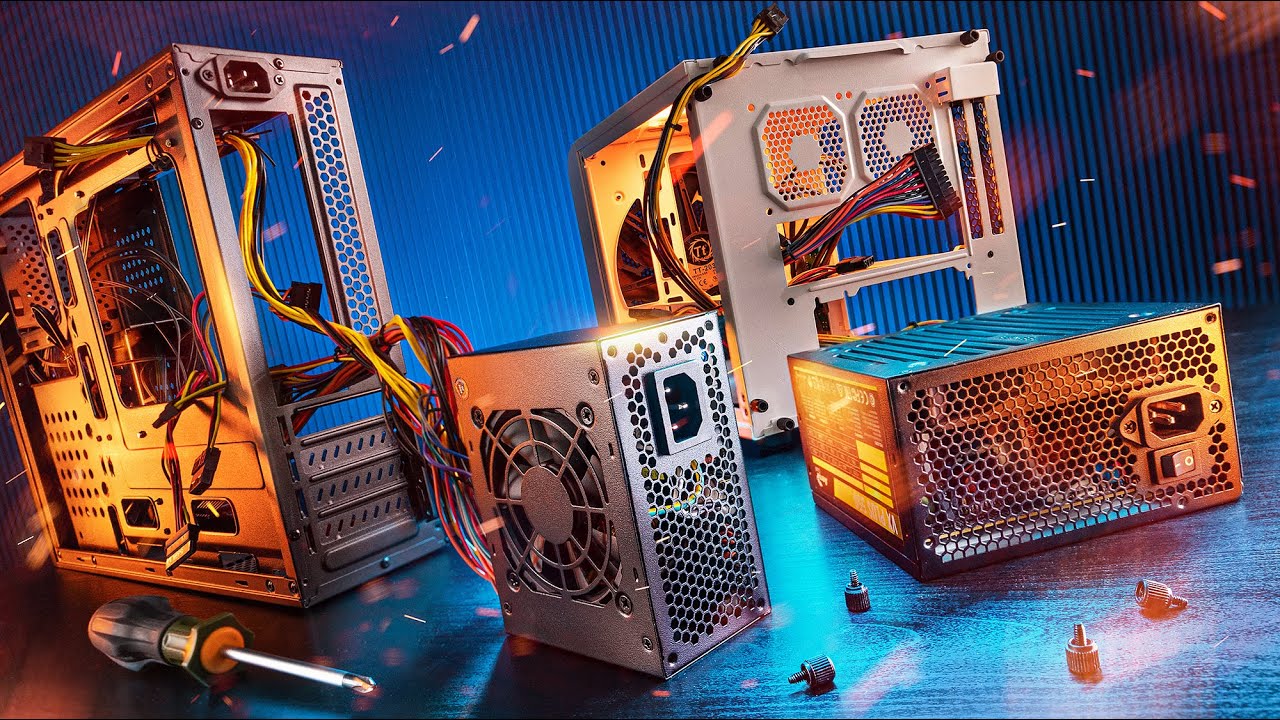
Power supplies with detachable and partially detachable cables
Fully modular PSUs greatly simplify cable management. In compact SFF and Mini-ITX cases, routing unused extra cables is physically impossible because they block airflow and cause the graphics card to overheat. Detachable flat cables let you keep only the required connections.
Silent and fanless power supplies
Fully passive fanless PSUs such as the Seasonic Prime Fanless TX-700 operate silently, but they are limited to 700 W and require excellent airflow convection inside the case. For most users, semi-passive PSUs such as the Corsair RMx are the optimal choice: the fan turns on only under heavy gaming load.
Recommended power supply manufacturers
Seasonic is a leader in original platform design; many popular brands use its circuit platforms. Corsair, Be Quiet, and Fractal Design offer broad ranges of quality power supplies with warranties from 7 to 10 years. ASUS ROG and MSI lead the advanced ATX 3.1 PSU segment.
If you do not want to dive into technical details, HYPERPC offers balanced ready-made configurations equipped with PSUs rated at least 80 PLUS Gold and covered by warranty.
Conclusion: which power supply type is best?
There is no universal answer. The ATX standard is the best choice for classic gaming systems. SFX and SFX-L are essential for compact ITX builds. TFX and FlexATX remain the domain of slim cases and industrial servers. Always check the maximum PSU-bay depth in your case specifications before buying.
Ready-made HYPERPC systems with quality power supplies
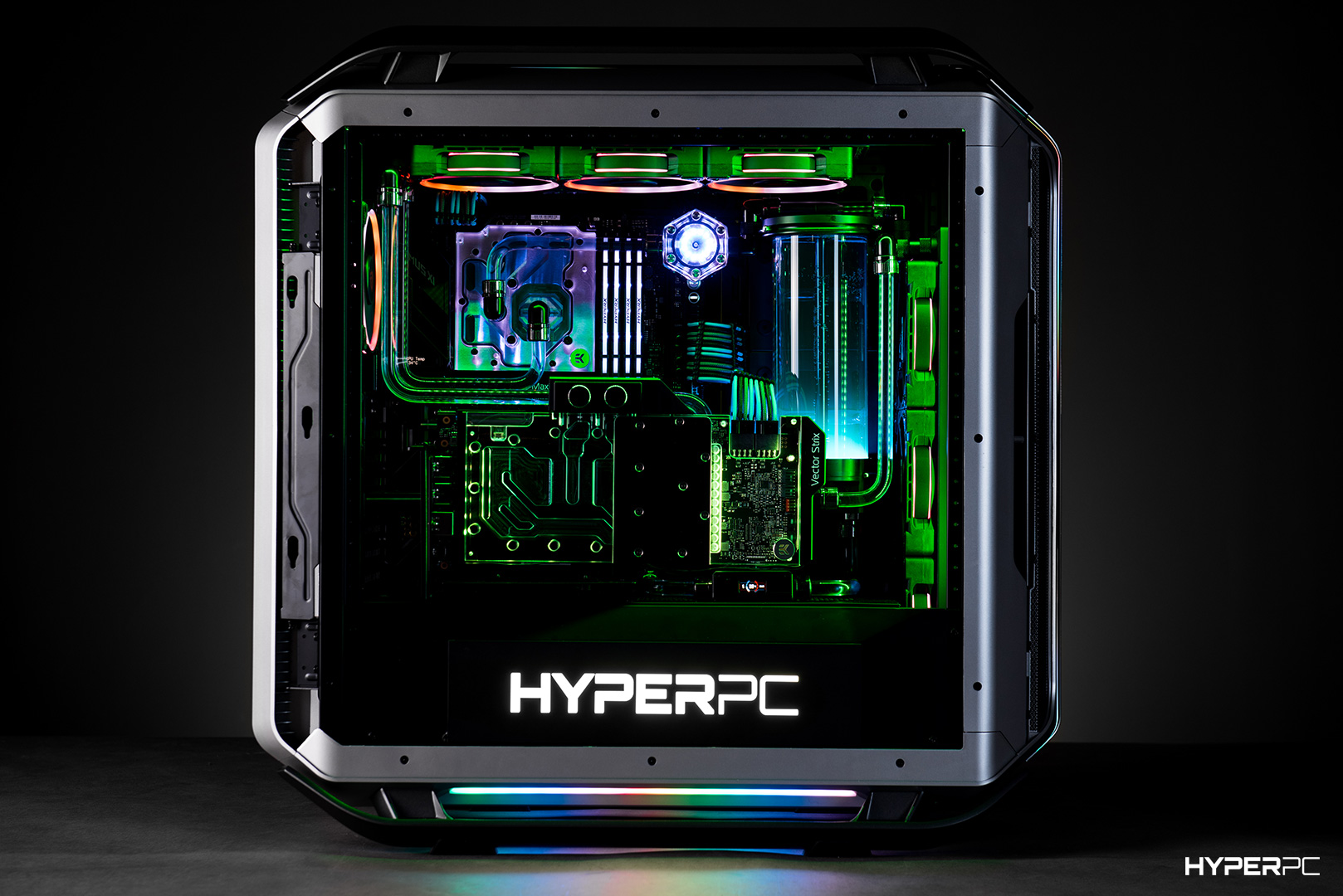
HYPERPC builds computers based on reliable ATX 3.1 power supplies with Japanese capacitors and a native 12V-2x6 cable:
- HYPERPC PLAY 1 ULTRA — a compact Micro-ATX gaming system based on a GeForce RTX 5070 Ti graphics card (16 GB GDDR7), a Core Ultra 7 265K processor, and a reliable 850W DeepCool PQ850G power supply rated 80 PLUS Gold.
- HYPERPC LUMEN 5 PRO (White) — a white workstation equipped with a Ryzen 7 7800X3D processor, a GeForce RTX 5070 Ti graphics card, and a premium 850W ASUS ROG LOKI SFX-L PSU rated 80 PLUS Platinum with a passive fan mode.
- HYPERPC LUMEN 5 PLUS (Black) — a strict black system based on a GeForce RTX 5070 graphics card (12 GB GDDR7) and a Ryzen 7 7800X3D processor with an 850W ASUS ROG STRIX Aura Edition 80 PLUS Gold PSU.
- HYPERPC LUMEN 6 RE V1 (Resident Evil V2) — an exclusive-design flagship based on a Ryzen 7 7800X3D and a GeForce RTX 5070 graphics card, with a reliable 850W XPG CORE REACTOR II ATX 3.1 PSU rated 80 PLUS Gold.
Frequently asked questions We’ve prepared the answers.
-
How much PSU wattage headroom do I need?
Add at least 20–30% to the calculated system power consumption. Modern Blackwell graphics cards are subject to transient power spikes that can exceed the rated TDP by 1.5–2 times. Power headroom and the ATX 3.1 standard ensure that the PSU can withstand these microsecond peaks without triggering protection.
-
How can I find the actual power output of a PSU?
Check the PSU label, especially the +12V rail. In high-quality power supplies, useful power on the +12V rail should be at least 95–100% of the unit’s total rated output. This is the rail that powers the most demanding components — the graphics card and processor.
-
Can I open a power supply?
Absolutely not unless you have specialist knowledge. A PSU contains high-voltage capacitors that can hold a life-threatening electrical charge for up to 30 minutes after the power cable is unplugged. If there is a fault, always use the warranty service.
-
How should a power supply be positioned inside a PC case?
If the bottom of the case has a ventilation mesh with a dust filter, install the PSU with the fan facing down so it can draw cool air from outside. If the case stands on carpet, the pile will block airflow — in that case, install the PSU with the fan facing up or use a hard stand.

 Arabic
  English