We are ready to help
How Many Watts Your Build Needs: How to Calculate PC Power Consumption
Calculating power supply wattage correctly means not overpaying for unnecessary watts and not running into unstable PC operation because of insufficient power. Let’s look at how to calculate a build’s real power consumption, how much headroom to allow, and why choosing a PSU with no margin is a bad idea.
Why You Should Not Simply Choose a PSU “With Extra Headroom”
A power supply operates most efficiently at 50% to 80% of its rated wattage. This is the range where efficiency reaches its maximum. Under the 80 PLUS Gold standard for household European 230V EU (Non-Redundant) power grids, efficiency is 90% at 20% load, 92% at 50% load, and drops to 89% at full load. If you install a 1,600 W PSU in a system with 400 W peak consumption, it will constantly run at an inefficient 25% load: efficiency will fall and the electricity bill will rise.
On the other hand, choosing a power supply that barely matches system consumption is also a mistake. Modern GeForce RTX and AMD Radeon graphics cards generate short power spikes. For example, the NVIDIA RTX 4090 can produce pulses 1.5–2 times higher than its nominal TDP under peak load. If an older-standard PSU, such as ATX 2.4, is not designed for such overloads, OCP/OPP protection will trigger instantly and the system will enter a hard reboot.
What a PC Really Consumes: Component by Component
Before calculating the final wattage, you need to know the real power consumption of each component under maximum load. The listed TDP in Intel and AMD specifications is often understated. The CPU and graphics card are the two main power consumers in any gaming build, taking 70–85% of the total power.
Approximate power consumption of popular CPUs under load:
- AMD Ryzen 7 9800X3D: around 162 W
- AMD Ryzen 9 9900X: around 165 W
- Intel Core i7-14700K: up to 253 W in multi-threaded workloads
- Intel Core i9-14900K: up to 253 W with the standard PL1=PL2 limit, but over 300–350 W with limits removed in BIOS
That is why Be Quiet PSU Calculator is considered one of the most accurate tools: it works with real power consumption, not just dry listed TDP values.
Approximate power consumption of NVIDIA GeForce graphics cards under load:
- RTX 4070: around 200 W
- RTX 4080 Super: around 320 W
- RTX 4090: 450 W nominally, with peak spikes up to 600–700 W
- RTX 5090 (ultra version with an increased BIOS limit): up to 800 W at peak
Other components consume much less individually, but together they add 50–150 W. Against the backdrop of the DRAM shortage, when RAM prices rose by 172%, calculating components correctly has become an important financial task.
| Component | Power Consumption Under Load |
|---|---|
| ATX motherboard | 35–70 W |
| DDR5 memory (2 modules) | 8–12 W |
| NVMe SSD PCIe 4.0 (1–2 TB) | 5–8 W |
| NVMe SSD PCIe 5.0 (high-end drive) | up to 11 W |
| CPU cooler / 360 mm AIO | 15–25 W |
| 120 mm case fan with lighting | 3–6 W |
| Peripherals (mouse, keyboard, headset) | 2–5 W |
PSU Wattage Calculation Formula
You can calculate consumption manually with a simple formula:
PSU wattage = (CPU + GPU + all other components) × 1.25–1.30
The 1.25–1.30 multiplier provides 25–30% headroom for graphics card power spikes and a possible upgrade. For overclocked systems, increase the multiplier to 1.35–1.40. This headroom should not be ignored: memory, drives, fans, and peripherals can unexpectedly add more than 100 W in total.
Example calculation for a gaming build with Ryzen 7 9800X3D + RTX 4090:
| Component | Consumption |
|---|---|
| AMD Ryzen 7 9800X3D | 162 W |
| MSI RTX 4090 Suprim | 450 W |
| ATX motherboard | 50 W |
| 2 × 24 GB DDR5 memory | 12 W |
| SSD × 2 (NVMe) | 17 W |
| 360 mm AIO | 17 W |
| 6 × fans with lighting | 30 W |
| Peripherals | 5 W |
| Total | 743 W |
To calculate real consumption from the wall, use the formula: Pwall = Pload / η, where η is the PSU efficiency. Heat losses in PSU circuits depend on current and conductor resistance according to the formula P = I²R.
743 × 1.25 = 929 W, so we choose a 1,000 W PSU. Real testing of this configuration with a smart plug under an OCCT stress test, loading the CPU and GPU simultaneously, confirmed the result: actual consumption was 741 W. To protect the system, choose a PSU with Japanese high-temperature capacitors (Nippon Chemi-Con, Rubycon, Nichicon) rated up to 105°C and a full set of protections (OVP, UVP, SCP, OPP, OTP).
Online Calculators: Which One to Choose
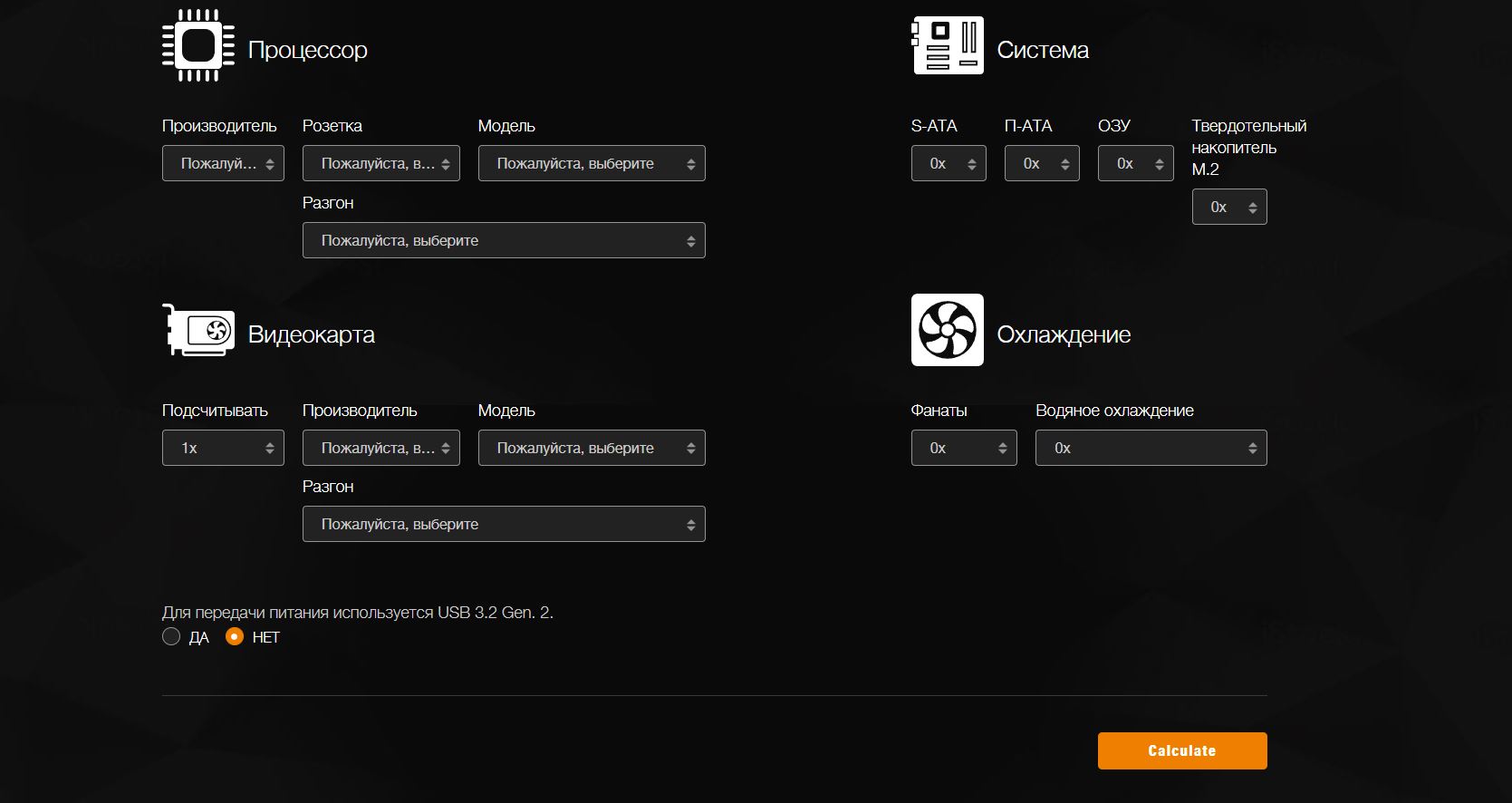
If you do not want to calculate manually, use online calculators. Their accuracy varies significantly, so below is a comparison of popular tools:
| Calculator | Accuracy | Notes |
|---|---|---|
| Be Quiet PSU Calculator | High | Correct AMD/Intel TDP, support for AIO coolers and fans |
| Cooler Master PSU Calculator | Low | Underestimates consumption by ~10%, recommends a PSU with almost no headroom |
| MSI Calculator | Medium | Includes overclocking in the calculation and overestimates GPU consumption |
| Seasonic Wattage Calculator | Medium | Convenient for workstations with uncommon hardware |
| PC-builds.com | Medium | Wide component selection, underestimates SSD consumption by 30–50% |
Cooler Master is not recommended: on a test system with actual consumption of 741 W, it suggested a 750 W PSU, effectively leaving no headroom. Be Quiet is the best online tool today; its only drawback is that the Power Delivery item is fixed at 100 W regardless of the motherboard’s real capabilities.
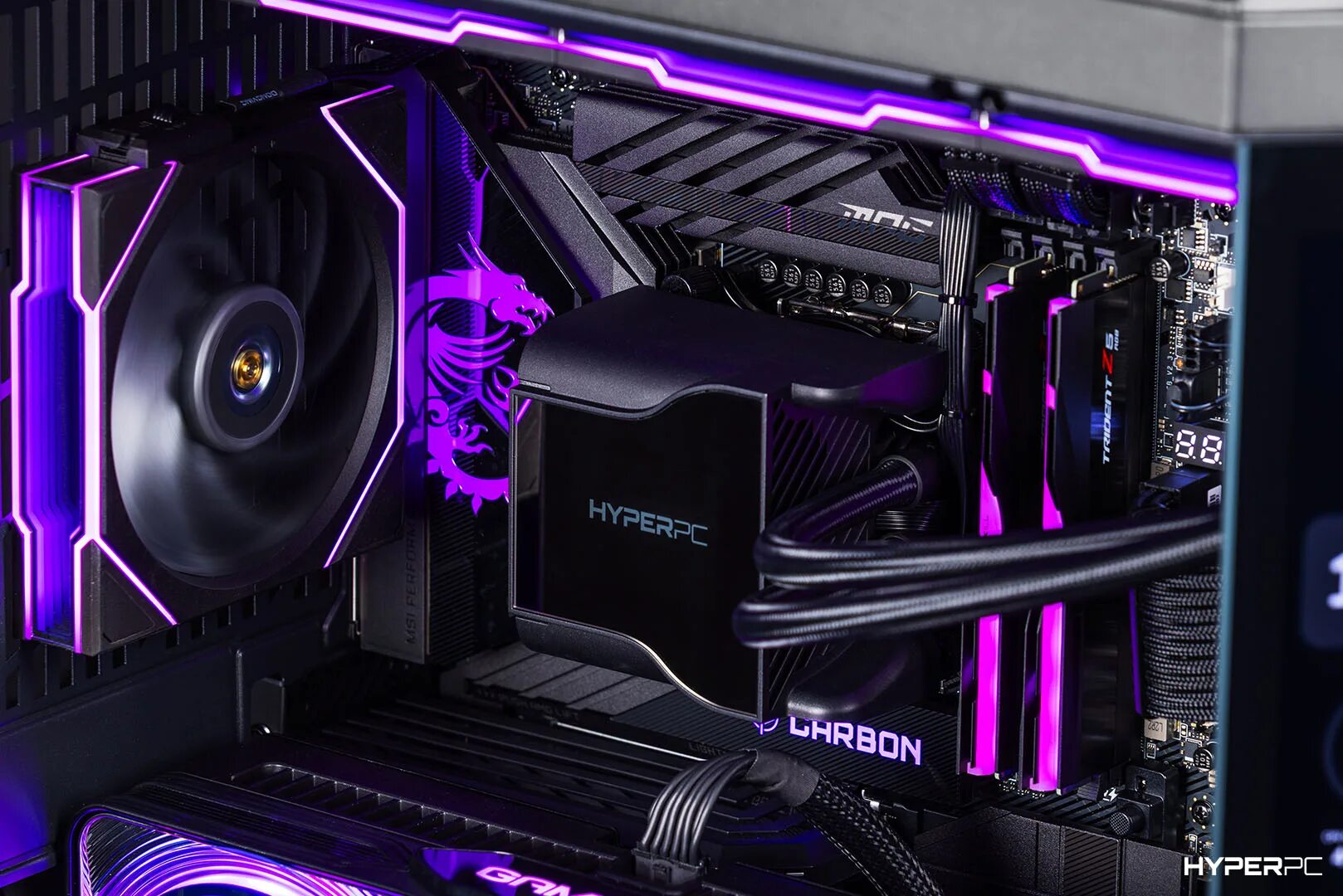
Do not want to deal with the calculations yourself? HYPERPC will do it for you. Every PC is equipped with a PSU whose wattage is selected individually. In the PLAY lineup, all configurations use Gold-certified power supplies with native ATX 3.1 support and a 12V-2x6 connector. The H++ connector cable with SENSE contacts shortened by 1.5 mm is fully protected against melting. These PSUs handle peak loads from NVIDIA GeForce RTX graphics cards without issue. The flagship LUMEN series goes even further: Platinum PSUs with at least 30% power headroom deliver absolutely stable power even in the most demanding tasks.
Special Cases: Mining and Neural Networks
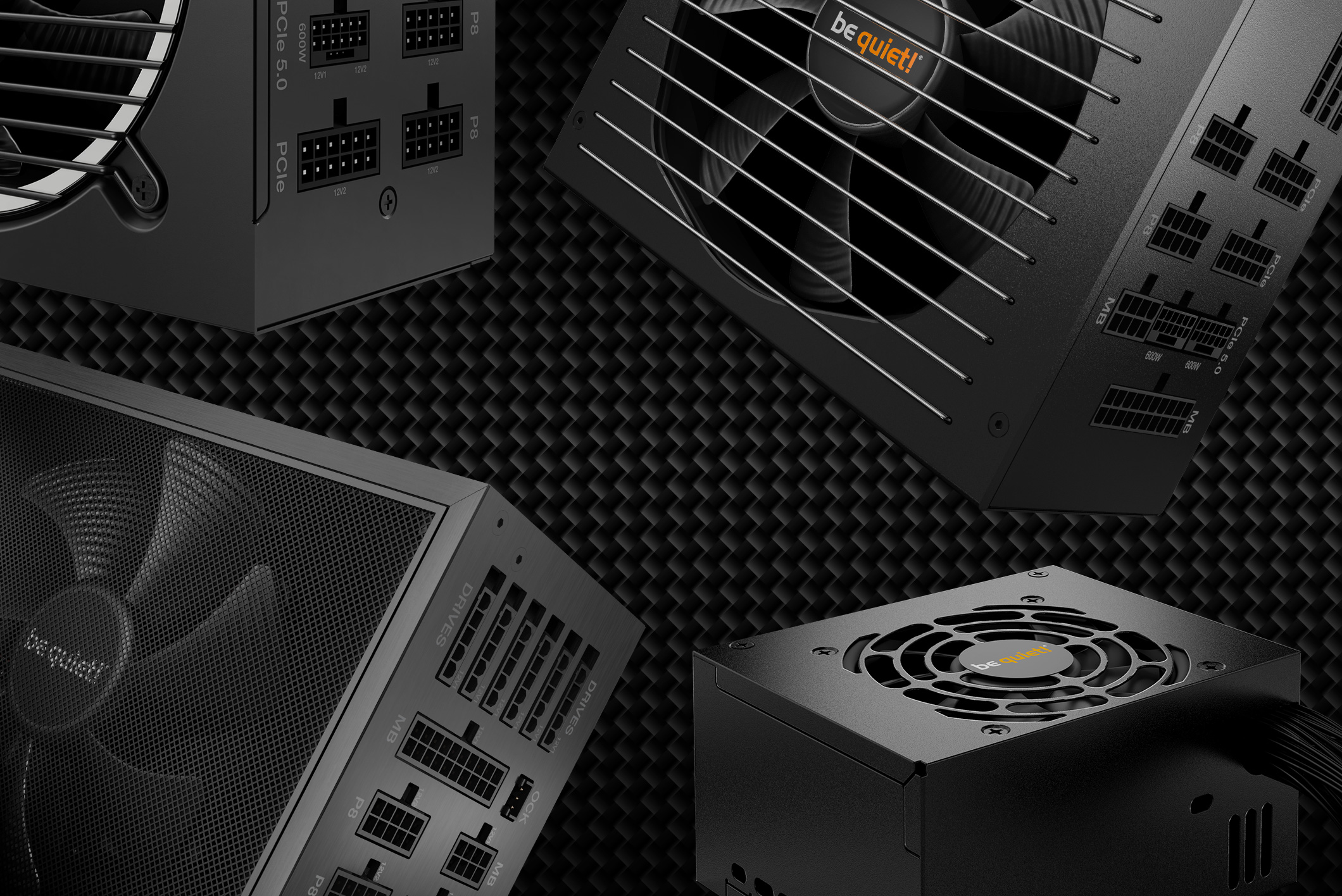
For a mining rig or neural network training system, the calculation is different: GPUs operate at constant maximum load 24 hours a day, so the minimum headroom here is 40%. The 12-volt rail deserves special attention: total power on +12V should be at least 85–90% of the PSU’s total wattage. In this operating mode, the difference between Bronze and Gold is clearly noticeable in the monthly electricity bill, and Gold pays for itself in 6–12 months depending on the tariff.
How to Check Your System’s Real Power Consumption
The most accurate method is a smart plug with power measurement. Run a stress test: FurMark for the GPU and AIDA64 or OCCT for the CPU at the same time, and set the fans to 100% speed. The plug reading, adjusted for PSU efficiency, will show the system’s real consumption. Under the 230V EU standard, a Gold PSU at a high full load delivers about 89% efficiency, not an inflated 93%. The check takes 15 minutes, but it lets you know exactly whether your old PSU provides less power than the build requires and whether it is time to buy a new power supply.

 Arabic
  English