We are ready to help you
Intel socket confusion: how LGA 1151 v1 differs from v2 and which motherboard to choose
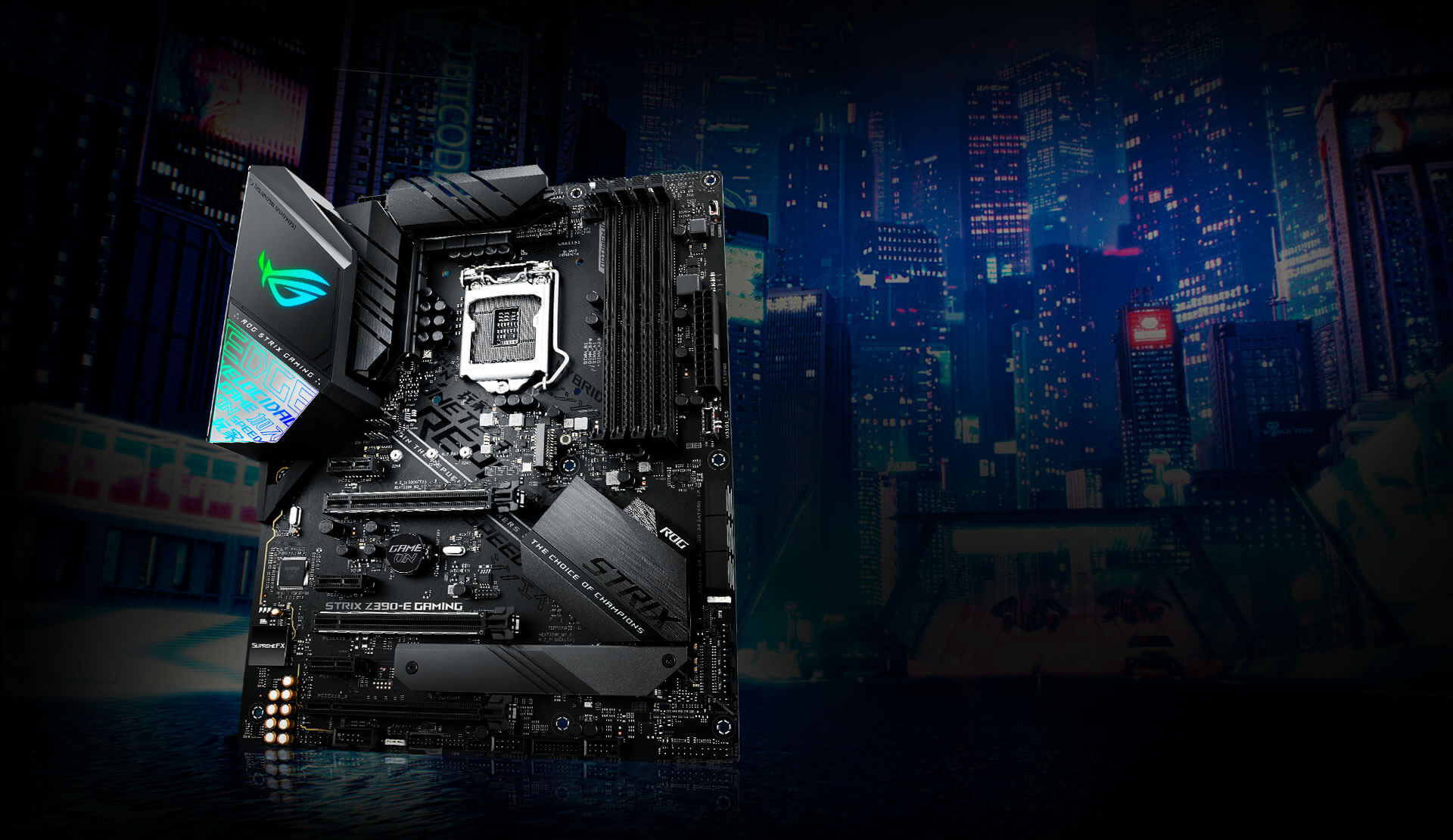
Many users trying to upgrade older Intel-based PCs run into a paradoxical situation: the CPU they bought physically fits perfectly into the motherboard socket, but the system refuses to boot. The issue lies in the tricky architecture of the LGA 1151 (Socket H4). Although both revisions (v1 and v2) have the same number of contacts (1151 pins) and the same cooler mounting system, they are completely incompatible at the hardware level.
This technical trap has become a real headache for enthusiasts. Understanding these differences is critical so you do not spend your budget on hardware that cannot be started without a soldering iron or modified software. In 2026, investing in outdated platforms also carries financial risk, because overpriced used hardware often no longer makes economic sense.
What is the difference between the LGA 1151 v1 and LGA 1151 v2 socket revisions
Marketing vs engineering: why Intel blocked the processors
When Intel introduced 8th-generation Coffee Lake processors, the company stated that stable operation required changes to the power delivery system. Engineers reassigned ground (Vss) and power (Vcc) contacts in the socket itself to supply the higher current required by new 6- and 8-core CPUs. Officially this was presented as a stability requirement, but many independent experts agree that it was an artificial barrier that forced owners of 100- and 200-series boards to buy new 300-series solutions, since Coffee Lake did not architecturally require a platform change.
Processor and chipset compatibility
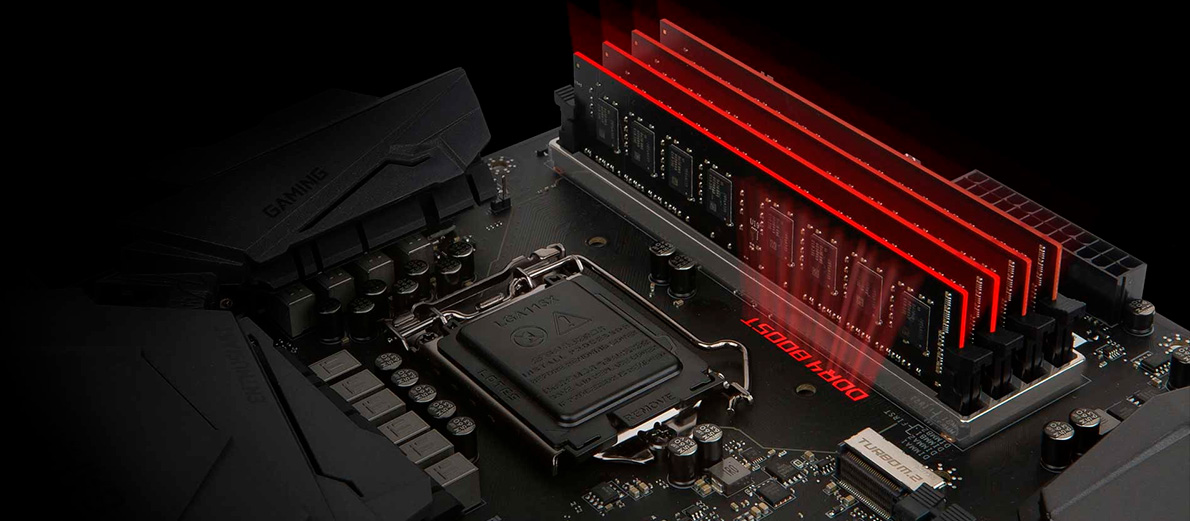
The split between the two incompatible platform revisions looks as follows:
- LGA 1151 v1: Designed exclusively for 6th-generation Skylake and 7th-generation Kaby Lake processors. Works with 100-series chipsets (H110, B150, H170, Z170) and 200-series chipsets (B250, H270, Z270).
- LGA 1151 v2: Created for 8th-generation Coffee Lake and 9th-generation Coffee Lake Refresh processors. Requires 300-series chipsets (H310, B360, B365, H370, Z370, Z390).
The “Coffee Mod” phenomenon (CoffeeTime)
There is a way to bypass Intel’s restrictions known among overclockers as the “Coffee Mod.” Enthusiasts modify the BIOS firmware of older boards, such as Z170 models, using the CoffeeTime utility, isolate contacts on the CPU, and close the CPU detection start circuit by shorting the socket’s #SKTOCC signal contact to GND ground using foil, conductive lacquer, or Super I/O soldering on the board. Without this, the motherboard simply blocks voltage delivery to the socket. For reliable contact insulation, ordinary nail polish is strictly prohibited because it is not heat-resistant and cracks under load. Heat-resistant Kapton tape or acrylic lacquer should be used instead.
- Risks: Stability is not guaranteed. The VRM power subsystem of older boards is not always designed for the peak currents of powerful chips, which can cause immediate overheating, component burnout, and fire-hazardous situations across the entire PC.
Best chipsets for LGA 1151 v2 motherboards
Basic solutions: H310, B360, B365
These chipsets are suitable for Core i3 and Core i5 processors without the “K” suffix. The main limitation is that DDR4 memory frequency is locked at 2666 MHz, or 2400 MHz for Core i3. If you plan to build a budget PC, this is a justified choice because these hubs offer enough functionality for everyday tasks. One interesting nuance: the B365 chipset was released on the older 22 nm PCH process, essentially as a rebranded H270, due to Intel’s shortage of 14 nm production capacity. This removed the integrated USB 3.1 Gen2 controller but added extra PCIe lanes.
Overclocking solutions: Z370 and Z390
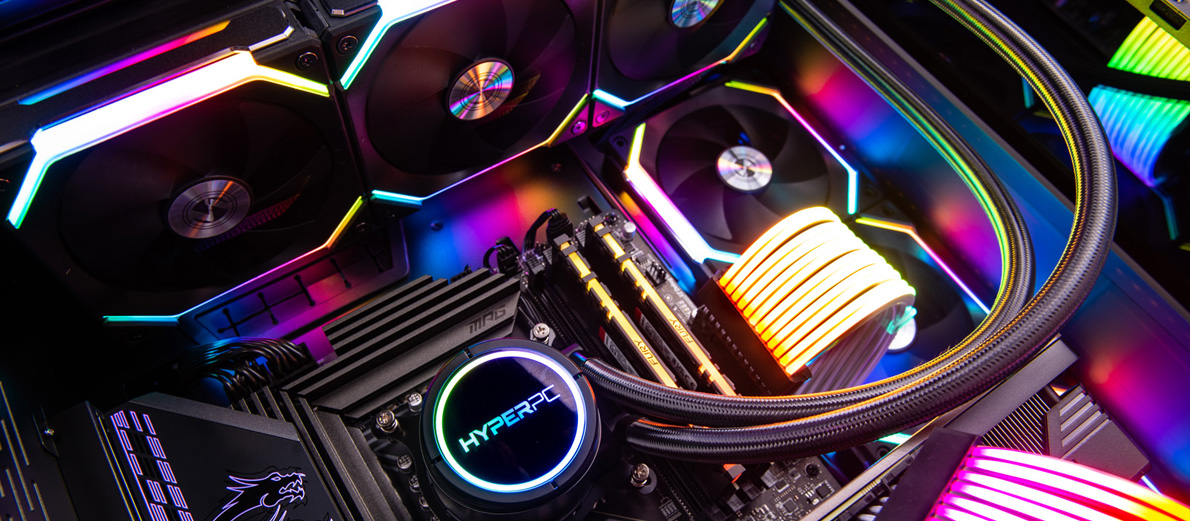
The top of the LGA 1151 v2 platform. Only motherboards based on these chipsets allow overclocking “K” processors and setting RAM frequency above 2666 MHz, up to 4000+ MHz via XMP profiles. When choosing such a board, you must pay attention to the quality of the VRM power system: it should have large heatsinks for CPUs such as the Core i9-9900K. Installing an 8-core flagship on cheap boards with a 4-phase VRM will inevitably lead to severe CPU throttling under load.
| Feature | H310 | B360 / B365 | Z370 / Z390 |
|---|---|---|---|
| CPU overclocking | No | No | Yes |
| RAM overclocking | No | No | Yes |
| PCIe lanes (chipset) | 6 (2.0) | 12 / 20 (3.0) | 24 (3.0) |
| Max. RAM frequency | 2666 MHz | 2666 MHz | 4000+ MHz |
| Target audience | Office | Gaming (basic) | Enthusiasts |
LGA 1151 motherboard upgrade strategy in 2026
Liquidity analysis on the used market
In 2026, the used component market is full of Z390 boards. Are they worth investing in? If you already have a powerful CPU for this socket, buying a high-end board is a logical step. But building a system from scratch on this platform is extremely unprofitable. Used-market sellers inflate prices for older CPUs, especially the Core i9-9900K, while the cost of performance on modern platforms such as LGA 1700 or AM5 has become much more attractive in terms of price per FPS.
Criteria for choosing the “ideal” motherboard
1. VRM: Look for boards with at least 8 power phases and cooled MOSFETs to improve long-term system reliability.
2. M.2: At least two M.2 slots for NVMe drives. Remember: the CPU bus is limited to PCIe 3.0, so fast PCIe Gen4/Gen5 SSDs will be forced to run at reduced Gen3 speeds.
3. BIOS: Make sure that the motherboard supports the latest firmware version for correct operation with 9th-generation processors.
4. Socket inspection: When buying used boards, always inspect the LGA 1151 socket under magnification for bent or burned pins.
Modern gaming systems from HYPERPC
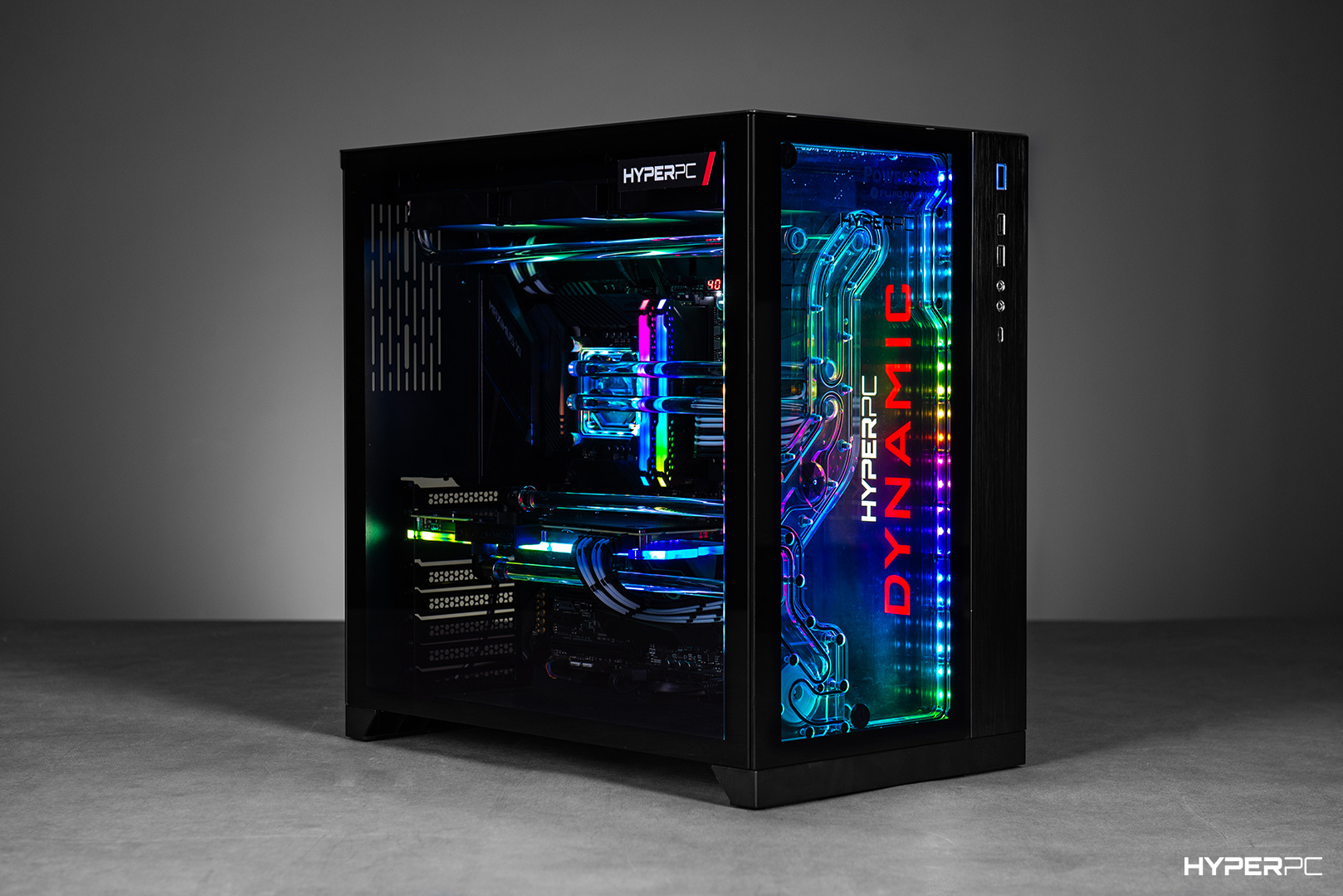
If you want to avoid compatibility problems and get guaranteed performance, HYPERPC offers modern solutions based on current Intel processors.
- PLAY 1 PLUS — an excellent entry point for gaming. The Intel Core i5-12400F processor and ASUS PRIME B760M-A motherboard create a reliable foundation for long-term PC use.
- PLAY 4 — a showcase of power based on the latest Intel Core Ultra 5 245K(F) processor with 14 cores, 14 threads, and Arrow Lake architecture, plus the motherboard MSI MAG B860 TOMAHAWK motherboard. This is the choice for professionals who need maximum speed in work applications and games.
- PLAY 4 PLUS — the ideal balance between cost and power. The Intel Core i5-14400F processor paired with an RTX 5060 Ti graphics card provides comfortable gaming at ultra settings in any 2026 title.
Conclusion
The LGA 1151 platform in 2026 is “vintage” hardware that can still be useful with the right approach. Understanding the difference between revisions helps avoid mistakes and save money. However, if your budget allows you to consider newer platforms, moving to a more recent architecture will deliver much more performance for every dirham spent.

 Arabic
  English