We are ready to help you
How to choose a graphics card and build a gaming PC for 2K gaming in 2026
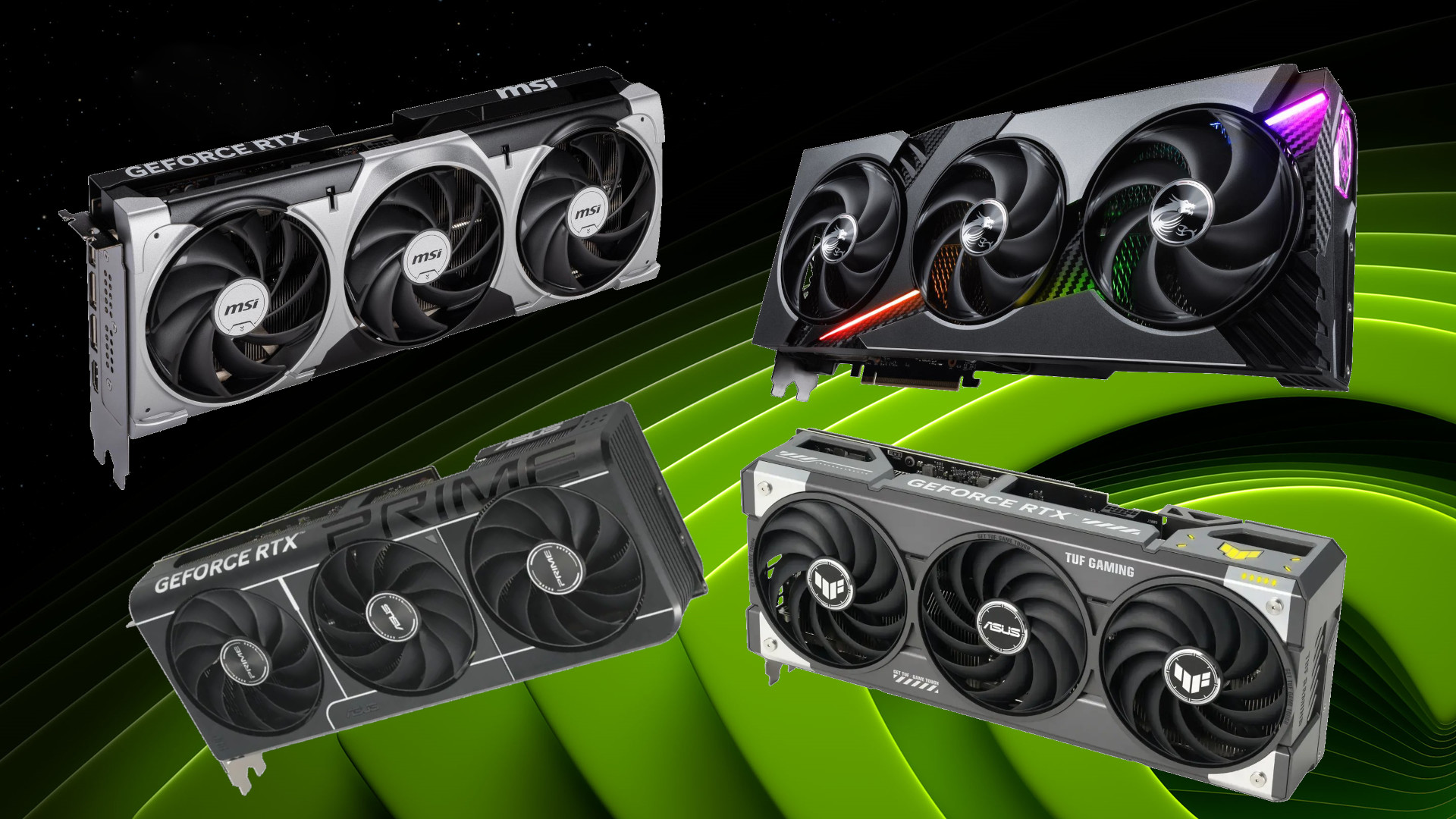
Moving to 2560x1440 (QHD) resolution is the most rational step in 2026. Gaming systems in this class provide an ideal balance between high detail and frame rate. Stable rendering at QHD places higher demands on graphics processing power while keeping gameplay smooth.
Gamers expect their systems to run demanding titles flawlessly, which makes the right component selection a key stage when choosing a high-performance PC where reliability and electrical safety matter. Buying high-end components involves financial risks, and installing them requires strict compliance with electrical safety rules.
General recommendations for choosing a graphics card
Graphics card and VRAM capacity for 2K
When choosing a GPU, it is important to look at the architecture. In 2026, the leading options are Blackwell from NVIDIA and the newer RDNA 4 from AMD. A good adapter must support upscaling technologies at the hardware level, such as DLSS or FSR. Choosing a graphics card is a comparison of features and price. The purchase depends on how much budget you can allocate for FPS in Cyberpunk 2077 or the updated GTA V, which received a next-gen patch with ray tracing and DLSS 3/FSR 3 on March 4, 2025.
Local video memory capacity (VRAM) is a critical parameter. In 2026, 8 GB has become the minimum threshold, and it is often not enough for heavy textures. The optimal choice is 12-16 GB. Ray tracing actively consumes memory capacity, so a card with a larger reserve is the better option. Buying a device with 16 GB of memory becomes a strategic decision.
Top graphics cards for 2K gaming in 2026
Absolute flagship: NVIDIA GeForce RTX 5090
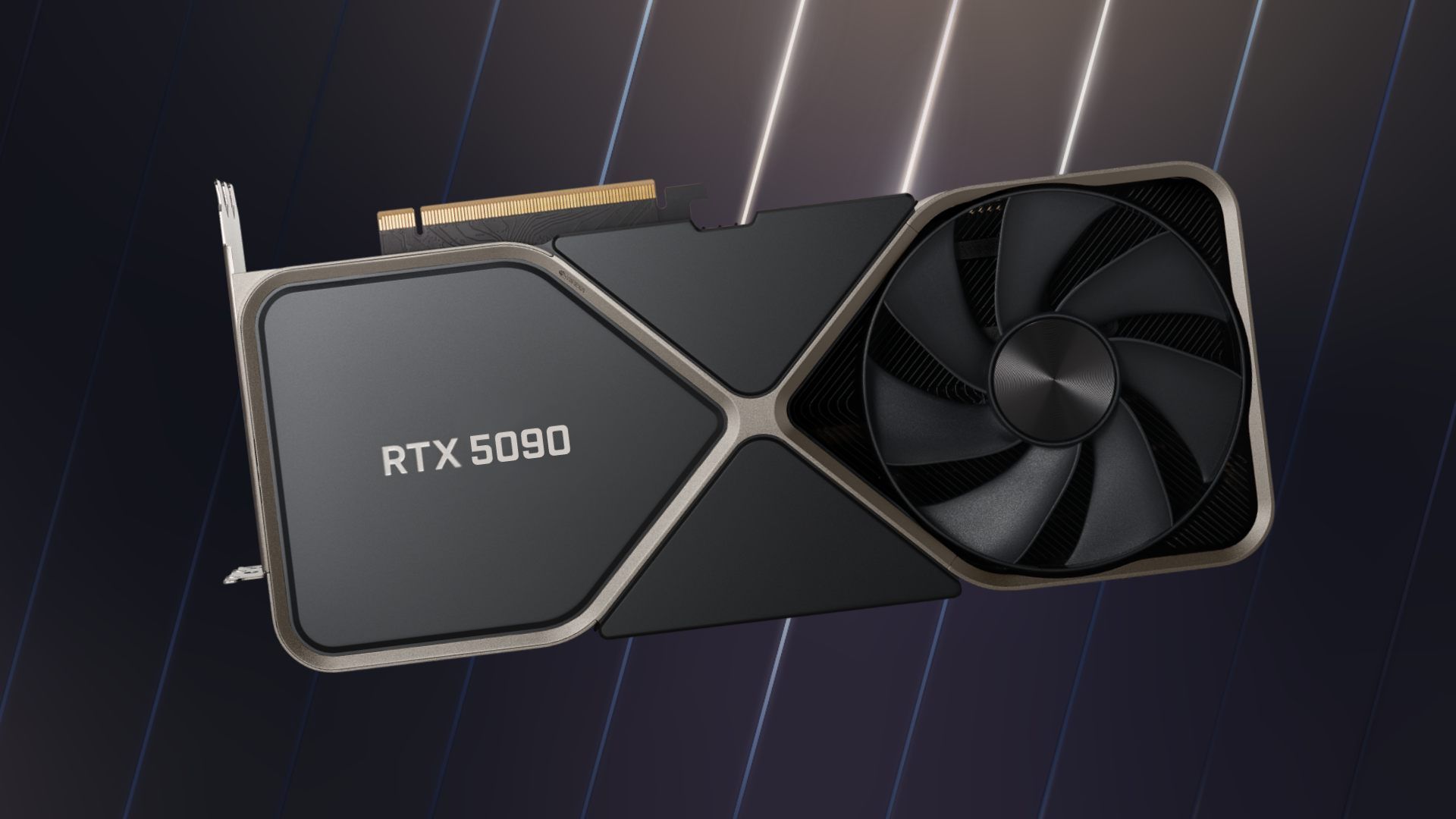
NVIDIA GeForce RTX 5090 with 32 GB of GDDR7 easily handles any resolution. The $2000 MSRP is justified for those who accept no compromises. This model has a colossal reserve of compute power from the GB202 Blackwell chip, allowing demanding games to run at ultra settings without FPS drops. Even in demanding scenes with ray tracing enabled, the card delivers outstanding results.
Best price-to-performance choice: AMD Radeon RX 9070 XT
AMD Radeon RX 9070 XT is a powerful competitor based on the RDNA 4 architecture: a monolithic 4 nm Navi 48 XTX chip, priced from 2,970 AED. The RX series shows excellent benchmark results and performs almost on par with the 5070 Ti in games. AMD managed to create a product that competes with flagships while offering excellent performance for every dollar spent. Thanks to 16 GB of video memory and the RDNA architecture, this card remains relevant.
Best choice from NVIDIA: GeForce RTX 5070 Ti
GeForce RTX 5070 Ti is the choice for those who prefer NVIDIA with prices starting from 3,970 AED. Strong performance, a full 16 GB of GDDR7 and stable FPS make it a bestseller. The card is ideal for monitors with 165-240 Hz refresh rates, providing smooth gaming. It shows strong potential in Cyberpunk 2077 with ray tracing, helped by 70 Blackwell RT cores, while staying within a 300 W TDP.
Optimal mid-range option: AMD Radeon RX 9070
AMD Radeon RX 9070 is a reliable model based on the cut-down Navi 48 XT chip, with 16 GB of GDDR6, a 220 W TDP and prices from 1,910 AED. It offers a strong graphics level and competes successfully with NVIDIA in rasterization. It is an ideal balance of price and quality. This card delivers excellent frame rates at 1440p and is a good example of how a modern GPU should handle demanding workloads. Its specifications let gamers avoid worrying about an upgrade.
Best budget graphics card: Intel Arc B570
Intel Arc B570 is a new player based on the Battlemage architecture (Xe2-HPG), released on January 16, 2025 at just $219. The card has 10 GB of GDDR6 memory on a 160-bit bus, 380 GB/s of bandwidth and a 150 W TDP. In Russia, ASRock Challenger and Maxsun Milestone models sell for 790–1,070 AED. It is 45% faster than RX 6600 at 1440p Ultra, and in RT it performs on par with RTX 4060.
Gaming PC configuration for 2K gaming
Processor and motherboard
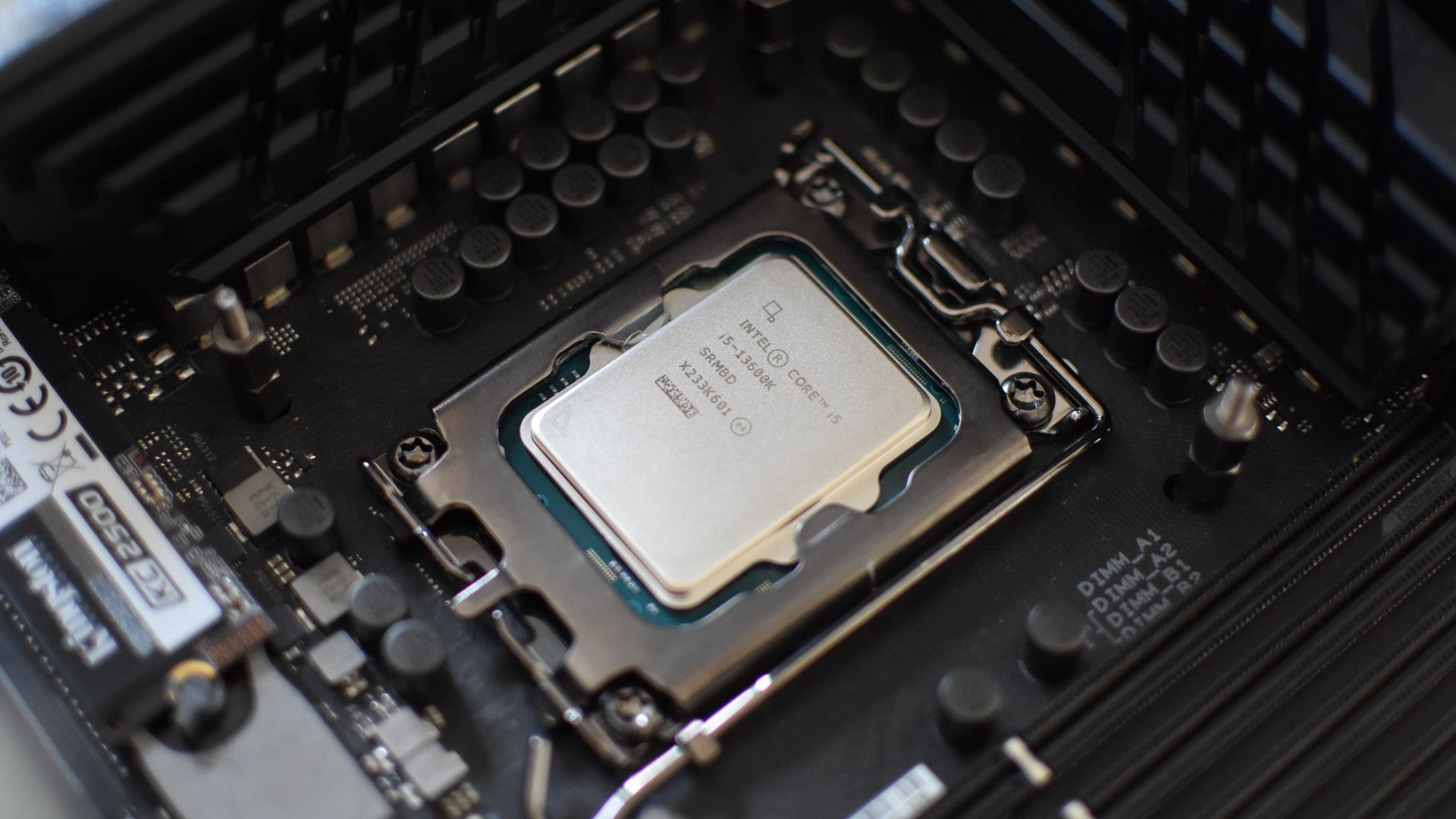
To unlock the graphics card performance, you need a powerful processor. Intel Core i5-14600KF delivers stable results without overpaying. It easily handles multithreaded tasks, which is critically important in games that use the potential of multi-core systems. At 1440p, the main workload shifts to the graphics card, so Core i5 fully eliminates the CPU bottleneck effect.
The motherboard should have a good VRM power delivery section with passive cooling. This is the foundation for running components in ultra mode without overheating. For the AMD AM5 platform, B850 chipset boards are an ideal and budget-friendly choice: since early 2025 they have brought PCIe 5.0 lanes for NVMe drives and DDR5 EXPO profiles to the mainstream segment. When installing a processor yourself into the delicate AM5 LGA1718 socket, be extremely careful not to bend the socket pins on the board.
RAM and SSD
A 32 GB kit of DDR5 at 6000 MHz CL30 is the baseline for modern gaming. It helps avoid freezes when switching between applications. Buying more than 32 GB of RAM right now makes little sense: the global DRAM shortage has pushed DDR5 prices up by as much as 300%.
An NVMe SSD is mandatory for fast loading of high-resolution textures. However, remember the PCIe lane layout: on the Intel LGA1700 platform, installing a PCIe 5.0 SSD forcibly takes 8 CPU lanes away from the graphics card and switches its slot to x8 mode. For the operating system and games, it is therefore more sensible to use a fast PCIe 4.0 SSD connected through the chipset.
Cooling and power supply
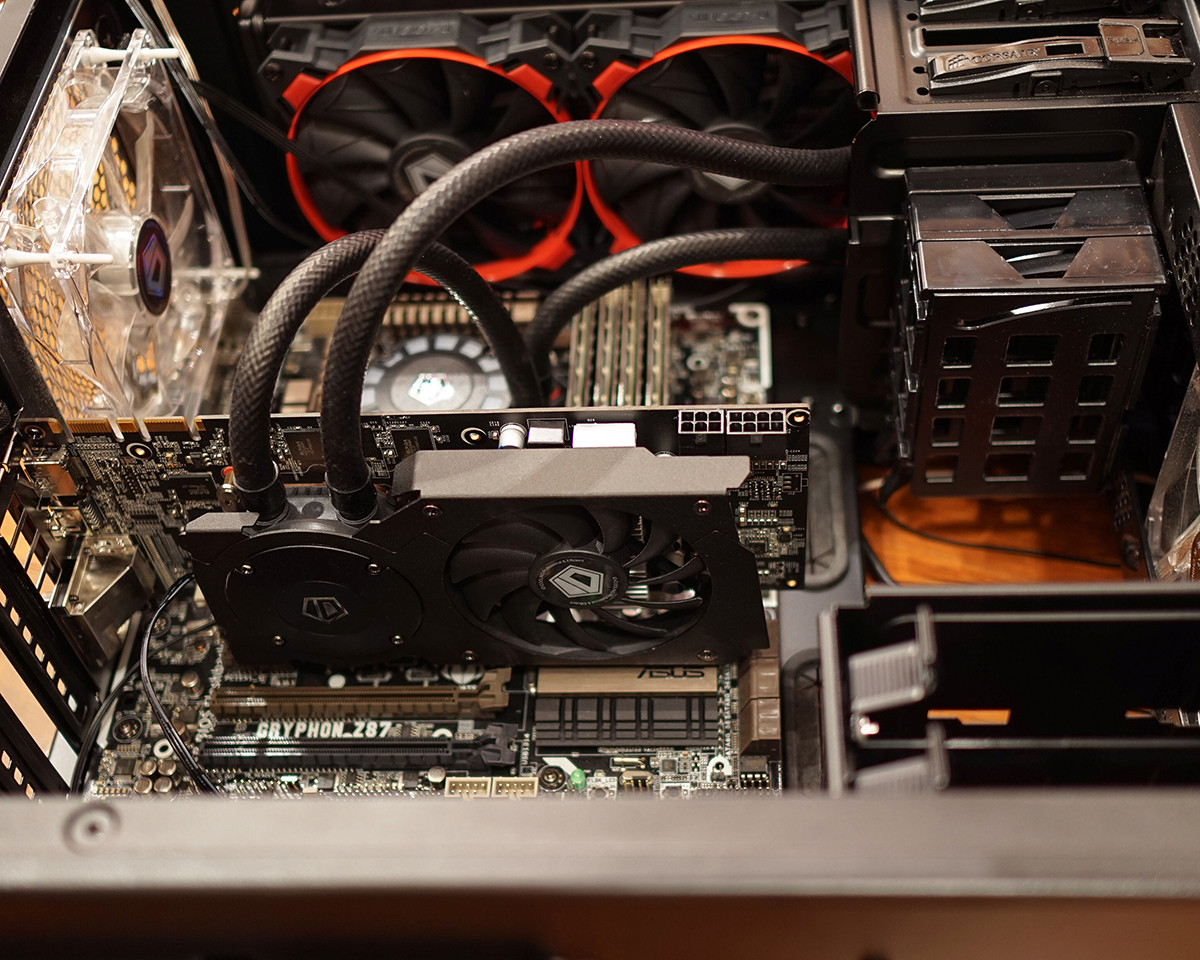
The case must have good airflow, and cooling must be efficient. A 240 mm or larger liquid cooler is recommended for the processor to minimize overall case heat. Blackwell and RDNA 4 graphics cards are prone to transient spikes, microsecond power surges that can exceed TDP by 1.5-2 times.
To protect the system from reboots, use an ATX 3.1 power supply rated at 750-850 W or higher. These units come with a 12V-2x6 cable with shortened sense pins, which prevents high current delivery if the connector is not fully seated and eliminates the risk of connector melting.
| Component | Recommendation |
|---|---|
| Graphics card | NVIDIA GeForce RTX 5070 Ti or AMD Radeon RX 9070 XT |
| Monitor | QHD, 144+ Hz, IPS or OLED |
| Memory | 32 GB DDR5 (2x16 GB, 6000 MHz, CL30) |
How to choose a monitor for 2K gaming
A QHD monitor is the heart of the build. Choose models with a refresh rate of 144 Hz or higher. It is a good choice for gaming and lets you fully unlock the GPU potential. Make sure the monitor has a quality IPS panel for accurate color reproduction or OLED for deep blacks and minimal pixel response time.
Prebuilt solutions from HYPERPC
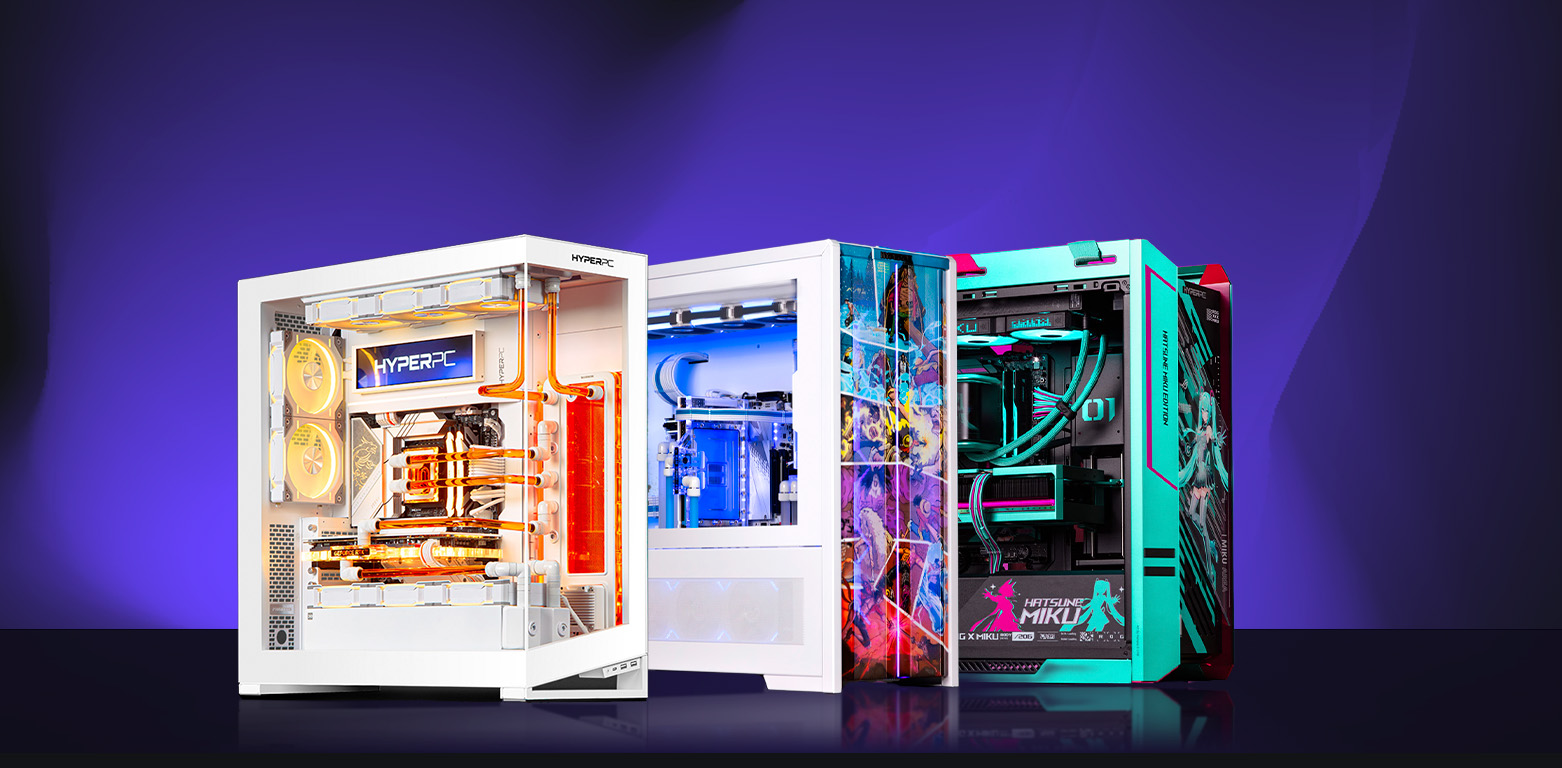
If you want a ready-made gaming PC, HYPERPC offers the following options:
- PLAY 1 PLUS is a compact and affordable option for gaming. It is based on Palit GeForce RTX 5060 and Intel Core i5-12400.
- PLAY 2 PRO is a balanced system for universal tasks. It is built with Palit GeForce RTX 5060 Ti and AMD Ryzen 5 9600X.
- LUMEN 5 is the optimal choice with RTX 5070 Ti (16 GB GDDR7) and a Ryzen 7 9800X3D processor, ideally balanced for QHD gaming.
- LUMEN 5 PLUS is a compact and powerful solution for work and entertainment. It is equipped with an MSI GeForce RTX 5070 graphics card and an AMD Ryzen 7 7700X processor.
Frequently asked questions We have prepared answers.
-
Is 8 GB enough?
In 2026, 8 GB is no longer enough for QHD at ultra settings, which causes stuttering. It is better to choose cards with 12-16 GB of VRAM.
-
What should you choose: AMD or NVIDIA?
NVIDIA graphics cards lead in ray tracing and DLSS upscaling quality. AMD cards offer more pure raster performance for less money.
-
Where should you check benchmarks?
Study independent reviews and reputable benchmark sites such as TechPowerUp and TechSpot.

 Arabic
  English