We are ready to help you
DLSS 4.5, FSR 4, and XeSS compared: what to choose in 2026
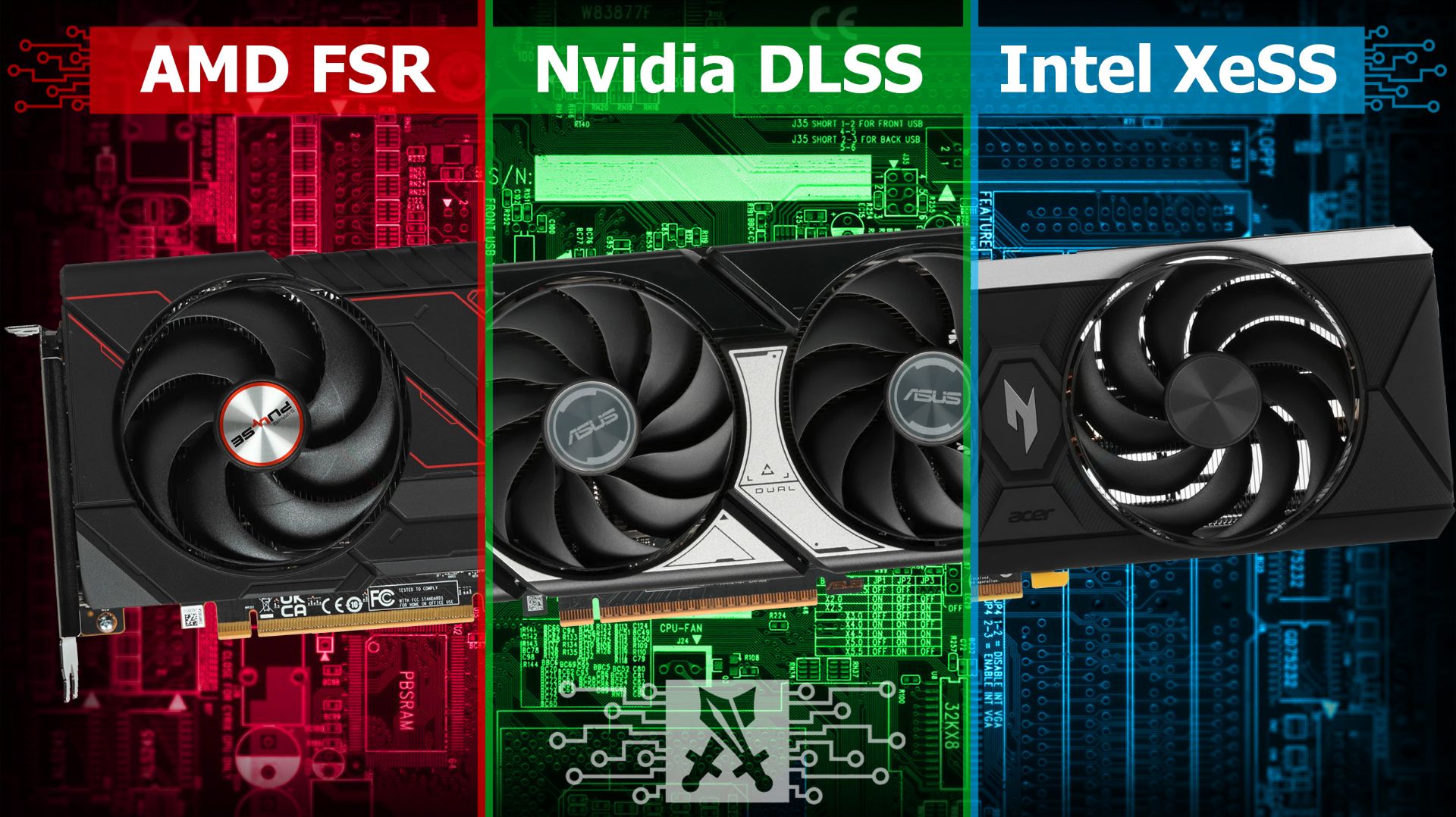
Upscaling has become an integral part of modern gaming. If it used to be seen as a compromise for weaker hardware, in 2026 a test of DLSS and FSR in games shows that neural-network technologies often produce an image that looks better than native rendering. In this comparison, we will look at how DLSS, FSR and XeSS work, how they differ, and which upscaler to choose for specific hardware.
What upscaling is and why it is needed
Upscaling is an image-scaling technology: the game is rendered at a lower resolution, and a special algorithm reconstructs the image to the target resolution. When rendering at 1080p and outputting to 4K, the GPU processes four times fewer pixels than with native 4K, freeing resources for ray tracing, physics, and geometry.
Modern AI upscaling has moved far beyond simple stretching. Algorithms analyse motion vectors and depth buffers, then mathematically reconstruct fine textures, meshes, and thin lines.
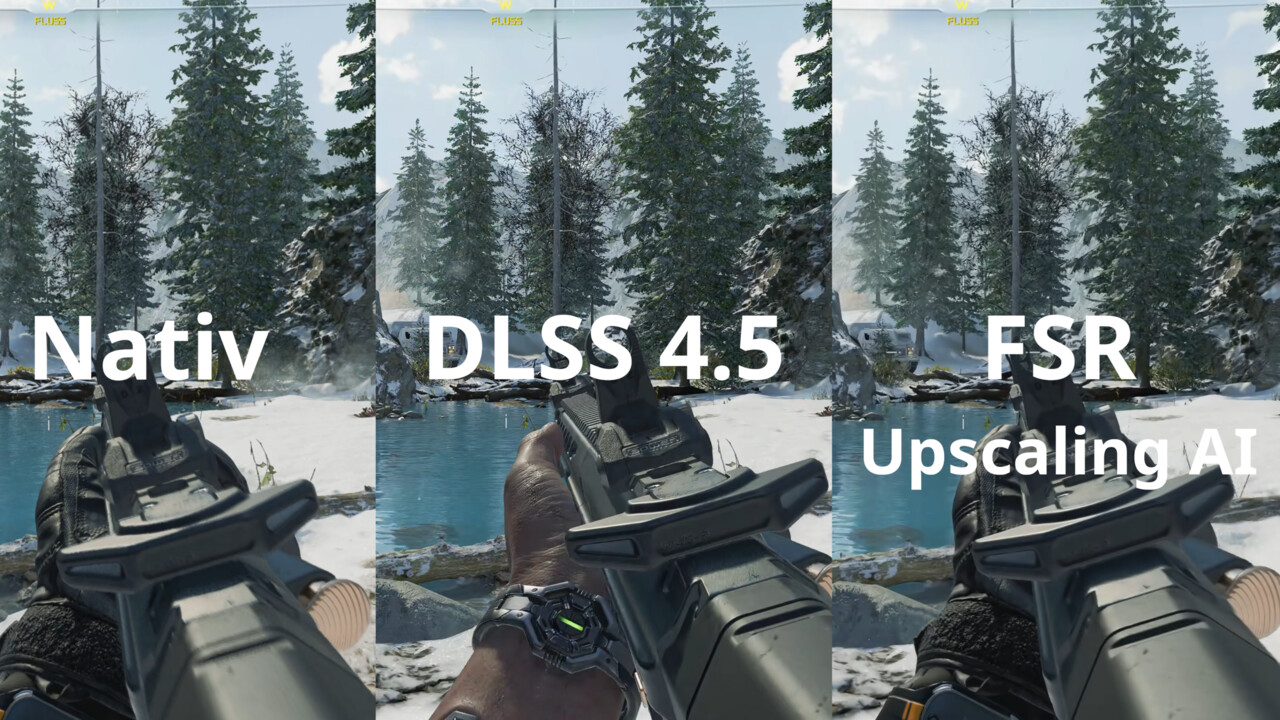
A blind test by the German publication ComputerBase among gamers confirmed the dominance of neural networks: DLSS 4.5 received an average of 48.2% of the votes, ahead of native TAA and FSR combined. A 2026 test with the latest games, including Anno 117, ARC Raiders, Assassin's Creed Shadows, Call of Duty: Black Ops 7, Kingdom Come 2, and The Last of Us Part I, showed that DLSS 4.5 won in 6 out of 7 tested games. The only exception was Resident Evil Requiem, where players preferred the updated FSR 4.1.
How DLSS 4.5 works and what is new in this version
DLSS (Deep Learning Super Sampling) is NVIDIA's flagship upscaler, running on the Tensor Cores of RTX graphics cards. Each generation brings fundamental architectural changes.
DLSS 4 moved from classic convolutional networks to a transformer model, the same architecture used in language AI. The result is a noticeable 30% reduction in ghosting, better stability of fine details in motion, and more accurate edge sharpness. DLSS 4.5 (announced at CES 2026) is the second generation of the transformer model with support for 6X Dynamic Multi Frame Generation. This generator automatically adapts the frame multiplier to the monitor refresh rate.
NVIDIA's technology stack includes several components:
- Ray Reconstruction — a neural-network replacement for the ray-tracing denoiser that produces cleaner shadows and reflections.
- NVIDIA Reflex 2 — input-latency reduction at the game-engine level.
- Frame Warp — latency reduction based on the latest mouse input data before the frame is displayed.
Important limitation: DLSS 4.5 Super Resolution is supported on all RTX cards. However, older RTX 20 and RTX 30 series accelerators do not have native FP8 support. Running the new M and L models on them will cause a severe performance drop, so owners of older cards are advised to stay on the K model (DLSS 4.0).
How FSR 4 and XeSS work: the basics
AMD FidelityFX Super Resolution 4 is the first machine-learning-based version of FSR. Previously, the company used mathematical algorithms, which led to lower image quality. The switch to AI optical flow with an independent motion vector allowed it to get much closer to its competitor.
FSR 4.1 (Redstone SDK 2.2) includes Ray Regeneration 1.1 for ray-tracing optimisation and Radiance Caching 0.9.0 for intelligent global-illumination caching. The Frame Generation 4.0.0 module uses machine learning to generate intermediate frames. Full ML upscaling is active only on Radeon RX 9000 graphics cards (RDNA 4), while other GPUs automatically fall back to FSR 3.1.5.
The XeSS technology from Intel uses matrix engines on Arc cards and a shader path on other hardware. The budget Intel Arc B570 (Battlemage architecture, BMG-G21 chip, 10 GB of GDDR6, 160-bit bus), launched on January 16, 2025, at $219, delivers RTX 4060-level results with ray tracing in QHD when XeSS runs in hardware mode. In Russia, ASRock Arc B570 Challenger cards are sold at DNS for 17,000 to 23,000 rubles.
Image quality: DLSS 4.5 vs FSR 4 vs XeSS
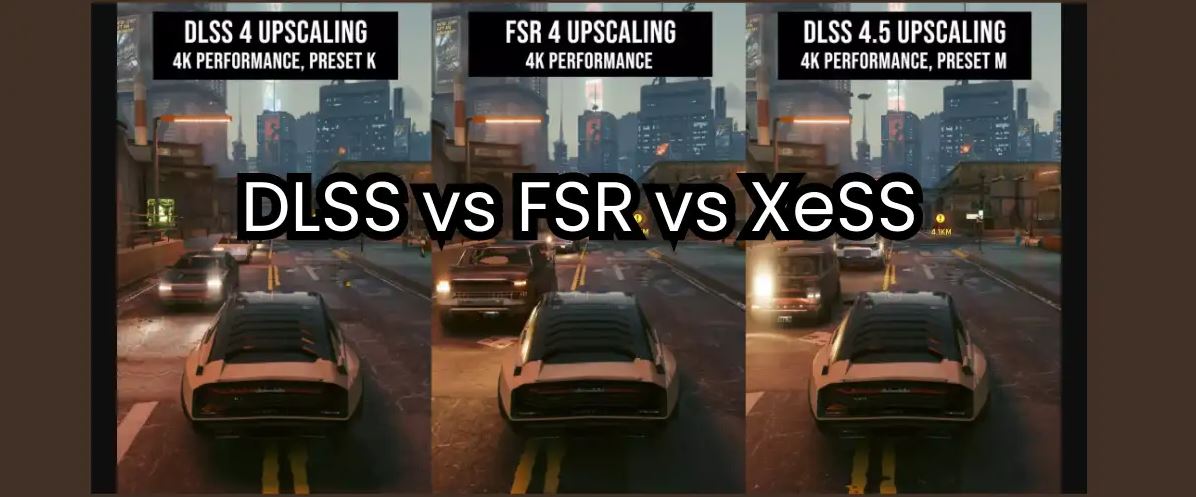
NVIDIA's transformer models deliver reference-level image sharpness. The algorithm preserves fine textures and demonstrates high image stability when the camera turns quickly. Ghosting artefacts, or faint trails behind moving objects, are reduced to a minimum. In Cyberpunk 2077 and Alan Wake 2 with path tracing, DLSS reconstructs details that are not present in the native frame.
FSR 4.1 creates a softer image, acting like a natural filter that masks digital noise. At 4K resolution, the difference from DLSS is minimal, but at 1080p and 1440p DLSS noticeably wins in edge clarity. XeSS on the shader path produces slight blur on thin objects.
Image-quality comparison table
| Parameter | DLSS 4.5 | FSR 4 | XeSS |
|---|---|---|---|
| Edge sharpness | Reference-level | Good | Medium |
| Ghosting in motion | Minimal | Slight | Noticeable |
| Detail stability | High | Medium | Medium |
| Ray tracing | Ray Regeneration | No | No |
| GPU compatibility | RTX only | Any GPU | Arc / any |
Performance and FPS: what to expect?
Both upscalers can multiply FPS, but their computational load differs. DLSS 4.5 Quality in Cyberpunk 2077 with ray tracing at native 4K delivers a 128% uplift versus native TAA. FSR 4.1 Quality in the same game shows an increase of up to 179%. The FSR model can be lighter during inference, which explains the higher baseline FPS. In Hogwarts Legacy at 4K Quality, DLSS provides +50%, while FSR gives +67%. In Doom: The Dark Ages, released on May 15, 2025, and Mafia: The Old Country, DLSS 4.5 delivers up to +50% FPS, while FSR provides up to +67% FPS. FSR 4 is 10–15% faster than DLSS 4.5 under otherwise equal conditions because the transformer model is heavier.
Frame-rate comparison across modes
| Mode | Scale | FPS uplift | Quality |
|---|---|---|---|
| Quality | 1.5x | +50–80% | High |
| Balanced | 1.7x | +70–100% | Medium |
| Performance | 2x | +100–130% | Noticeable losses |
| Ultra Performance | 3x | +180%+ | Compromised |
Latency and smoothness: testing
Click-to-display latency testing, measured in hardware with an LDAT device on a test bench with an RTX 5070 Ti and Radeon RX 9070 XT, showed the impact of frame generation. In Battlefield 6 (1080p), DLSS FG adds +6.4 ms of latency, while FSR FG adds up to +17.5 ms. At 4K, the gap changes: DLSS adds +17 ms, while FSR adds +13.4 ms.
In heavy Cyberpunk scenes with path tracing at a baseline 34 FPS, the DLSS FG 2x generator adds +28.9 ms of latency, reaching 49 ms of total input lag, while FSR FG 2x adds +32.5 ms. In Black Myth: Wukong on Radeon, frame generation added a heavy +61.3 ms of latency at 4K.
The critical conclusion is that frame generators are effective only with a stable baseline frame rate, above 40 FPS and ideally from 60–90 FPS. If baseline performance drops to 30 FPS or below, enabling FG will cause heavy input lag and make controls feel sluggish. NVIDIA partially compensates for this with Reflex 2 and Frame Warp.
Compatibility and technology support
DLSS is tightly tied to NVIDIA RTX because of its hardware Tensor Cores. FSR is an open technology. Full ML upscaling in FSR 4 is active on Radeon RX 9000 series cards, while the basic FSR 4.1 version works on Radeon cards of all generations, NVIDIA GeForce including GTX, Intel Arc, and integrated graphics.
What to choose for your hardware
| Hardware | Recommendation |
|---|---|
| NVIDIA RTX 40/50 | DLSS 4.5 is the only real option |
| NVIDIA RTX 20/30 | DLSS 4 (K mode / FP8 limitation) |
| AMD Radeon RX 9000 | FSR 4 ML mode |
| Other AMD Radeon | Basic FSR 4.1 |
| Intel Arc | XeSS (hardware) |
| GTX / others | FSR 4 or XeSS (shader) |
Practical setup tips
Start with Quality mode: it provides 1.5x scaling with minimal visual loss. In fast-paced shooters, switch to Balanced for more FPS. Ultra Performance is an extreme compromise for demanding games on weak hardware.
Enable Frame Generation only when the baseline frame rate starts at 60 FPS, ideally 90–100. The DLSS Swapper utility lets you replace the DLL file in older games with the current 4.5 version, which is a great way to refresh the gaming experience.
Conclusion: what to choose in 2026?
A comparison of DLSS 4.5 vs FSR 4 vs XeSS in 2026 shows that each upscaler has its own niche. DLSS 4.5 is the benchmark for image quality and minimal latency thanks to Reflex 2. FSR 4.1 is the leader in performance and versatility. XeSS is a worthy option for Intel Arc owners. On Radeon RX 9000, FSR 4 ML comes very close to its competitor. By 2027, upscaling will become the default rendering mode.
Ready-made systems with DLSS 4.5 support from HYPERPC
If you want to get the maximum from DLSS 4.5 right away without choosing components yourself, HYPERPC offers tested configurations with the latest-generation NVIDIA RTX graphics cards, configured XMP/EXPO, and optimal power limits.
Frequently asked questions We’ve prepared the answers.
-
Can DLSS be used on an AMD graphics card?
No. DLSS requires NVIDIA RTX Tensor Cores. On AMD Radeon, only FSR or XeSS is available.
-
Does FSR work on NVIDIA graphics cards?
Yes. FSR is an open technology that works on any GPU. But on RTX cards, DLSS is always preferable.
-
Should Frame Generation be enabled in shooters?
In competitive shooters, use it carefully: frame generation increases input latency. Reflex 2 helps NVIDIA, but it does not fully compensate for input lag.
-
What does Quality mode provide compared with Ultra Performance?
Quality (1.5x scaling) provides high image quality with a moderate FPS uplift. Ultra Performance (3x) delivers the maximum uplift with noticeable loss of sharpness.
-
How does FSR 4 compare with DLSS 4, not 4.5?
In Cyberpunk 2077 at 4K Performance, FSR 4 gives +179% versus +157% for DLSS 4. In image quality, DLSS 4 is better than FSR 4, but behind DLSS 4.5.

 Arabic
  English