We are ready to help
Tower or Rack Server for Office: What to Choose and Why

A tower server looks like a large desktop PC and can be placed almost anywhere: on the floor, under a desk or in a corner office. A rack server is a flat 19-inch unit mounted in a dedicated rack. The right answer to which server to choose depends on three things: how many servers you have now, whether you have a separate server room, and how fast you plan to grow.
What tower and rack servers are
A tower server is a standalone device in a vertical chassis, similar in design to a powerful desktop PC. It does not require a rack and can be placed on the floor or on a desk. Inside are standard components: motherboard, power supply, fans and drive bays. Tower servers are often chosen for small offices without a server room or professional mounting equipment.
A rack server is designed for installation in a 19-inch server rack or cabinet standardized under EIA-310-D. Its height is measured in rack units (U): 1U = 44.45 mm. The most common heights are 1U, 2U and 4U. A rack chassis is optimized for front access to drives and rear access to network ports, with front-to-back airflow that is critical in densely packed cabinets. The main difference between tower and rack servers is placement and maintenance approach. A tower lives on its own; a rack server works as part of a rack together with switches, PDUs and UPS units.
Tower server: pros and cons
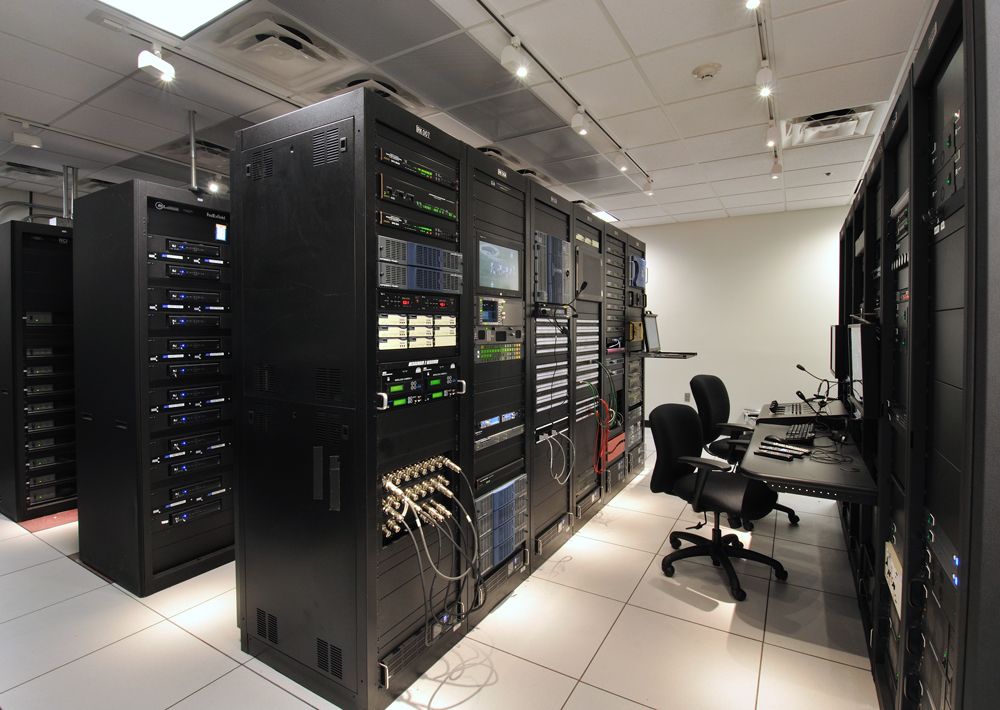
A tower server is a classic option for small business, especially when there is no server room or professional rack. Here are its strengths and weaknesses.
Tower server pros
- Lower initial cost. A tower server costs less than a comparable rack model because you do not need a rack, rails or extra accessories. You pay only for the hardware.
- Quiet operation. Tower cases use large-diameter fans that spin at low RPM. Noise is usually 30–35 dB, comparable to a regular office PC. Such a server can sit in a working office without disturbing employees.
- Easy installation and maintenance. No special installer is required: place it, connect power and network, and you are done. Drive or RAM replacement needs only a screwdriver, without sliding rails.
Tower server cons
- Takes a lot of floor space. One tower server needs about 50×60 cm. With three or four units, the room turns into a hardware warehouse, blocking walkways, cleaning and ventilation.
- Harder to scale. As the business grows and you add more servers, cables run across the floor, PSUs plug into different outlets and cooling becomes improvised. Managing such a fleet gets harder and reliability drops.
- Lower physical security. A tower server in an office is exposed to unauthorized access, accidental shutdown, dust and mechanical damage. It is harder to protect from tampering.
Rack server: pros and cons
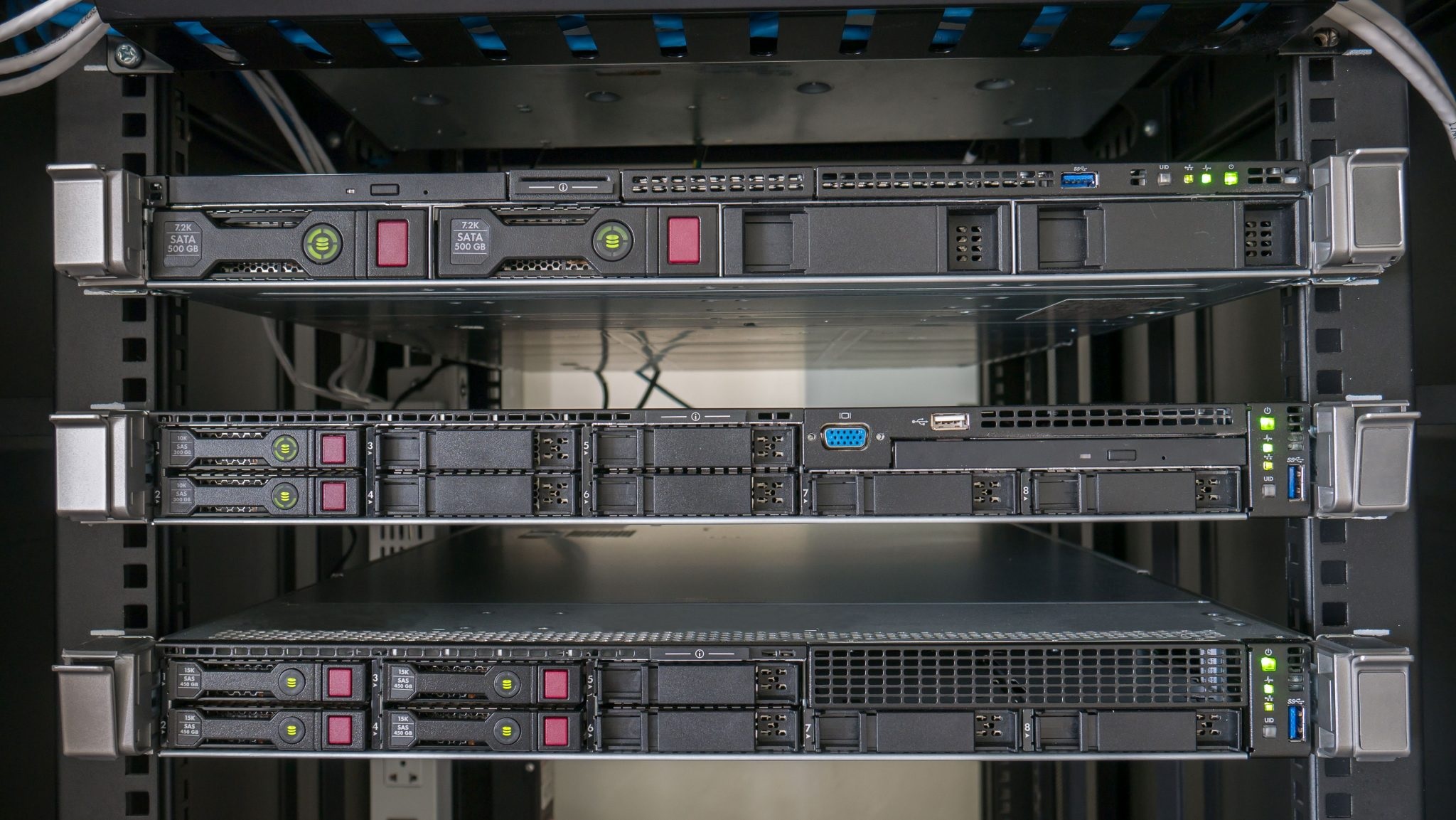
A rack server is the standard for server rooms and data centers. It is designed to use space efficiently and simplify administration as infrastructure grows.
Rack server pros
- Efficient use of space. A single 42U rack can hold up to 20–30 1U servers or 10–12 2U servers, plus switches, PSUs and other equipment. Dozens of compute nodes fit in the area one tower would occupy.
- Easy scaling and fleet maintenance. Adding a new server means sliding it into a free rack unit on rails and connecting network and power panels.
- Standardization. Rack components (power, cooling, cable routes) are organized uniformly. This lowers maintenance costs and simplifies monitoring and replacement.
- Predictable cooling. Airflow moves strictly front to back. With proper hot/cold aisle design in a server room, heat is removed efficiently.
Rack server cons
- Requires a rack and prepared room. Without a server rack, a rack server has nowhere to go. A rack adds cost and requires cabinet grounding for ESD protection.
- Higher noise level. Rack server fans, especially in 1U models, are only 40 mm in diameter and spin at 10,000–15,000 RPM. Under load, noise can reach 60–70 dB, comparable to a loud conversation or vacuum cleaner. Such equipment cannot sit in an office without sound insulation.
- Harder to start. You need mounting skills and an understanding of power and cooling schemes. You also need power redundancy (dual PSUs on separate A/B circuits through separate UPS units) and hot-air exhaust planning.
- Higher initial cost. Besides the server itself, you immediately buy a rack or enclosed cabinet, rails, PDUs and a cooling system.
Comparison by key criteria
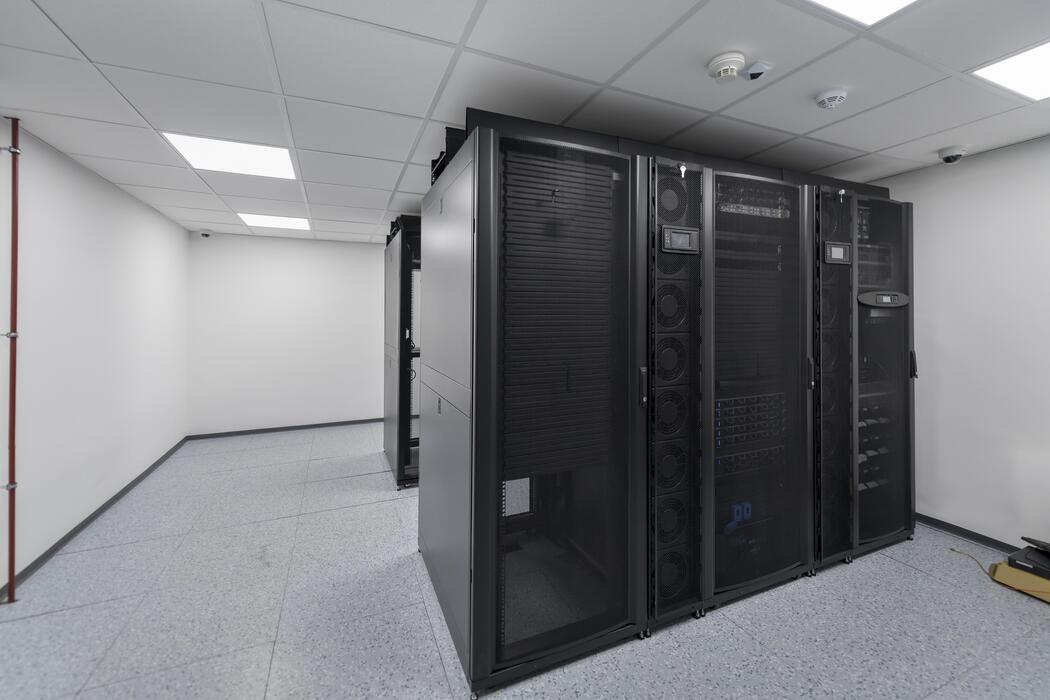
To make a balanced decision, studying pros and cons separately is not enough. Compare both form factors by parameters that affect daily operation.
Space, cooling and noise. Where each form factor fits better
A tower server can be placed in almost any room with a regular outlet and room temperature. It does not require dedicated air conditioning if the office has a standard split system. Noise from one tower server does not disturb employees.
A rack server needs a server room or at least an isolated technical space with a rack. Cooling must be calculated for the heat output of all nodes. According to ASHRAE TC 9.9, inlet temperature should stay between 18 and 27 °C, and for high-density AI systems between 18 and 22 °C. Otherwise fans run at maximum speed and equipment starts throttling.
Scalability and maintenance. What is easier to grow and support
If you plan to expand your IT fleet, rack solutions win clearly. Cable management inside the cabinet keeps wiring neat. Remote administration uses hardware management modules such as IPMI or iLO (BMC), allowing BIOS setup, temperature monitoring and error log review without physical access.
With tower servers, each new unit is a separate point: its own power, cables and cooling. At 5–7 servers, management becomes painful. Replacing a failed component requires stopping the server and opening the chassis.
Summary table: tower vs rack
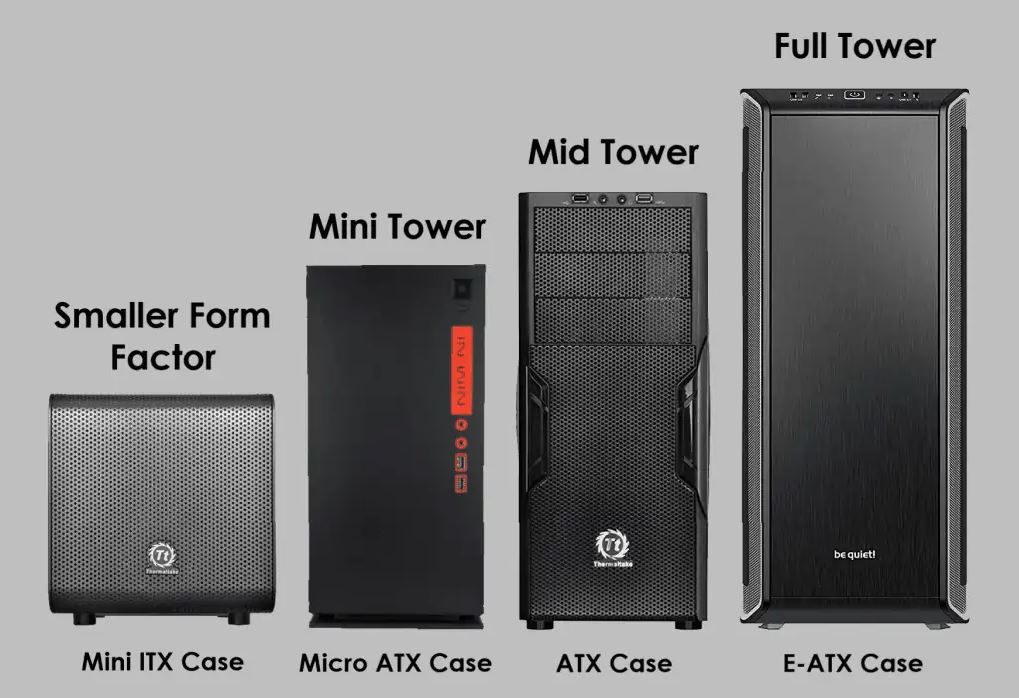
The comparison table shows how the two form factors differ across key parameters. It helps quickly assess what fits your office better.
| Criterion | Tower server | Rack server |
|---|---|---|
| Initial cost | Low (chassis + components only) | Medium/high (server + rack + rails + PDU) |
| Space used | High (floor or desk, up to 0.5 m² per unit) | Low (efficient vertical placement in rack) |
| Noise level | Low (30–35 dB) — suitable for shared office | High (60–70 dB) — requires isolated room |
| Scalability | Limited (cable chaos with >2–3 servers) | High (easy addition of nodes by rack units) |
| Maintenance | Simple, but often requires full server shutdown | More complex mounting, but supports hot-swap PSUs and drives |
| Cooling | Standard room ventilation, quiet large fans | Directed front-to-back airflow, strict ASHRAE climate requirements |
| Security | Low (free physical access in office) | High (closed cabinet or locked server room) |
| Typical scenario | 1–2 basic services in small office, no rack | Virtualization, IT fleet growth, clustering, server room available |
How to choose for your office: a simple rule
If you have one or two servers, no server room or rack, and you do not plan to expand the fleet in the next two years, choose a tower server. It is quieter, cheaper at the start and needs no special room preparation.
If you already have or plan a dedicated server room and rack, and the number of servers may grow to three or more within a year, move to rack servers immediately. Even with one rack server now, you build the right architecture. For growing small business, single-socket servers are cost-effective and let you scale virtualization with N-1 redundancy at lower licensing and memory costs. Extra spending on rack, PDU and cooling pays back quickly through reduced downtime.
What office servers are used for
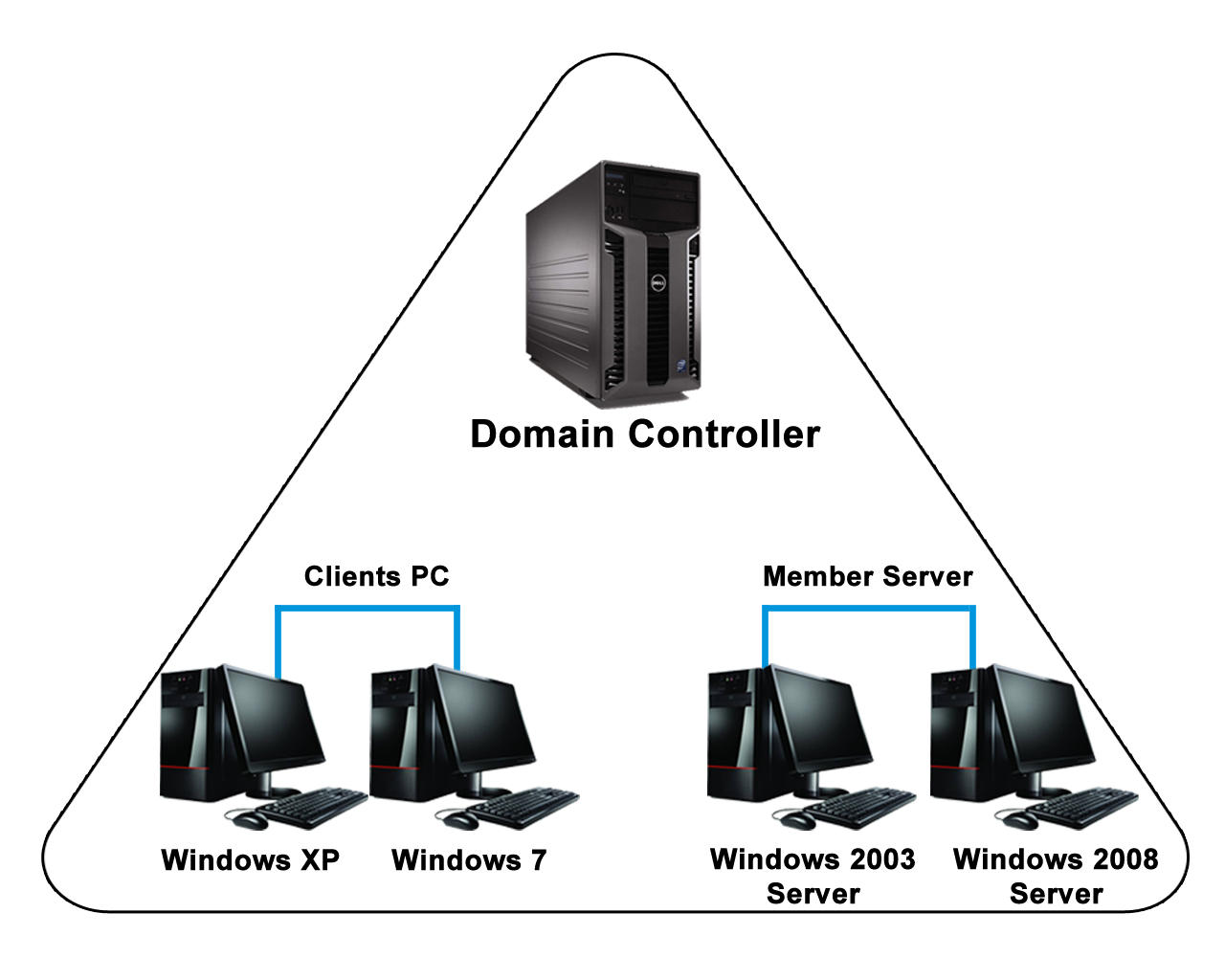
To choose the right configuration, it helps to understand which tasks you are buying the server for. Here are the main office scenarios:
- File storage (NAS). For documents, projects and archives, disk space and read/write speed matter. Both tower and rack work, but with many drives a rack format with hot-swap support is more convenient.
- Databases and ERP servers. Single-core CPU clock speed, RAM capacity and fast NVMe storage are critical. Transaction speed depends on single-thread performance and high CPU frequency rather than core count alone.
- Mail server and domain controller (Active Directory). These services are usually not very resource-hungry, but fault tolerance matters. A tower server is fine, but for redundancy two compact rack nodes are more convenient.
- Virtualization (Hyper-V, VMware, Proxmox). One physical server can replace 5–10 virtual machines. You need a powerful multi-core CPU and lots of RAM. Rack form factor is preferable for easy RAM expansion and multi-core platforms.
- Backup and video surveillance. These tasks need large disk space. A tower chassis can hold many SATA drives, but as data grows, rack disk shelves in RAID arrays (RAID 10 for large databases, RAID 1 or 5 for backups) are more reliable.
- Engineering workloads and AI inference. If designers or local neural networks run in the office, you need GPUs with large VRAM. Consider 2U or 4U rack servers — they fit powerful graphics cards, provide efficient cooling and do not cut PCIe 5.0 lanes under parallel load.
Conclusion
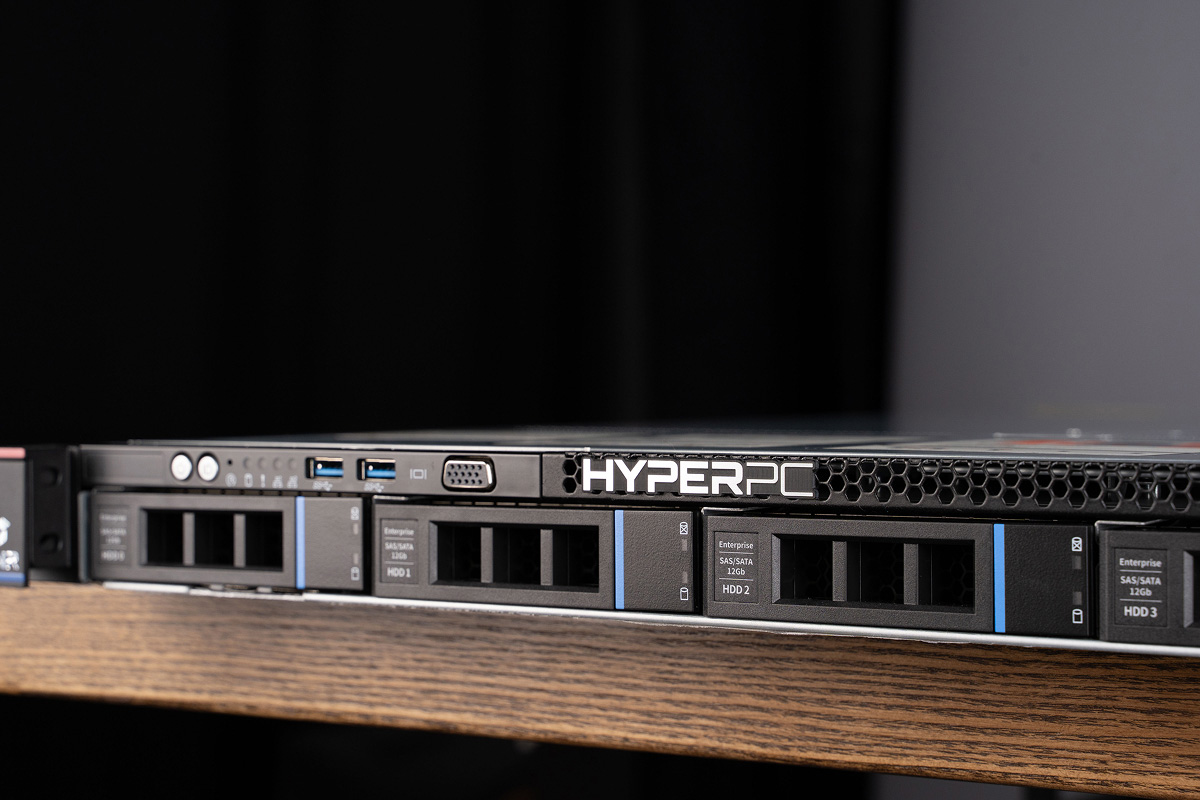
If you are opening a small office that needs one file server and a few services, with no fleet expansion planned, choose a tower. It saves budget at the start and avoids noise issues.
For growth, virtualization, clustering or reliable IT infrastructure managed remotely through IPMI/BMC, invest in rack. Even one rack server in a properly organized rack with grounding and A/B power redundancy gives a solid foundation for business development.
Need a configuration for specific tasks? Check ready-made solutions from HYPERPC. The catalog includes servers and workstations for any scenario — from compact file storage to heavy compute. For example, the AMPERE 5R server line is designed for content studios and engineering offices: CAD design, high-quality media processing, light rendering and 4K video editing.

 Arabic
  English