We are ready to help you
How to Choose an SSD for a Computer
Hard disk drives (HDDs) were used in personal computers back in the 1980s. They were best suited for storing digital information and offered the largest storage capacities. However, HDDs had two critical drawbacks: poor reliability due to moving mechanical parts and very low operating speed.
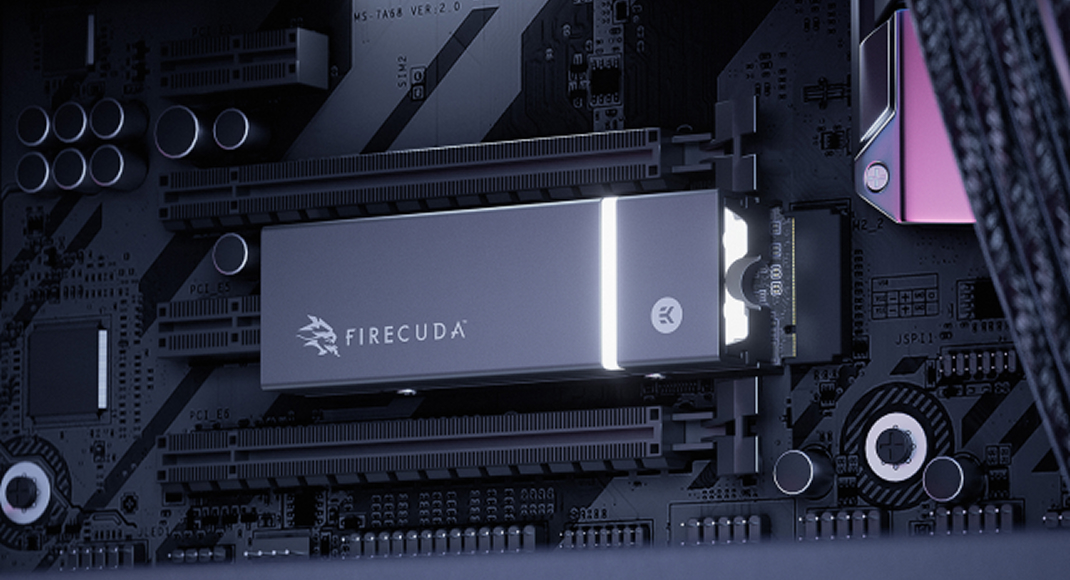
To solve these problems, engineers created solid-state drives (SSDs). All data in them is stored in small flash memory chips placed on a compact board with a controller. No mechanics - only silicon. This increased reliability many times over and brought performance speed to a whole new level.
Today, in 2026, it is simply impossible to imagine a computer without a fast M.2 SSD. Technologies have advanced so far that speeds have exceeded 14 GB/s, and modern games with DirectStorage require solid-state storage for near-instant world loading.
Today we will find out how to choose an SSD for a computer, what parameters to pay attention to, and who makes the best drives in the world.
Form Factor
This parameter determines the shape and dimensions of the drive. Today, two main form factors are relevant: 2.5" and M.2.
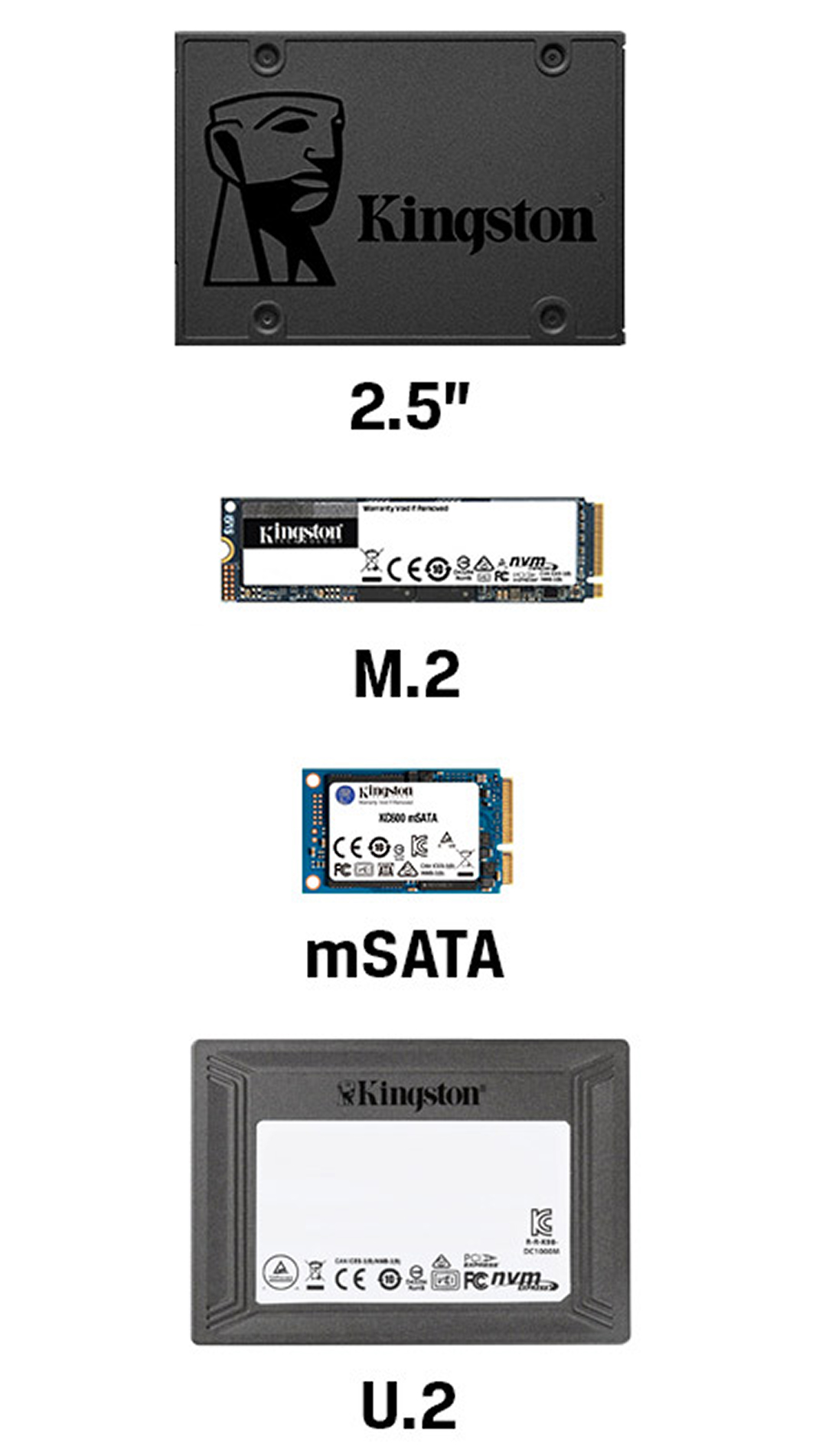
2.5" Form Factor
This type of drive is made as a plastic or metal box similar to a classic laptop hard drive. It connects to a PC with two cables: SATA (to the motherboard) and a power cable (to the power supply). In 2026, such SSDs are mostly bought as an inexpensive "file dump" for storing movies, archives, or older games.
M.2 Form Factor
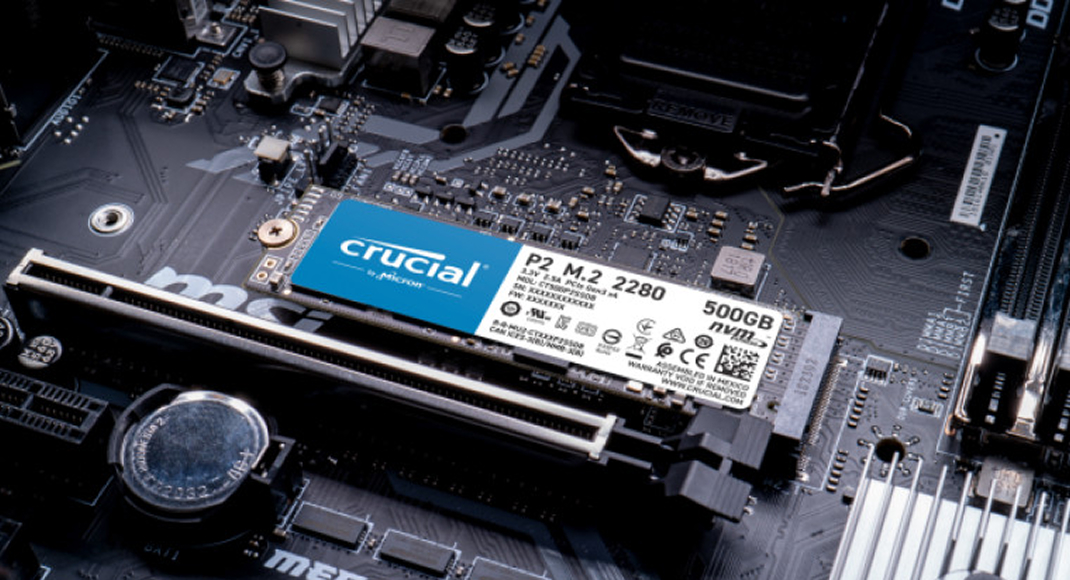
The absolute standard of our time. It is made as a small rectangular board, similar to a stick of gum. It is inserted into a special M.2 slot directly on the motherboard without using any cables. The most popular size is 2280 (22 mm wide and 80 mm long).
Note: Outdated formats such as mSATA or bulky PCI-E Add-in Card boards have almost completely disappeared from the market today, and there is no point in considering them for purchase.
Connector and Connection Interface
The connection interface is the method and protocol for data transfer. It comes in two types:
- SATA - a fading interface. Data is transferred at a maximum speed of up to 600 MB/s.
- PCI-E (NVMe protocol) - the modern standard, where data is transferred directly over the PCI-Express bus at speeds up to 14,500 MB/s.
The speed of NVMe drives directly depends on the generation of the computer bus (PCI-E version). The newer it is, the faster components exchange information.
- PCI-E 3.0 - up to 3,500 MB/s. (An outgoing standard in the budget segment).
- PCI-E 4.0 - up to 7,500 MB/s. (The gold standard and the most popular base for gaming PCs).
- PCI-E 5.0 - up to 14,500 MB/s. (An uncompromising flagship segment for enthusiasts).
Read and Write Speeds
SSD manufacturers love to print huge numbers on boxes, for example: "Read speed 14,000 MB/s". This is the so-called sequential speed. It matters only when you copy one giant file (for example, a 4K movie or a system image).
But operating systems and games consist of hundreds of thousands of tiny files. Drives have to locate and load them randomly across all memory cells. Therefore, for real computer responsiveness, random 4 KB read speed (RND4K Q1T1) is critically important.
You can find this parameter in independent reviews (for example, in CrystalDiskMark). High-quality modern SSDs should show the following random read figures:
- SATA - about 30-40 MB/s;
- PCI-E 4.0 - about 80-90 MB/s;
- PCI-E 5.0 - about 100-110 MB/s.
These seemingly small numbers are exactly what make your Windows boot in 3 seconds and game levels load instantly.
Which SSD Controller Is Better
The controller is the brain of a solid-state drive. It is a full-fledged microprocessor that manages cache, corrects errors, optimizes memory cells, and extends drive lifespan.
In 2026, several players dominate the market:
- Samsung and Western Digital (WD). These companies produce controllers and memory chips themselves at their own factories. This is the benchmark of reliability and stability for Gen 4 drives.
- Phison. The absolute monopolist and leader in the ultra-fast PCI-E 5.0 drive segment. Their Phison E26 controller is used in almost all modern flagship SSDs with speeds above 10 GB/s.
Heatsink Availability (Critically Important!)
M.2 drives produce a lot of heat, and PCI-E 5.0 models are true hotboxes. If an SSD overheats, it will enter "throttling" mode (drop speed several times to avoid burning out). That is why a metal heatsink is mandatory. Most modern motherboards already have thick stock heatsinks for M.2 slots. However, if you choose a flagship 5th-gen drive, it often comes with its own massive heatsink (and sometimes even with a tiny fan for active cooling).
Which SSD You Need for a Gaming PC
With the spread of Microsoft DirectStorage, games learned to move data from SSD directly into GPU video memory, bypassing the CPU. This eliminated long loading screens.
Does this mean gaming requires an ultra-expensive PCI-E 5.0 drive? No. For 99% of modern games, a high-quality PCI-E 4.0 drive (with around 7000 MB/s speed) remains the benchmark solution. The game loading difference between Gen 4 and Gen 5 is currently fractions of a second, while the price differs multiple times. 5th-generation drives are a choice for professionals working with 8K video, complex rendering, and uncompromising enthusiasts.
Ranking of the Best SSDs in 2026
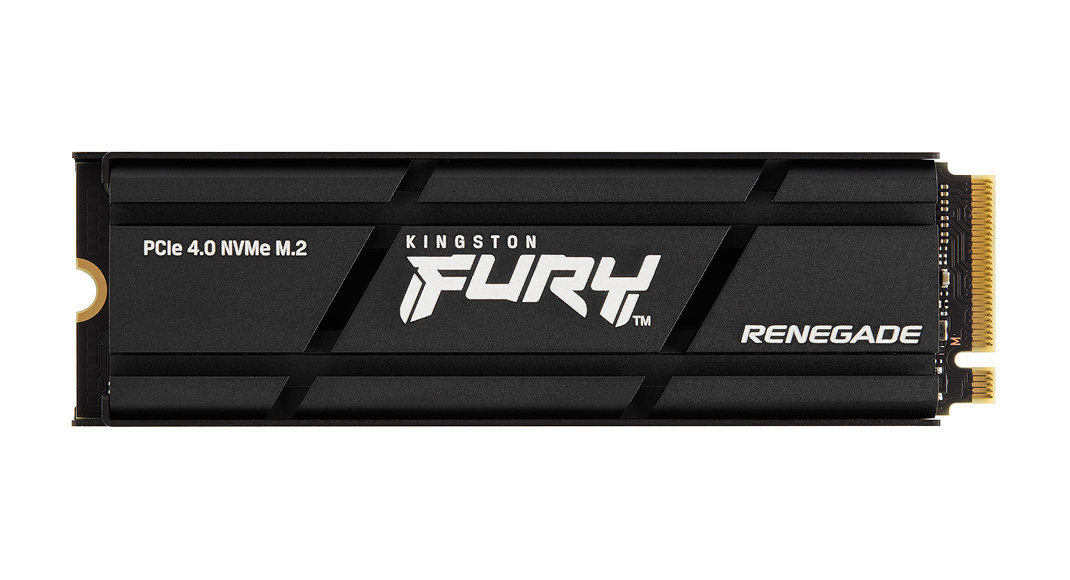
Fifth Place - Kingston FURY Renegade
This drive (PCI-E 4.0) has held top sales positions for several years, becoming a true people's classic for gamers. A reliable Phison controller, excellent write endurance, and stable 7,300 MB/s read speed make it a great choice for any build.
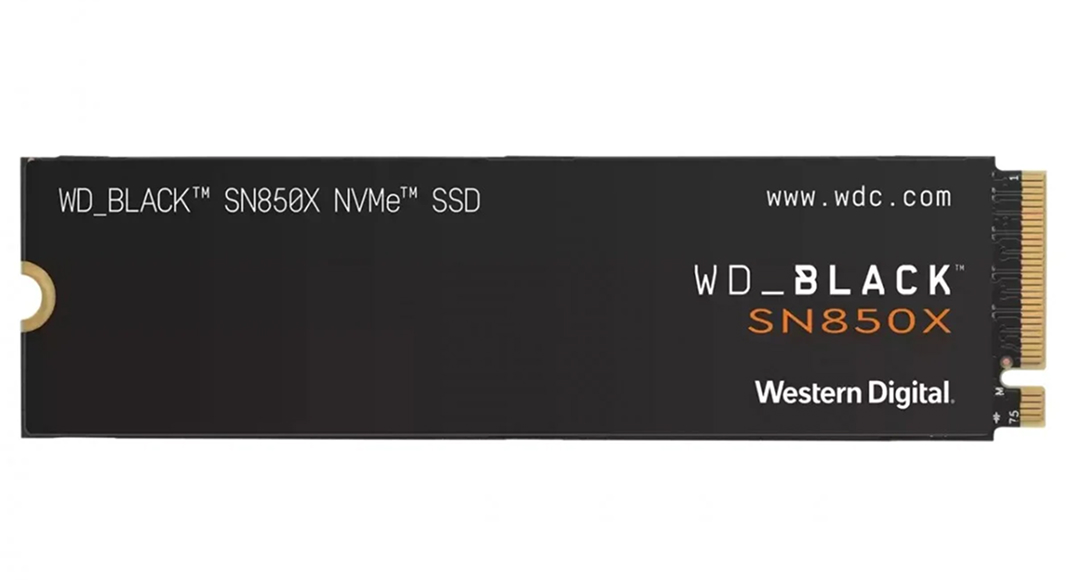
Fourth Place - WD Black SN850X
Western Digital creates drives entirely in-house. The flagship SN850X (PCI-E 4.0) features excellent optimization for gaming workloads. A special "Game Mode 2.0" in the proprietary utility preps cache in advance for fast asset loading. Read speed - 7,300 MB/s.
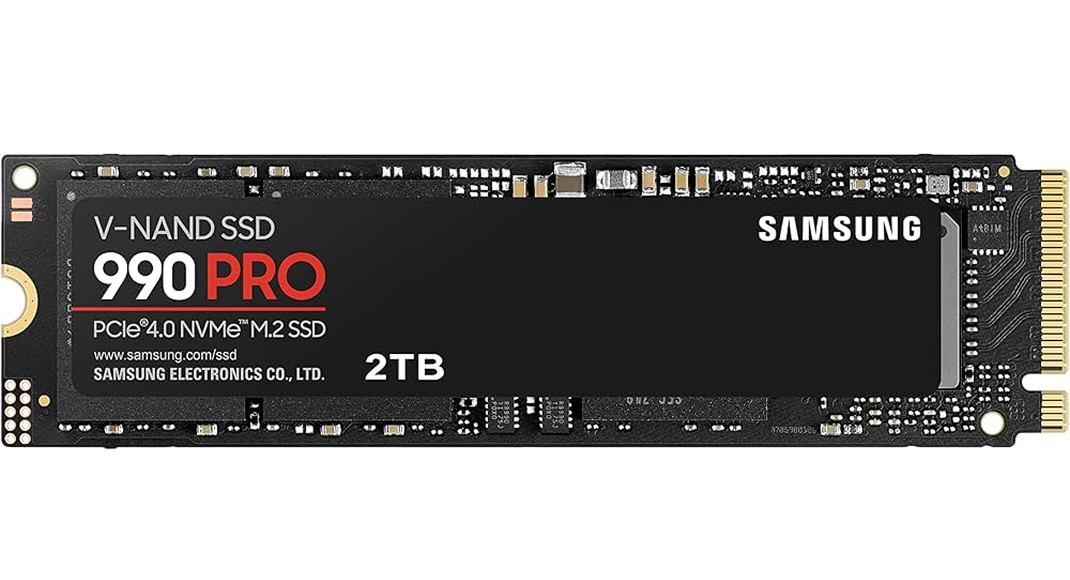
Third Place - Samsung 990 PRO
The absolute pinnacle of PCI-E 4.0 evolution. The most desired, reliable, and stable SSD on the market. It uses Samsung's advanced Pascal controller, squeezing the physical maximum out of 4th-gen bus bandwidth. Read speed - 7,450 MB/s, and RND4K random read breaks records among peers.
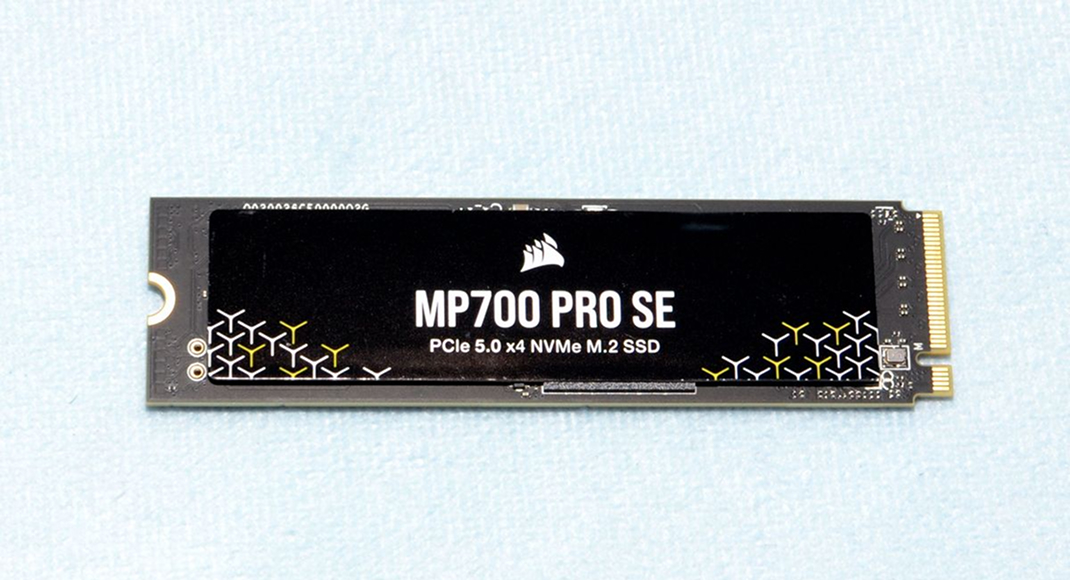
Second Place - Corsair MP700 PRO
Here we enter PCI-E 5.0 territory. This monster runs on the advanced Phison E26 controller and delivers a staggering 12,400 MB/s read speed. The drive requires serious cooling, so Corsair supplies it with a massive aluminum heatsink block or even a water block for connection to a custom liquid-cooling loop.
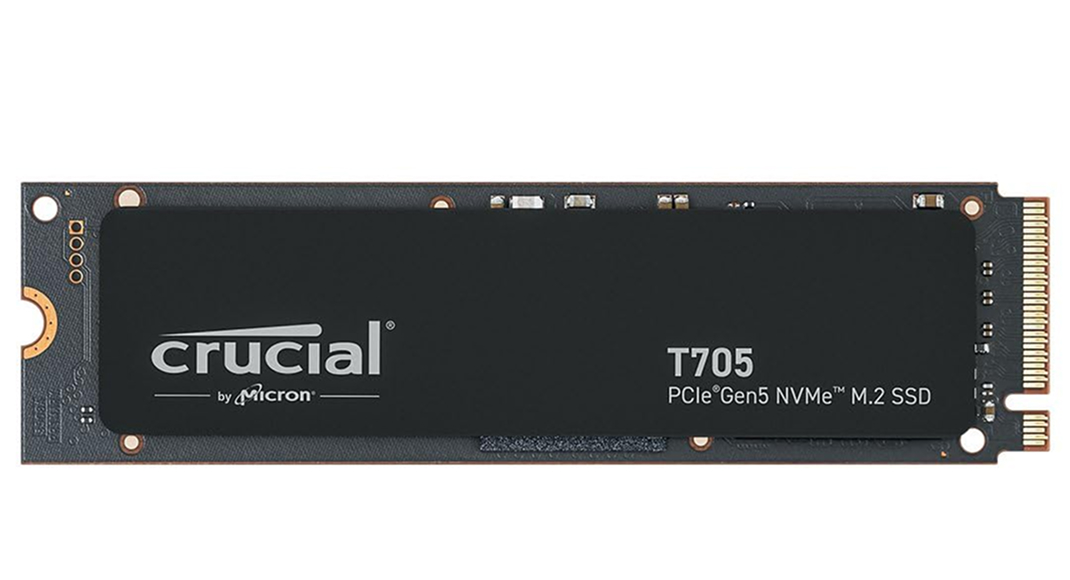
First Place - Crucial T705
The king of performance in 2026. Crucial (Micron) installed its most advanced 232-layer TLC NAND memory chips in this drive (PCI-E 5.0). The result is astonishing - read speed reaches a phenomenal 14,500 MB/s, and write speed reaches 12,700 MB/s. This is an uncompromising solution for the most powerful workstations and ultimate future-ready gaming systems.
Which SSDs Are Used in HYPERPC Computers
At HYPERPC, we do not tolerate compromises when it comes to system reliability and responsiveness.
In our entry-level and advanced gaming series, we install time-proven PCI-E 4.0 hits - Samsung 990 PRO and WD Black SN850X. They deliver benchmark OS and game loading speed while remaining cool and durable.
For ultimate configurations, custom projects, and powerful workstations (designed for 3D modeling, video editing, and AI tasks), we use flagship PCI-E 5.0 solutions from Crucial and Corsair, always integrating them into the computer's overall cooling system for flawless and stable operation at speeds above 14 GB/s.

 Arabic
  English