We are ready to help
8K Gaming in 2026: Is It Real and What Do You Need
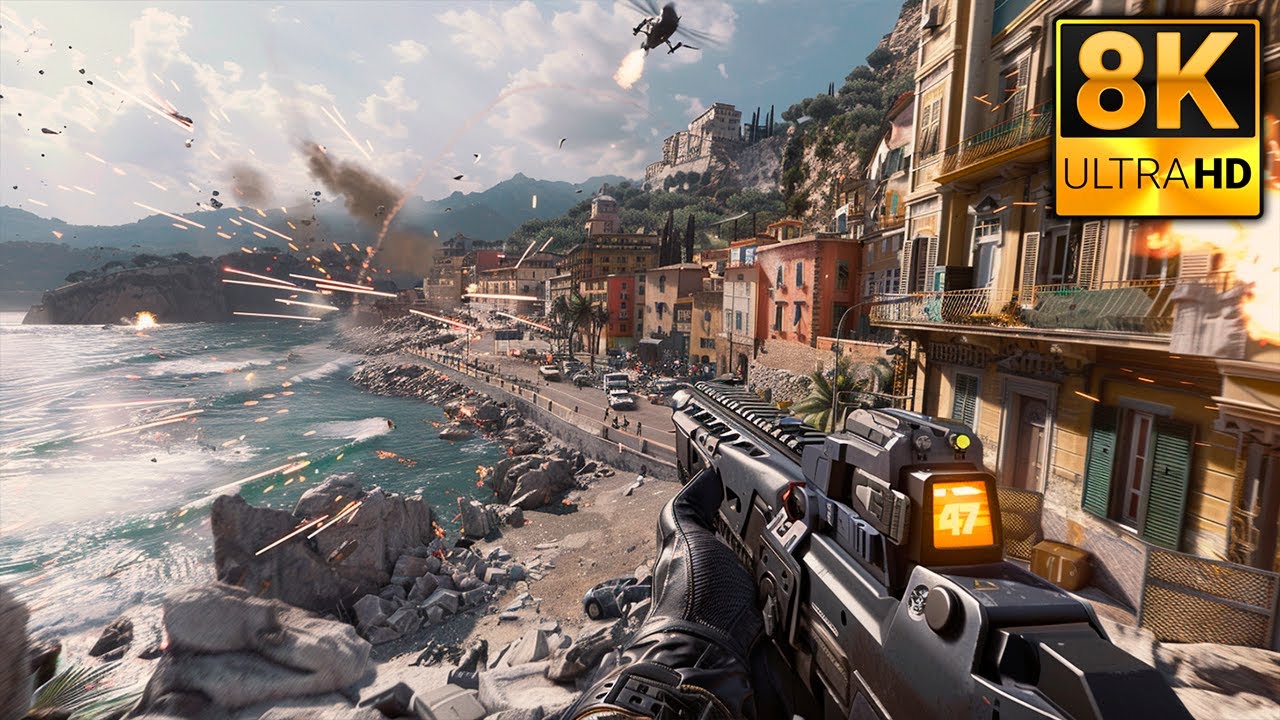
The short answer: yes, 8K gaming in 2026 is technically possible. But it remains the domain of enthusiasts with top-tier hardware, large screens, and a willingness to compromise on frame rates. Native 8K at 60 frames per second is the limit even for the most powerful graphics cards, and the main path to a playable picture today is upscaling through DLSS 4 and frame generation. In this article we take an honest look at whether 8K gaming is realistic right now, what hardware you need for 8K gaming, and whether it is worth building such a PC in 2026.
What Is 8K and How Many Pixels Is That
8K resolution is a grid of 7680 by 4320 pixels. That adds up to 33.1 million pixels on screen. For comparison: standard 4K resolution (3840 by 2160) contains 8.3 million pixels, while familiar Full HD (1920 by 1080) has only 2.1 million. So 8K resolution contains 4 times as many pixels as 4K and 16 times as many as Full HD.
What does that mean for performance? The graphics processor has to handle 4 times as much information as when gaming at 4K. Each frame requires 4 times the compute power, 4 times the memory bandwidth, and a massive amount of video memory to store high-resolution textures. The load on the system at 8K is extreme. Even flagship graphics cards struggle with modern AAA titles in native 8K without intelligent upscaling technologies.
Is 8K Gaming Playable Right Now
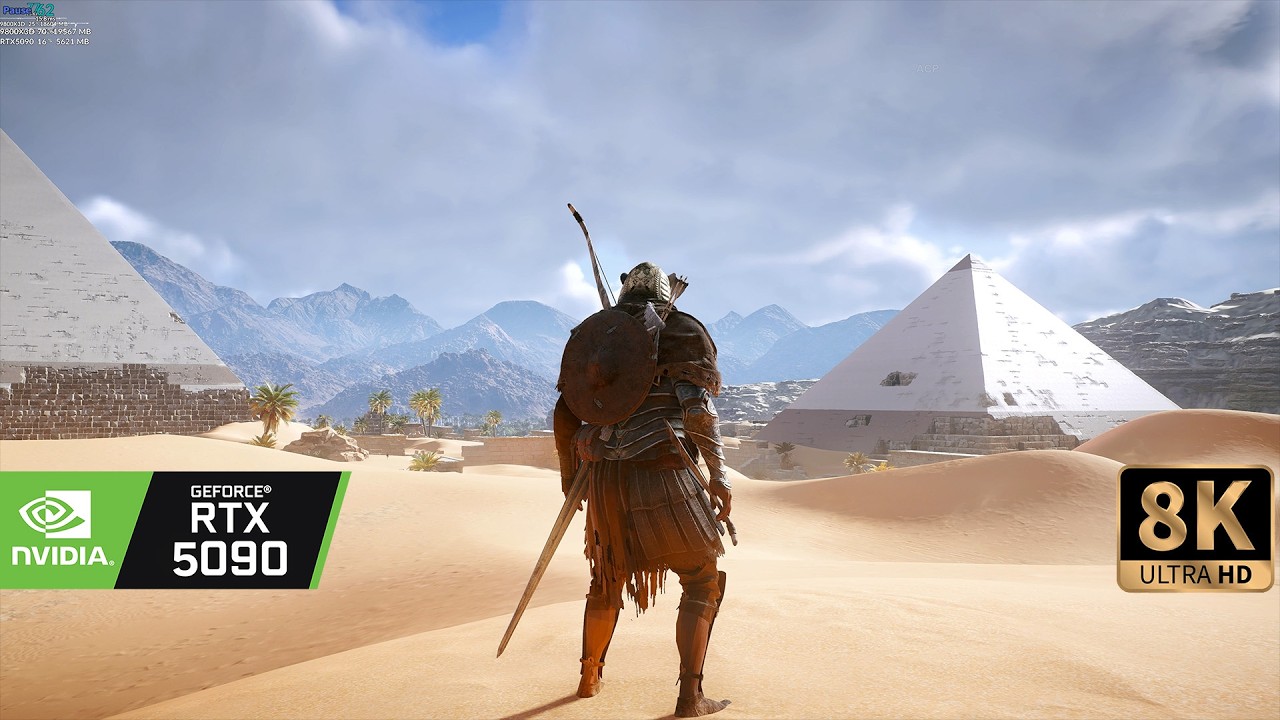
Let's be realistic. Native 8K gaming — meaning rendering every frame at true 7680 by 4320 resolution without upscaling — is only possible today on flagship graphics cards and only in certain scenarios.
What already works in 8K:
- esports titles (Fortnite, Overwatch 2, Apex Legends) — they are less demanding and can deliver stable 60+ frames per second in 8K on a flagship RTX 5090;
- older games with good optimization;
- modern AAA games with DLSS enabled in Quality or Performance mode — through upscaling.
What still does not work in native 8K:
- heavy modern AAA games with ray tracing and path tracing (Cyberpunk 2077, Alan Wake 2) — in true 8K even the RTX 5090 delivers only around 20–30 frames per second, which is not playable;
- games with poor optimization.
The main path to smooth visuals today is intelligent upscaling. Upscaling technologies (NVIDIA DLSS, AMD FSR) render the game at a lower resolution (usually 4K) and reconstruct the missing pixels up to 8K using artificial intelligence algorithms. Visually the result is very close to native 8K, while the load on the graphics card drops to 4K levels. Thanks to frame generation technology (DLSS 4 Multi Frame Generation) you can get smooth gameplay even in the most demanding graphical titles.
Bottom line: 8K gaming today is not native rendering but intelligent AI upscaling. Is 8K gaming playable? Yes, if you have a new-generation flagship GPU and are willing to use DLSS and frame generation.
What Hardware Do You Need for 8K
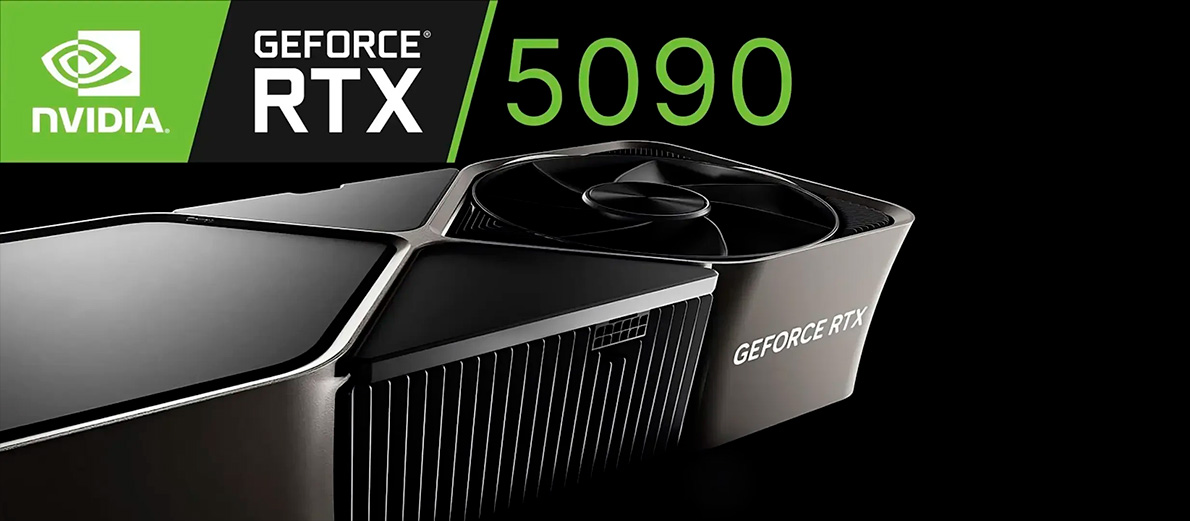
To game in 8K, you need a system with no bottlenecks. Every component must be top-tier.
Graphics Card and VRAM. Why You Need a Flagship and Plenty of VRAM
The graphics card is the key component for 8K. It must have:
- extreme compute power. Processing 33 million pixels requires tens of thousands of cores. Only flagship GPUs can handle that load;
- a large amount of video memory (VRAM). 8K textures take up huge space. 16 GB is a hard technical minimum that will not be enough in heavy scenes. When VRAM overflows, data starts spilling over the PCIe bus into system RAM, causing stutters or game crashes. The optimal amount is 24 to 32 GB;
- high memory bandwidth. The latest GDDR7 memory with an ultra-wide 512-bit bus delivers data transfer speeds up to 1.79 TB per second, which is critical for preventing bottlenecks.
Recommended graphics cards for 8K:
| Graphics Card | VRAM | 8K Performance |
|---|---|---|
| NVIDIA RTX 5090 | 32 GB GDDR7 | The only GPU for comfortable native 8K and 8K with upscaling |
| NVIDIA RTX 5080 | 16 GB GDDR7 | Limited by memory capacity. Requires DLSS, suitable for 8K at high settings |
| AMD RX 7900 XTX | 24 GB GDDR6 | Allows 8K gaming with FSR, but falls well behind Blackwell flagships in heavy scenes |
The RTX 5090 with 32 GB of video memory is the no-compromise choice for those who want to game in 8K. With DLSS 4 frame generation it delivers comfortable FPS in any title.
Processor and RAM. A Powerful CPU and 32 GB+ of System Memory
The processor for 8K is no less important. Although most of the load falls on the GPU, a weak CPU cannot prepare frames fast enough, creating a bottleneck for the entire system.
- 8K requires a CPU with high single-core frequency and a large L3 cache;
- 8–16 cores are more than enough — more cores do not improve gaming performance;
- 3D V-Cache technology (AMD Ryzen X3D processors) delivers a massive boost to minimum FPS stability in open-world games with complex simulation.
Recommended processors:
- AMD Ryzen 7 9800X3D — the best gaming processor on the planet with 96 MB of L3 cache;
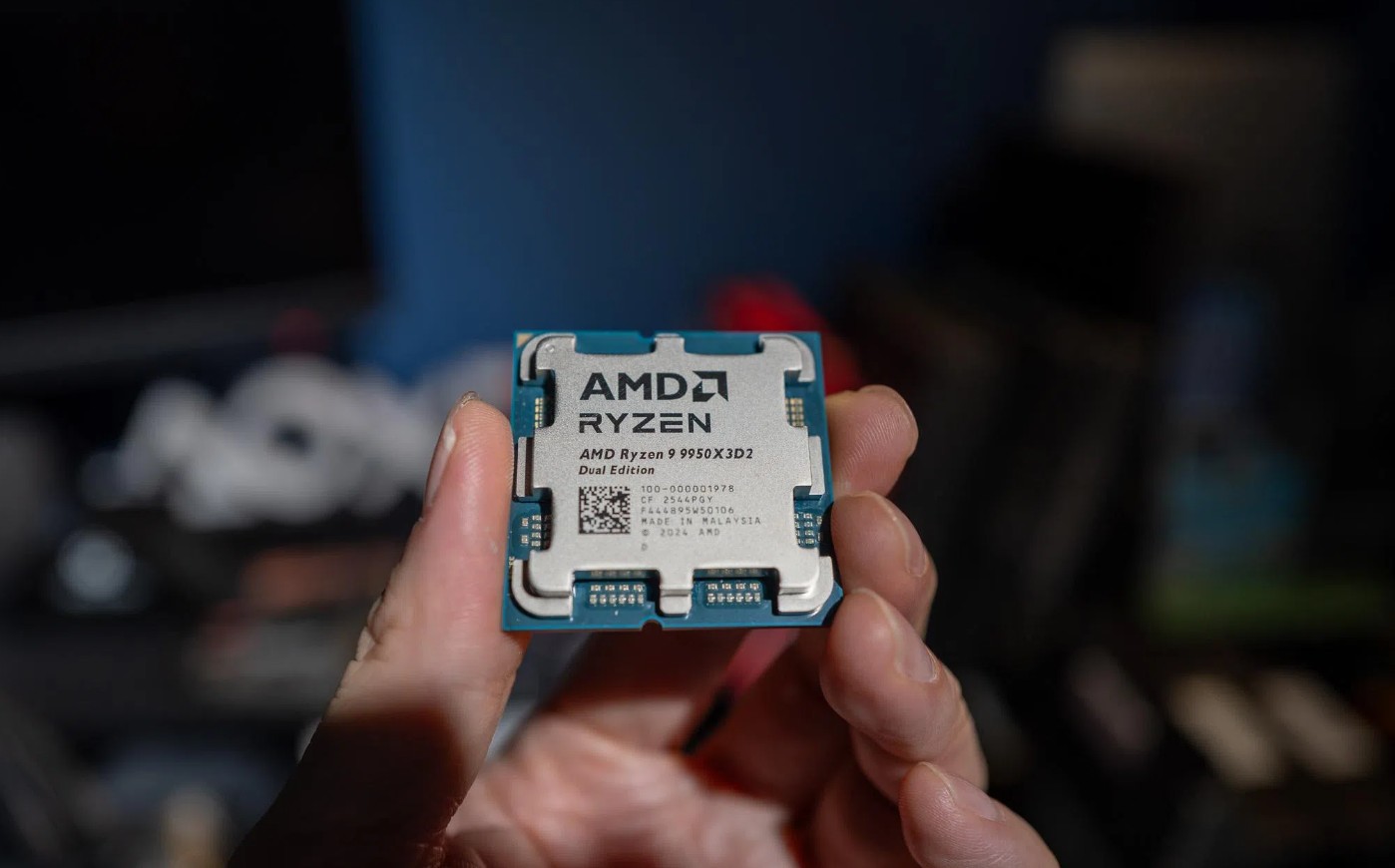
- AMD Ryzen 9 9950X3D — a 16-core CPU for those who combine gaming with professional workloads;
- Intel Core Ultra 9 285K — a high-performance alternative from Intel.
System memory. 32 GB of fast DDR5 memory is the strict minimum for 8K gaming. High-resolution textures, background processes, and constant streaming data loads require plenty of free RAM. For professional 8K video editing and 3D rendering, we recommend installing 64 to 96 GB of memory.
- optimal specs: DDR5-6000 with low CL30 timings for AMD AM5 platforms and 6400–7200 MHz for Intel processors;
- dual-channel mode is mandatory (at least two memory modules) to ensure high bandwidth.
Display and Connectivity. 8K Monitor or TV, HDMI 2.1b, DisplayPort 2.1b, HDR, and High Refresh Rate
Without an 8K monitor or TV, all rendering effort is wasted. The display must support native 7680 by 4320 resolution.
Key connectivity and screen requirements:
- 8K resolution (7680 by 4320);
- human vision sets hard limits: at arm's length on screens smaller than 55–65 inches, pixel density is so high that the eye physically cannot tell 4K from 8K. For a full immersive effect you need panels from 65 to 85 inches. On standard 27–32 inch monitors the difference from 4K will be practically invisible, while GPU load increases 4 times;
- connectivity: RTX 50 series graphics cards implement the advanced DisplayPort 2.1b standard with UHBR20 support. It provides up to 80 Gbps bandwidth, allowing uncompressed 8K at 60 Hz without compression algorithms. For this you must use certified DP80LL cables up to 3 meters long. HDMI 2.1b is limited to 48 Gbps bandwidth, forcing the GPU to use DSC (Display Stream Compression). This can cause hardware limitations (black screen for 2–3 seconds on Alt-Tab, blocking DSR/DLDSR features);
- HDR support adds the necessary color depth, brightness, and contrast that, combined with 8K, delivers stunning photorealistic visuals.
Recommended models: Samsung QN900D series TVs (with NQ8 AI Gen3 processor and up to 8K 60Hz / 4K 240Hz), as well as professional ultra-high-resolution OLED and IPS panels.
The Role of Upscaling and Frame Generation
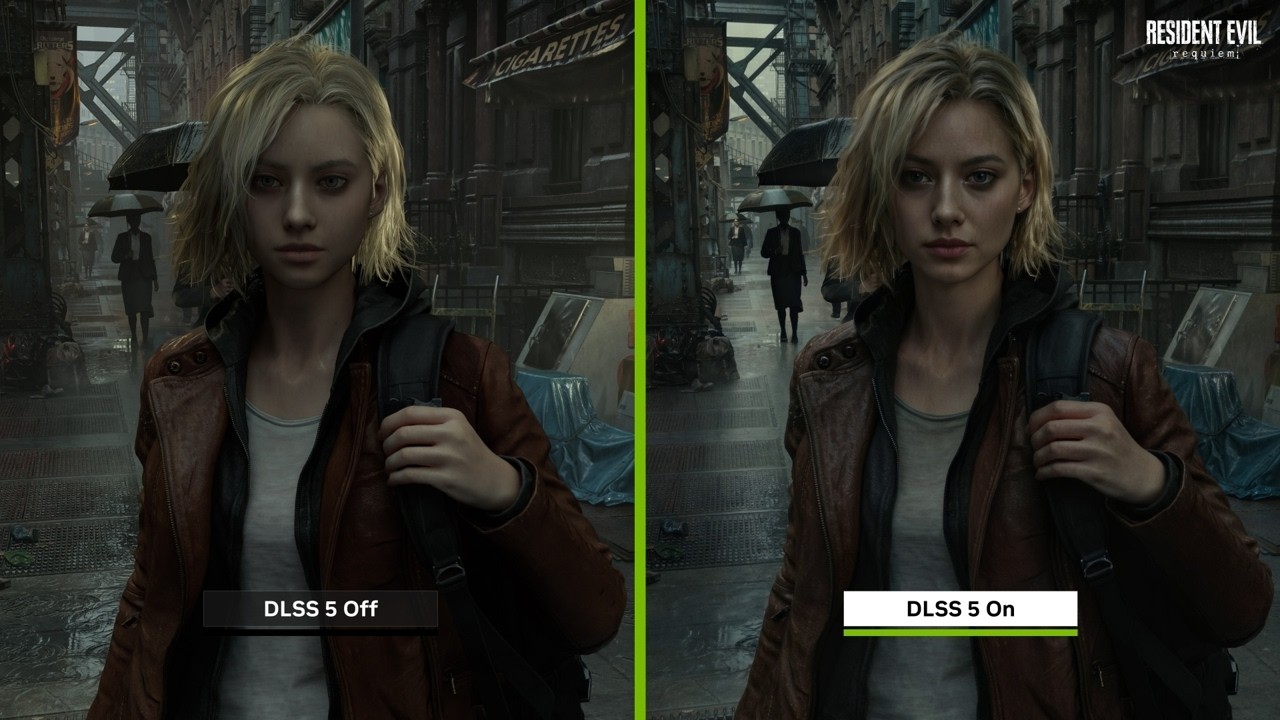
Intelligent upscaling technologies are what make 8K gaming a mainstream reality in 2026.
How DLSS (NVIDIA) works: The game renders at a lower resolution (for example, 4K), then a neural network reconstructs the missing pixels up to the target 8K using the GPU's tensor cores and AI models trained on supercomputers. Image quality is visually almost indistinguishable from native 8K, while chip load drops to a comfortable level.
Multi Frame Generation: DLSS 4 technology generates intermediate frames using AI. Instead of 30 real frames you get smooth 90–120 frames per second, delivering exceptional fluidity in dynamic scenes.
Limits and characteristics of the technologies:
- Artifacts: in some scenes with very fast object movement, slight blur may appear;
- Latency: frame generation increases input lag, so NVIDIA Reflex technology is used to reduce latency;
- FSR (AMD): a similar open technology that works on any GPU, but falls short of DLSS in quality and fine detail sharpness due to the lack of dedicated AI hardware accelerators.
Bottom line: without DLSS and frame generation, 8K gaming would remain the domain of isolated benchmarks. It is artificial intelligence technologies that make 8K playable right now.
8K in Gaming or Work: Where It Actually Matters Today
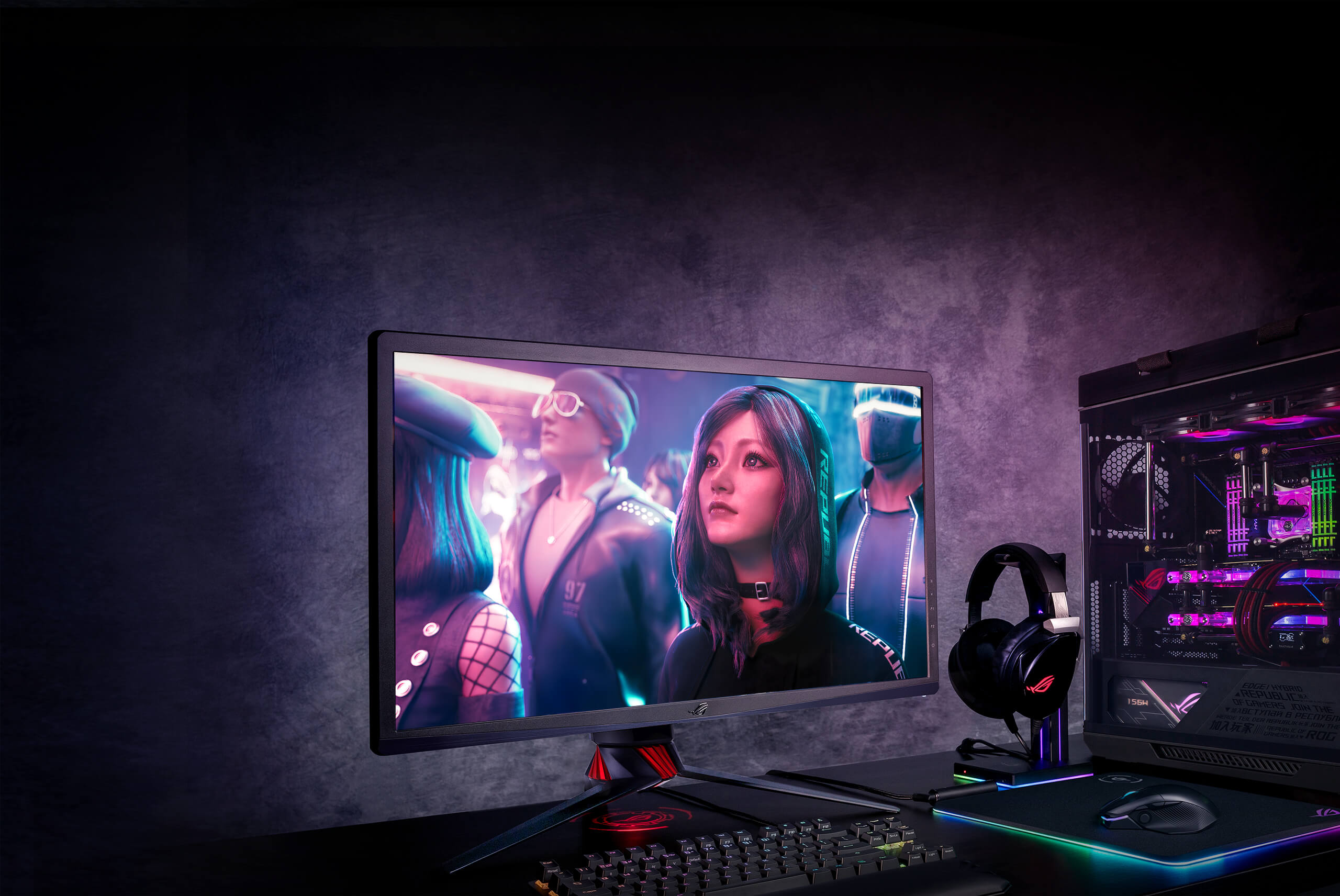
Ultra-high resolution has applications in different fields, but its usefulness varies greatly.
8K for work (fully justified):
- professional editing and color grading of 8K video. The ability to edit source footage without creating proxy files saves content creators hours of work time;
- professional 3D modeling, texturing, and animation. Working with complex high-polygon scenes requires perfect on-screen detail;
- medical visualization, scientific graphics, geographic information systems — fields where display accuracy of fine details affects research outcomes.
8K for gaming (debatable):
- human vision makes 8K pointless on standard-size gaming monitors (27–32 inches), as pixel density is too high for the eye at normal viewing distance;
- GPU load increases 4 times compared to 4K, requiring only top-tier hardware;
- 60 Hz refresh rate is the limit for most available 8K TVs, while at 4K gamers already have access to 144–240 Hz monitors that deliver maximum smoothness.
Bottom line: 8K is fully justified for professionals working with ultra-high resolution. For gamers it is a prestige choice that delivers a stunning visual effect only when using large screens of 65 inches and above.
Is It Worth Building an 8K PC in 2026
The honest answer: for most gamers — no, it is better to invest in a quality high-refresh 4K monitor. But there are scenarios where building an 8K PC is fully justified.
8K gaming is justified if:
- you have a large 8K TV from 65 to 85 inches (for example, Samsung QN900D);
- you play less demanding titles or want maximum clarity in story-driven games with DLSS and frame generation;
- the PC is being built as a professional workstation for editing, 3D, and AI workloads;
- you are creating a prestige system with headroom for years to come.
Comparison of key 8K and 4K parameters:
| Parameter | 4K (3840 by 2160) | 8K (7680 by 4320) |
|---|---|---|
| Pixel count | 8.3 million | 33.2 million |
| Maximum refresh rate on the market | up to 240 Hz | up to 60 Hz (up to 165 Hz with DSC over DP 2.1b) |
| GPU requirements | High (RTX 5080) | Extreme (RTX 5090) |
| VRAM requirements | from 16 GB | 24–32 GB |
| Ideal screen size | 27–55 inches | 65+ inches |
| Core technology | DLSS / FSR | DLSS 4 / FSR + Frame Generation |
| Target audience | Most gamers | Enthusiasts and professionals |
Conclusion
8K gaming in 2026 is absolutely real, but it requires compromises. Native 8K is only available on the flagship RTX 5090 and in less demanding games. For heavy AAA titles with ray tracing, the only sensible path is DLSS 4 with frame generation.
What you need to build an 8K PC:
- a graphics card with 24–32 GB of VRAM (RTX 5090 is the no-compromise choice);
- a processor with high frequency and a large L3 cache (Ryzen 7 9800X3D or Ryzen 9 9950X3D);
- 32 to 64 GB of DDR5 RAM;
- a display with HDMI 2.1b or DisplayPort 2.1b and HDR support;
- a reliable 1000–1200 W power supply.
If you want maximum detail on a large screen and are ready for the investment, 8K gaming will deliver an incredible experience. If pure frame rate in fast-paced shooters matters more, it is more rational to invest in a quality 4K monitor at 144–240 Hz.
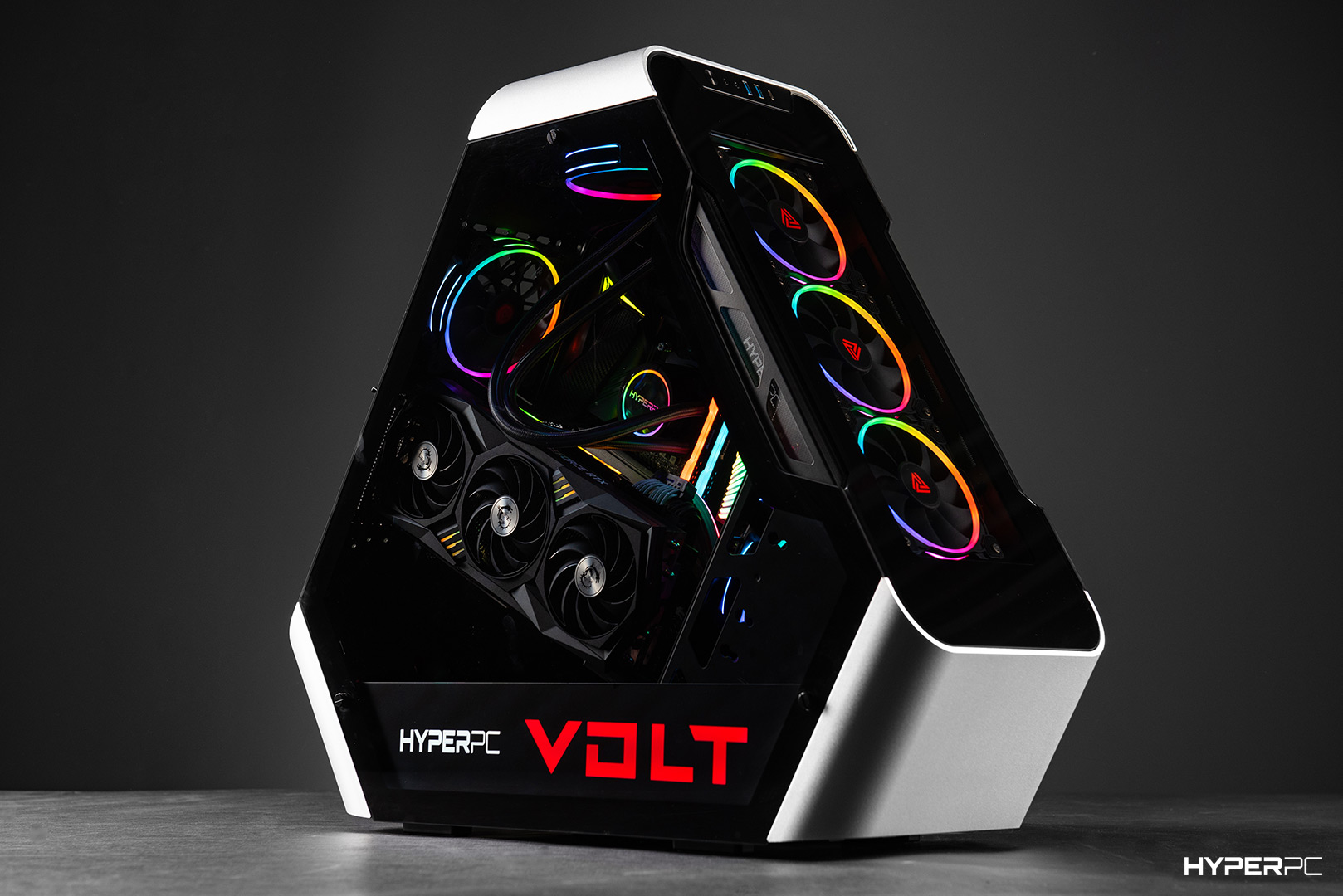
Ready-made computers for work and gaming are already available in the HYPERPC catalog. Our flagship LUMEN and CONCEPT series are designed around RTX 5090 graphics cards and top-tier Ryzen processors. For example, the LUMEN 8 ULTRA system combines an RTX 5090, 64 GB of DDR5 RAM, and fast solid-state drives. The exclusive CONCEPT series offers hand-built assembly, custom water cooling, and unique bespoke design. HYPERPC specialists will help you design and configure a system for any demanding workload.

 Arabic
  English