Blog
Useful articles and materials about computers, hardware, and new technologies.
Egor Streletsky
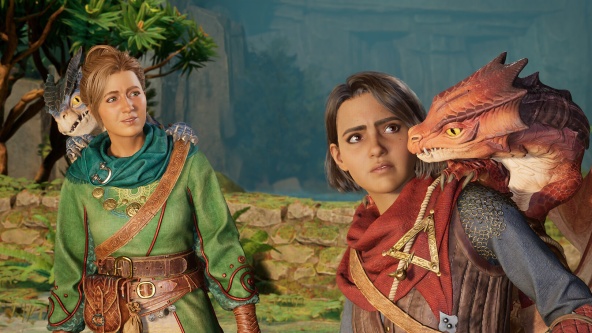
A good co-op game relies not on graphics, but on how much it makes players depend on each other. Below is a selection of games worth playing with friends in 2026, from strictly two-player titles to sandboxes for large groups, with player counts and the hardware each game needs.
35
Egor Streletsky
The debate over whether Denuvo hurts performance has been going on for almost a decade, and both sides cite real numbers. Some games gained a few frames after the protection was removed, others did not change at all, and in some benchmarks the minimum FPS even dropped after removal. There is no contradiction here once you understand how the protection is built into a game.
35
Egor Streletsky
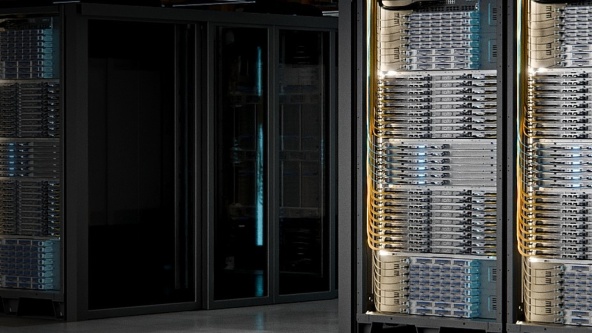
Helios is AMD’s first fully integrated rack-scale AI system. Its defining feature is not the number of accelerators, but the fact that every network inside the rack uses Ethernet and open standards instead of a proprietary interconnect. In a market where rack-scale AI systems have meant closed links from a single vendor, this is a fundamental shift.
39
Egor Streletsky
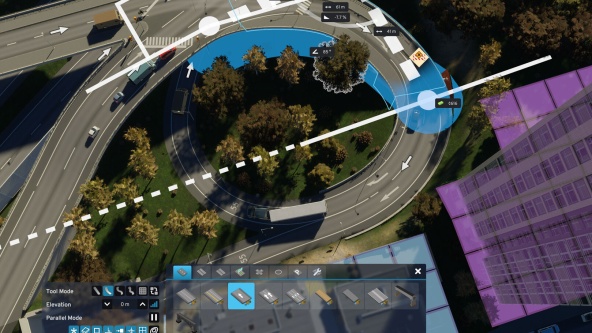
In Cities: Skylines 2, performance depends less on graphics than on city size. A new city on an empty map runs smoothly, but by the time it reaches around one hundred thousand residents, the same computer slows down and reducing graphics settings helps less and less. This is not a bug in a particular driver version, but a consequence of how the simulation works.
44
Egor Streletsky
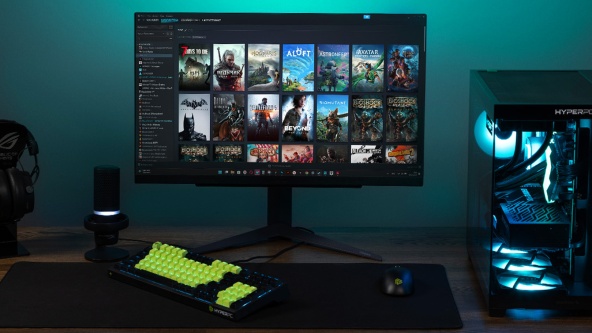
When a game cannot connect, the first advice you find online is to disable the firewall. As a test, that advice is valid. As a solution, it is poor: the computer is left without basic filtering of incoming connections, while in many cases the firewall was not the cause at all.
32
Egor Streletsky
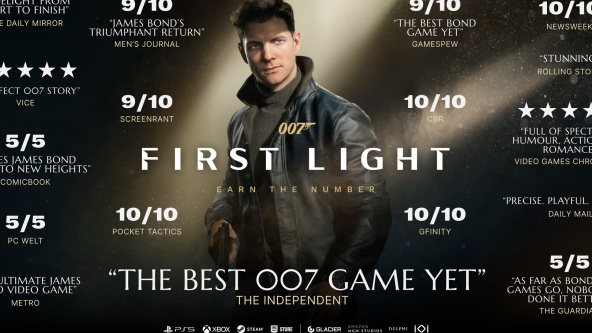
007 First Light was released on May 27, 2026, for PC, PlayStation 5, and Xbox Series X/S. IO Interactive published five system requirement presets for the PC version, ranging from 1080p at 30 FPS to 4K at 200 FPS or higher. The table contains one detail that most summaries miss: DLSS is not used for the first four presets.
38
Egor Streletsky
An automatic restart differs from a normal crash in one key way: it leaves no message. The machine simply reboots, and the user is left without a single clue. The clues do exist, but they are in Event Viewer rather than on the screen, and they narrow a list of ten suspects down to two or three.
39
Egor Streletsky
If a game fails to launch with a “VCRUNTIME140.dll was not found” message, or its window closes silently a second after startup, the cause is almost always the same: the required Visual C++ Redistributable package is missing. It is not part of the game or a driver, but a set of Microsoft system libraries the game relies on at runtime.
76
Egor Streletsky
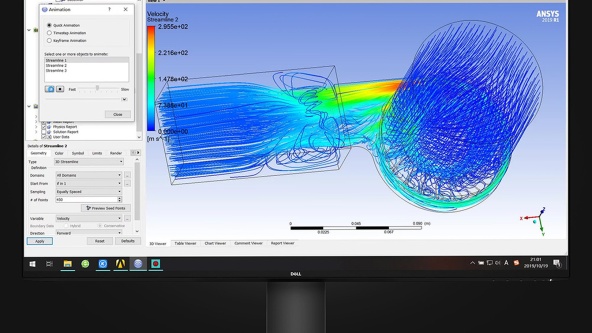
A blue screen is not a breakdown but a protective reaction: the Windows kernel has detected an error it cannot recover from without risking data corruption, so it stops the system. The useful information is shown on the screen at that moment and, more importantly, written to a dump file that lets you name the specific driver at fault.
58
Egor Streletsky
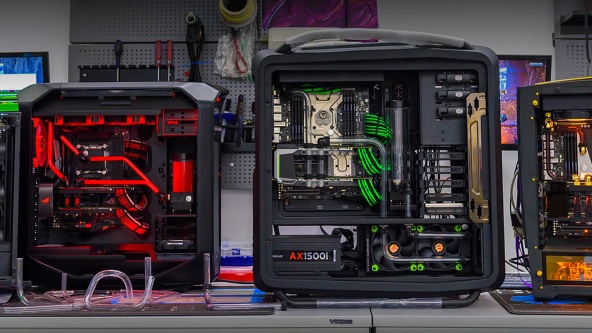
A PC upgrade comes down to one question: which component returns the most performance per dirham in your specific machine. There is no universal answer, and the common advice to just replace the graphics card is wrong for roughly half of the people who follow it, because their bottleneck sits somewhere else.
50
Egor Streletsky
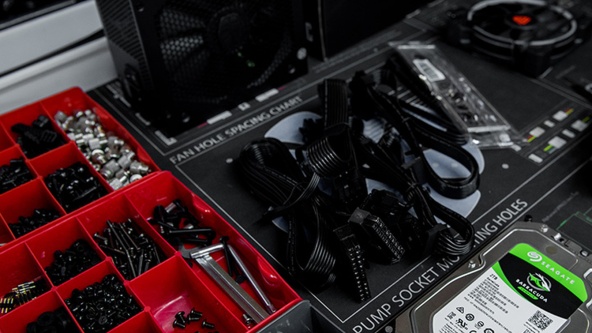
Ordering a custom PC differs from buying a ready-made one in one important way: between payment and the computer arriving on your desk there is a project, with a specification, a production queue, testing and shipping. For most buyers this stretch looks like a closed box, and that is where unrealistic expectations about lead times come from.
97
Egor Streletsky
The question “should I upgrade or replace my PC?” rarely comes down to the machine’s age. The same complaint, that the computer has become slow, can mean a storage drive worth a few hundred dirhams in one case, and in another that the platform has reached its end and every dirham you spend on it will be lost along with the old socket.
109
Egor Streletsky
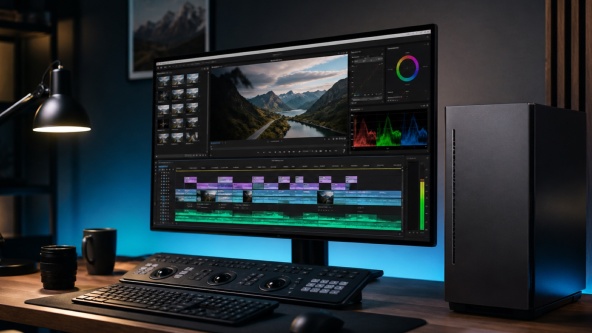
Premiere Pro is a demanding application that requires a balanced system rather than a single powerful component. The hardware determines how responsive the timeline feels, how quickly effects are rendered, and how long it takes to export the finished video. This is especially noticeable at 4K and higher resolutions. Below, we explain how Premiere uses the processor, graphics card, memory, and storage, and suggest configurations for different resolutions.
181

Egor Streletsky
Choosing a computer for a child is different from choosing a gaming PC for an adult. The priorities are not record-breaking frame rates, but quiet operation, safety, and enough headroom for the PC to remain useful for several years as the child’s needs grow. Practical considerations also matter, including parental controls, screen-time limits, and online safety. Below, we explain what to look for, how to keep the computer quiet and safe, and how to set sensible limits without unnecessary conflict.
175
Egor Streletsky
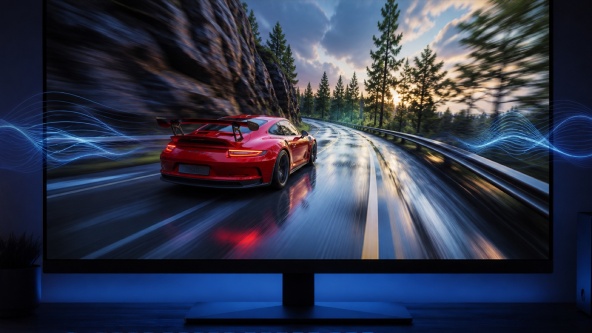
Adaptive sync, also known as Variable Refresh Rate (VRR), allows a monitor to adjust its refresh rate to match the frame rate produced by the graphics card. This eliminates screen tearing and stutter while keeping motion smooth and responsive. G-Sync and FreeSync are the two main VRR implementations from NVIDIA and AMD. Below, we explain what causes tearing, how VRR works, what hardware it requires, and how to enable it correctly.
245
 Arabic
  English