We are ready to help
Server Memory: UDIMM, RDIMM, and LRDIMM Explained Simply
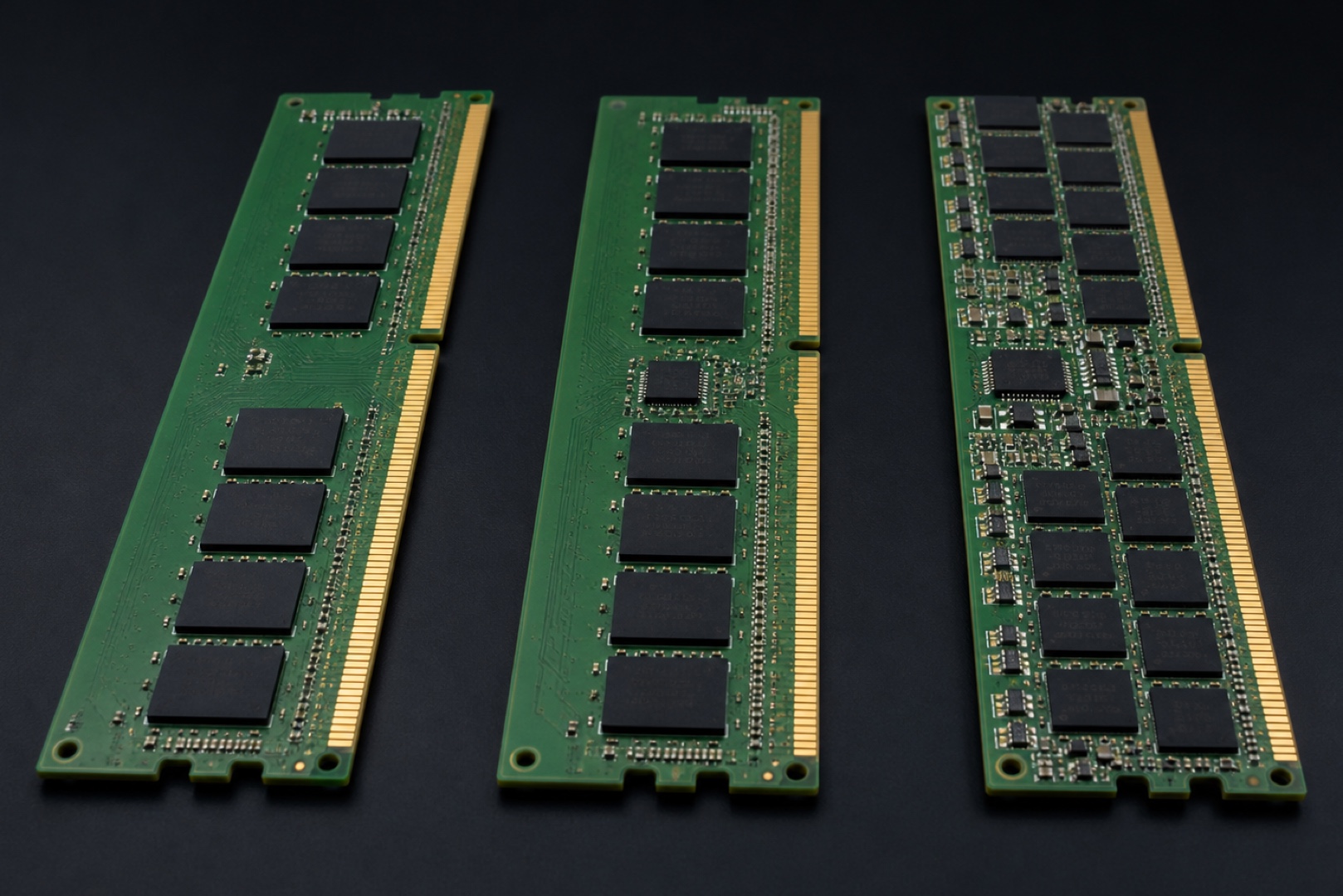
UDIMM, RDIMM, and LRDIMM are three types of RAM modules that differ in the presence and type of buffer between the memory controller and the chips. This determines how much memory a system can support and how stable it remains under load. In short, UDIMM is the familiar unbuffered memory used in desktop PCs, while RDIMM and LRDIMM are registered memory for servers and workstations that require high capacities and reliability. Below, we explain the differences in simple terms and help you choose the right type for your platform.
In Brief
- UDIMM: unbuffered memory in which the controller communicates with the chips directly. It is simpler, has slightly lower latency, and is used in desktop PCs, but scales poorly in capacity.
- RDIMM: registered memory with a command and address buffer (RCD). It supports more modules and higher capacities at the cost of roughly one additional clock cycle of latency.
- LRDIMM: also buffers data signals, providing the highest capacity per module—according to vendors, two to three times that of RDIMM. The platform dictates the memory type, and different types cannot be mixed.
Key Differences
UDIMM (Unbuffered DIMM) is memory without a register or buffer: the controller communicates with the DRAM chips directly. This design is simpler and less expensive, with slightly lower latency, so UDIMM is used in most desktop PCs and entry-level servers. The downside is that the controller is exposed to the load from every chip, which limits the number of modules and the maximum capacity. RDIMM (Registered DIMM) and LRDIMM (Load-Reduced DIMM) are registered memory types: a chip on the module absorbs part of the electrical load. On an RDIMM, this is a register clock driver (RCD) that retransmits clock, command, and address signals, while LRDIMM also buffers the data lines. This is why server platforms can support many times more memory.
| Type | Buffer | Latency | Capacity | Typical Use |
|---|---|---|---|---|
| UDIMM | None | Lowest | Limited | Desktop PCs, entry-level servers |
| RDIMM | Command and address register | About one extra clock cycle | High | Servers, workstations |
| LRDIMM | Register plus data buffer | Higher than RDIMM | Maximum | Servers requiring extremely high capacities |
Why a Buffer Is Needed
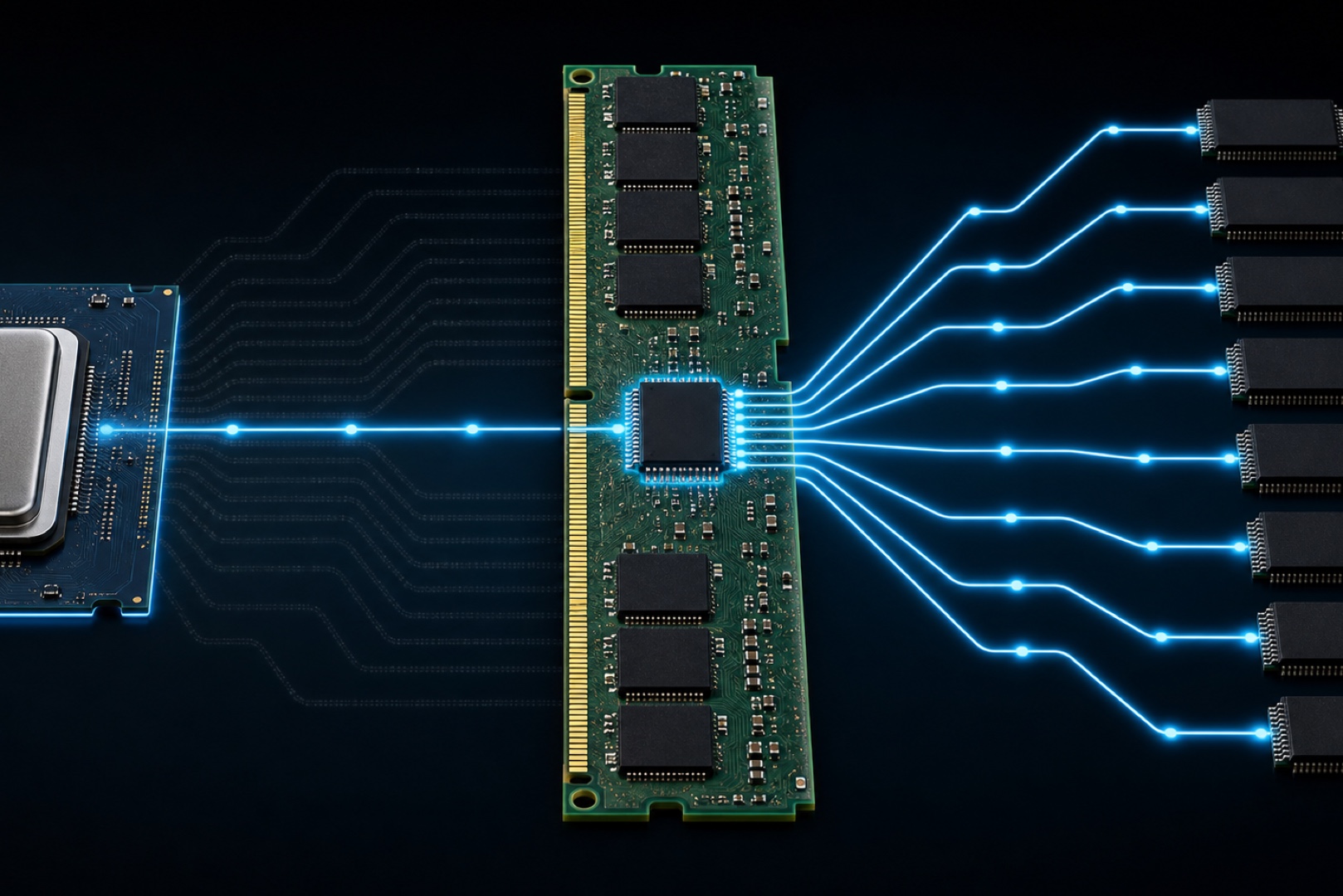
The more memory chips connected to a controller, the greater the electrical load on the bus. At some point, stable operation at high frequencies becomes impossible. The register on an RDIMM solves this by acting as an intermediary: the controller sees one well-defined load from each module. The cost is small—approximately one clock cycle of latency—while the benefit is the ability to install more modules and ranks per channel. LRDIMM goes further: additional data buffers isolate the DQ lines, so even multi-rank modules place a moderate load on the controller. According to manufacturers, LRDIMM can provide two to three times the capacity of RDIMM in the same form factor, which is critical for virtualization, databases, and rendering.
ECC and Reliability
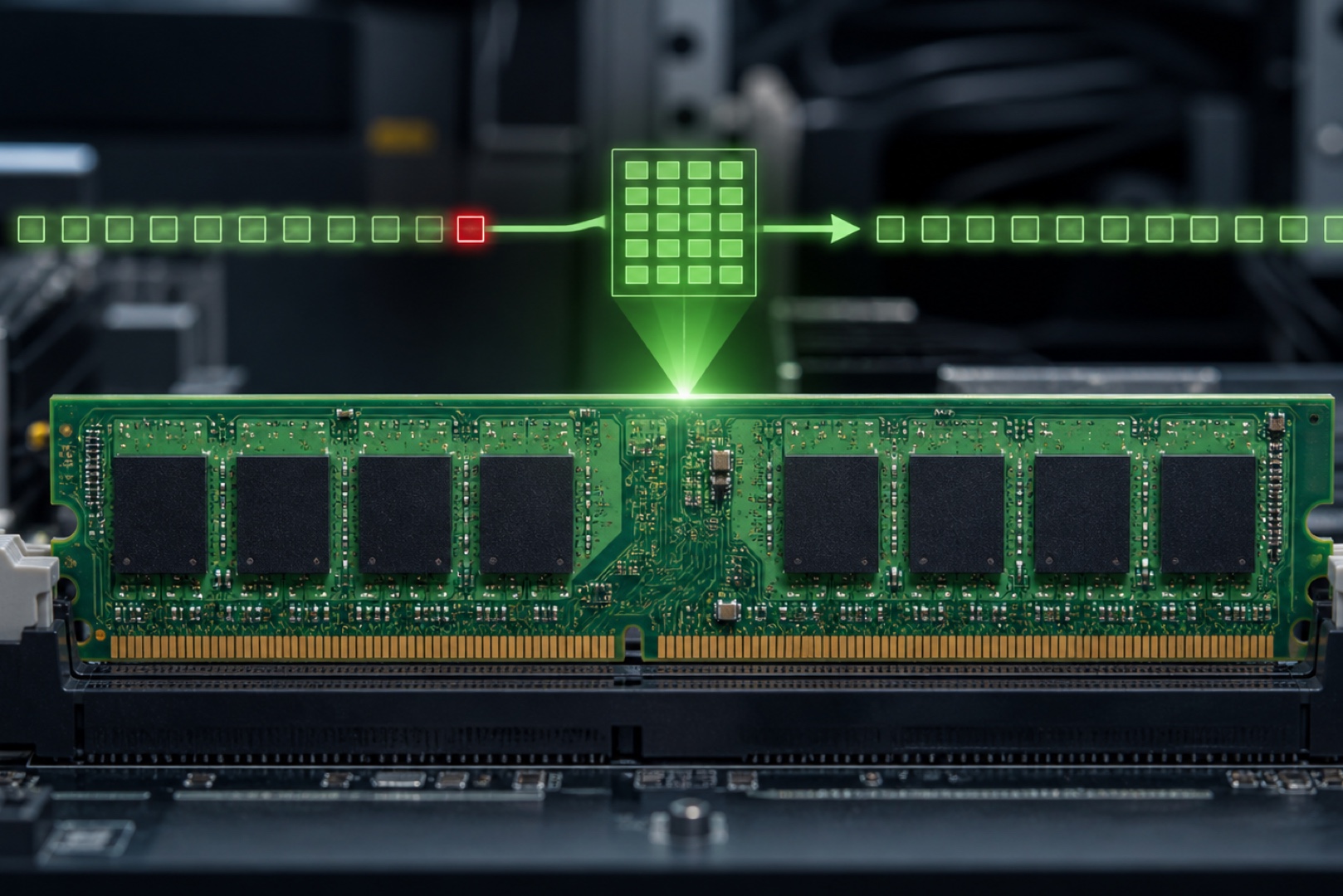
ECC (Error-Correcting Code) is a mechanism that detects and corrects memory errors in real time. It catches and corrects single-bit errors that can go unnoticed in a regular PC but may cause a crash or data corruption in a server. Registered server memory almost always includes ECC. A home PC or gaming system does not require ECC because the cost of an error is low. Wherever a system runs continuously and processes important data, however, ECC becomes essential. This includes servers, workstations used for computation, virtualization systems, and storage systems.
Choosing for Your Platform
The main rule is that the platform—meaning the processor and motherboard—determines the memory type, not personal preference. Desktop platforms are designed for UDIMM, while server and professional platforms based on processors such as Intel Xeon or AMD EPYC use RDIMM or LRDIMM. RDIMM and LRDIMM cannot be mixed in one system, even within the same DDR generation. RDIMM with ECC is often sufficient for a mid-range workstation, while servers requiring the highest possible capacities use LRDIMM. The most common mistake when upgrading a system independently is attempting to install registered server memory in a standard desktop motherboard. It simply will not work because the platform does not support it. Always check the module type against the processor and motherboard specifications in advance.
Frequently Asked Questions We have prepared the answers.
-
How does RDIMM differ from UDIMM?
An RDIMM has a register on the module that retransmits command and address signals and reduces the load on the controller, allowing the system to support more modules and a higher total capacity. A UDIMM operates without a register and communicates with the chips directly. It is simpler and has slightly lower latency, but scales less effectively. These types are not interchangeable and require different platforms.
-
When is LRDIMM needed?
LRDIMM is used when a system needs the maximum possible memory capacity, such as for virtualization, large databases, or demanding rendering workloads. It also buffers data signals, allowing a system to support several times more memory than with RDIMM. RDIMM is sufficient for moderate capacities, while LRDIMM is justified when approaching the platform's limit.
-
Can server memory be installed in a regular PC?
Generally, no. Registered RDIMM and LRDIMM memory works only on platforms that support it, while desktop motherboards are designed for UDIMM. Compatibility is determined by the processor and motherboard, so always check the memory type against the system specifications.
Conclusion
The platform and required capacity determine the memory type. Desktop PCs use UDIMM, while servers and workstations with large memory arrays use RDIMM or LRDIMM with ECC. Registered memory reduces the load on the controller and enables capacities that a regular PC cannot support, while ECC adds reliability wherever a system runs continuously. You can choose a workstation or server for the required memory capacity from the HYPERPC catalog or build a task-specific configuration in the configurator.
Build for your needs: HYPERPC Servers · Workstations.

 Arabic
  English