We are ready to help
A PC for a Child: Safe, Quiet, and Ready to Grow
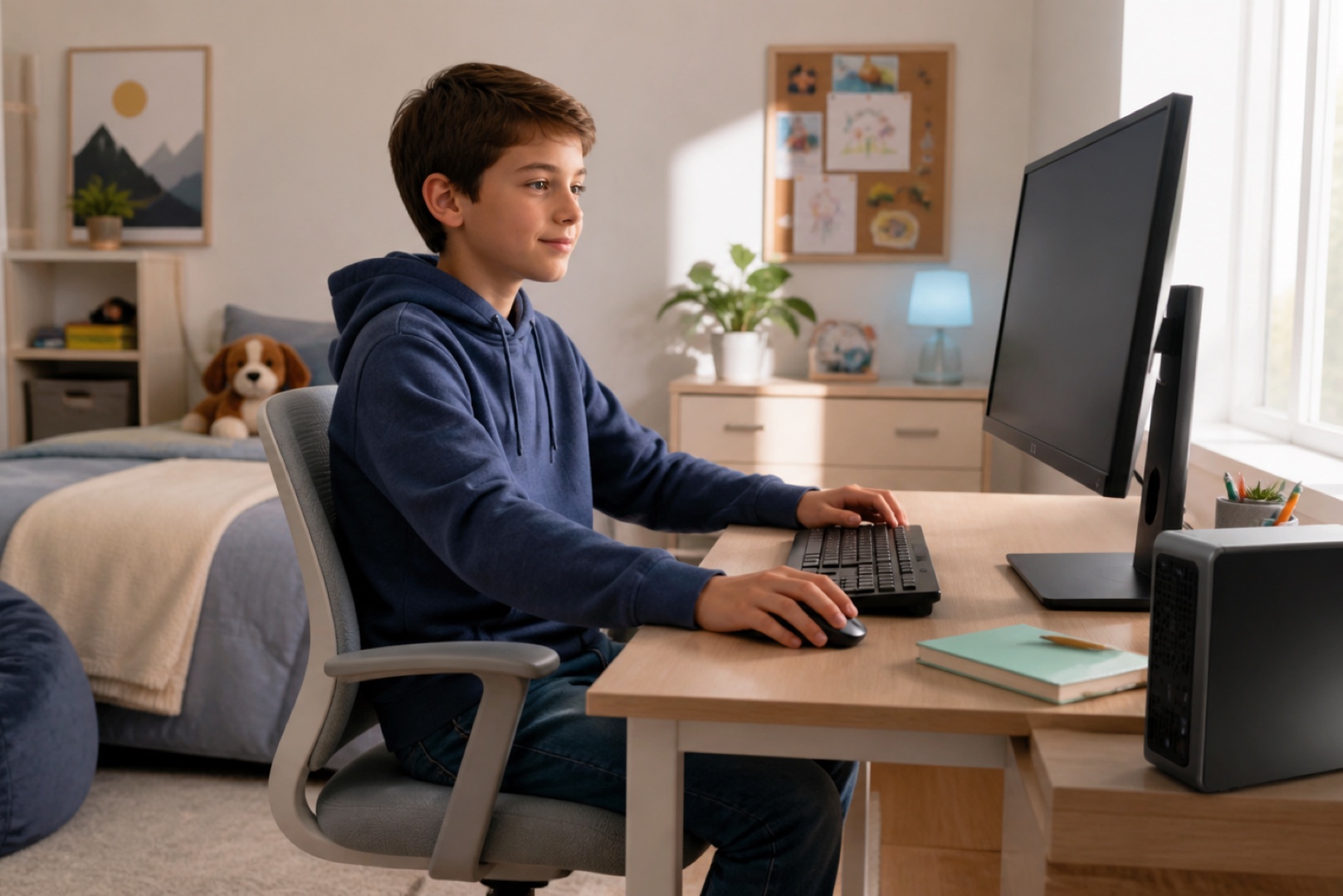
Choosing a computer for a child is different from choosing a gaming PC for an adult. The priorities are not record-breaking frame rates, but quiet operation, safety, and enough headroom for the PC to remain useful for several years as the child’s needs grow. Practical considerations also matter, including parental controls, screen-time limits, and online safety. Below, we explain what to look for, how to keep the computer quiet and safe, and how to set sensible limits without unnecessary conflict.
Key Takeaways
- Choose the computer around schoolwork, creative tasks, and gaming. A modest configuration is enough for studying and light games, but some performance headroom will help it remain useful for longer.
- Quiet and safe operation matters more than maximum performance: well-designed cooling and a high-quality power supply make the computer more comfortable and safer to use in a child’s room.
- Parental controls help manage computer use: Windows includes Microsoft Family Safety for screen-time limits and content filtering.
- Upgrade options extend the life of the PC: a roomy case and spare slots and connectors make it easier to improve the computer as the child’s needs grow.
Use Cases and Age
Start with what the child will use the computer for. Schoolwork, web browsing, documents, and online lessons need only a modest configuration with a modern entry-level or mid-range processor, 16 GB of RAM, and an SSD. Creative work such as drawing, basic video editing, or programming benefits from more performance, while gaming may require a graphics card suited to the specific titles. Children’s interests and software requirements grow over time, so it is sensible to allow some headroom: a slightly faster processor, 16 GB of memory instead of 8 GB, and enough SSD capacity for future needs. The goal is not to overpay for top-tier hardware, but to avoid replacing the entire system after a year.
Quiet and Safe Operation
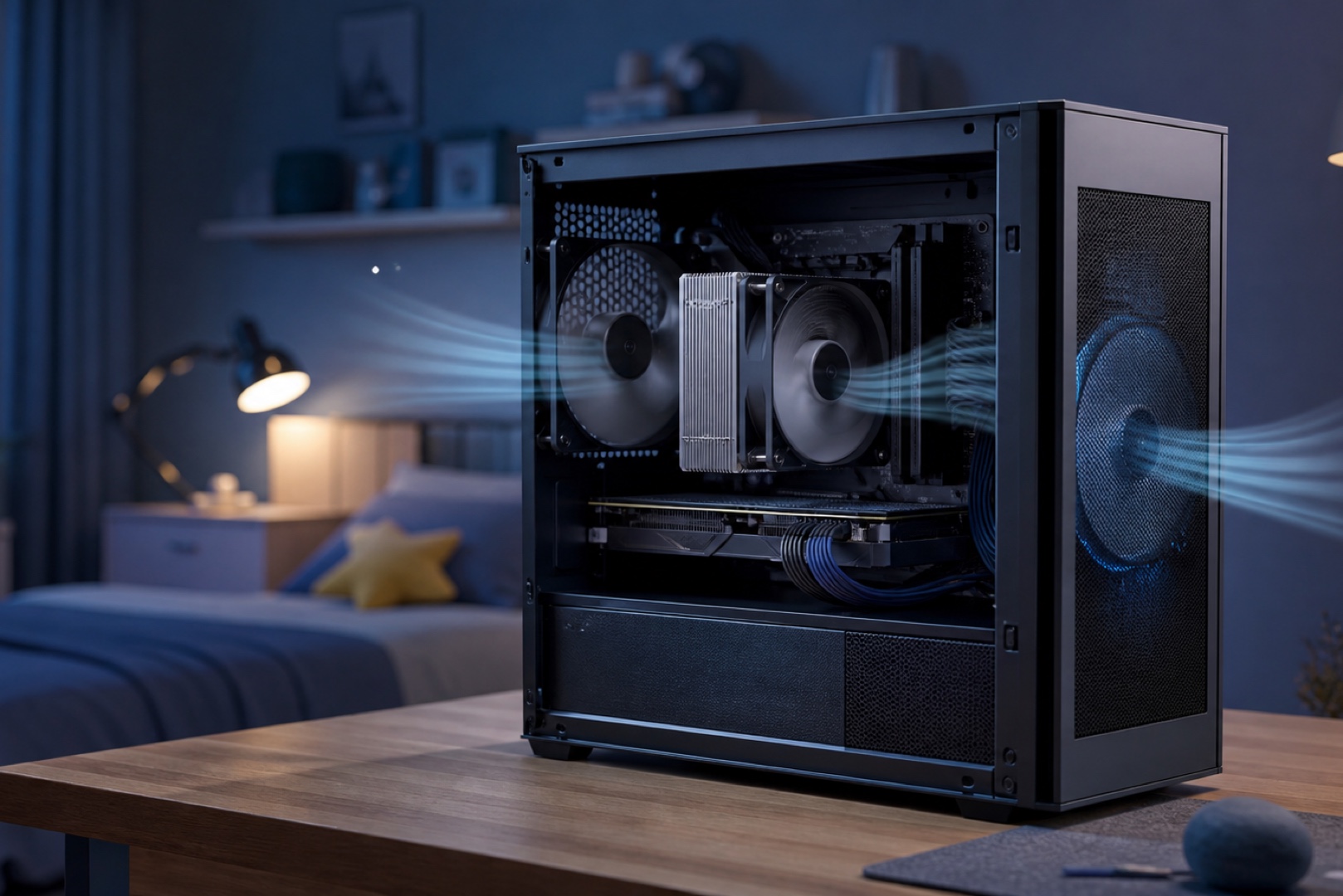
A computer in a child’s room may run nearby for hours, so low noise improves comfort while studying and sleeping. Large fans running at low speeds, a capable CPU cooler, and a solid case that does not resonate all help keep noise down. Good cooling also ensures stable operation without overheating and extends component life. In a child’s PC, the power supply is first and foremost a safety consideration: a cheap, unbranded unit can put both the hardware and the home at risk. A quality power supply from a reputable manufacturer, with some spare capacity, protects the components and leaves room for future upgrades.
Parental Controls
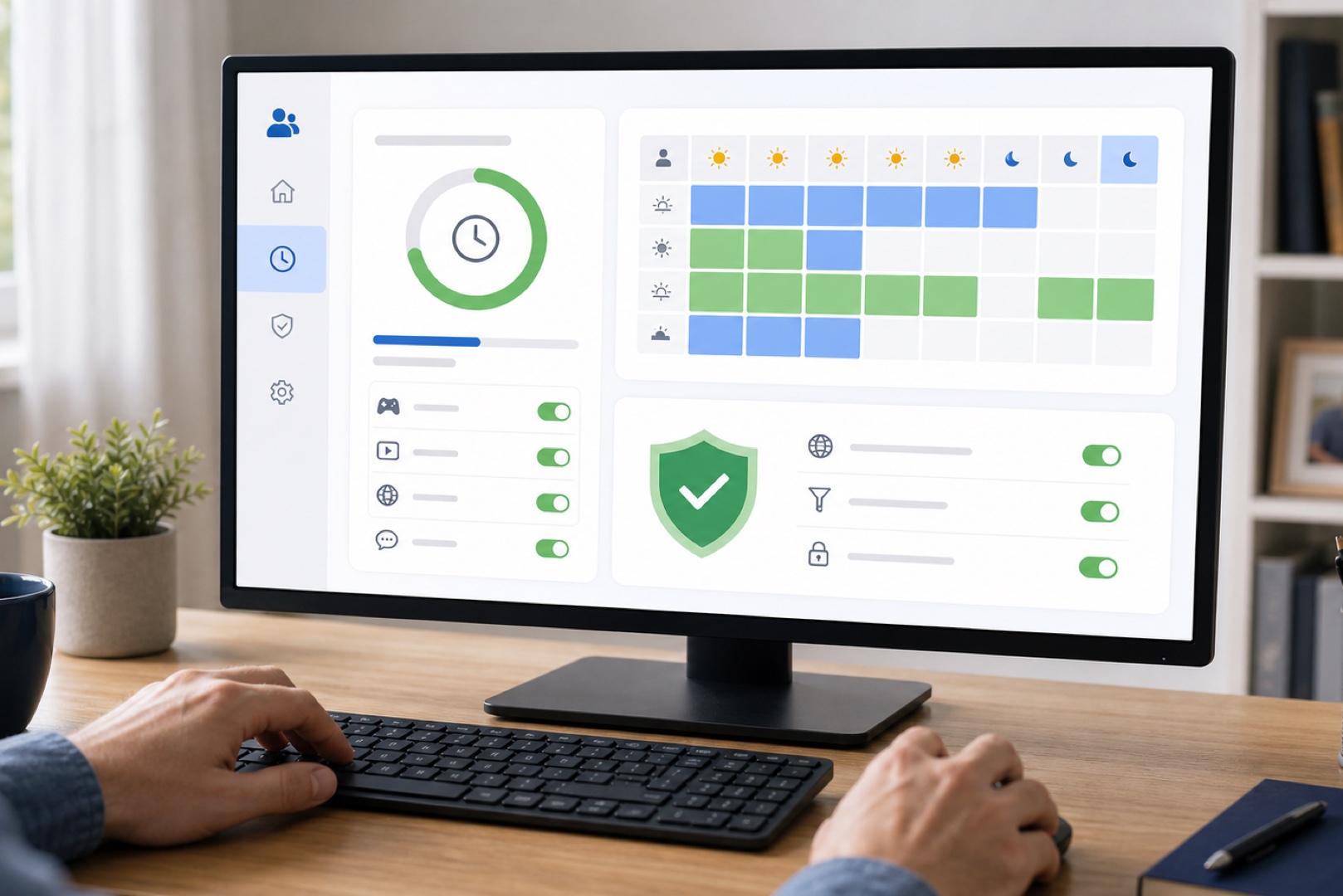
Built-in tools can help families manage computer use. Microsoft Family Safety in Windows lets parents set screen-time limits and access schedules, and restrict individual apps and games according to age ratings. These controls are configured through the child’s account after it is added to a family group. Online safety is just as important as screen time: Family Safety and browser settings can filter inappropriate content and provide activity reports. Technical safeguards work best alongside an open conversation about basic rules, such as not sharing personal information, avoiding suspicious links, and asking an adult when something seems uncertain.
Budget and Upgrades
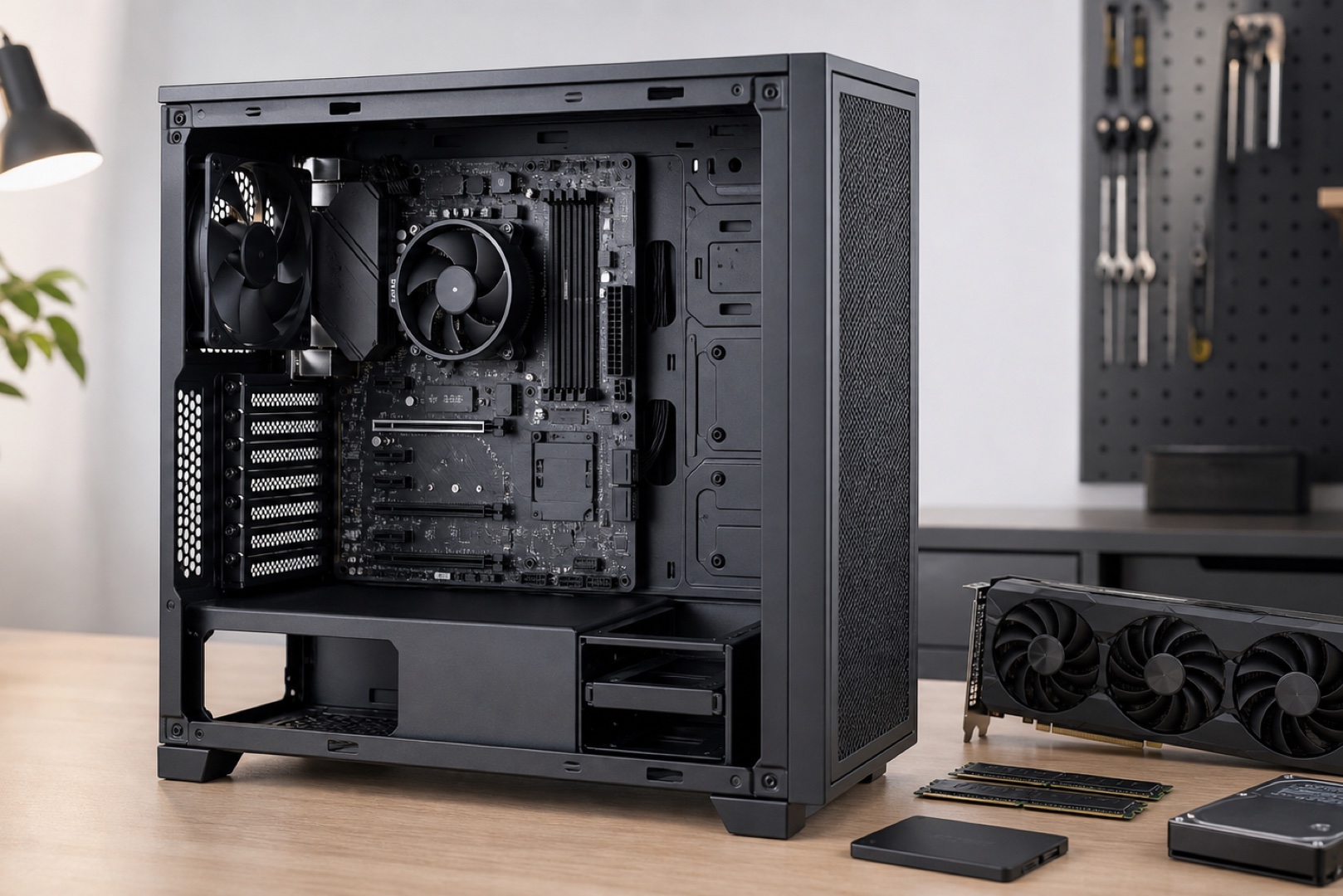
The ideal configuration balances today’s needs with room for future upgrades: a modern mid-range processor, 16 GB of RAM, an SSD for the operating system and applications, and a graphics card if gaming is important. There is no need to overpay for high-end components the child will not use, but buying a system with no performance headroom is poor value. Upgradeability is also worth considering: a computer that can easily accept more memory, a second drive, or a new graphics card will remain useful much longer. Spare power-supply capacity, available expansion slots, and a roomy case all make this possible. The PC can then adapt as the child’s needs evolve.
Frequently Asked Questions Here are the answers.
-
What PC should you choose for a child’s schoolwork and gaming?
A modern mid-range processor, 16 GB of RAM, and an SSD are sufficient for schoolwork and light gaming. More demanding games also require a graphics card suited to the specific titles. Allow some performance headroom and prioritise quiet operation so the computer does not become a distraction while studying.
-
How can you keep a child safe while using a computer?
Use the parental controls built into Windows through Microsoft Family Safety: set screen-time limits, restrict apps by age rating, and enable content filtering. Complement these controls with a conversation about safe online behaviour. Technical safeguards work best alongside open, trusting communication.
-
Should you choose a PC with room to grow?
Yes. Some headroom is worthwhile because children’s needs and the requirements of games and applications grow quickly. A slightly faster processor, 16 GB of memory, and a clear upgrade path extend the computer’s useful life and reduce the chance of having to replace the entire system after only a year.
Conclusion
A child needs a quiet, safe PC with enough headroom for future needs, while parental controls can help manage screen time without unnecessary conflict. Choose the hardware around the child’s age and activities, invest in reliable cooling and a quality power supply, allow for future upgrades, and configure Microsoft Family Safety. A well-planned computer can remain useful for several years as the child’s needs evolve. You can build a quiet, reliable configuration with the PC configurator or choose a ready-made model from the HYPERPC catalogue.
Choose a system for your needs: HYPERPC Gaming PCs · configurator.

 Arabic
  English