We are ready to help
Quiet PC: What Really Reduces Noise
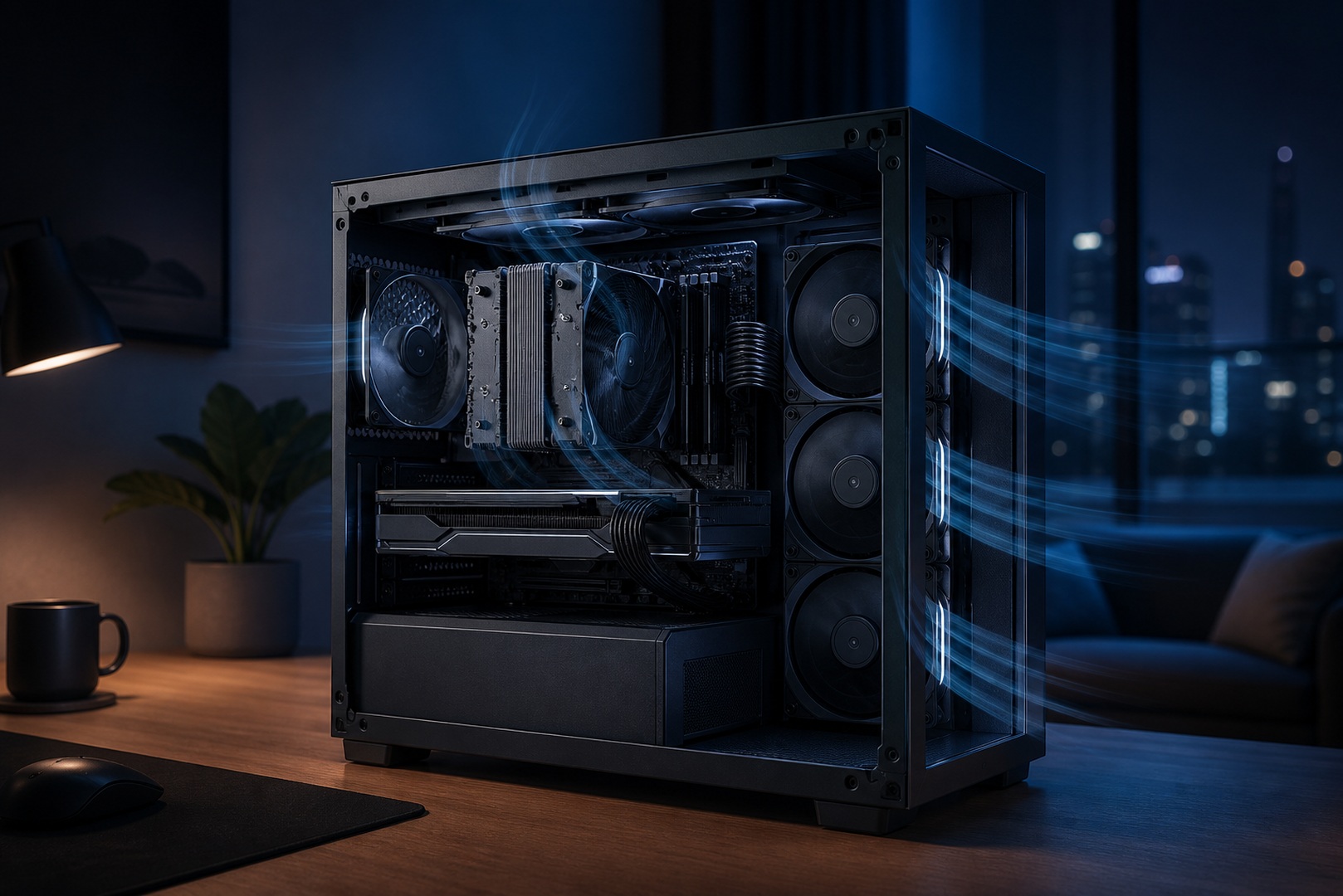
A quiet PC does not come from one expensive component, but from a thoughtful combination of cooling, case design, and tuning. Noise appears when air is forced through radiators, vibrations are transferred to the case panels, and fans spin faster than necessary. By addressing each of these sources individually, you can build a system that is almost inaudible even under load. Below, we explain what makes noise inside a computer and which solutions actually reduce it.
In Brief
- Fans create most of the noise: the larger the fan and the lower its speed at the same airflow, the quieter the system. A 140 mm fan at low speed is quieter than a 120 mm fan at high speed.
- Silence is a system-wide result: cooling headroom, a well-designed case, and proper fan speed tuning work only when combined.
- A large tower air cooler running at low fan speeds is often quieter than liquid cooling, which adds pump noise.
- Half the result comes from tuning: a gentle fan curve and light undervolting reduce both temperature and noise.
Noise Sources
The main sources of noise are the fans on the CPU cooler, graphics card, case, and power supply. Noise rises nonlinearly with fan speed, so a fan at 1,500 RPM is noticeably quieter than the same fan at 2,200 RPM. This leads to a basic principle: move more air at a lower speed rather than less air at a higher speed. With the same airflow, larger 140 mm fans spin more slowly than 120 mm models and sound quieter. The second source is vibration: spinning fans and hard drives transfer vibration to the case, while thin steel panels act as resonators and turn it into a hum. The solutions are a heavy, rigid case, rubber fan mounts, and cushioned drive mounting.
Coil Whine
Coil whine is a separate issue: a high-frequency electrical buzzing from inductors on the graphics card or inside the power supply, particularly noticeable at very high FPS in game menus and loading screens. It is unrelated to the fans, so changing the fan curve will not eliminate it. Limiting FPS through vertical sync or a frame-rate cap can help, as can a high-quality power supply; in severe cases, the graphics card may need to be replaced. Coil whine cannot be predicted with complete certainty, but high-quality components reduce its likelihood, so the graphics card and power supply are not areas to economize on in a quiet system.
Cooling
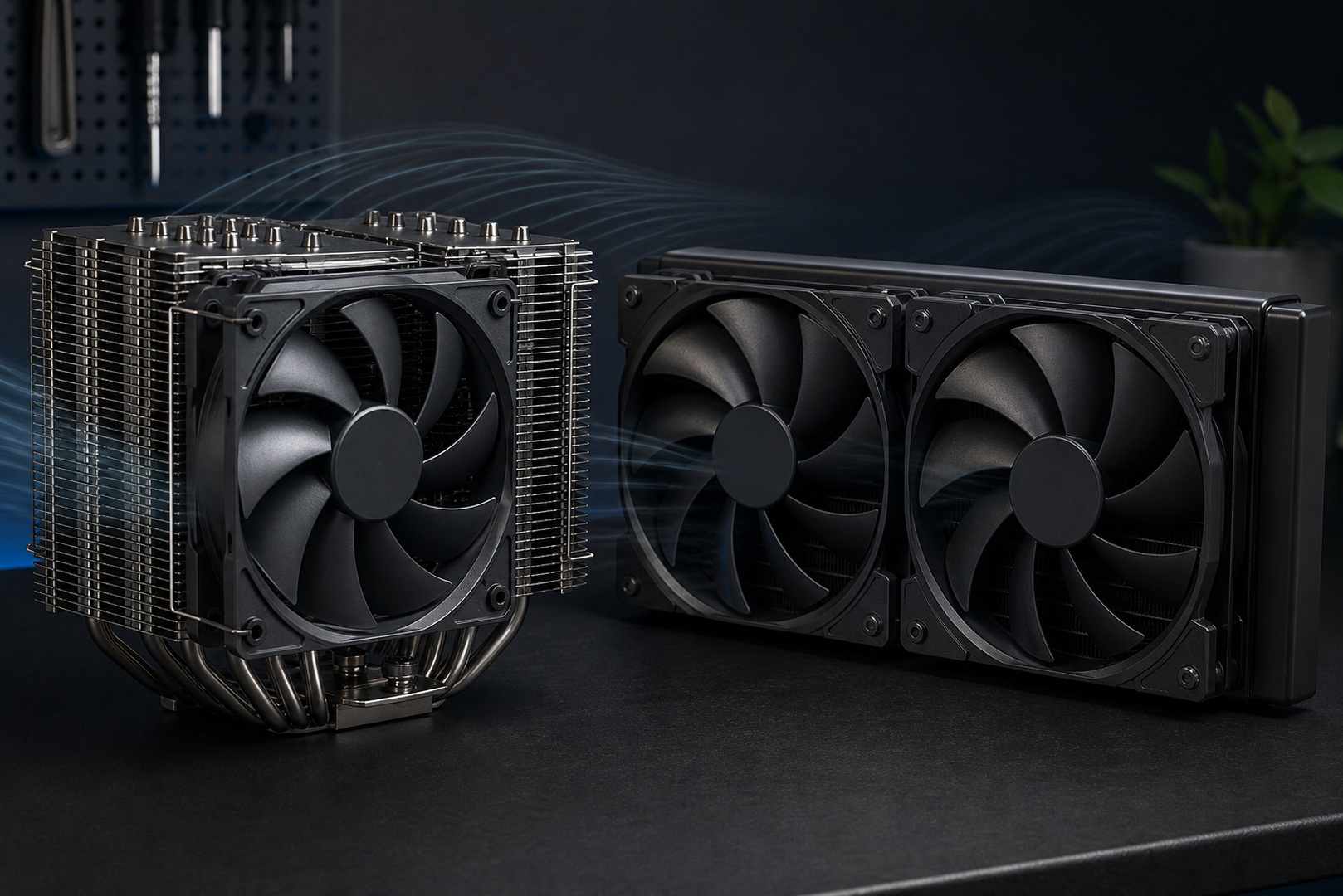
The foundation of a quiet system is cooling with plenty of headroom. A large tower cooler with a substantial heatsink dissipates heat more efficiently, so its fan does not need to ramp up to high speeds. The same applies to case fans: several large fans at low speed are quieter than a pair of small ones at full speed, while fluid dynamic bearing (FDB) models run more quietly and last longer than sleeve-bearing fans. It is a common myth that liquid cooling is always quieter than air cooling. In practice, liquid cooling adds pump noise, and fans on a thin radiator often need to spin faster. A good tower air cooler at low fan speeds is frequently quieter than liquid cooling, which is usually chosen for compactness and the ability to dissipate large amounts of heat.
Case and Soundproofing
The case matters just as much as the cooler. Sound-insulated models have a layer of sound-absorbing material on their panels to suppress high-frequency noise, while dense walls and precisely fitted panels resist resonance. However, a closed case has slightly poorer airflow, so it is important not to go too far: a system with restricted airflow will heat up and make its fans spin faster. To prevent vibration from turning into a hum, damp it at the source with rubber fan mounts, cushioned drive mounting, and high-quality case feet. Replacing a hard drive with a solid-state drive also eliminates its noise and vibration completely.
Fan Speed Tuning
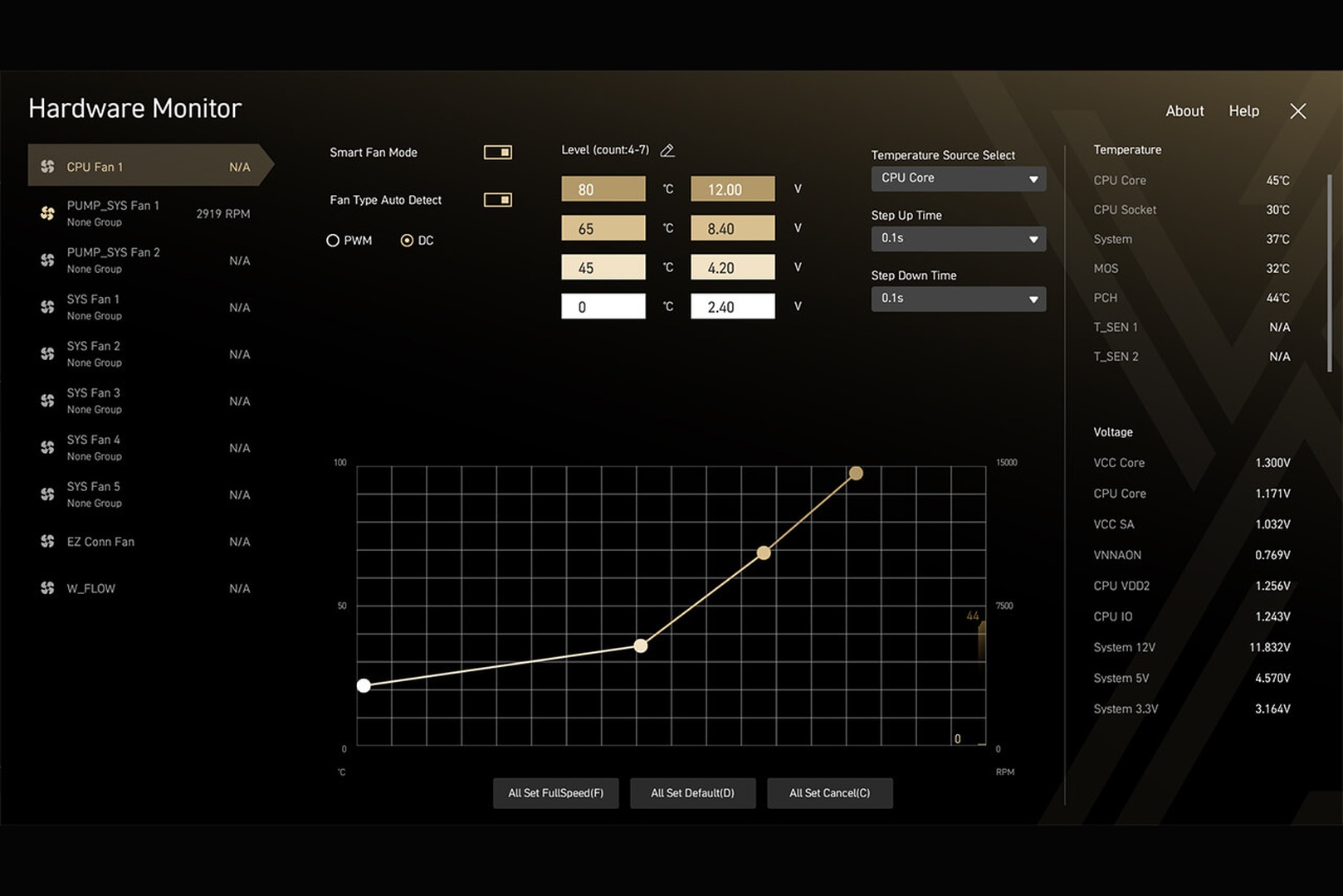
Even ideal hardware will be noisy with aggressive factory settings. A fan curve in the BIOS or manufacturer software defines how fan speed responds to temperature: a gentle curve keeps speeds low at idle and during normal workloads, increasing them only in demanding scenarios. It is also worth adding a delay to speed changes so the fans do not surge in response to brief temperature spikes. Undervolting also helps by reducing CPU or graphics card voltage while maintaining clock speeds: the component produces less heat, so the fans can run more slowly. A gentle fan curve combined with light graphics card undervolting is often what turns a noisy system under load into a quiet one without replacing a single component, so tuning should come before hardware replacement.
Frequently Asked Questions We have prepared the answers.
-
What makes the most noise in a computer?
The fans make the most noise: those on the graphics card, CPU cooler, and case, along with the pump in a liquid-cooling system. Vibrations also contribute, as thin case panels amplify them into a hum, as does coil whine from the graphics card. Hard drives add clicking and vibration, so switching to a solid-state drive makes the system quieter.
-
Which is quieter, air or liquid cooling?
A good tower air cooler is often quieter: it has no pump noise, and its large heatsink allows low fan speeds. Liquid cooling is chosen for compactness and its ability to dissipate large amounts of heat; for quiet operation, choose models with a quiet pump and a large radiator. Liquid cooling alone does not guarantee silence.
-
How should I tune the fans for quiet operation?
Set a gentle fan curve in the BIOS or manufacturer software: low speeds at idle and under normal load, with higher speeds only for demanding tasks. Add a delay to speed changes so the fans do not surge repeatedly. Light CPU and graphics card undervolting also helps: less heat means lower fan speeds and less noise.
Conclusion
A quiet PC comes from cooling with sufficient headroom, a well-designed case, and careful fan speed tuning—not from one expensive component. Large fans at low speed, a substantial cooler, a sound-insulated case with unrestricted airflow, vibration damping, and a gentle fan curve work together to create a system that is almost inaudible, while light undervolting completes the result. If you want a quiet system from the outset, you can choose a ready-made computer with carefully designed cooling from the HYPERPC catalog or build one to your requirements in the gaming PC configurator.
Build for your needs: HYPERPC Gaming PCs · configurator.

 Arabic
  English