NieR: Automata storage error is fixed: the 366 GB warning needs context
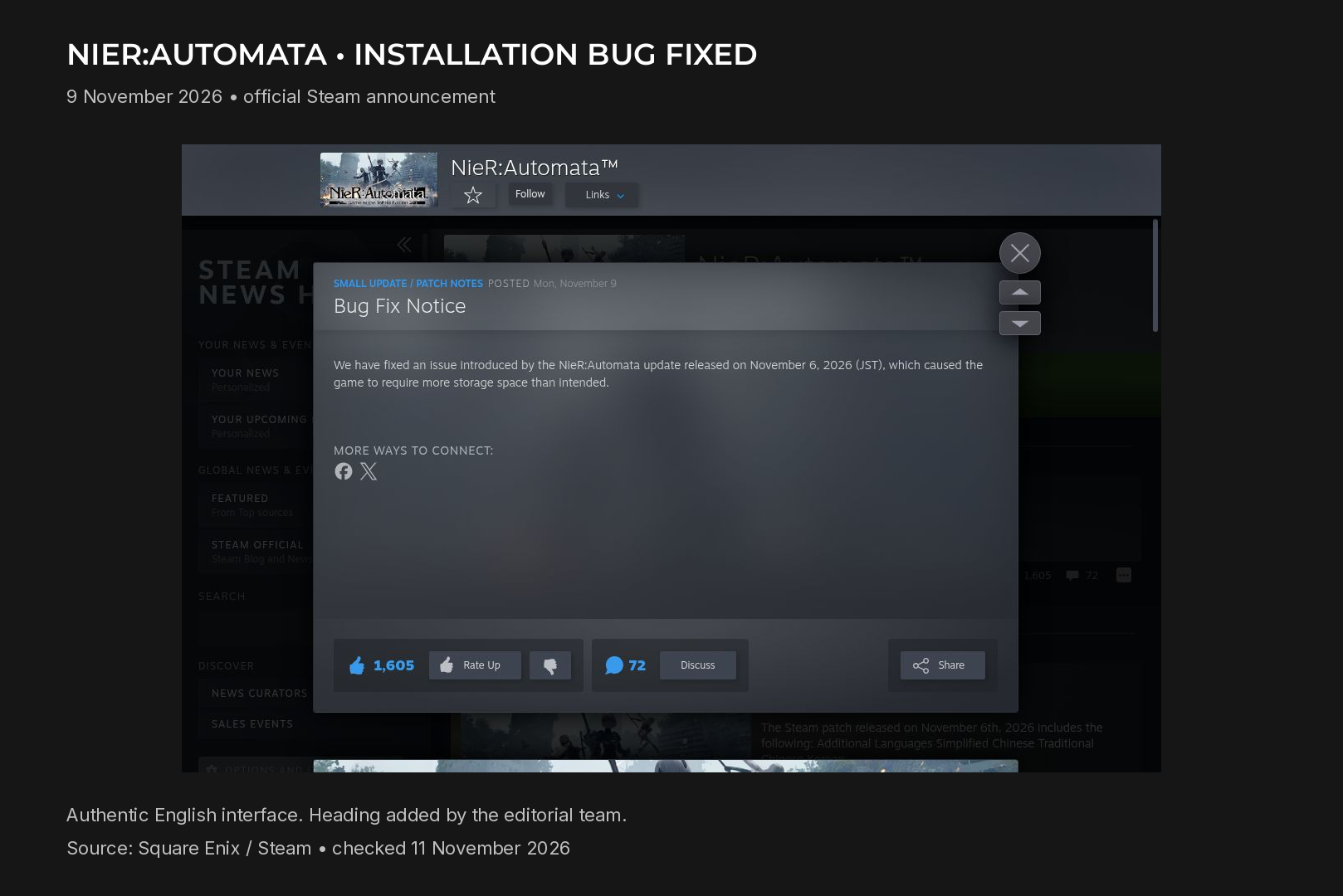
Square Enix confirmed on 9 November 2026 that it had fixed the NieR: Automata Steam installation error that demanded far more storage than intended. Earlier reports described requests of roughly 366 GB. Advice to disable every DLC item therefore needs to be read as a temporary workaround published before the fix, rather than a permanent installation rule.
The installation request was the problem
The issue followed the update released on 6 November, Japan time. That patch added text languages, but the extraordinary storage request was not an announcement of hundreds of gigabytes of new playable content.
Reports from the incident connected the inflated total with how the additional content was being counted. The distinction matters: the amount requested by an installation process is not automatically the same thing as a new, intentional base-game size.
Square Enix initially acknowledged the error and suggested downloading the base game with DLC items unchecked in Steam. Its announcement was subsequently updated to say that the cause had been identified and the issue resolved. The later notice changes the practical advice for anyone returning to the game now.
Check the current message before changing your hardware
If Steam still shows an unexpected request, start by recording the exact message and the operation you are attempting. Note which library is selected and whether the client is installing the game or applying an update. This gives support something concrete to investigate instead of a number repeated from an older headline.
For an existing installation, Steam provides a file verification tool under the game's Properties and Installed Files section. It is a general diagnostic option, not a guarantee that every storage-related problem will disappear. Installation and update problems also have their own official Steam troubleshooting guidance.
Avoid deleting arbitrary files from the game directory in an attempt to force a smaller installation. Likewise, do not assume an older DLC workaround is still required after the publisher has announced a resolution. If the current problem persists, describe that specific case to support rather than treating it as proof that the original incident remains unresolved.
For PC owners in the UAE, this is a software-status story rather than a reason to order a larger SSD immediately. Establish the current installation requirement and your actual available space before spending on hardware. The official status of this particular bug, checked for this article, is that it has been fixed.
 Arabic
 English