We are ready to help you
How to choose a gaming computer in 2026: tips and recommendations
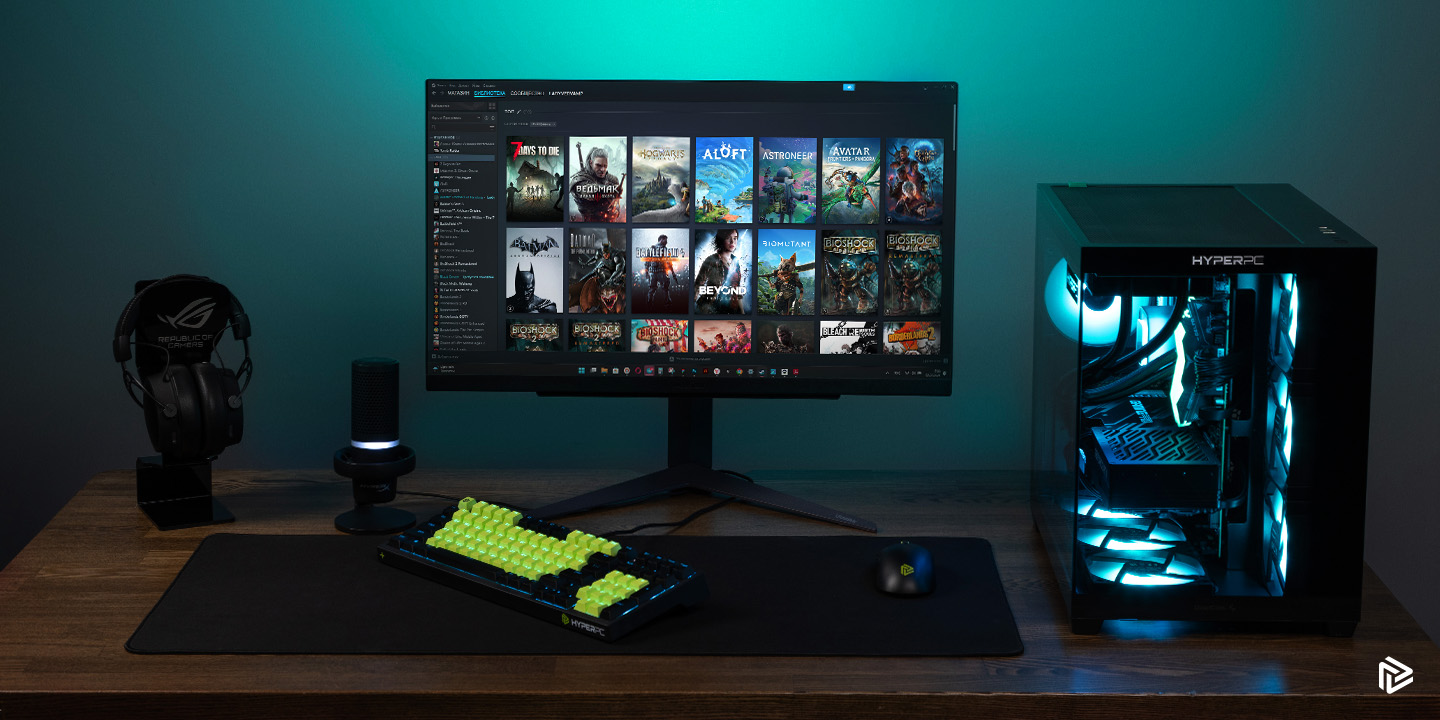
Choosing the right system in the era of new technologies is a complex step that requires a thoughtful approach. In 2026, the component market offers a huge number of solutions, and to build a good system unit, you need to consider many factors. A gaming computer must handle heavy graphics, which means every part matters. This guide will help you understand how much a current build costs, how to choose components, and what first step to take.
Important point: do not rush to buy the first option you see, because every modern game requires that the graphics card, processor, and memory stay in perfect balance.
Defining tasks and budget
The first step to success is clearly understanding what exactly you need the machine for. The choice directly depends on your daily scenarios. A good pc for esports is very different from a station for 3D modeling, so choose wisely.
An important factor is the price you are ready to pay for comfort.
What games and applications you need a PC for
Every modern game has its own requirements. It is one thing to play competitive shooters where high frame rate matters, and quite another when a heavy AAA game with ray tracing is launched. If your goal is a top-tier AAA game at maximum settings, you will need a powerful processor and a top graphics card. If you need a system for streaming, memory resources and multithreading become a priority. Every step toward more complex tasks means choosing more advanced components. A good gaming pc can also serve as a workstation, so it is important to understand how many resources background tasks will consume.
What budget to allocate for the build
Budget is the foundation on which all choices are built. In 2026, prices have stabilized, but top hardware is still expensive. If you are a beginner, a starting budget can be around 100,000 rubles. This is enough for a good setup for full hd resolution. If you want a gaming pc that is fully vr-ready and handles 4K, the cost will increase two to three times. Important advice: never save on components like the power supply and motherboard, even if your budget is tight. No matter how much you plan to spend, distribute funds wisely so the graphics card gets enough power and the processor does not overheat.
Core components of a gaming PC
Each component inside the system unit has its own function. Choosing hardware is an architecture built step by step. To choose correctly, you need to understand how the graphics card, processor, and memory interact. Gaming experience depends on how good a balance you can achieve.
Processor: choice and specifications
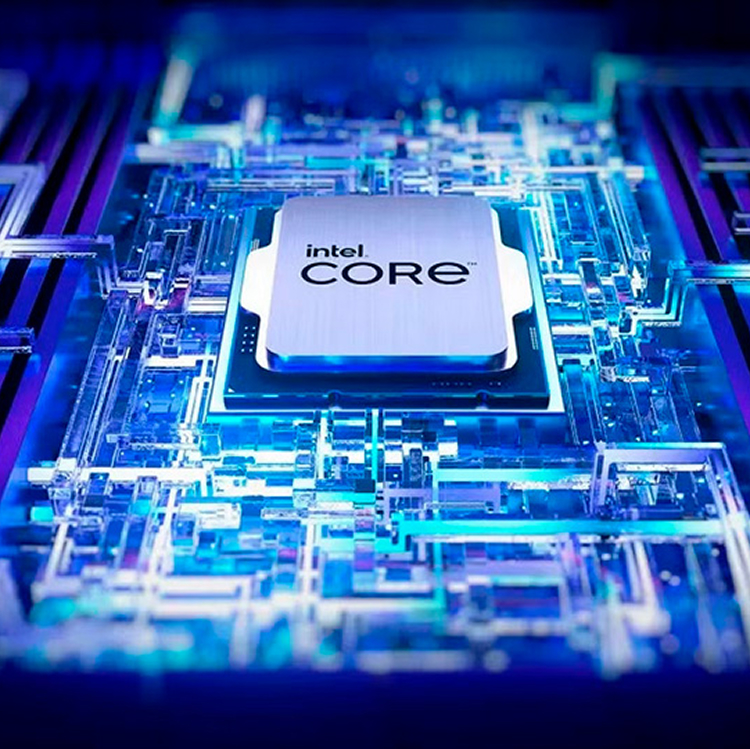
The processor is the brain of your system. In 2026, you should choose among multi-core solutions from Intel and AMD. An important metric is per-core performance. Every game requires the processor to quickly process frame physics and geometry. How many cores are needed for comfort? Today, a good standard is 6-8 physical cores. If you plan to do video editing or need a machine for streaming, look toward 12-16 core models. Each step toward higher processor frequency gives extra FPS, but also requires better cooling. At the same time, the choice always comes down to ensuring the processor does not limit the potential of the graphics card.
Graphics card: key component for gaming
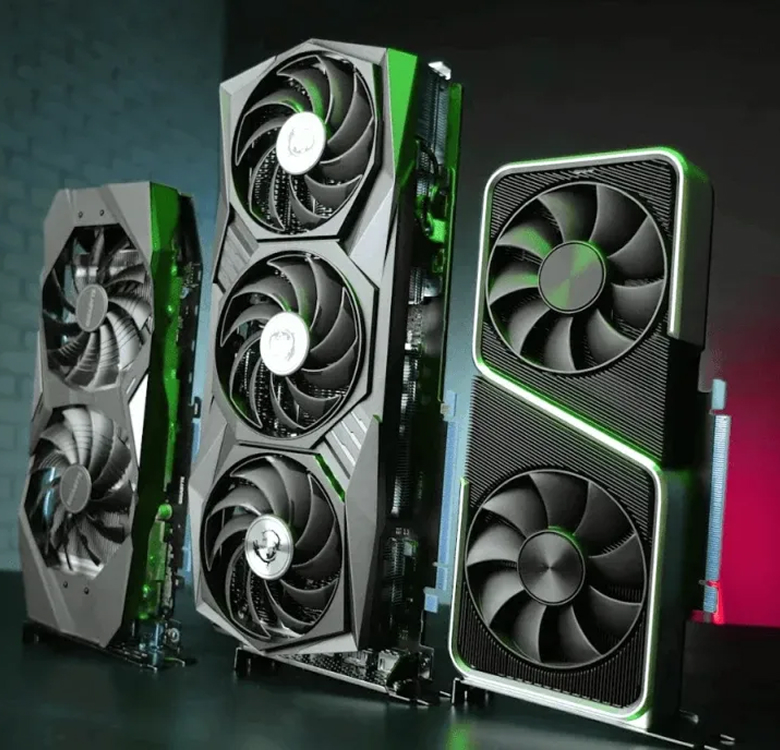
The graphics card is the most important element when we talk about a gaming pc. It determines how smoothly a game runs. Graphics card choice (gaming gpu) defines resolution: full hd, 2K, or 4K. In 2026, you should choose models with hardware frame generation and improved ray tracing (RTX). An important parameter here is video memory capacity. A good adapter should have at least 12 GB VRAM, while top solutions offer 16-24 GB. The more onboard memory you have, the more high-resolution textures fit into the buffer. Every graphics improvement step is handled by this component, so the graphics card often takes up to half of the total budget.
RAM: how much is needed for comfortable work
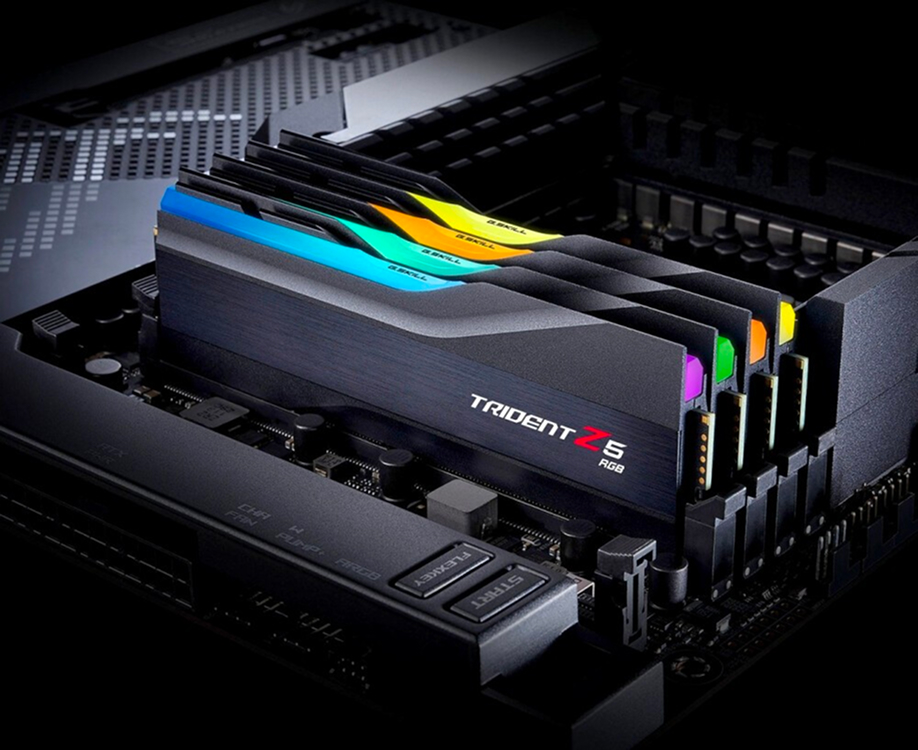
RAM is the space where the processor stores data for instant access. How much memory is needed in 2026? A good minimum is 32 GB of DDR5 standard. Games are becoming more demanding, and 16 GB is no longer always enough. Important nuance: choose modules with high frequency and low timings.
- For office and simple tasks: 16 GB (basic step, minimum price).
- For esports and full hd gaming: 32 GB (optimal choice, good reserve).
- For heavy workloads, 4K, and rendering: 64 GB (maximum performance).
Memory should run in dual-channel mode so the processor does not idle. This is an important step for smoothness when a game loads heavy locations.
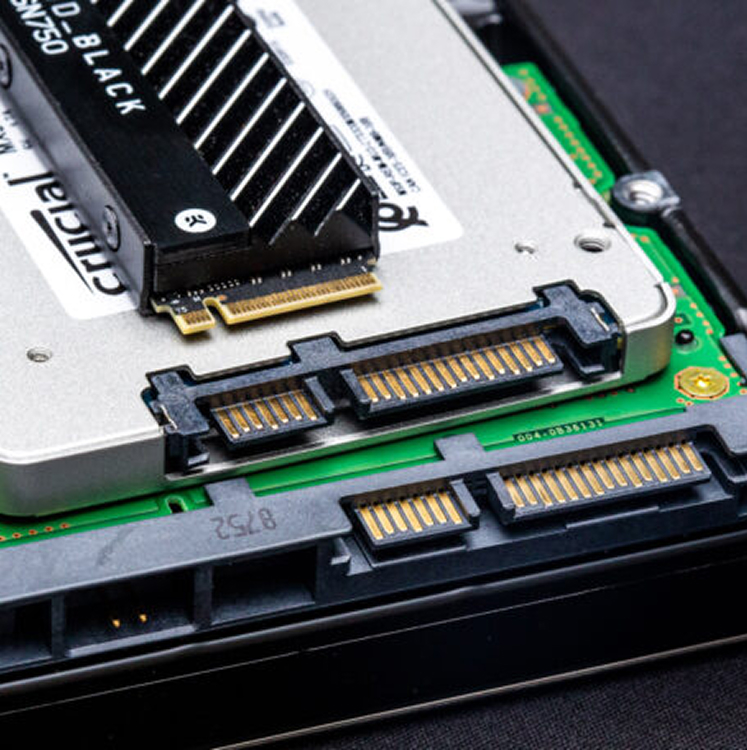
Storage: SSD vs HDD
The disk subsystem has changed. Comparing ssd with old drives no longer makes sense for gamers. A hard disk (hdd) in 2026 is suitable only for storing archives and old photos. A gaming pc must have a fast solid state drive. Any open-world game requires instant texture loading, and if you use an old hdd, freezes are inevitable.
An important parameter is read speed, which in modern M.2 NVMe reaches 10-14 GB/s. You should choose an ssd of 1-2 TB because modern title sizes are huge. Good advice: separate system and games onto different drives.
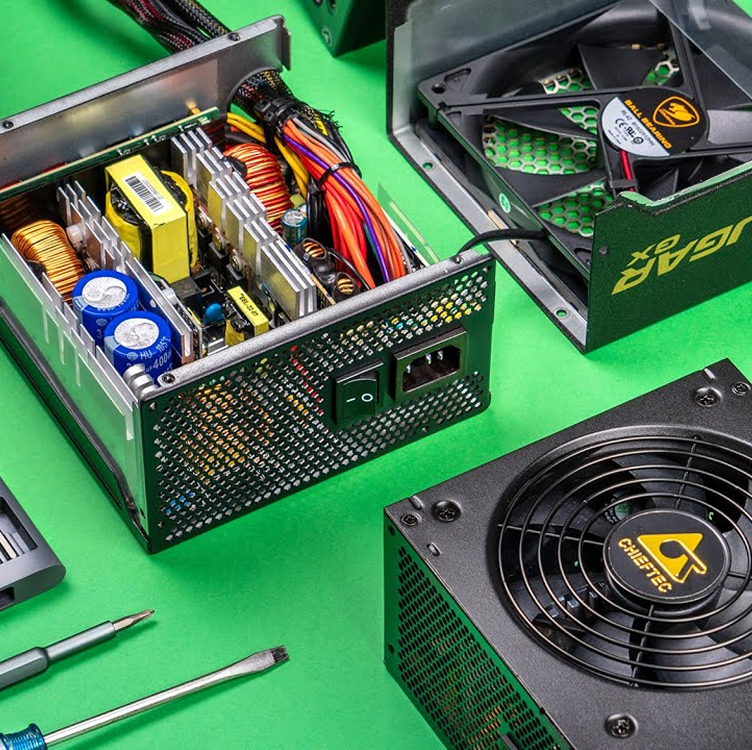
Power supply: what to pay attention to
The power supply is the heart that pumps energy. How many watts are needed? If your graphics card and processor consume a lot of power, choose a psu with a 20-30% headroom. An important step is checking for an 80 Plus certificate (Gold or Platinum). A good unit ensures long service life for all hardware. Choosing a cheap no-name unit is a fatal mistake that can burn the whole computer. Power delivery must be clean and stable, especially when a game loads the pc to 100%.
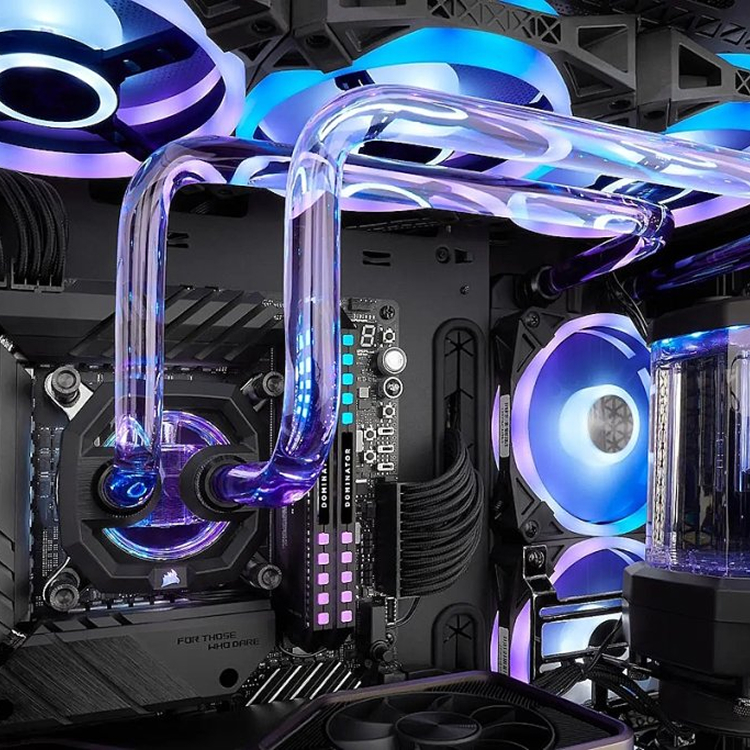
Cooling system: importance and choice
Cooling is the guarantee that your pc will not drop frequencies due to overheating. The processor and graphics card generate a lot of heat. An important step is deciding what will be used on CPU: an air supercooler or a liquid cooling system (AIO). You should choose AIO if you have a top-tier processor. Good airflow inside the chassis extends component life. No matter how many fans there are, gaming will make them work. Choosing quality thermal interfaces is also critical.
Case: how to choose the right one
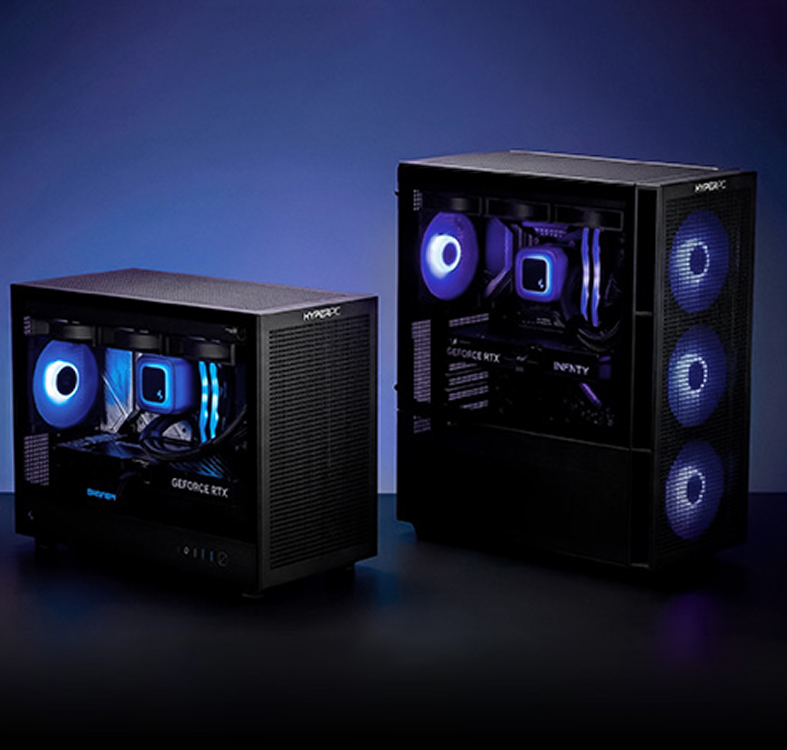
The case is not only about appearance, but also ventilation. You should choose a system unit with a ventilated front panel (Mesh).
Important point: the graphics card should fit freely inside, leaving room for air intake. A good case hides cables and dampens vibration. Gaming design often includes glass so you can see what processor and memory are installed. Comparing different models will show how much space your hardware needs.
Top gaming PC builds in 2026
Each year, the market offers new combinations. Below is a short guide to what a current build looks like.
Entry builds from 100,000 rubles
For this amount, a beginner can buy an excellent setup for 1080p. A processor like Intel Core i5 or AMD Ryzen 5, a mid-range graphics card, and 32 GB of memory. This is a good gaming pc that lets you play any new release on high settings.
Important advice: even in the budget segment, you can choose parts to leave room for future upgrade. This pc will not be fully vr-ready, but it will handle basic tasks.
Common mistakes when choosing a gaming PC
Many people make typical mistakes when trying to build a computer themselves. Mistakes when choosing a gaming pc often become very expensive. The choice must be based on balance.
Focusing only on FPS
Chasing only frame numbers is a mistake. An important aspect is smoothness (frametime) and image quality. A game may output 200 FPS, but if memory is overloaded, you will get micro-stutter. You should choose stability, not just dry numbers. A good pc gives comfort.
Ignoring cooling
Forgetting cooling means killing your processor. No matter how expensive your graphics card is, in a hot box it will overheat. An important step is organizing through airflow. Choosing a cheap cooler for top hardware is unacceptable.
Not checking component compatibility
Buying parts that do not fit each other is a beginner classic. The processor must match the socket, and the RAM module must be supported by the motherboard. This is an important point that requires attention. Every step of checking specifications saves your nerves. You should choose through configurators.
Lifehacks for building a gaming PC
Building a good computer without going broke is an art. Experience shows that smart choices let you save money.
How not to overpay for components
An important step is not overpaying for brand and excessive technologies. If you need a gaming pc, it is not necessary to buy a flagship board for extreme overclocking. A good processor can be chosen without an overclocking index, and memory with medium frequencies will cost less. Choose based on how much real benefit a part provides. Any game will run great even without expensive RGB lighting, so the graphics card should be a funding priority.
Where to find the best deals
To buy at a good price, you need to monitor marketplaces and check sales. Comparing prices across platforms is a required step. Sometimes a ready-made pc on sale costs less than separate components, although manual assembly is usually preferred. A good discount guide is always useful. Choosing a trusted store with warranty is an important foundation.
Conclusion: which PC to choose in 2026
The final step is making the decision. How much you are ready to invest and what computer you need will define your future life in virtual worlds. Choose for yourself, because each game brings different emotions.
If you are a pure gamer
Your choice is maximum focus on which graphics card is installed. The processor can be a strong mid-range model, memory 32 GB with a good profile. Important nuance: the pc should be quiet. A good gaming monitor completes the setup. This is the perfect step into gaming.
- Budget focus: 50% on GPU, 20% on CPU.
- Cooling: air supercooler.
- Storage: fast SSD 2 TB, since games are large.
If you are a streamer or content maker
Streaming requires a multithreaded processor. The graphics card is important, but without a powerful CPU the stream will lag. You should choose memory starting from 64 GB. An important tool is plenty of fast storage. A good pc for these tasks costs more, but this step pays off in content quality. The more viewers, the more responsibility.
If you are a universal user (work + games + streams)
You need a no-compromise choice. Top processor, flagship graphics card, powerful power delivery, and perfect cooling. This gaming pc will handle anything. Memory runs at extreme frequencies. Any game will fly. Choosing such a station is difficult; each step costs huge money, but this is truly a good, powerful, and ultimate computer of 2026. Do not repeat others' mistakes, build in a balanced way, and the system will serve for a long time!

 Arabic
  English