We are ready to help
How much VRAM you need to run Llama 70B and DeepSeek locally
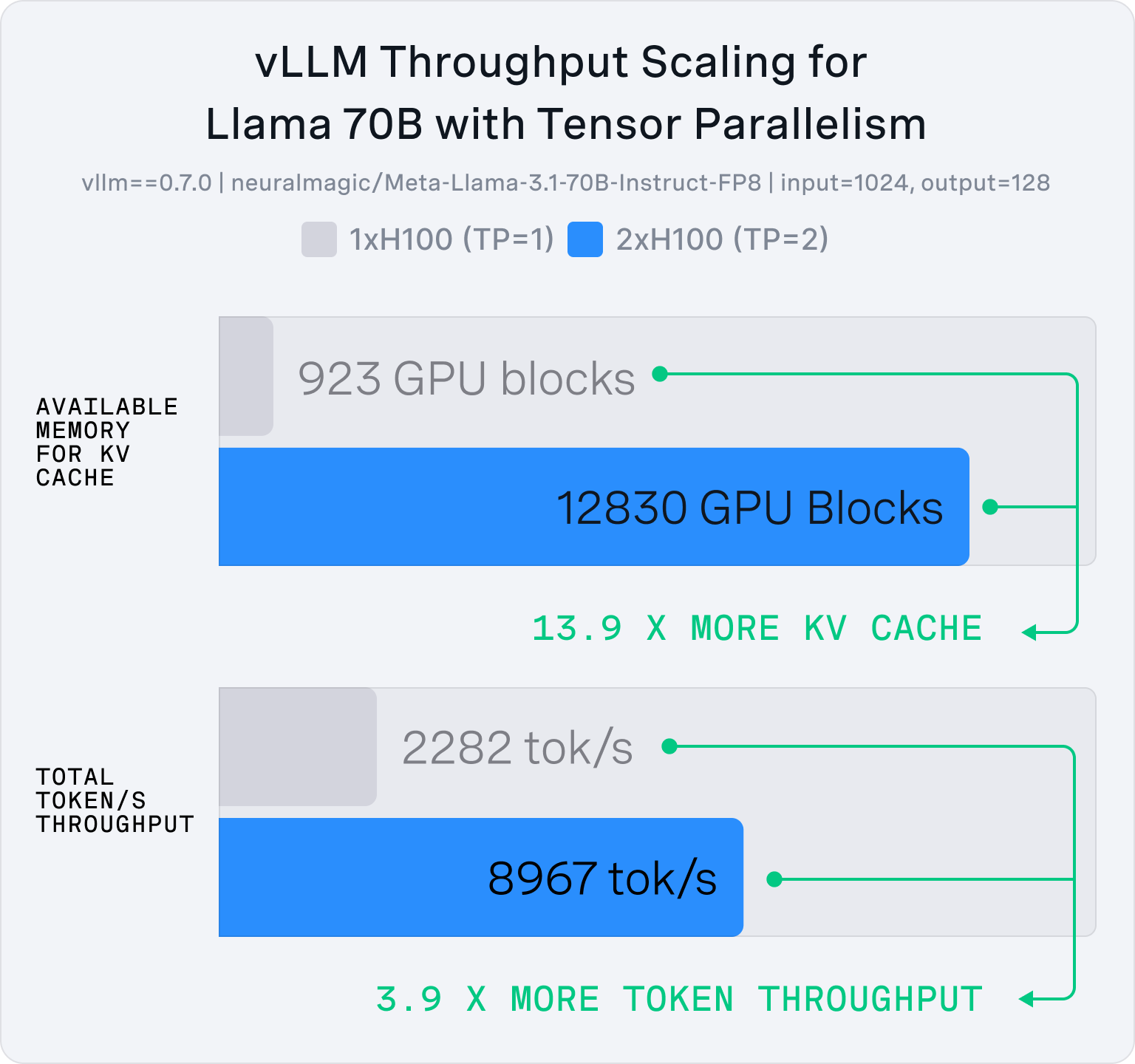
In short, how much VRAM Llama 70B needs depends not only on the model itself, but also on quantization, context length, and how exactly you plan to run an LLM locally. At full FP16 precision, a 70B model requires too much memory for a typical single graphics card, but with model quantization the requirements drop sharply and become realistic for multiple GPUs, professional accelerators, or a powerful workstation.
What affects memory usage
When users ask how much VRAM a neural network needs, you cannot answer with one number and close the topic. The final consumption depends on model parameters, weight format, context length, and the overhead of the inference engine. For the 70B class, this is especially important: the difference between a short and a long context can amount to many gigabytes.
The basic logic is simple: the more parameters a model has, the more memory is needed for weights. The lower the precision, the less VRAM the model occupies, but the higher the risk of quality loss. And the longer the context, the more space the KV cache takes and the higher the final Llama 70B / DeepSeek requirements.
What consumes VRAM
| Component | Role | Impact |
|---|---|---|
| Model weights | Store parameters | More parameters = more VRAM |
| KV cache | Stores context | Grows with dialogue length |
| Buffers | Service data | Add overhead |
| Overhead | CUDA, driver, OS | Reduce available memory |
How much VRAM 70B needs
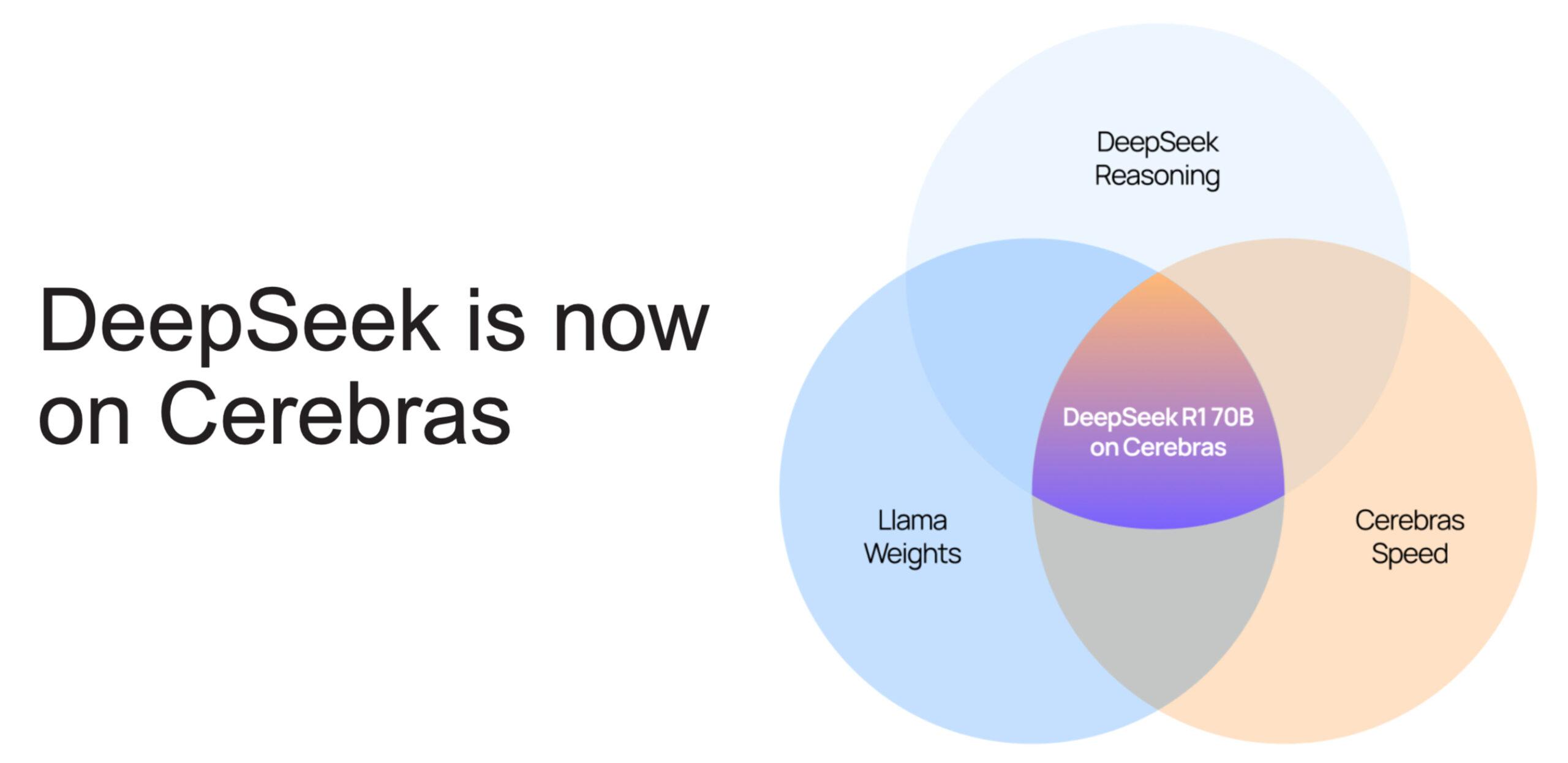
Full FP16 precision for a 70B model (for example, Llama 3.3 70B) is a level that almost always exceeds a single consumer GPU. This means about 141 GB for weights alone, without service data or context. In practice, you can run an LLM locally in FP16 only on very expensive hardware, usually with multiple graphics cards or a server-class accelerator.
When you move to Q4 quantization, the picture changes. This is the most popular compromise for large models: quality remains acceptable, while memory usage drops to 40–45 GB, which can already be discussed in a real Multi-GPU build (for example, two 24 GB cards). This is usually where the conversation about how much VRAM 70B actually needs begins.
More aggressive quantization such as Q3 or Q2 saves even more memory (lowering the threshold to 26–38 GB), but it noticeably hurts answer quality. For simple requests this may be tolerable, but for complex logic, code, and multi-step reasoning the difference becomes obvious quickly. So if the goal is not just to “open the model,” but to truly run an LLM locally with a good result, Q4 usually looks more reasonable.
Quantization and quality
Model quantization is the main tool that lets you compress weights and reduce VRAM consumption. For the 70B class, people usually consider FP16, Q8, Q6, Q5, Q4, Q3, and Q2. The higher the precision, the more memory is required, but the more stable and accurate the model behaves.
Q4 (or the native NVFP4 format on Blackwell architecture) is often called the golden middle ground. On 70B models, this mode offers the best balance between quality, speed, and memory accessibility. If the task is to use video memory for a neural network efficiently, Q4 is almost always better than trying to squeeze an oversized model into too little memory.
Q3 and Q2 also make sense, but only when there is no alternative. In these modes, the network starts making more mistakes on complex tasks, and the VRAM savings do not always compensate for the quality drop. For everyday work, this is a compromise, not a comfortable standard.
Quantization comparison
| Format | VRAM | Notes |
|---|---|---|
| FP16 | 140 GB+ | Servers, multiple GPUs |
| Q8/FP8 | 70–80 GB | Hard to run at home |
| Q6 | 55–65 GB | Powerful GPU or Multi-GPU |
| Q5 | 45–55 GB | Workstations |
| Q4/NVFP4 | 40–45 GB | Best balance |
| Q3 | 34–38 GB | Quality drops |
| Q2 | 26–30 GB | Many compromises |
Impact of context length
Very often users look only at model size and forget about context length. That is a mistake, because context adds a separate memory load through the KV cache. The longer the dialogue history or document, the more VRAM is consumed on top.
In practice, this means the following: the same Llama 3.3 70B model in Q4 needs about 38 GB VRAM at 4K context, but at 32K this figure rises to 52 GB, and at 128K it reaches 100 GB. Inference engines such as vLLM use PagedAttention to distribute this cache in dynamic pages and reduce fragmentation. If you need a large context for document analysis, code, or long conversations, you need a noticeably larger memory reserve.
How memory usage grows with context
| Context length | Additional load | Practical effect |
|---|---|---|
| 4K | Low | Suitable for short dialogues and simple tasks |
| 8K | Moderate | Normal working scenario for most LLMs |
| 16K | Noticeable | Requires a meaningful free VRAM reserve |
| 32K | High | Already difficult without a powerful Multi-GPU build or pro accelerator |
| 128K | Very high | Practically a server scenario with extreme VRAM |
VRAM summary table
Below is a guide to how much VRAM 70B needs in practice. The numbers depend on the engine, KV-cache implementation, and specific architecture, but they are enough for an initial estimate.
| Quantization | VRAM | Configuration |
|---|---|---|
| FP16/BF16 | 154 GB+ | 2x A100/H100/RTX PRO 6000 |
| Q8/FP8 | 77–85 GB | 1x A100/H100/RTX PRO 6000 |
| Q6 | 55–65 GB | Pro 48–96 GB, 2x 5090 |
| Q5 | 45–55 GB | 2x 5090, workstation |
| Q4/NVFP4 | 40–45 GB | 2x 3090/4090/5090, A6000 |
| Q3 | 34–38 GB | 1x 5090 (offload) |
| Q2 | 26–30 GB | 1x 5090 (full load) |
This table shows the main point: how much VRAM Llama 70B needs in reality is determined not by one number, but by the combination of quantization and context. For a normal experience, you should aim at least for Q4 and a memory reserve. DeepSeek follows the same logic: Llama 70B / DeepSeek requirements in local deployment almost always come down to the same principle — more parameters and context require more VRAM.
What hardware to run on
Practically speaking, hardware for local LLM workloads in the 70B class falls into three main scenarios: Multi-GPU builds, professional AI accelerators, and dedicated servers.
Multiple graphics cards
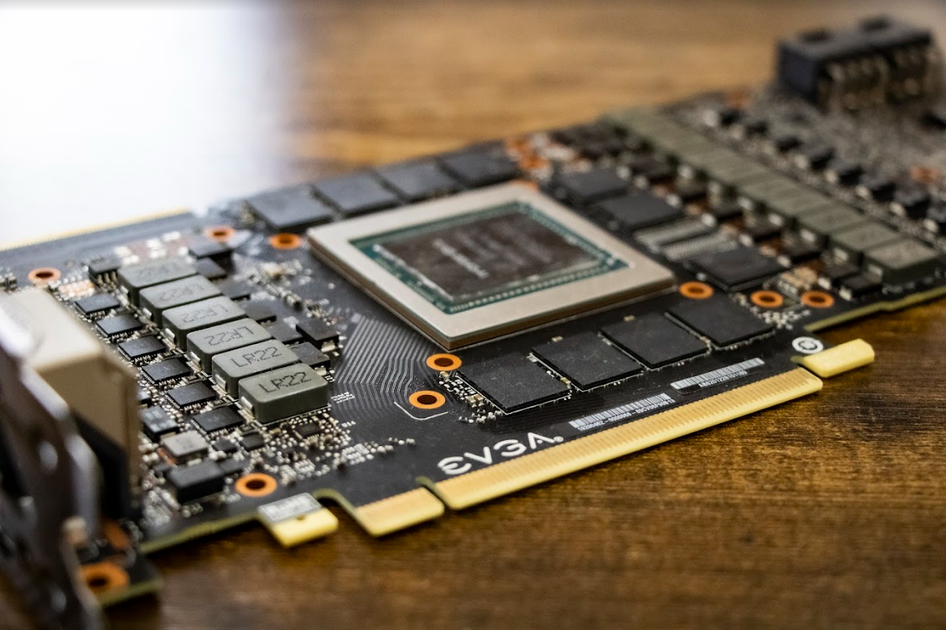
Multiple GPUs for LLM is the most accessible path to 70B if you are building a system for local inference. Two 24 GB cards provide 48 GB of total memory, which is enough for Q4 in a reasonable context. The latest RTX 5090 cards with 32 GB GDDR7 and 575 W TDP increase this pool to 64 GB. At the same time, it is important to remember that consumer GeForce RTX 30/40/50 cards do not support NVLink. Data exchange happens over PCIe, which requires the motherboard to support lane splitting no worse than x8/x8 (and ideally x16/x16 on PCIe Gen 5).
Pay special attention to power delivery: the 16-pin 12V-2x6 cable must be firmly and fully seated in the graphics card connector before installing the board into the PCIe slot, leaving at least 35 mm of straight wire before the bend to avoid melted contacts under load.
Professional accelerators
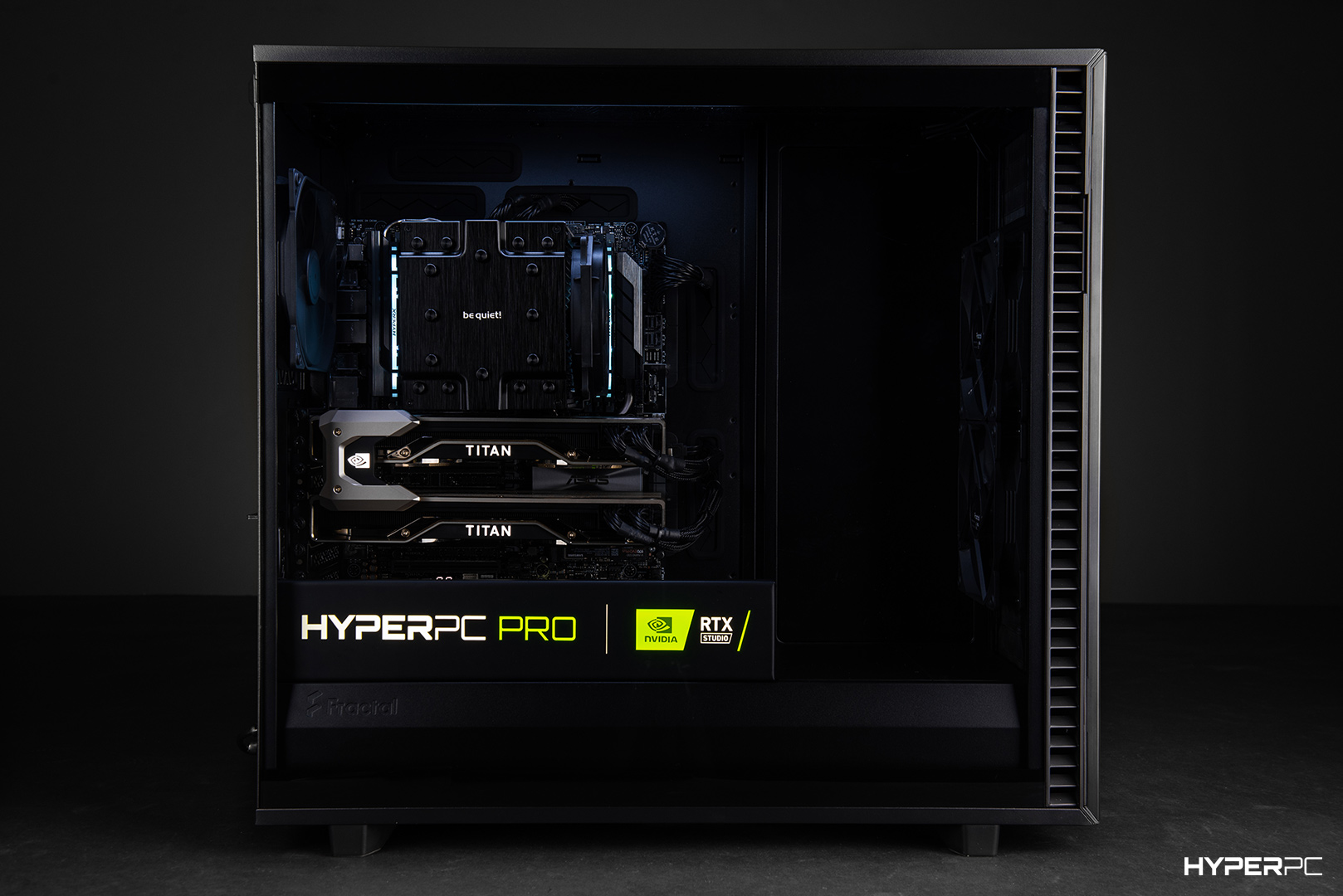
If you need stable deployment without compromises, it is better to look at cards with 48–96 GB VRAM, such as the NVIDIA RTX PRO 6000 Blackwell (96 GB GDDR7). In this case, video memory for a neural network allows much more freedom: no context limitations, ECC memory error correction under constant load, and higher stability.
Hardware option comparison
| Configuration type | Pros | Cons | Best for |
|---|---|---|---|
| 2x consumer GPUs | Lower entry cost | Harder build and cooling, no NVLink | Enthusiasts and home labs |
| Professional card | Convenience, ECC, huge memory reserve | High price | Professional work and commercial use |
| Multi-GPU server | Maximum reliability, IPMI/BMC | Requires separate room, noisy | Dev teams, studios, mid-size and large business |
| Powerful workstation | Easy integration, stability | Limited expansion within one board | Individual work and local AI inference |
Server or workstation
For a home scenario, a workstation is enough, but if the task is to run LLMs locally on a regular basis for several users, it is better to look toward a dedicated server.
Server platforms are built around multi-core AMD Ryzen Threadripper PRO 9000WX processors (Zen 5 architecture, sTR5 socket) and WRX90 motherboards, supporting 8-channel ECC RDIMM memory and providing up to 128 PCIe 5.0 lanes. Servers are designed for 24/7 operation, have redundant power supplies, RAID arrays with hot-swap drives, and remote management modules such as IPMI/BMC.
When designing the system, it is important to consider not only video memory, but the entire configuration as a whole to avoid overheating and hardware failures. Hardware for local LLM must be balanced.
What to consider beyond VRAM
| Parameter | Why it matters |
|---|---|
| System RAM | If VRAM is insufficient, offloading to system RAM slows generation by 10–50 times due to lower bandwidth |
| Power supply | The new RTX 5090 consumes up to 575 W. Multi-GPU builds need PSUs rated at 1.5–2.8 kW |
| Cooling | Long inference sessions heat the system quickly; through-flow case ventilation is required |
| PCIe | Adding M.2 NVMe drives can reduce GPU slot lanes from x16 to x8/x4, lowering exchange speed |
| Case | Physical clearance is needed for large graphics cards and effective air intake |
HYPERPC workstations
If you need a ready-made system approach, HYPERPC workstations can serve as a base for local neural networks. AMPERE 5 PLUS works as a universal platform for design, media, and light local AI tasks.
For heavier scenarios where memory capacity and performance headroom matter, it makes sense to look at AMPERE 5 MAX with an RTX 5090 and 64 GB RAM. And if the workload reaches a serious professional level and maximum reliability is required, consider AMPERE 5 ULTRA with the NVIDIA RTX PRO 6000 Blackwell Workstation Edition.
When 70B is actually needed
“How much VRAM Llama 70B needs” is not always the main question. First, it is important to understand whether you actually need the 70B class, or whether a more compact model with 8B–32B parameters is enough. For fast answers, ordinary chat, and simple coding scenarios, compact models that run many times faster on standard graphics cards are an excellent fit.
For complex reasoning, deep document analysis, and creative tasks with a consistent style, 70B models really provide a serious advantage.
When 70B is justified
| Scenario | Should you choose 70B? | Why |
|---|---|---|
| Complex reasoning | Yes | Better maintains long logical chains |
| Document analysis | Yes | Extracts facts from long context more accurately |
| Creative tasks | Yes | Provides a more consistent style, richer vocabulary, and precise tone |
| Ordinary chat | No | More compact models (8B) are significantly faster |
| Simple code generation | Often no | 32B-class models are enough for practical tasks |
| Fast answers | No | The 70B class is slower and requires more compute |
DeepSeek in local deployment

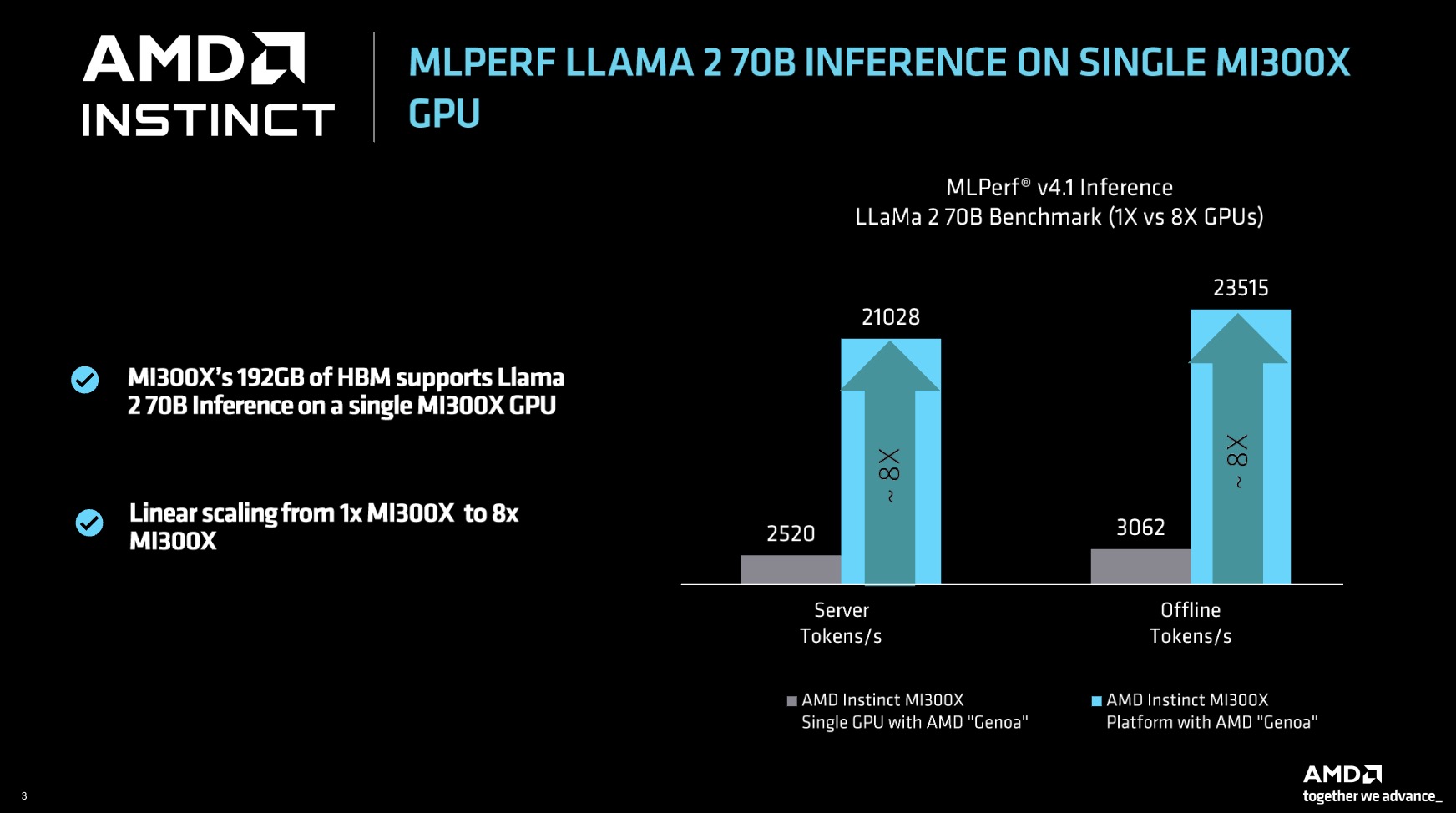
When estimating system requirements for DeepSeek models, it is important to avoid confusion. Distilled versions (for example, DeepSeek-R1-Distill-Llama-70B) are built on the dense Llama architecture and follow the same VRAM calculation rules, requiring about 40–45 GB in Q4.
However, the original full-size DeepSeek-R1 and V3/V4 models are based on the complex Mixture of Experts (MoE) architecture and contain 671 billion parameters (37 billion active per token). Their deployment at FP16 precision requires more than 1.3 TB VRAM. Even with 4-bit compression, such a model needs at least 404–436 GB of free video memory, which moves the task into the category of large server clusters.
Quick comparison
| Scenario | What matters | Practical takeaway |
|---|---|---|
| Llama 70B FP16 | Maximum precision | Requires server-class hardware with more than 154 GB VRAM |
| Llama 70B Q4 | Balance of quality and memory | Best option for local Multi-GPU workstations |
| Full-size DeepSeek MoE | Huge weight size | Requires multi-node server infrastructure (400 GB+ VRAM) |
| Q3/Q2 compression | Maximum savings | Allowed only with critical memory shortage |
Conclusion
In short, how much VRAM Llama 70B needs in reality is determined not by one number, but by the combination of quantization and context. For a normal experience, you should aim at least for Q4 and a memory reserve. DeepSeek follows the same logic: Llama 70B / DeepSeek requirements in local deployment almost always come down to the same principle — more parameters and context require more VRAM.
Still have questions? We have prepared the answers.
-
Is one graphics card enough for 70B?
For full-fledged work — no. An RTX 5090 (32 GB) can run 70B only with strong quantization (Q2/Q3) or by offloading to RAM, which reduces generation speed to 2–4 tokens per second. For comfortable deployment without a PCIe bottleneck, you need at least two 24 GB cards.
-
What matters more: VRAM capacity or memory speed?
Capacity comes first: if model weights and the KV cache do not fit in VRAM, inference will crash with OOM or move to RAM and slow down by 10–50 times. But if capacity is sufficient, memory bandwidth determines token generation speed.
-
Which quantization should you choose?
The optimal choice is Q4 (or NVFP4 for Blackwell chips). This format preserves the quality of the base model while reducing video memory requirements by 3.5 times. When choosing model quantization, look at your specific tasks.
-
Can you run an LLM locally on 16 GB?
Yes, but not 70B-class models. 16 GB cards are suitable for compact models with 8B–14B parameters.

 Arabic
  English