We are ready to help you
Comprehensive PC Upgrade Guide 2026: From Diagnostics to Final Assembly
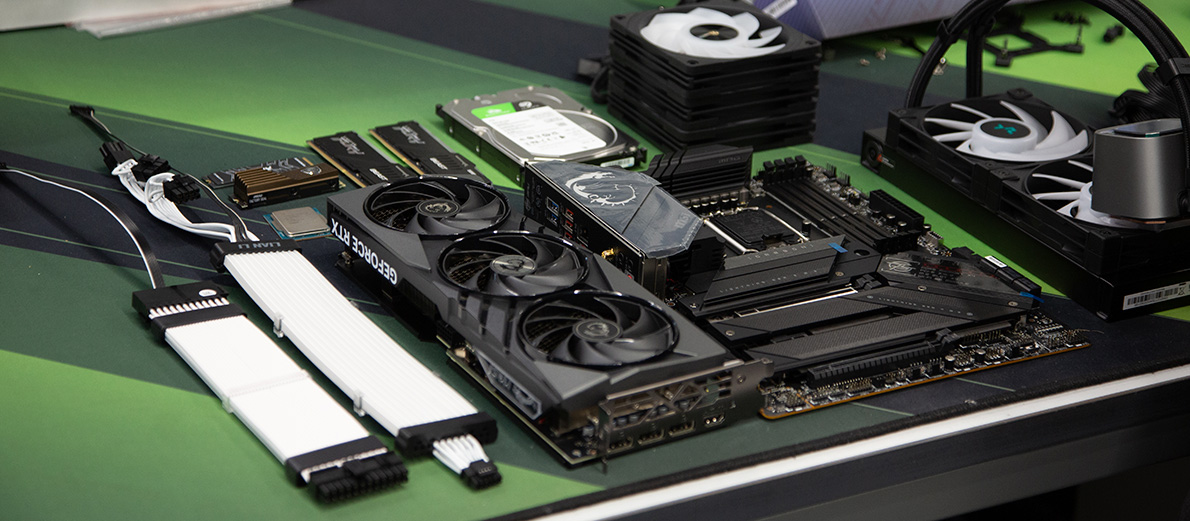
In 2026, upgrading is no longer a simple swap of one part for another. Tight component integration, new power standards (ATX 3.1), and performance critically tied to memory speed demand a systematic approach. This guide will help you build a balanced high- and mid-tier machine while avoiding overspending on flagships and bottlenecks from outdated hardware.
Diagnostics: Finding the Bottleneck
Before investing in new parts, you need to identify the weak link (bottleneck). In 2026, looking only at CPU usage is not enough.
- Tooling: Use HWInfo64 and MSI Afterburner.
- New metrics: Watch GDDR7 memory temperature and PCIe 5.0 controllers. If the GPU is at 95%+ load but FPS is unstable, the issue may be insufficient VRAM or slow data transfer on the bus.
| Symptom | Likely cause | Solution (2026) |
|---|---|---|
| GPU at 99%, FPS below target | Insufficient graphics power | Move to RTX 5090 |
| CPU at 100%, GPU underutilized | Outdated core architecture | Upgrade to Core Ultra 9 (Series 3) or Ryzen 9000X3D |
| Stuttering in heavy scenes | Slow RAM or SSD throttling | Switch to DDR5 8000+ or NVMe Gen5 |
| Sudden reboots under load | PSU peak power shortfall | Replace with ATX 3.1 PSU |
Part 1. Compatibility Algorithm: What Goes With What
Before buying components, check their “ecosystem” compatibility. In 2026, that means not only the physical connector but also data lanes.
1.1. CPU + Motherboard + RAM
This is the holy trinity of any system. If you change one of these, you will likely need to change all three.
| Component | Intel (High / Mid segment) | AMD (High / Mid segment) |
|---|---|---|
| Socket | LGA1851 (Core Ultra 200/300 series) | AM5 (Ryzen 9000 / 9000X3D series) |
| Chipset | Z890 (overclocking) / B860 (optimal) | X870E (maximum) / B850 (balanced) |
| Memory type | DDR5 only (CUDIMM for high clocks) | DDR5 only (EXPO support) |
| Optimal frequency | 8000–8400 MHz | 6400–6800 MHz (synchronous mode) |
1.2. Graphics Card + Power Supply (PSU)
The main mistake in 2026 is using adapters for new graphics cards.
- PSU standard: Look strictly for ATX 3.1. It is designed for brief consumption spikes (power spikes) typical of Blackwell (NVIDIA) and RDNA 4 (AMD) architectures.
- Connector: Direct cable connection 12V-2x6 (improved 12VHPWR). If the GPU has 12V-2x6 and the PSU does not — replace the PSU.
Part 2. Current Hardware Specification Tables (February 2026)
2.1. CPUs: Power Balance
| Model | Cores / Threads | Role | Highlights |
|---|---|---|---|
| Ryzen 7 9800X3D | 8 / 16 | Gaming + Work | Best 1% low FPS thanks to 3D cache. |
| Core Ultra 7 265K | 20 / 20 | All-round top pick | Strong built-in AI engine (NPU) for Adobe/Topaz. |
| Ryzen 9 9900X | 12 / 24 | Rendering / Code | Multithread leader in the upper-mid segment. |
| Core Ultra 5 245K | 14 / 14 | Mid segment | Solid choice for 1440p gaming without overspending. |
2.2. Graphics Cards: High-End Reality
| Model | VRAM | Bus | Recommended resolution |
|---|---|---|---|
| RTX 5080 | 16 GB GDDR7 | 256-bit | 4K Ultra, heavy ray tracing |
| RX 9900 XT | 20 GB GDDR6 | 320-bit | 4K, texture work, open-source software |
| RTX 5070 Ti | 16 GB GDDR7 | 192-bit | 1440p Max / 4K Medium |
| RX 9070 XT | 16 GB GDDR6 | 256-bit | 1440p Max (best price per FPS) |
| Intel Arc B880 | 16 GB GDDR6 | 256-bit | 1440p workstation / streaming (AV1) |
Part 3. Component Selection Check Plan
To avoid “bought it and it does not fit or overheats,” run through this checklist:
1. PCIe lane test. Modern CPUs have a limited number of PCIe 5.0 lanes.
- Check: If you install a PCIe 5.0 GPU and PCIe 5.0 SSD on a mid-tier board (B860/B850), make sure the board does not split lanes. Often, with an SSD installed, the GPU drops to x8 instead of x16.
- Solution: For full-speed operation of both devices in the high segment, choose Z890 or X870E chipsets.
2. VRM test (power delivery).
- Check: Count VRM phases on the motherboard. For Core Ultra 7 or Ryzen 9 you need at least 14+2 phases with heatsinks.
- Watch out: If chokes have no heatsinks, that board is not for the high segment.
3. Size and cooling test.
- Graphics card: Current 50-series cards are about 330–350 mm long and 3.5–4 slots thick. Check “Max GPU Length” in the case specs.
- AIO: For Panther Lake (Intel) CPUs, 360 mm liquid cooling is strongly recommended. Verify that such a radiator fits the top of the case (top mount is better for pump longevity).
4. Power supply test.
- Wattage: Add CPU and GPU TDP and multiply by 1.5.
- Example: RTX 5080 (350 W) + Ultra 7 (250 W boost) = 600 W. Recommended PSU — 850 W–1000 W.
Part 4. Where to Start and What to Watch For (Step by Step)
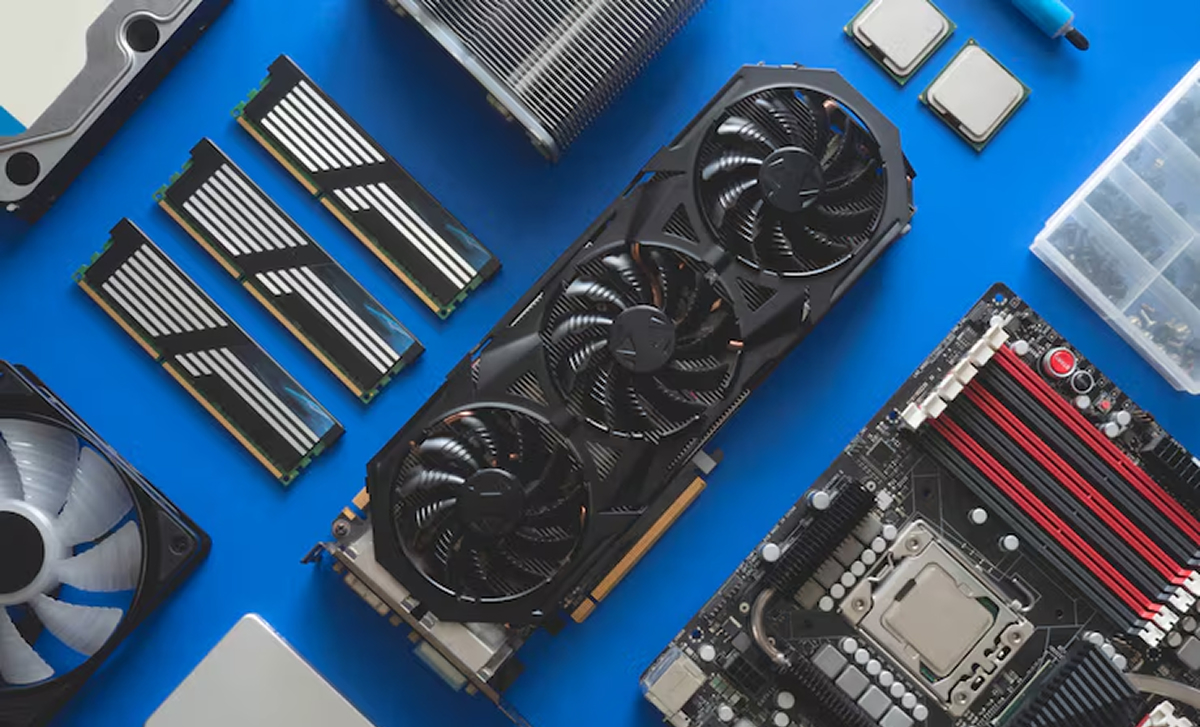
Do not buy “just powerful.”
- If you are a video editor / designer — prioritize Intel (QuickSync and NPU) and NVIDIA (CUDA).
- If you are a gamer / engineer — prioritize AMD Ryzen X3D (cache) and AMD Radeon (more raw memory for the money).
Before buying, run CapFrameX or HWInfo64 on your typical workload.
- If GPU load < 90% but one CPU core is at 100% — change the platform (motherboard + CPU + RAM).
- If VRAM is maxed out (e.g. 12/12 GB) — change the graphics card.
In 2026, a case is not a box — it is part of the cooling system.
- Focus on cases that support back-connect motherboards (connectors at the rear, e.g. ASUS BTF or MSI Project Zero). That is a 2026 high-end standard for clean airflow without cable clutter.
Forget classic paste alone for flagships.
- 2026 trend: Phase-change sheets (e.g. Honeywell PTM7950) or graphite pads. They do not dry out and keep temperatures stable for years — critical for hot Intel dies and AMD chiplets.
Ideal Upgrade Summary (Upper-Mid / High End)
- Platform: AMD AM5 (longevity) or Intel LGA1851 (AI workloads).
- Memory: 48 GB DDR5 (dual-channel, 6400+ MHz).
- Graphics: 16 GB VRAM minimum (RTX 5070 Ti / RX 9070 XT).
- Storage: 1 TB NVMe Gen5 (OS) + 2/4 TB NVMe Gen4 (games/projects).
- Power: ATX 3.1 PSU with gold or platinum certification.
- Cooling: 360 mm AIO or next-gen high-end air cooler.
This approach ensures you are not just spending money but building a balanced engineering system that should not need rework until 2029–2030.
A Word From the Engineering Team
Wrapping up this technical breakdown, we want to add an important observation. As of February 2026, the line between stable operation and sudden hardware failure is thinner than ever. New ATX 3.1 power standards are very sensitive to contact quality, and modern phase-change thermal interfaces demand precision during installation.
Choosing the wrong motherboard today is not just “fewer ports” — it risks your expensive GPU running at half speed because PCIe lanes are shared. Poor airflow in the case can turn top-tier hardware into a furnace within 15 minutes of heavy rendering.
Why sometimes it is better to let specialists handle the upgrade?
In our lab we treat PC upgrades not as a parts swap but as end-to-end engineering:
- Compatibility audit 2.0: We do not only cross-check tables — we verify real voltage/current behavior and data-bus stability on specific hardware combinations.
- Fine software–hardware tuning: We apply professional undervolting and frequency curves. That can lower chip temperatures by 10–15°C without losing performance, which matters greatly for GDDR7 longevity.
- End-to-end responsibility: DIY means risk per component. With us, you get a warranty on the whole system working as one coherent machine.
If your current build no longer meets modern demands but you are not ready to spend weeks on technical bulletins or risk expensive gear — contact us. We will help diagnose bottlenecks in depth and plan an upgrade that keeps your PC relevant for years.
Sometimes the most accurate engineering decision is to delegate a complex task to professionals who do this every day.
Upgrade Center
Here our experienced specialists will give
new life to your trusted steel companion.
They will improve its specs and, if you wish, make it stand out in style!
Go to Upgrade Center

 Arabic
  English