We are ready to help
Gaming PC vs Laptop in 2026: What to Choose
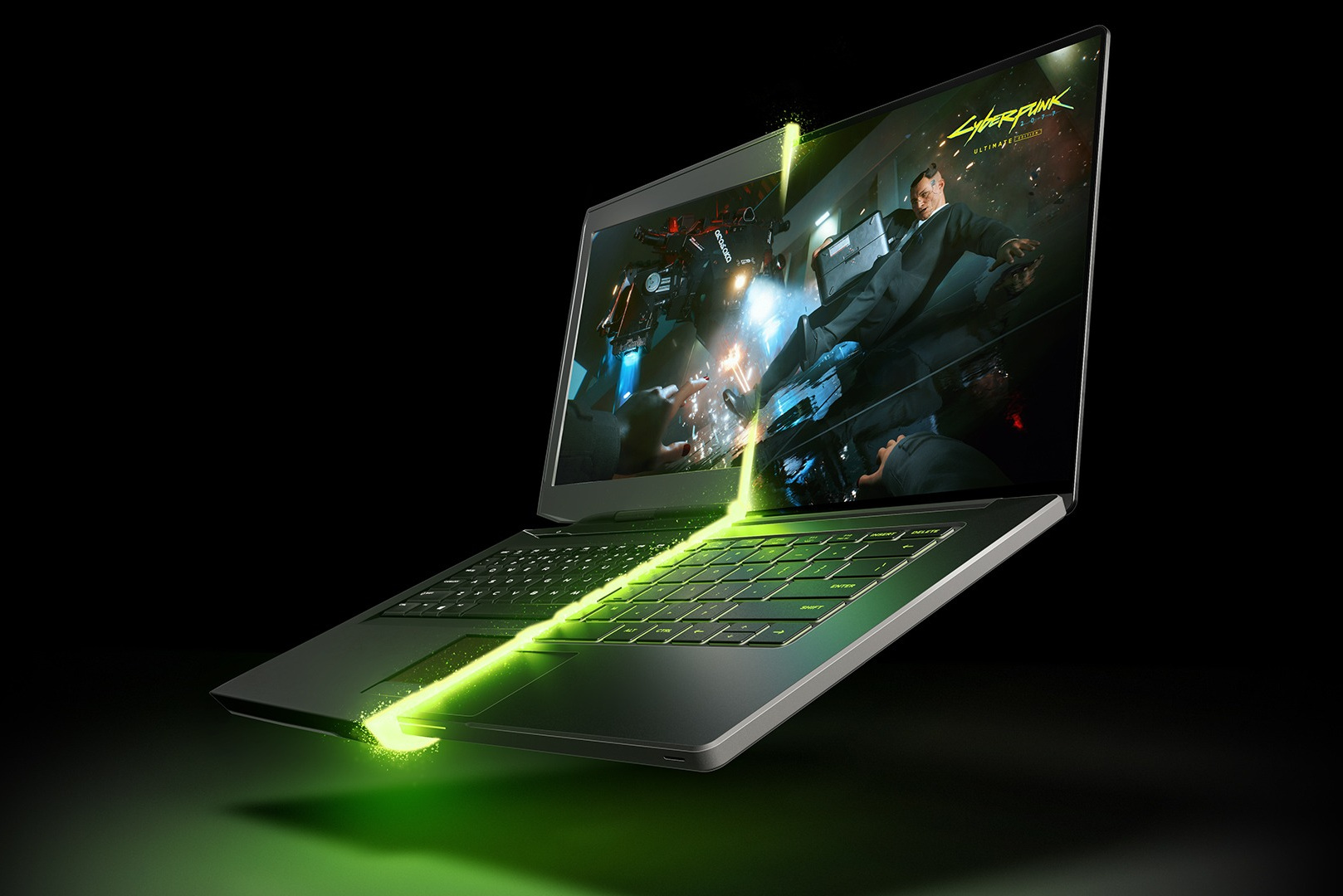
The choice between a gaming PC and a gaming laptop is usually settled by how you live, not by raw performance. But at a comparable budget the performance gap in 2026 is still large, and much of it is not obvious: the same graphics-card name in a laptop and a desktop does not mean the same speed.
Below is an honest comparison across five points: performance, cooling and noise, upgrades, lifespan and convenience. Then a short answer on who each option suits.
In short
- A gaming PC wins on performance at the same budget, quiet operation under load, upgrade options and lifespan.
- A gaming laptop wins on mobility and on having the display, keyboard and everything else already included.
- If the computer stays in one place most of the time, a PC is the more logical choice. If you regularly play or work in different places, a laptop.
Performance: why a mobile graphics card is not the desktop card
The main mistake when choosing is to compare by the graphics-card name. In a laptop and in a PC these are different devices.
| Spec | Desktop RTX 5090 | Mobile RTX 5090 |
|---|---|---|
| Graphics chip | Flagship GB202 | GB203, the same class as the desktop RTX 5080 |
| Video memory | 32 GB | 24 GB |
| Power | about 575 W | up to 175 W with dynamic boost |
The mobile RTX 5090 is built on a chip in the desktop RTX 5080 class and runs on roughly a third of the power budget. In practice it is closer to desktop cards a step below the flagship. The same rule applies to the whole lineup: a mobile version trails the desktop card with the same name, and the gap grows as you move up the range.
The second factor is the processor. Mobile processors run with a power limit, and in CPU-bound games the gap versus desktop chips is noticeable, especially in minimum FPS.
The third factor is the power limit of a specific laptop. The same graphics card in a thin chassis and a thick one can run at different power limits, and the difference in games reaches tens of percent. Compare laptops by the stated graphics-card power, not by the name.
Cooling, noise and throttling
A laptop has to move hundreds of watts of heat through a compact cooling system, and that shapes how the game feels.
- Noise under load. In demanding games, gaming laptops are almost always louder than desktops with good cooling. You end up playing in headphones.
- Throttling. Clocks drop when the cooling system hits its limit, especially in a warm room and after a year or two, when dust builds up in the heatsinks.
- Chassis heat. The keyboard and the areas near the vents get noticeably hot.
- Maintenance. Cleaning and replacing thermal paste is harder in a laptop and requires taking it apart. On a PC it is routine.
A desktop with a well-planned case and cooling holds full performance for hours and stays quiet while doing it.
Upgrades
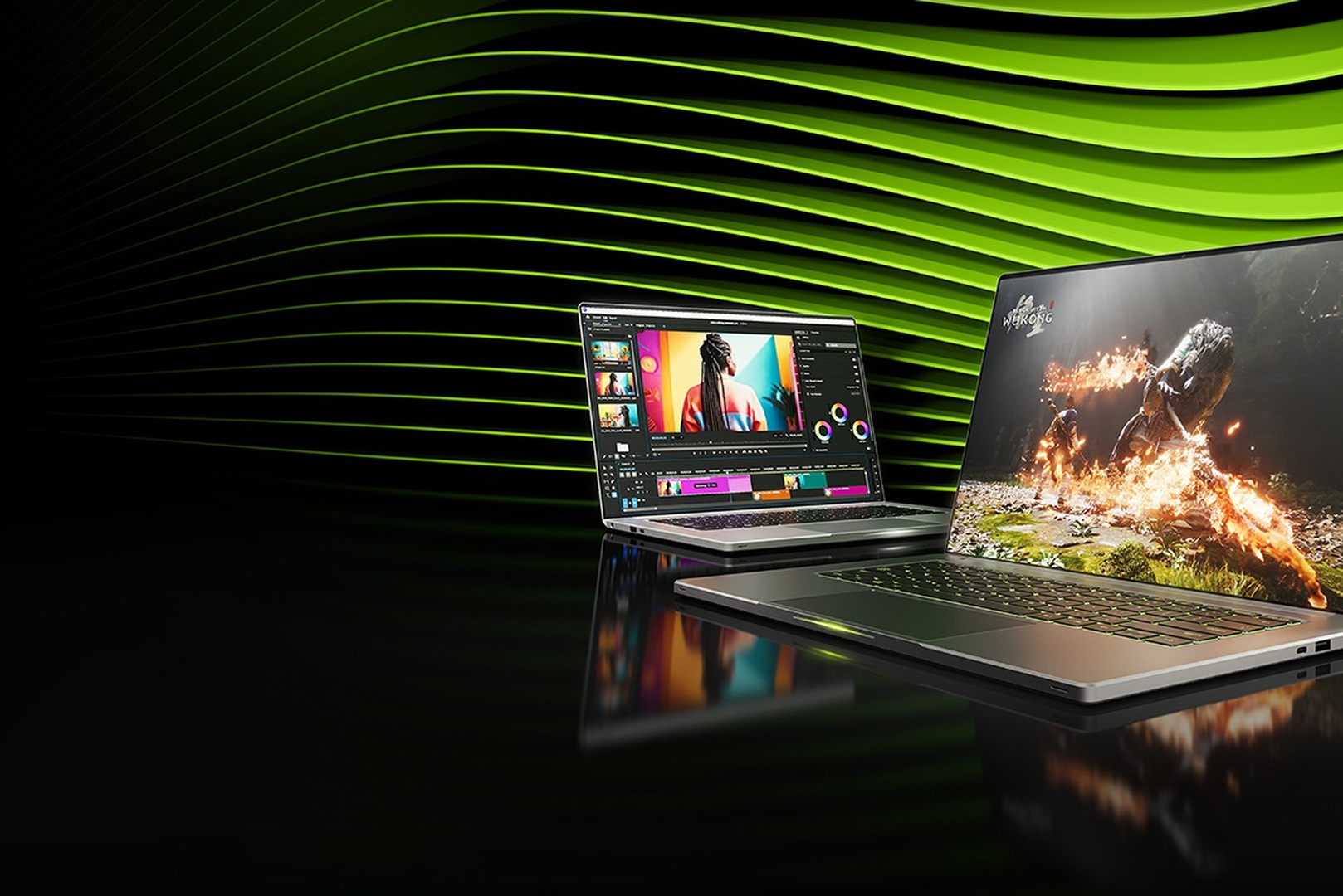
This is where the difference is fundamental.
| Component | Gaming PC | Gaming laptop |
|---|---|---|
| Graphics card | Replaceable | Not replaceable, soldered to the board |
| Processor | Replaceable within the platform | Not replaceable, soldered |
| System memory | Replaceable | Depends on the model; often soldered in thin designs |
| Storage | Replaceable and expandable | Usually one or two slots |
| Power supply, cooling | Replaceable | Not replaceable |
The typical PC path is to replace the graphics card after two or three years and keep playing at high settings. On a laptop the upgrade is almost always limited to memory and storage, and an outdated graphics card means replacing the whole machine. How to judge whether a PC upgrade pays off is covered in upgrade or a new computer.
Lifespan and residual value
- A PC lasts longer because it can be upgraded. The case, power supply and drives outlive several generations of graphics cards.
- A laptop ages as a whole. After three or four years everything is outdated at once, and the options are to sell it or use it for light tasks.
- Wear. Laptops wear out the battery, hinges and keyboard, and replacing them costs real money.
- Residual value. Individual PC parts, especially the graphics card and memory, sell well on the used market. In 2026 the DRAM shortage is keeping memory prices particularly firm.
Convenience and what is in the box
A laptop has advantages that should not be underestimated:
- Mobility. You can play while traveling, at a friend's place, or in different rooms.
- Everything is included. A high-refresh display, keyboard, touchpad, webcam and speakers. With a PC you buy all of that separately, and a good monitor adds a lot to the budget.
- Compact size. A laptop does not occupy the desk all the time.
- Battery use for light tasks.
An honest caveat: a laptop can play demanding games properly only on mains power. On battery, graphics-card performance is sharply limited.
Comparison table
| Criterion | Gaming PC | Gaming laptop |
|---|---|---|
| Performance at the same budget | Higher | Lower |
| Noise under load | Quiet with good cooling | Usually loud |
| Clock stability | High | Depends on cooling and temperature |
| Upgrades | Any component | Memory and storage |
| How long it stays current | Extended by upgrades | Ages as a whole |
| Mobility | No | Yes |
| Display and peripherals | Bought separately | Included |
| Maintenance | Simple | Harder |
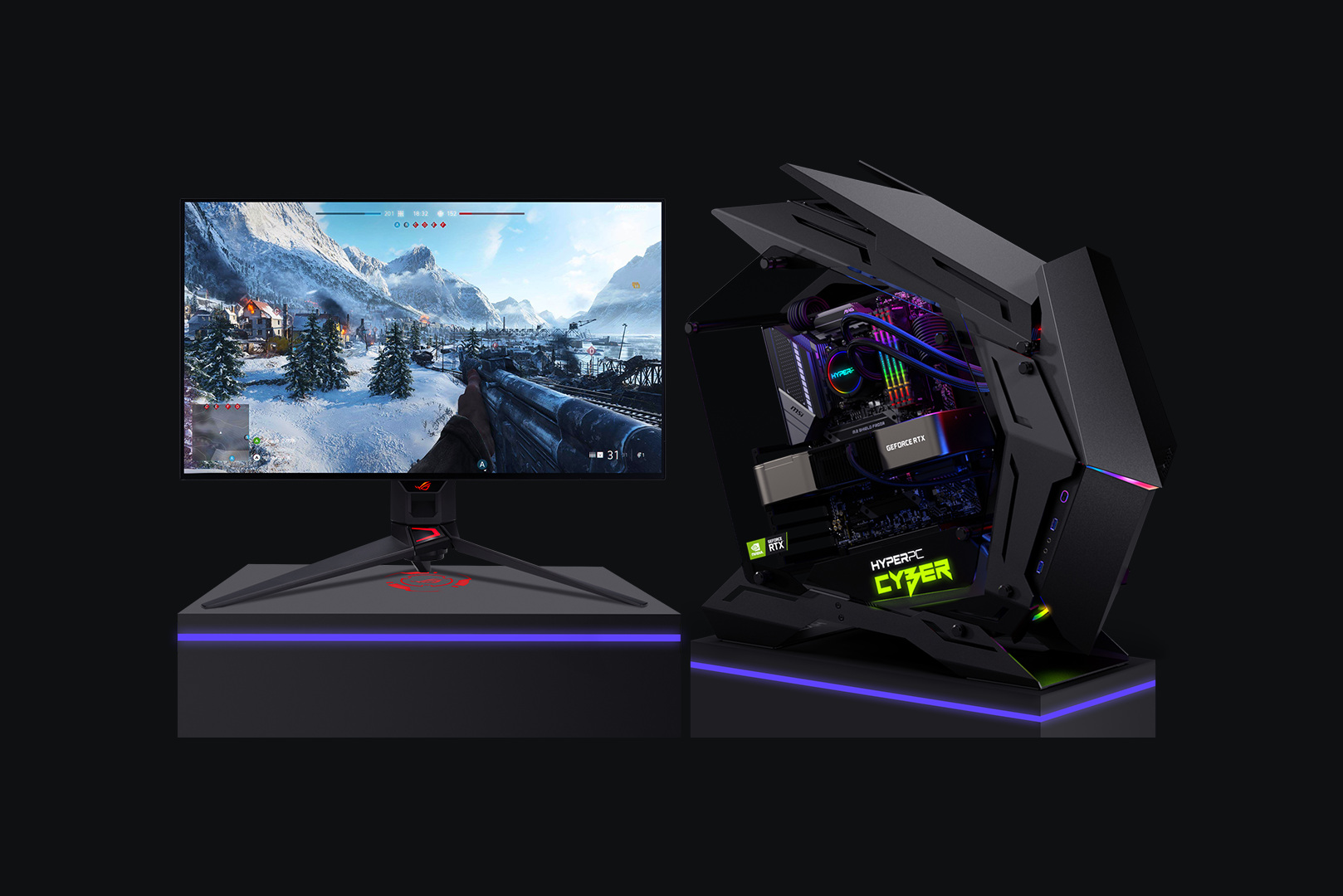
Who each option suits
Choose a gaming PC if:
- the computer stays in one place most of the time;
- maximum performance for the money matters;
- you play demanding games at 1440p and 4K;
- you want to replace the graphics card in a couple of years, not the whole computer;
- quiet operation matters;
- you also use the computer for work: editing, 3D, neural networks.
Choose a gaming laptop if:
- you regularly play or work in different places;
- you live in a dorm, a rented flat, or move often;
- there is no room for a full desk with a monitor;
- your main games are undemanding or competitive at 1080p.
The option for people who need both: a powerful PC at home and a light laptop for travel. That pair often costs no more than one flagship gaming laptop and is better in both situations.
Ready configurations for the resolution you need are in the gaming PC catalog, and you can build your own in the configurator. If you are unsure which parts matter most for your games, see the guide how to choose a gaming computer in 2026.
Recommended
Frequently Asked Questions
- What is better for gaming in 2026: a PC or a laptop?
For performance, quiet operation, upgrades and lifespan, a gaming PC. For mobility, a laptop. If the computer stays in one place most of the time, a PC gives noticeably more at the same budget.
- Is a mobile RTX 5090 equal to the desktop card?
No. The mobile RTX 5090 is built on a chip in the desktop RTX 5080 class, has 24 GB of video memory instead of 32, and runs at up to 175 W against about 575 W for the desktop card. In practice it trails the desktop model with the same name by a clear margin.
- Can you upgrade a gaming laptop?
Only in a limited way. The graphics card and processor are soldered to the board and cannot be replaced. You can usually replace or add storage, and on some models the system memory as well.
- Why are gaming laptops so loud?
They have to move hundreds of watts of heat through a compact cooling system, so the fans run at high speed. A desktop with a roomy case and large fans moves the same heat much more quietly.
- How many years will a gaming PC last compared with a laptop?
A PC stays current longer because it can be upgraded: replace the graphics card after two or three years and keep playing at high settings. A laptop ages as a whole in about three or four years.
- Can you play on a laptop on battery?
Undemanding games, yes. Demanding games can be played properly only on mains power: on battery, graphics-card performance is sharply limited.
- Why do laptops with the same graphics card differ in FPS?
Because the laptop maker sets a different power limit depending on the chassis and cooling. In a thin laptop the same model runs slower, and the gap reaches tens of percent. Compare by the stated graphics-card power.
- What is better value: a PC with a monitor, or a laptop?
At comparable performance a PC with a monitor is usually better value, but a good high-refresh monitor adds a clear amount to the budget. A laptop already includes the display, and that has to be counted in the comparison.
- Is a gaming laptop suitable for 3D work and video editing?
For light tasks and work while traveling, yes. For long renders and heavy projects, cooling limits and video-memory capacity make a desktop workstation much more effective.
- Can you have both a PC and a laptop without overpaying?
Yes. A powerful PC at home plus a light laptop for travel often costs no more than one flagship gaming laptop and is the better result in both situations.

 Arabic
  English